
Hurry and order now – up to 50% off!
In cart {{totalProductsCount}} item(s)
Your cart is empty
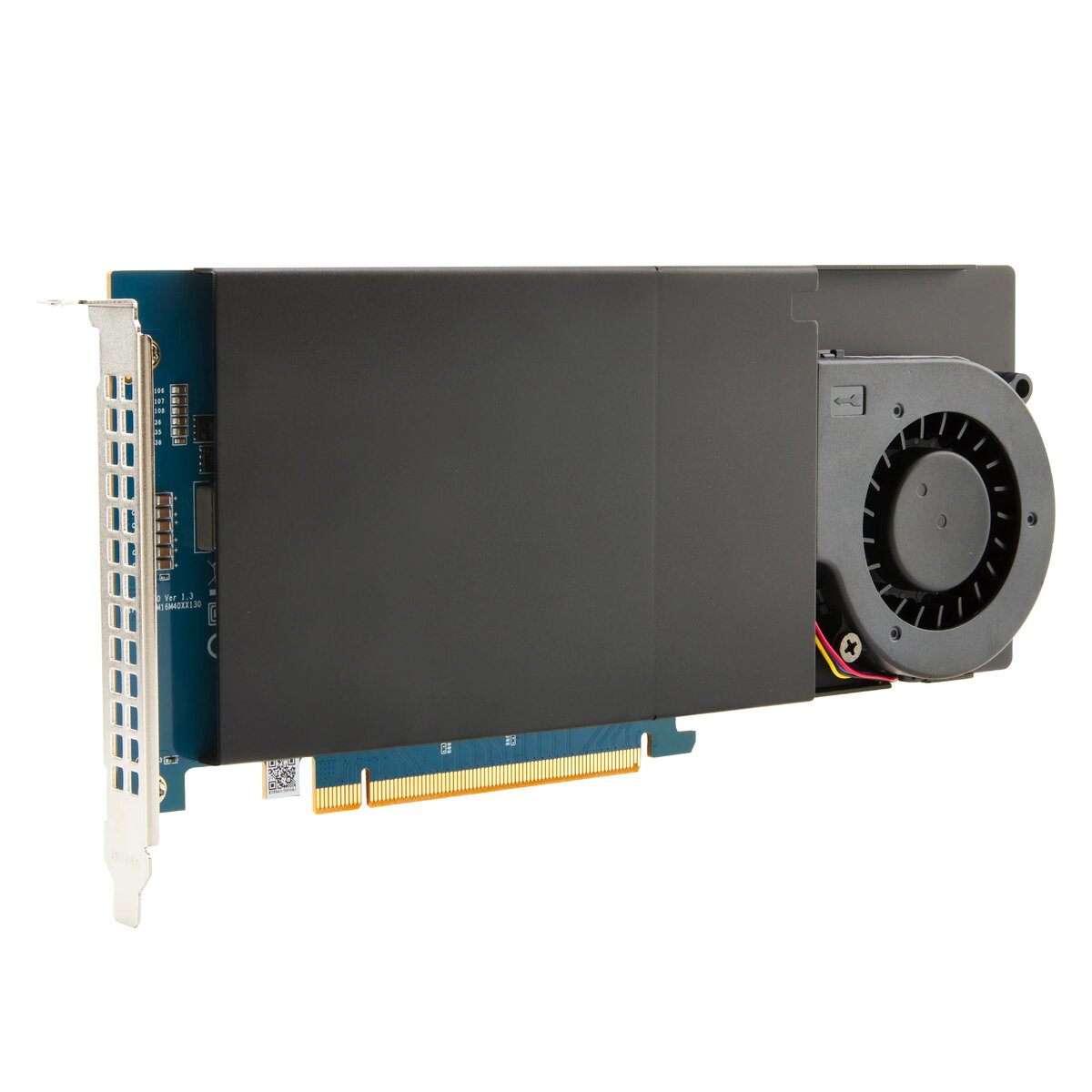
HP Z Turbo Drive Quad Pro PCIe-4x4 NVMe Carrier
The HP Z Turbo Drive Quad Pro PCIe-4x4 NVMe Carrier is a high-performance expansion solution designed to maximize storage capabilities within professional workstations. By providing a dedicated interface for multiple NVMe SSDs, this carrier card enables users to achieve exceptional data transfer speeds and significantly expand their internal storage capacity. It is engineered to integrate seamlessly into high-end computing environments, ensuring that demanding professional applications have the rapid data access required for complex workflows.
This carrier card offers a robust architecture that supports high-speed NVMe storage, allowing for faster boot times, quicker application loading, and rapid file transfers. Its design prioritizes thermal efficiency, incorporating advanced cooling features to maintain optimal performance even during sustained, intensive data operations. By utilizing the PCIe interface, it minimizes latency and maximizes throughput, providing a reliable foundation for data-heavy projects that require consistent and stable storage performance.
This product is not intended for standard consumer desktop computers or laptops that lack the necessary PCIe slot configuration or professional workstation architecture. It is also not suitable for systems that do not support NVMe storage protocols or for users who do not require the high-density storage expansion provided by a multi-drive carrier card.
To install the HP Z Turbo Drive Quad Pro, ensure the workstation is powered off and disconnected from the power source. Insert the carrier card into an available PCIe slot on the motherboard, ensuring it is firmly seated. Once installed, mount the compatible NVMe SSDs into the designated slots on the carrier. After securing the hardware, power on the system and configure the drives through the workstation BIOS or operating system disk management tools to ensure they are properly recognized and formatted for use.
For optimal performance and longevity, ensure that the workstation chassis has adequate airflow. Regularly monitor the temperature of the installed NVMe drives during heavy workloads to maintain system stability and prevent thermal throttling.
{{highlightedFeature.featureTitle}}:
{{getProductFeatureValueById(product, highlightedFeature.featureId)}}
{{ productComparisonGenerationError }}
