
Hurry and order now – up to 50% off!
In cart {{totalProductsCount}} item(s)
Your cart is empty
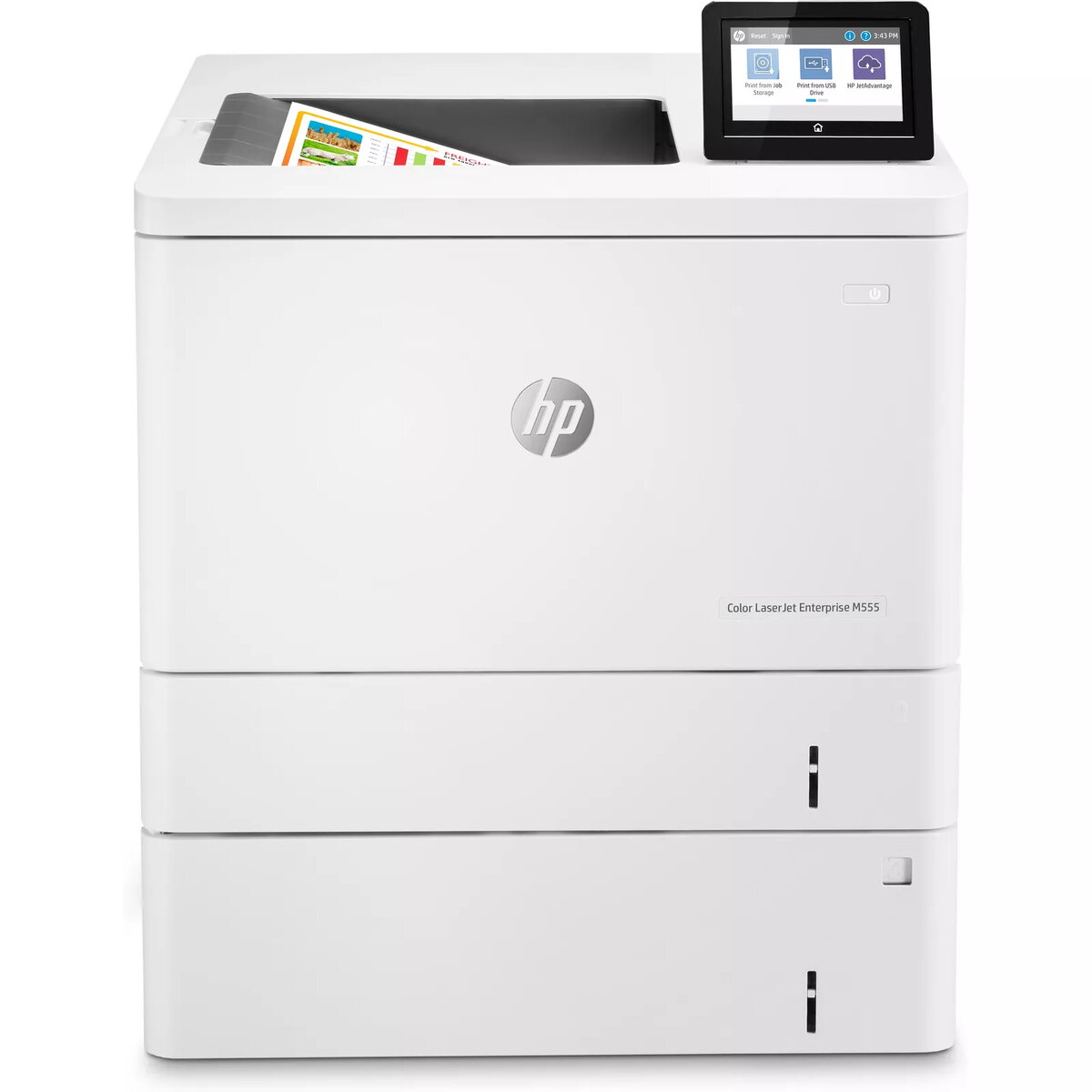
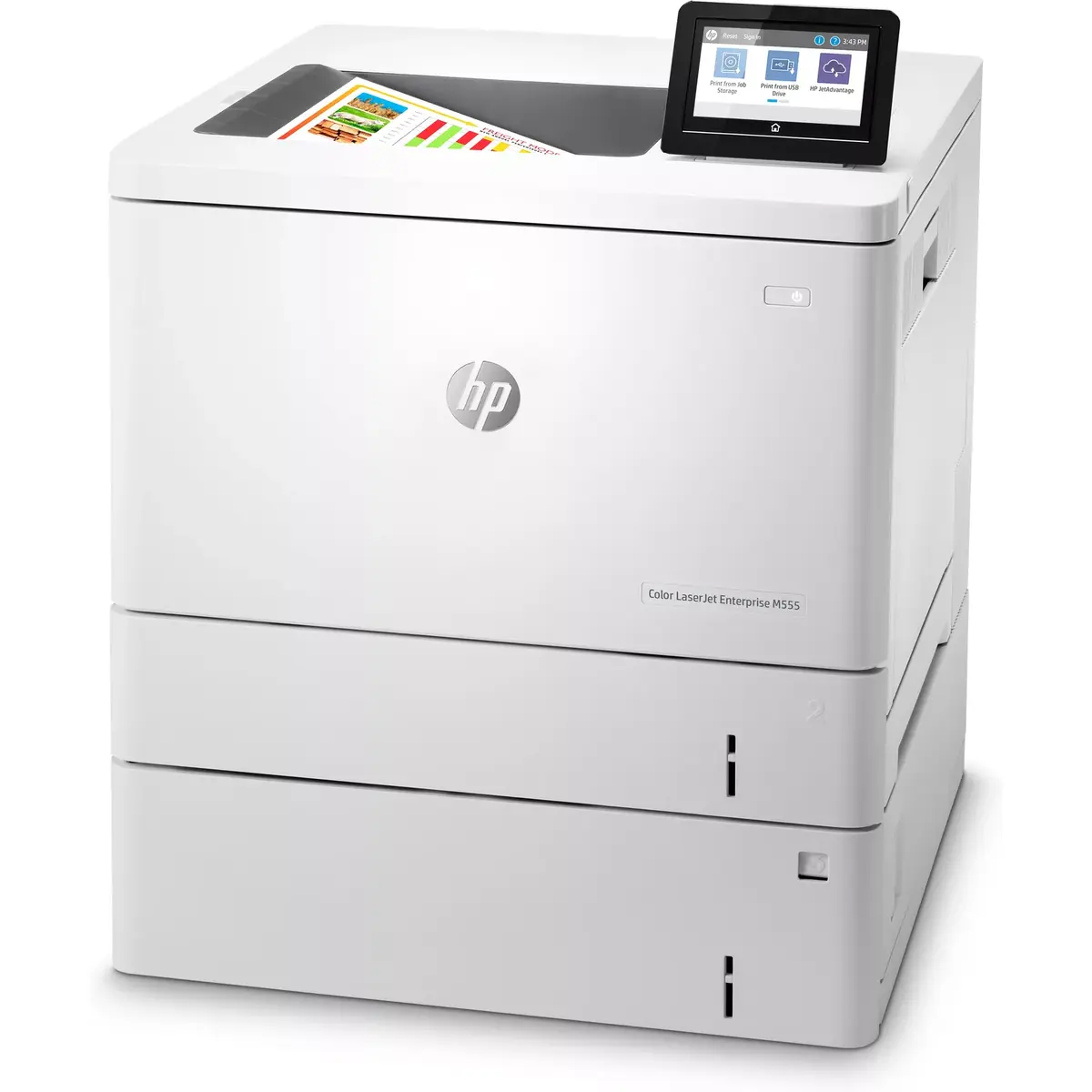
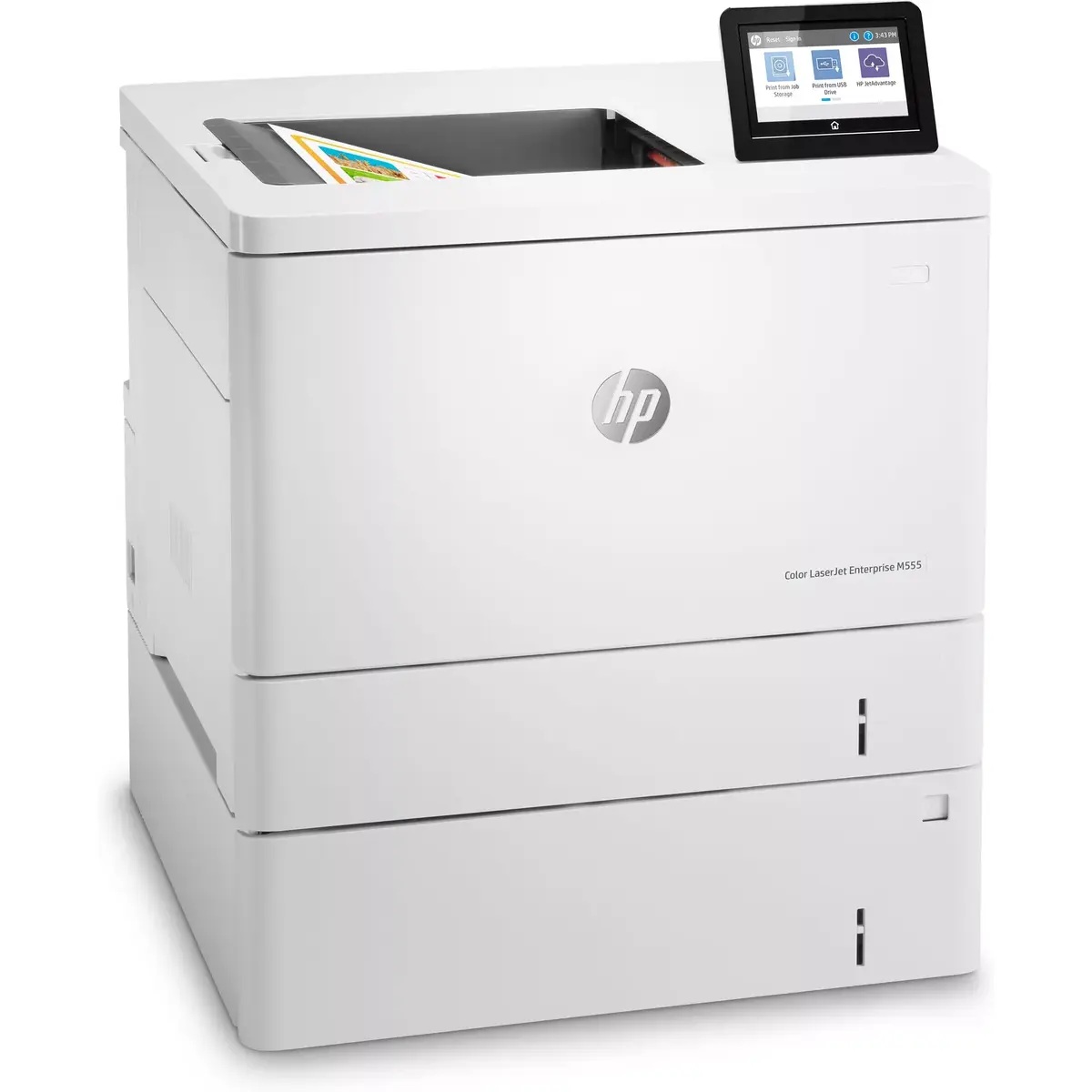
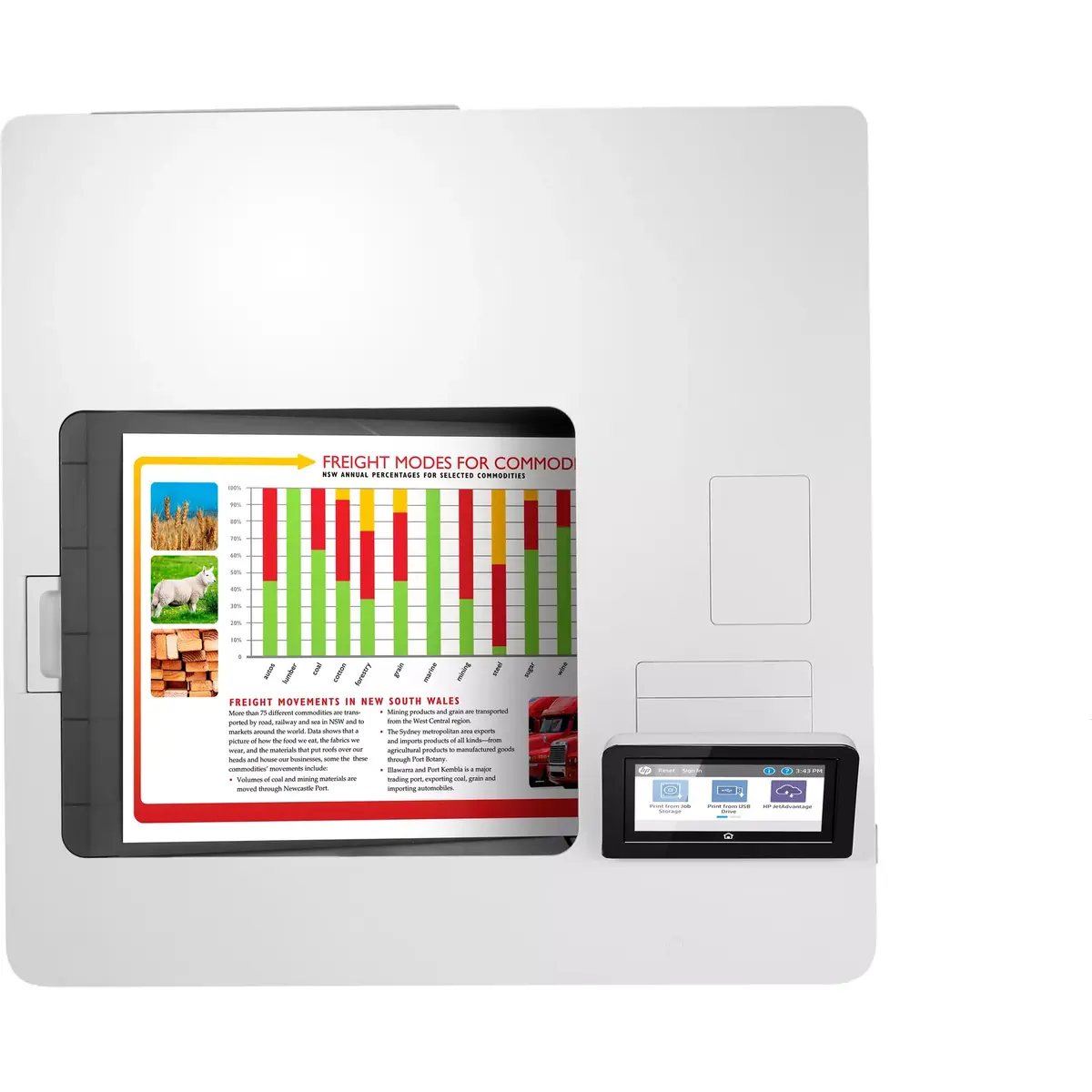
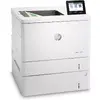
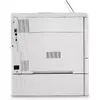
Laser Printer HP Color LaserJet Enterprise M555x — Colour, Duplex, 38 ppm, A4, 1200x1200 DPI
The HP Color LaserJet Enterprise M555x is a colour laser printer engineered for office environments that require reliable, high-volume A4 printing. It delivers up to 38 pages per minute in both black and colour at a maximum resolution of 1200×1200 DPI. The device supports automatic two-sided (duplex) printing, uses four separate toner cartridges (Cyan, Magenta, Yellow, Black) and offers a monthly duty cycle of up to 80,000 pages. Built-in connectivity options and a control display simplify integration into shared workgroups and colour document workflows.
The printer provides consistent print speed for both monochrome and colour jobs, supporting efficient handling of mixed and colour-rich documents. Automatic duplexing reduces paper consumption for two-sided reports and manuals. High duty cycle and robust laser print technology make the unit suitable for continuous office use. Separate CMYK cartridges allow targeted replacement to lower operating cost per page for dominant colours.
Place the printer on a stable surface and connect it to power and the local network via wired or wireless connection according to your office setup. Install the four toner cartridges following the manufacturer’s instructions and load A4 paper into the main tray. Use the control display to configure network settings, default paper size and duplex options. Send print jobs from a connected computer or mobile device using the installed drivers or supported printing protocols. Monitor toner levels and replace individual colour cartridges when prompted.
For consistent output quality, use original or properly remanufactured toners compatible with dynamic security requirements. Schedule regular firmware updates to maintain security and device compatibility. For heavy daily volumes, keep a supply of replacement toners and standard A4 paper accessible and implement routine maintenance checks to ensure reliable performance.
Protect your business with multiple layers of built-in security. The printer’s operating code (BIOS) is automatically verified at startup and self-repairs if integrity is compromised. Firmware is authenticated at startup using HP’s digital signatures, and Common Criteria certified monitoring continually checks memory activity to detect and stop attacks in real time. Outgoing network connections are inspected to block suspicious requests and thwart malware, while an embedded HP Trusted Platform Module safeguards keys, passwords, certificates and other sensitive data stored on the device.
Simplify administration and extend the life of your investment with HP FutureSmart firmware that can be updated with the latest features. Centralise control of your printing environment using HP Web Jetadmin to boost operational efficiency, and deploy consistent, intuitive tablet-like workflows across your fleet. Automatic adjustments to print settings ensure consistent, high-quality results depending on paper type, and fast performance—up to 38 pages per minute—keeps teams productive.
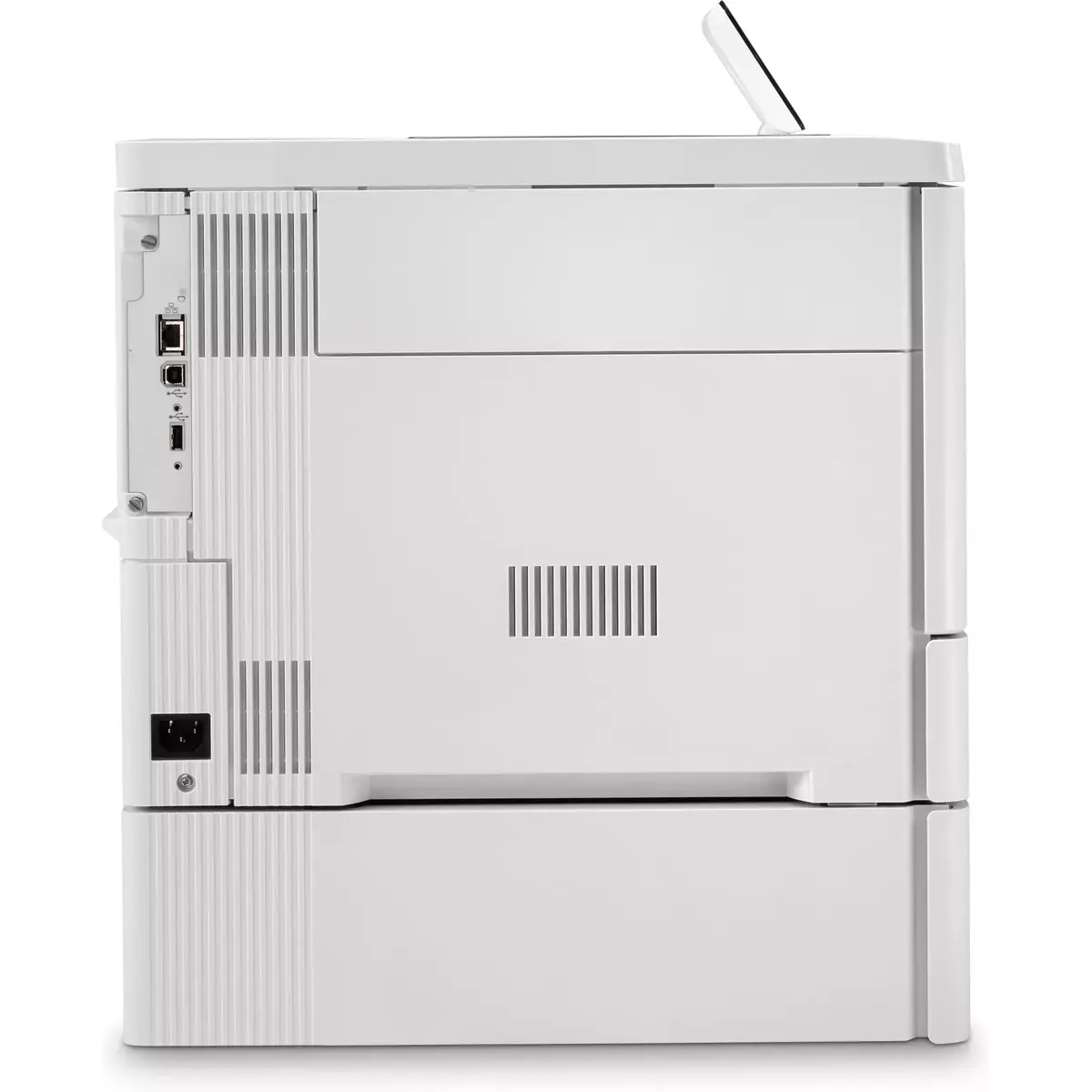
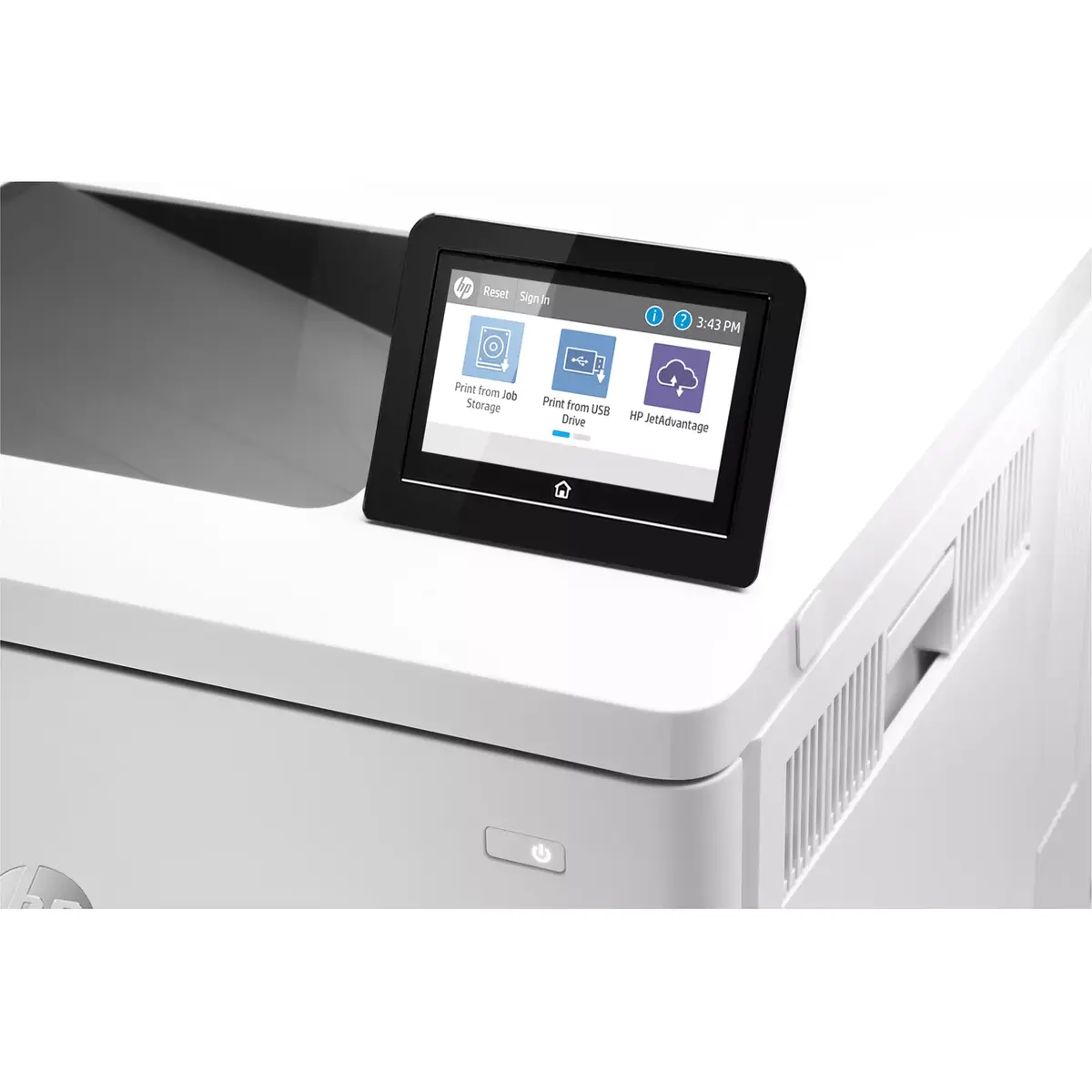
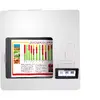
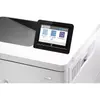
Equip teams with flexible solutions and reliable connectivity. Choose and deploy hundreds of HP and third-party apps to tailor the printer to your workflows. Built-in Ethernet and dual-band Wi‑Fi let the device serve as a shared network resource, and the customisable 10.9 cm (4.3 inch) colour touchscreen makes job handling quick and easy. Up to three input trays increase capacity by as much as 2,300 sheets to reduce refills for high-volume printing.
Reduce waste and energy use with features designed for sustainability. Two-sided (duplex) printing is set as the default to save paper from the first use. HP Roam for Business helps limit unnecessary prints so you only print what’s needed, and HP Auto-On/Auto-Off Technology conserves power by using energy only when required. When it’s time to replace cartridges, participate in HP Planet Partners for easy, no-charge recycling.
{{highlightedFeature.featureTitle}}:
{{getProductFeatureValueById(product, highlightedFeature.featureId)}}
{{ productComparisonGenerationError }}
