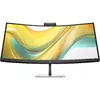
Conference with confidence
Look and sound your best effortlessly with a Poly Studio 5MP pop-up tiltable webcam and AI Noise Reduction—all on an ultra-wide display with Auto Lock and Awake to keep your business your own. Simply pop down the webcam after your call for on-demand privacy.

Powerful center of productivity
Make this ultra-wide curved monitor your hub for clutter-free productivity. Seamlessly work between two computers[1] and manage all of your accessories, while a single USB-C® cable handles 100W power delivery.
Designed for your comfort
Feel your best all day with 3-way adjustability and a sleek 3-sided borderless design. Keep your eyes comfortable with the Ambient Light Sensor and HP Eye Ease to reduce blue light without impacting color, all on an ultra-wide display.
Sharp & Privacy Ready 5MP Webcam
The Poly Studio 5MP pop-up tiltable webcam delivers superb camera quality and includes advanced collaboration tools. A Time of Flight proximity sensor enables Auto Lock and Awake for on-demand privacy.
AI Noise Reduction
Upgrade your conference call experience with HP AI-based noise reduction filters. Limit distractions such as dogs, sirens, construction, and other meetings so you’re heard loud and clear regardless of what’s happening around you.
Intuitive Conferencing Experience
Collaborate confidently with a set of enhanced camera software features. Auto framing keeps you front and center, and background blur minimizes distractions.
Integrated 4 x 3W Down Firing Speakers
The integrated down-firing 4 x 3W speakers deliver clear audio without adding extra cables or external speakers to your desk. Never miss a word with this clean-desk solution.
Meetings Made Effortless
Seamlessly collaborate with a Microsoft Teams compatible and Zoom Certified monitor. Access conferencing controls quickly with control buttons on the display.
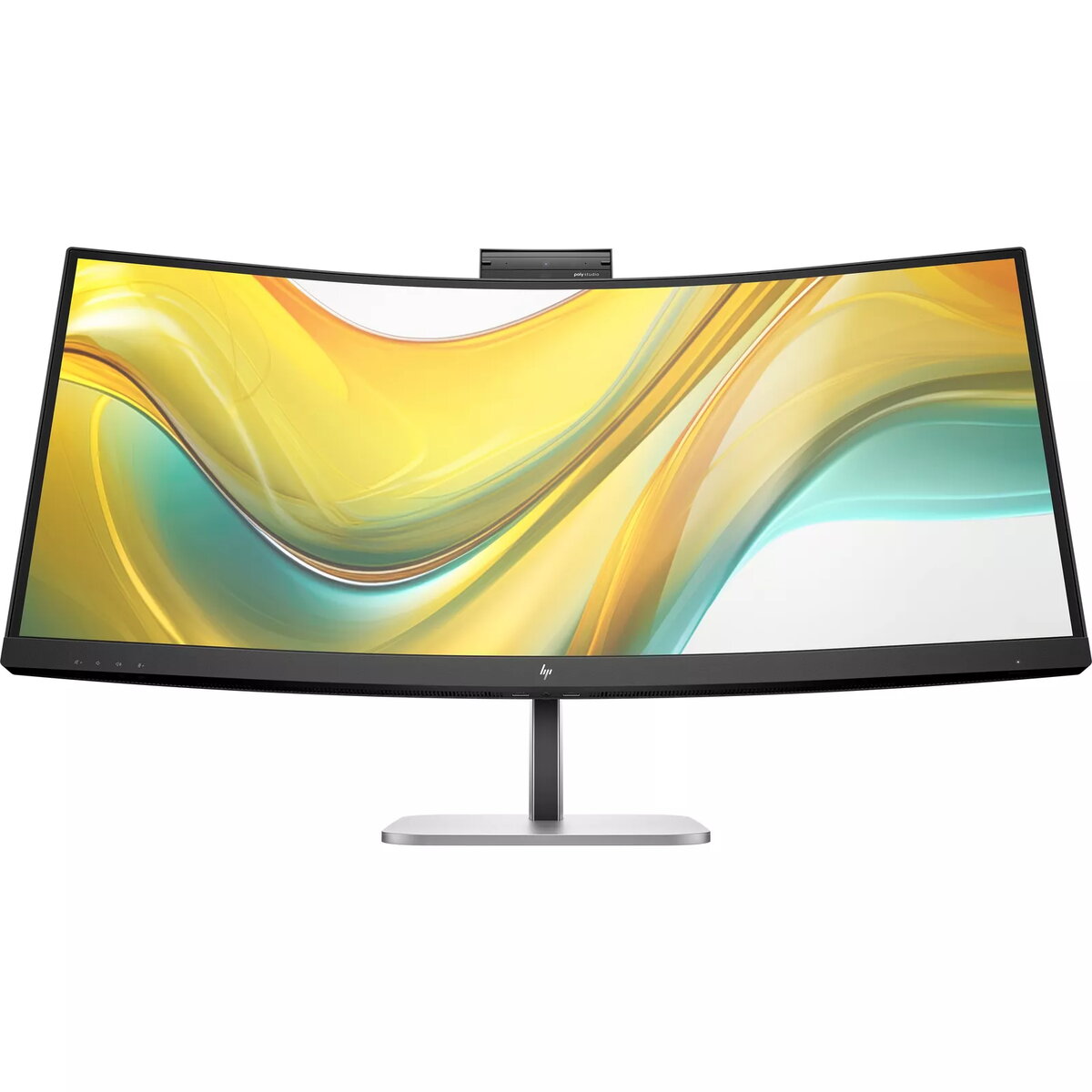
Ultrawide WQHD Display
Boost your productivity with an ultrawide 34" curved monitor with 3440 x 1440 WQHD resolution—see all your projects in vivid detail on one expansive screen. [6]
1500R Curved Monitor
By bringing the sides of the display even closer, the curved 1500R screen provides an immersive and realistic experience.
More Contrast
See nuanced differences in color, shadow, and highlights thanks to the enhanced 4000:1 contrast ratio. [6]
High Brightness
400 nits of brightness lets you see clearly. Enhance your visual performance for work or entertainment. [6]
99% sRGB Color Gamut
Enjoy highly accurate on-screen colors with 99% sRGB. This HP monitor provides reliable color reproduction with minimal effort. [6]
Progressive White Balance
Work better with content that looks consistent across screens. Progressive White Balance is an HP technology that provides matching white-point from screen to screen. [7]
USB-C® Power Delivery
Keep your setup simple with a display that has everything built in. Connect a keyboard and mouse to the ports on the back of this monitor and use a single USB-C® cable to your notebook for data, video, and up to 100W of charging.
Smart KVM, PbP and PiP
Multitask like a pro with the Smart KVM switch that automatically detects and switches between two computers. See both devices side-by-side with picture-by-picture or picture-in-picture. [1]
More Ports. More Power. Easily Accessible.
More ports mean more capabilities. With HDMI 2.0, DisplayPort™ 1.4 In, USB-C® 3.2 (upstream), RJ-45, audio jack, USB-B (upstream) and 3 USB-A 3.2 ports you can connect multiple devices. The easy rear-facing design makes connecting a breeze. [8]
Sleek Design, Clean Space
See and do more on your screen with a 3-sided borderless design that maximizes your viewing area for a sleek look and nearly seamless dual-monitor setups.
Ambient Light Sensor
Keep your eyes comfortable, day or night. The ambient light sensor automatically adjusts the screen brightness to the environment so the display is bright during the day and dimmed in the evening.
Ergonomic Setup Guide
With world-class ergonomic practices at your fingertips, you can fine-tune the display's 3-way adjustability for optimal comfort using the step-by-step Ergonomic Setup Guide in HP Display Center. [9,10]
Always-on, True Color, Low-Blue Light Filter
HP Eye Ease is an always-on low-blue light filter that helps keep your eyes comfortable throughout the day by reducing blue light without impacting color accuracy or causing a yellow color shift.