

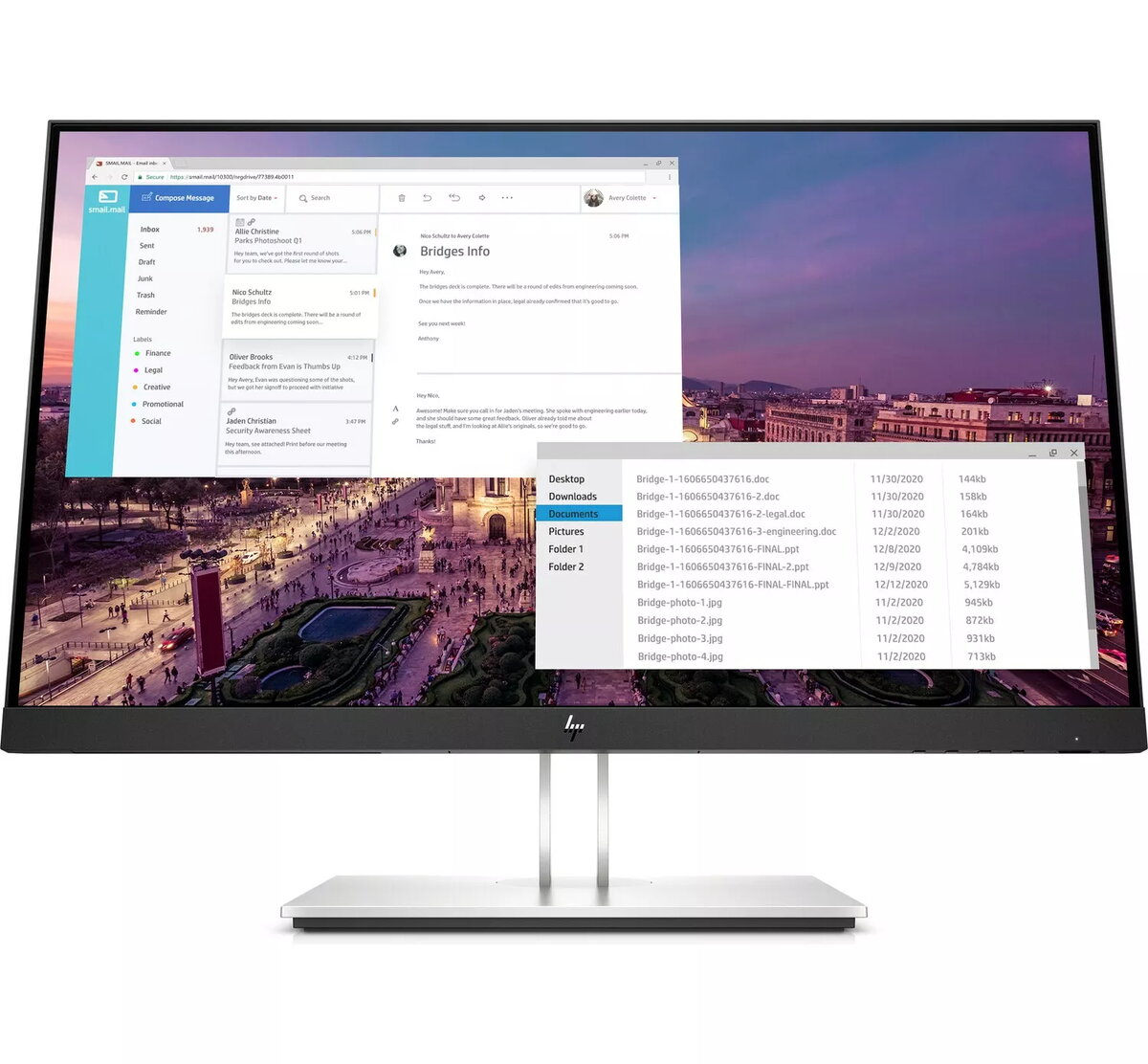
HP E23 G4 Monitor 1920 x 1080 Full HD
348.99 €
{{selectedOffer && selectedOffer.price | formatAmount}}
Offer for legal entity, cashless payment.
Why is an item available only for a legal entity?
This is due to long delivery times and limited product warranties.
This is due to long delivery times and limited product warranties.
Short description
The HP E23 G4 is a professional-grade monitor featuring a 23-inch display with a Full HD resolution of 1920 x 1080 pixels. Designed for office productivity and daily computing tasks, this monitor offers clear image quality and ergonomic adjustments. It is an ideal choice for business environments, providing reliable performance and a comfortable viewing experience for extended work sessions.
Available for order:
1 pcs.
Warranty:
2 Years
SKU:
4262330


Deliver the order:
to the Customer Service Center at Kengaraga 2b, Riga
29.06.2026
{{selectedOffer.officeDeliveryString}}
free
Customer service center
2b. Kengaraga str., Riga, Latvia, LV-1063
29.06.2026
{{selectedOffer.officeDeliveryString}}
free
Courier Delivery
Please note that in case of a large parcel additional delivery costs may apply!
From 6.83 € (Weight: 7.63 kg)
Parcel couriers
Latvijas Pasts pakomāts / Unisend / DPD Paku skapis / Omniva / Venipak Pickup / Venipak Locker / Latvijas Pasts nodaļa
02.07.2026
{{selectedOffer.parcelStationDeliveryString}}
From 1.99 €

Payment Methods:
Bank transfer


