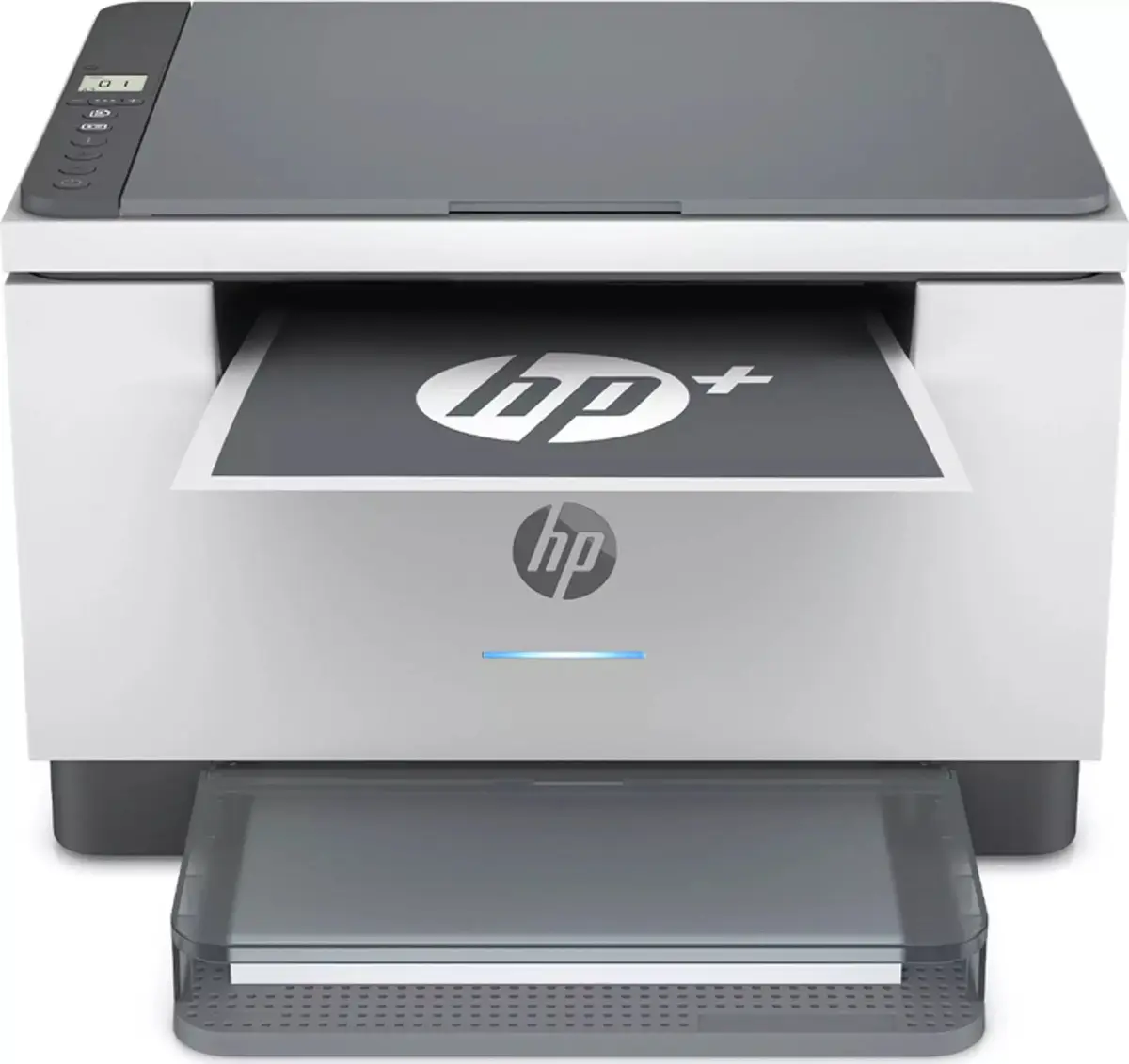
The HP LaserJet M234DWE multifunction laser printer is compared with several alternative HP devices, including closely related M234 series modifications, high-performance office models LaserJet Pro 4102fdw and 3102fdn, and the simpler printing device M207dw. All compared products belong to the HP monochrome laser category for home and office environments. The main differences lie in fax capabilities, print speeds, paper tray capacities, wired and wireless connectivity, and the availability of extended HP+ cloud services.
⚙️ The table below compares the device type, supported functions (print, scan, copy, fax), operating speed, network interfaces, paper tray capacities, and automatic duplex printing.
| Parameter | HP LaserJet M234DWE | HP Enterprise LaserJet MFP M234Dwe | HP LaserJet MFP M234DWE HP+ AIO | HP LaserJet Pro 4102fdw | HP LaserJet Pro 3102fdn | HP LaserJet M207dw | Practical significance |
|---|
| Device type | Multifunction printer (print, copy, scan) | Multifunction printer (print, copy, scan) | Multifunction printer (print, copy, scan) | Multifunction printer with fax (print, copy, scan, fax) | Multifunction printer with fax (print, copy, scan, fax) | Printer (print only) | M234 and M207 series fit basic tasks, while Pro models add fax. M207dw lacks scanning. |
| Wi-Fi wireless connectivity | Yes | Yes | Yes | Yes | No | Yes | Lack of Wi-Fi in the 3102fdn requires a wired network connection. |
| Ethernet wired network | Not specified | Not specified | Not specified | Yes | Yes | Yes | Pro models and M207dw suit stable wired office networks. |
| Fax function | No | No | No | Mono fax | Mono fax | No | Fax capability in Pro models is useful for specific document workflows. |
| Print speed | Not specified | Not specified | Not specified | 40 ppm | 33 ppm | 27 ppm | Pro series delivers faster document printing for heavy workloads. |
| Tray capacity (input/output) | Not specified | Not specified | Not specified | 350 / 150 sheets | 250 / 150 sheets | 150 / 100 sheets | Larger input trays in Pro models reduce the frequency of paper reloading. |
◎ The table below evaluates how well each product matches specific use cases and buyer needs.
| Use case | Recommended product | Why |
|---|
| Home office or small workspace with basic tasks | HP LaserJet M234DWE | Provides compact printing, scanning, and copying with Wi-Fi support for daily documents. |
| Document tasks utilizing HP+ cloud features | HP LaserJet MFP M234DWE HP+ AIO | Offers enhanced capabilities and seamless integration with HP+ services. |
| Intensive office workflows with high-speed requirements | HP LaserJet Pro 4102fdw | Delivers fast printing up to 40 ppm, high capacity trays, and fax functionality. |
| Office requiring wired networking and fax without Wi-Fi | HP LaserJet Pro 3102fdn | Equipped with Ethernet and fax, but connects via cable only. |
| Document printing without scanning or copying needs | HP LaserJet M207dw | Suits users who need a dedicated monochrome printer only. |
HP LaserJet M234DWE is best suited for home offices and small workgroups that need a compact multifunction printer with Wi-Fi for everyday printing, scanning, and copying. Compared to the more expensive and bulky enterprise Pro 4102fdw and 3102fdn models, this device avoids unnecessary fax features and excessive speeds, while compared to the M207dw it offers full scanning and copying capabilities. Choose the M234DWE if you need a versatile wireless device without wired networking or fax requirements.