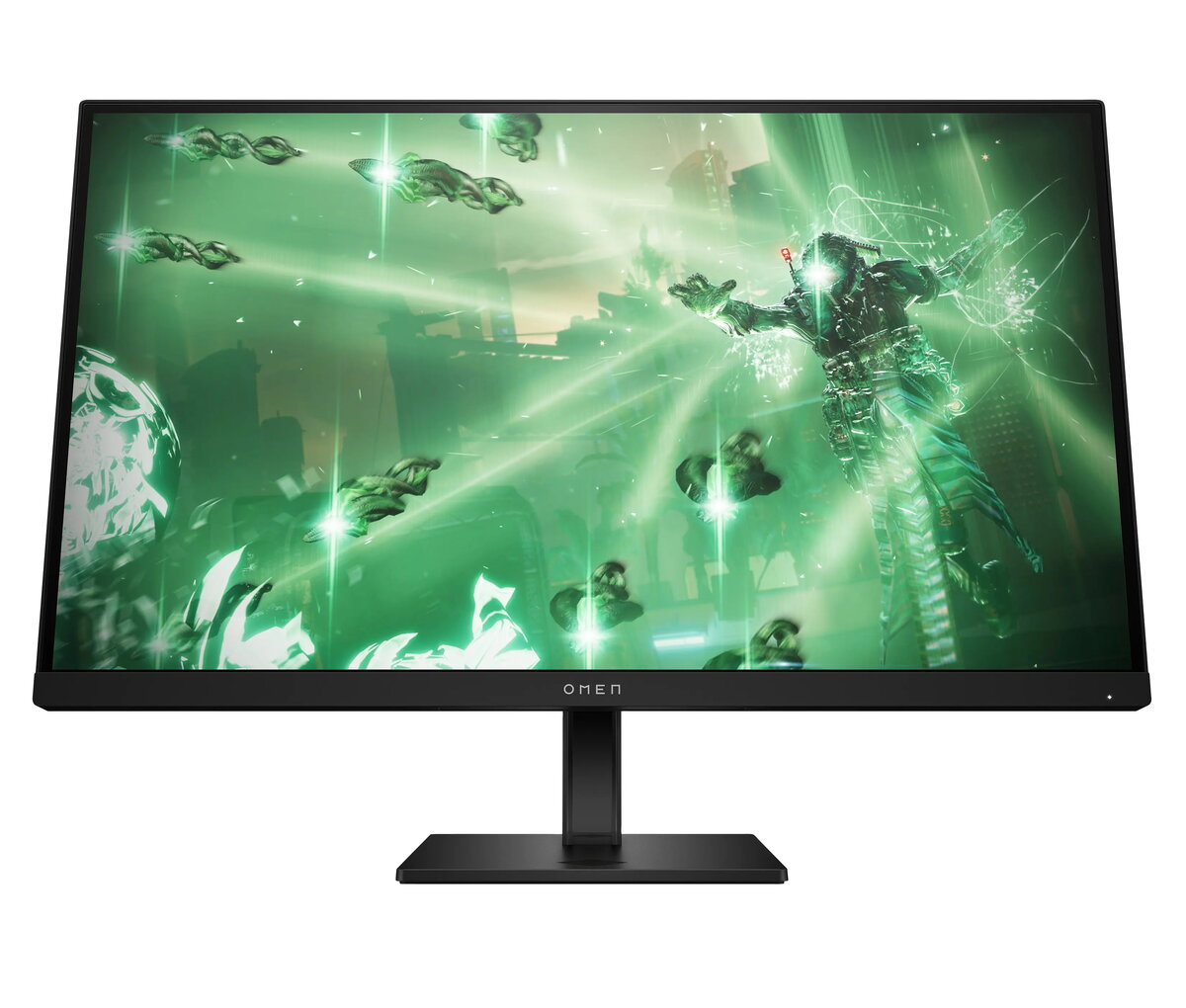
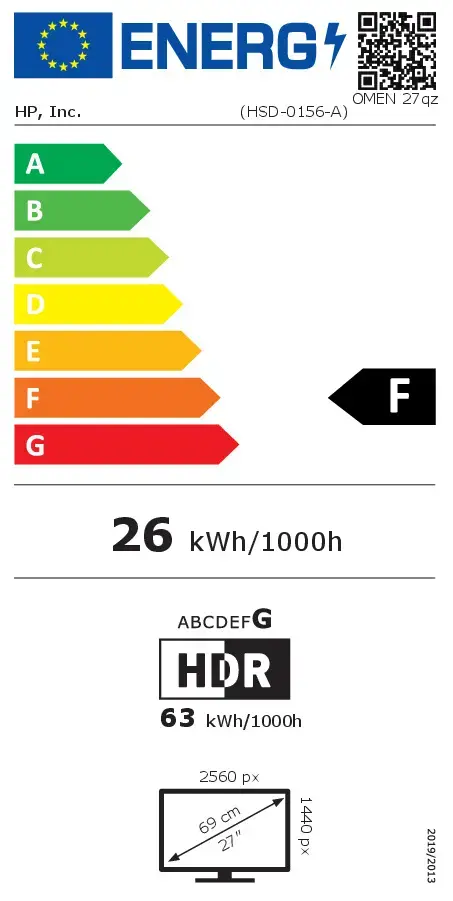
Vibrant, realistic visuals
Test for an IRL experience with crisp visuals of QHD resolution[1] and a wide array of vibrant colors, hues, and shades with 99% sRGB and 95% DCI-P3 color gamut.[2] Make out details and shading with HDR and up to 400 nits of brightness.[2]

Fast, lag-free performance
Frame by frame, experience and test without latency. To keep things smooth, this display delivers a fast 165 Hz refresh rate and 1ms response time to cut motion blur.[2] Eliminate screen tearing and lag thanks to AMD FreeSync™ technology.[3]
Tested for compatibility
This gaming monitor is compatible with Z by HP workstations. It also endured over 140 tests[4] to ensure compatibility with consoles, which easily connect thanks to 2 HDMI ports and a display port, making switching between PC and console a breeze.[5]

QHD Resolution
See your games in the captivating definition and sharp details of 3.7 million pixels. 2560 x 1440 Quad HD resolution transforms your content for a remarkable entertainment experience on this 27" diagonal monitor.[1]
165 Hz Refresh Rate
For crisp action and responsive game development, this fast refresh rate practically removes all artifacting and motion blurring.[2]
HDR
Create new worlds in stunning contrast with HDR. With peak brightness of 400 nits, experience your games as gamers will with brighter whites, deeper blacks, and richer colors.[2]
More Colors to Play With
Get deeper hues and a wide array of colors with 99% sRGB and 95% DCI-P3 for precisely recreated colors so lifelike your players will get lost in your gameplay.[2]
1ms GTG Response Time with Overdrive
How fast your pixels can react to changing frames is critical for fast-paced gaming, and a 1ms GTG response time with Overdrive ensures even the most action-packed moments are fluid, crisp, and free of motion blur.[2]
AMD FreeSync™ Technology
Every gamer deserves perfectly smooth gameplay and peak performance. Game confidently with a high refresh rate, low framerate compensation, and low latency. AMD FreeSync™ certified monitors are here.[3]
VESA Certified AdaptiveSync
VESA Certified AdaptiveSync guarantees higher refresh rates and low latency, optimized for gaming, plus a lab-certified max refresh rate so you know your display’s full potential.[8]
Plenty of ports
Test easily by connecting to your gaming and work PCs, console, and headset with two HDMI 2.0 ports, one DisplayPort™ 1.4, and one 3.5mm headphone jack.[5]
IPS Technology
No matter where you stand, IPS panel technology delivers clear, vivid images. IPS technology ensures image accuracy and consistency across ultrawide 178-degree viewing angles, so you can get lost in your gameplay and testing environment from any angle.
VESA Certified ClearMR 6000
Clear Motion Ratio (CMR) provides a clear numerical value based on the ratio of clear pixels to blurry pixels, which allows you to easily compare the amount of motion blur between VESA Certified ClearMR displays.[9]
Console Compatible
This gaming monitor underwent over 140 test cases to ensure it's compatible with your choice of console. Just connect the HDMI and get right to development and testing.
Fully adjustable stand
Make your desk just how you like it with the fully adjustable stand. Find comfort while you develop, test and game with tilt, pivot, and 100 mm height adjustments.
HP Eye Ease
Always-on, True Color, Low-Blue Light Filter. HP Eye Ease is an always-on, low-blue light filter that helps keep your eyes comfortable throughout the day by reducing blue light without impacting color accuracy or adding a yellow color shift.
Materials that Matter
Feel like you're making a difference in and out of your work with a purchase you feel good about. This display contains at least 85% post-consumer recycled plastics to help reduce the raw materials we use.[6]
Thoughtful Product Packaging
To reduce plastic in landfills, we use 100% recyclable packaging that meets recycling requirements, so it can stay out of the landfill when customers are finished with it.[10,11]
Mindful metals
That's why this monitor was engineered to contain at least 10% recycled metals.[7]
Effortless Joypad OSD Button
In the middle of game development and testing, it's never been easier to configure your display settings right from the monitor. Quickly navigate the on-screen menu with the joypad OSD button to adjust brightness, contrast ratio, and color.
Integrated Cable Management
Cord and wire pass-through located on the display stand reduces cord-clutter and helps keep your workspace clean and organized.