IPS Technology for True-to-Life Color
Enjoy accurate, consistent images from virtually any seat. The IPS panel delivers wide 178° horizontal and vertical viewing angles so colors and contrast remain stable across your workspace.
HP Eye Ease — Always-On Low-Blue Light
Work comfortably all day with HP Eye Ease, a hardware low‑blue light filter that reduces eye strain without introducing a yellow color shift, preserving color accuracy for reliable visuals.
Smoother Motion with 100 Hz Refresh Rate
Experience smoother scrolling, clearer video playback, and reduced motion blur thanks to a 100 Hz refresh rate that makes frame-to-frame movement more fluid.
Comfortable Viewing with Adjustable Tilt
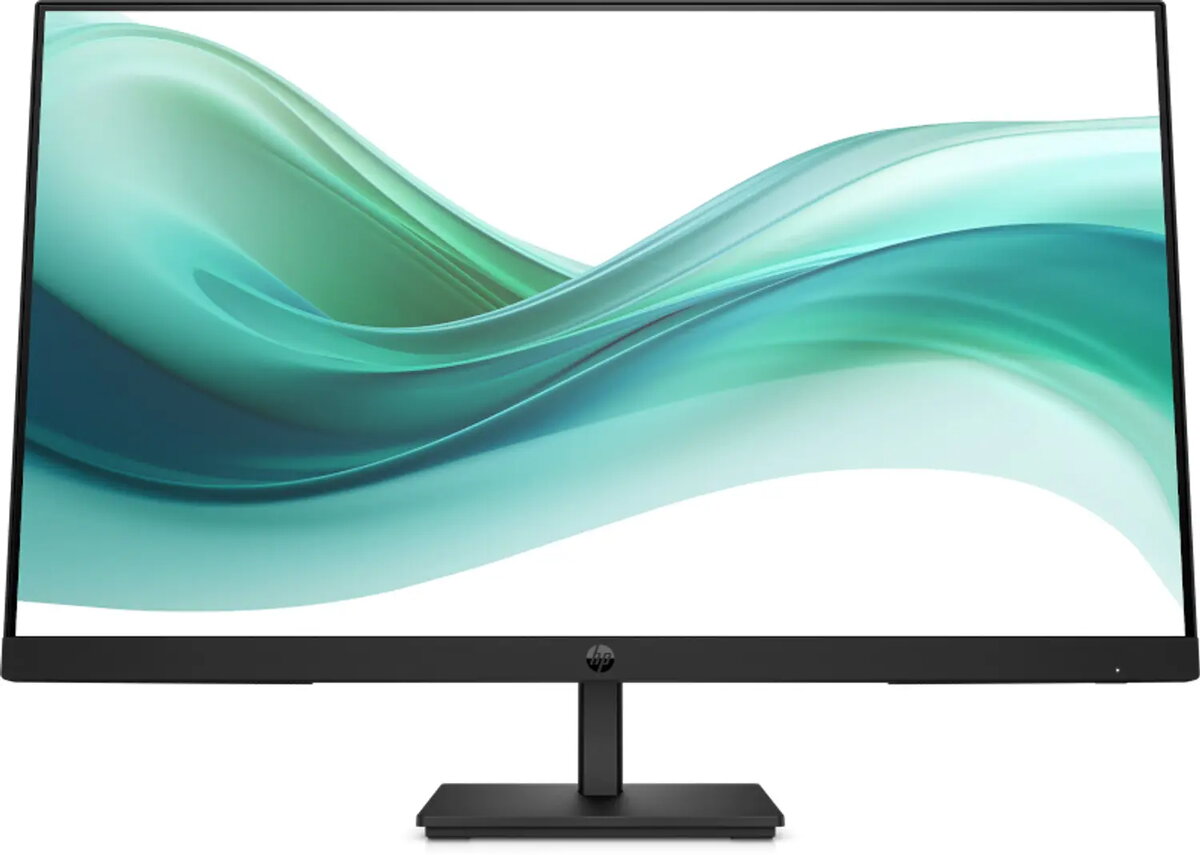
Find the optimal angle for long work sessions using the slim, tilt-adjustable stand that helps maximize comfort and productivity.
Flexible Connectivity Options
Connect easily to a range of devices with multiple ports including VGA, HDMI 1.4, and DisplayPort, enabling sharp Full HD visuals across your setups.
Immersive 3-Sided Micro-Edge Bezel
Get more screen in a sleek design. The 3-sided micro-edge bezel increases your viewing area and creates near-seamless dual-monitor setups for expanded workflows.
Quick, Intuitive Controls with Joypad OSD
Adjust brightness, resolution and other settings quickly using the intuitive joypad OSD button for fast on-screen navigation and personalization.
Cleaner Workspace with Cable Management
Keep your desk tidy and focused with built-in cable management that reduces clutter and helps maintain an organized work environment.
Personalize via HP Display Center
Customize and partition your display, adjust brightness, and manage settings from your PC with HP Display Center software for a tailored viewing experience.
Remote Manageability for IT Teams
Simplify fleet management with HP Client Management Script Library (CMSL), compatible with Intune and SCCM for streamlined remote control using PowerShell.
Energy-Efficient, Certified Design
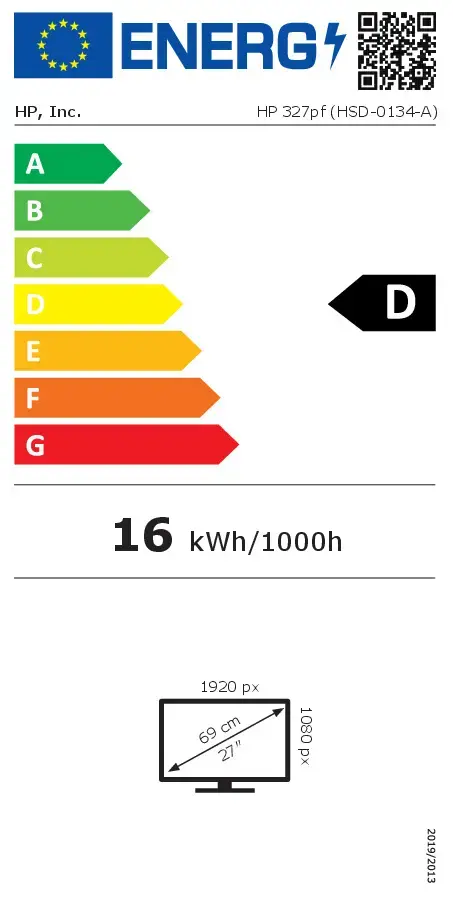
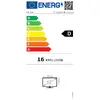
This monitor meets modern environmental and energy standards, including EPEAT registration and ENERGY STAR and TCO certifications, to help reduce power consumption and environmental impact.
Sustainable Materials
The enclosure uses at least 85% recycled plastic, with recycled metal and glass components, reflecting HP’s commitment to sustainable product design.
Responsible Packaging
All paper-based packaging is sourced from recycled or certified sustainable materials to minimize environmental footprint.
Space-Saving PC Mounting Bracket
Attach the optional B200 bracket to the monitor base to mount your PC underneath and reclaim valuable desk space.
Works With Chromebook Certified
Enjoy a seamless experience with Chrome OS devices—this display is optimized to work with Chromebooks and Works With Chromebook certified accessories.
Elevate Your Everyday Productivity
Boost productivity with a spacious 27" Full HD workspace, an IPS panel for wide viewing angles, and up to 100 Hz refresh rate for crisp images and smooth motion during projects and daily tasks.
Increased Comfort, Improved Focus
Stay focused longer with a flicker-free screen and the HP Eye Ease low-blue light filter that reduces eye strain without affecting color fidelity.
Clean Design for an Organized Desk
Simplify your workspace with neat cable management, a slim tilt-adjustable stand, and a micro-edge bezel that pairs cleanly for multi-monitor setups. Quickly fine-tune settings with the joypad OSD.