


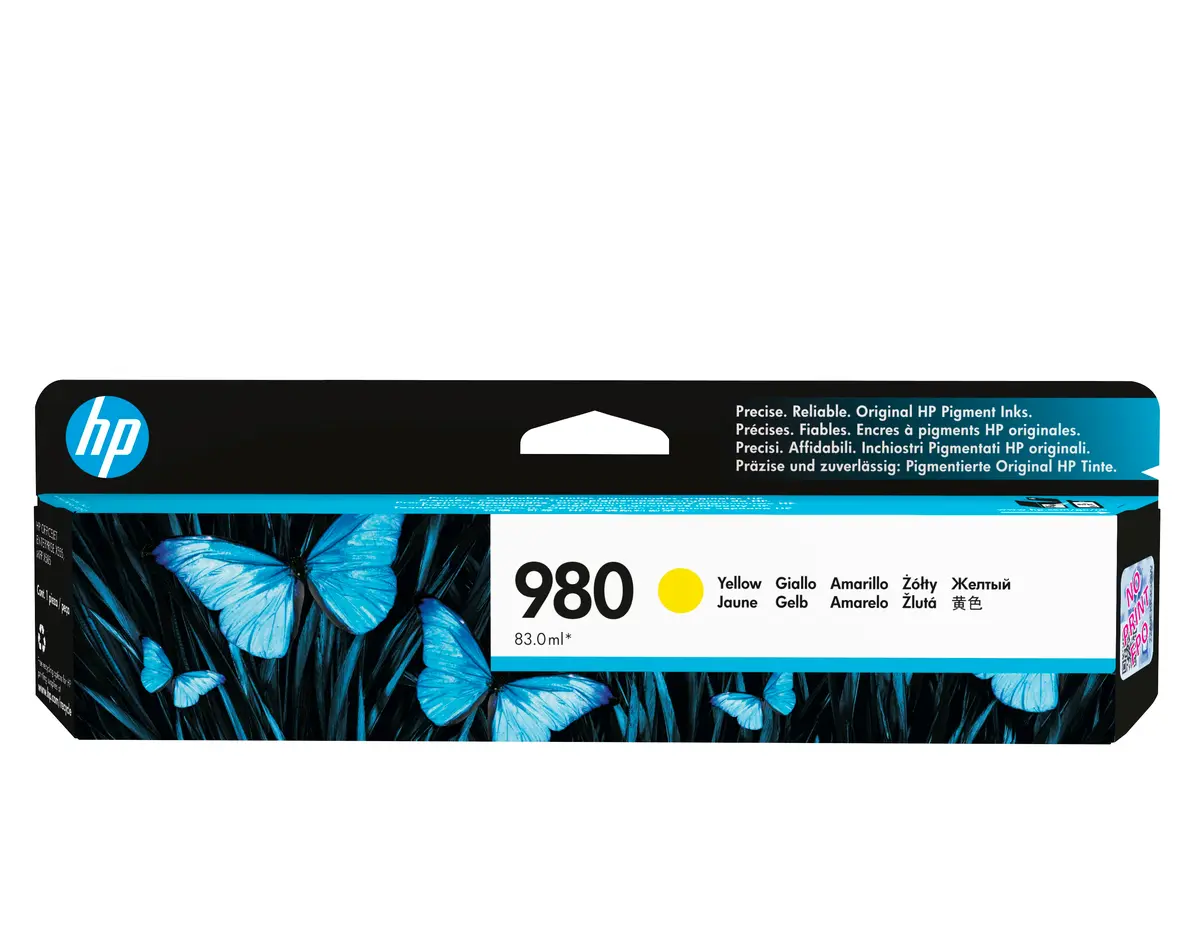
HP 980 Yellow Original Ink Cartridge - Pigment-based Standard Yield with 6600 Pages Yield




Short description


Cheapest delivery:
Unisend LV

Esto — pay in 6 equal parts
Product information
Description
The HP 980 Yellow Original Ink Cartridge is designed to meet the demands of busy office environments, utilizing advanced pigment-based ink to deliver consistent and professional results. Engineered for reliable color printing, this standard yield cartridge ensures that your business documents feature sharp graphics and clear yellow tones. With a page yield of up to 6600 pages per cartridge, it supports high-volume printing tasks efficiently while maintaining high standards of quality.
Advantages
This original HP cartridge guarantees seamless compatibility and dependable performance with selected HP printers. The pigment-based formulation is developed to produce durable color documents that resist fading over time, ensuring your professional presentations and reports maintain their visual appeal. Additionally, the cartridge is designed to help maintain printer speeds, allowing your office to operate without unnecessary delays during large print jobs.
Suitable for
- Printing high-volume business documents and reports in enterprise environments
- Producing vibrant professional color presentations and graphics
- Routine office workflows requiring reliable and consistent color output
When it may not be suitable
This cartridge is not designed for casual home printing where page volumes are extremely low, as inkjet cartridges perform best with regular use. It is also incompatible with printer models outside of the designated HP 980 series.
Key specifications
- Printing color: Yellow
- Ink type: Pigment-based
- Cartridge capacity: Standard yield
- Page yield: Up to 6600 pages
- Quantity per pack: 1 piece
- Brand compatibility: HP
How to use
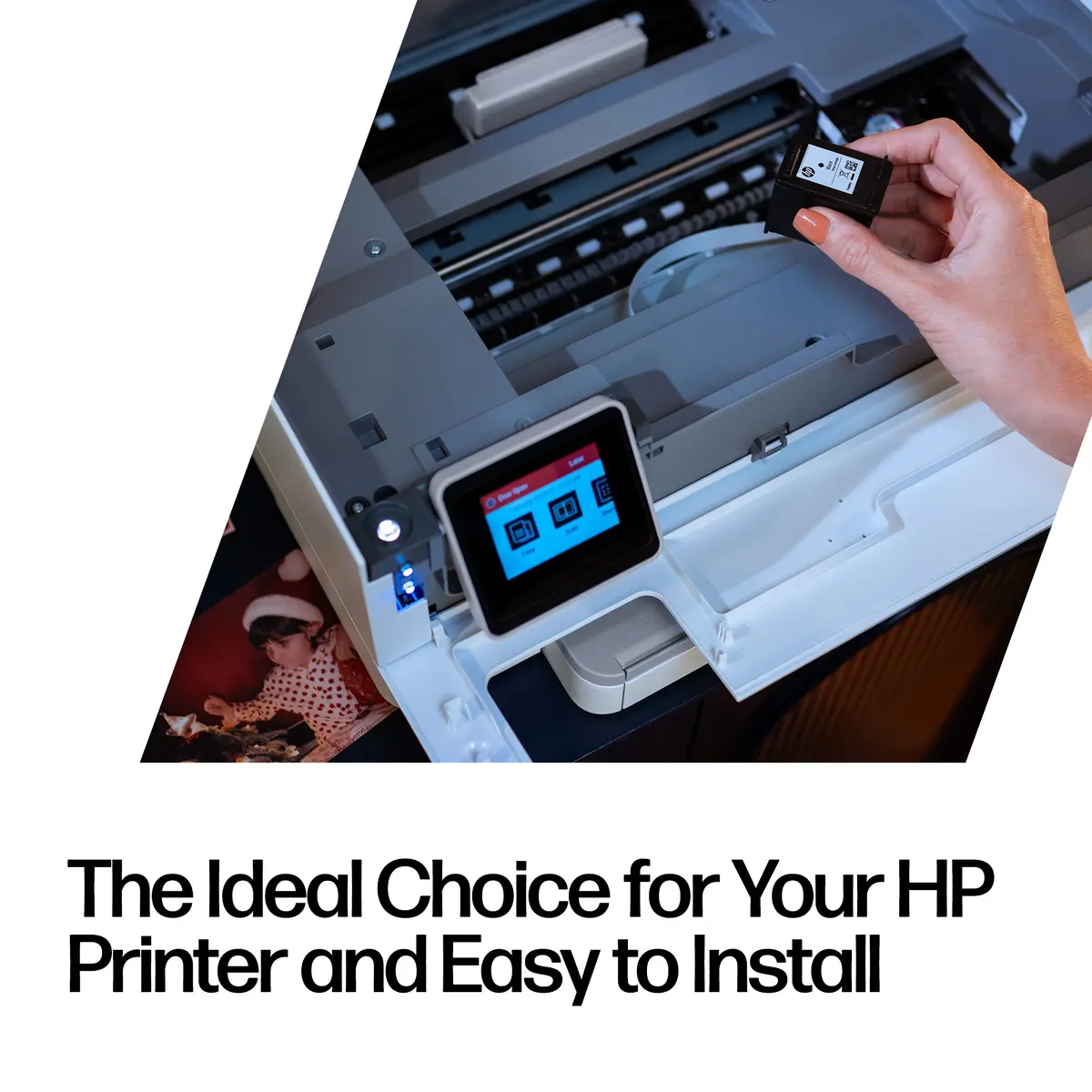
To install the cartridge, open the printer access door and wait for the carriage to move to the center. Remove the new yellow cartridge from its packaging and take off any protective tape. Insert the cartridge firmly into the designated yellow slot until it clicks securely into place. Close the printer door and allow the device to complete any automatic calibration before sending new print jobs.
What to consider before purchase
- Verify that your specific printer model is compatible with the HP 980 ink series
- Assess your average monthly printing volume to ensure a standard yield cartridge matches your requirements
- Confirm that your printing needs require yellow pigment-based ink for professional documents
Usage recommendations: Store the cartridge in its original sealed packaging in a cool, dark place until you are ready to install it. Once installed, run periodic print tests if the printer is left idle for extended periods to maintain optimal nozzle performance and prevent ink drying.
Features
- Colour ink page yield:
- 6600 pages
- Quantity per pack:
- 1 pc(s)
- Compatibility:
- HP 980 ink cartridges work with:
- Brand compatibility:
- HP
- Printing colours:
- Yellow
Instructions

Reasons to buy
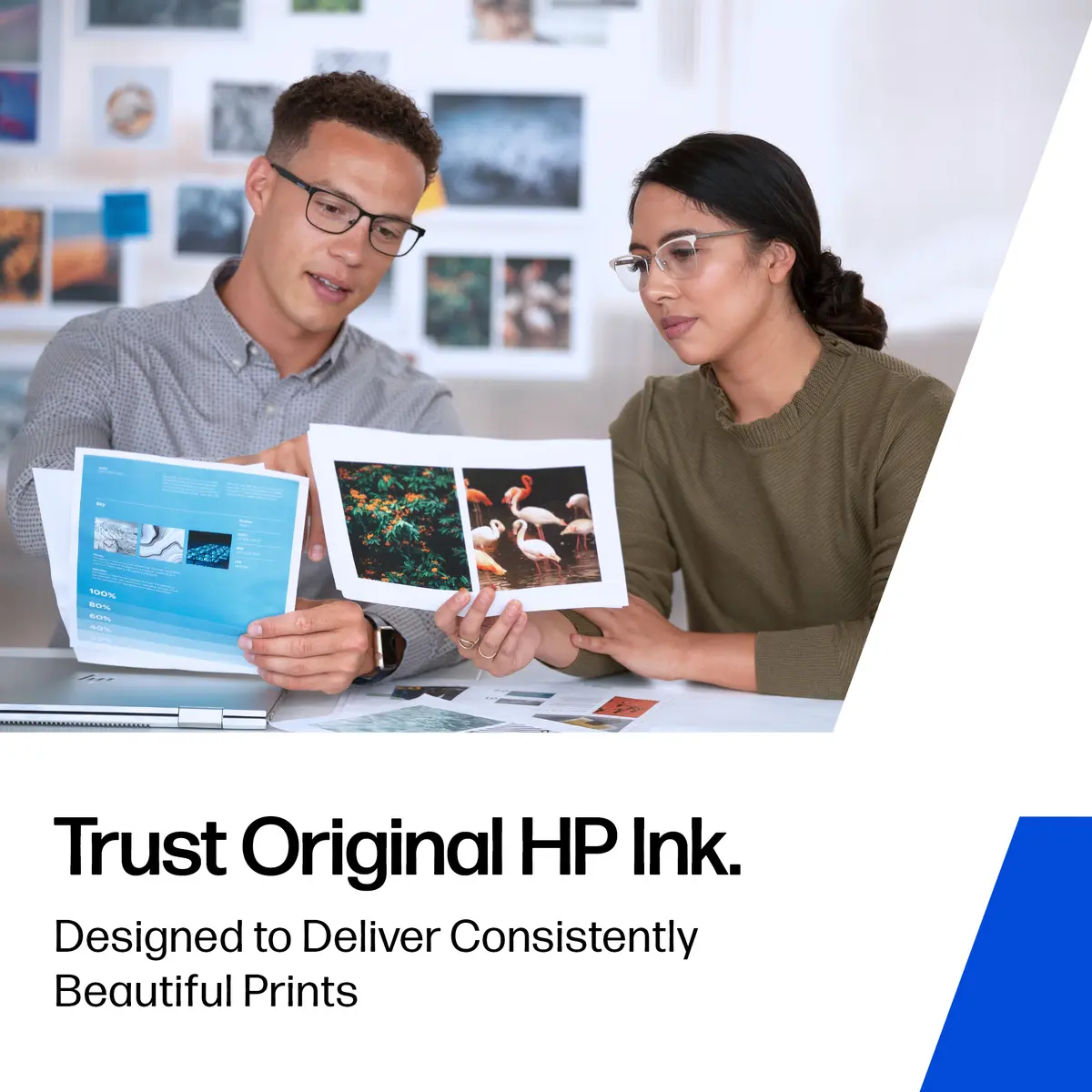
Reliability you can trust
Get high-quality results with Original HP Ink and make your hard work stand out from the rest.
You give your best. So do we.
Stay productive when you need it most with Original HP Ink.
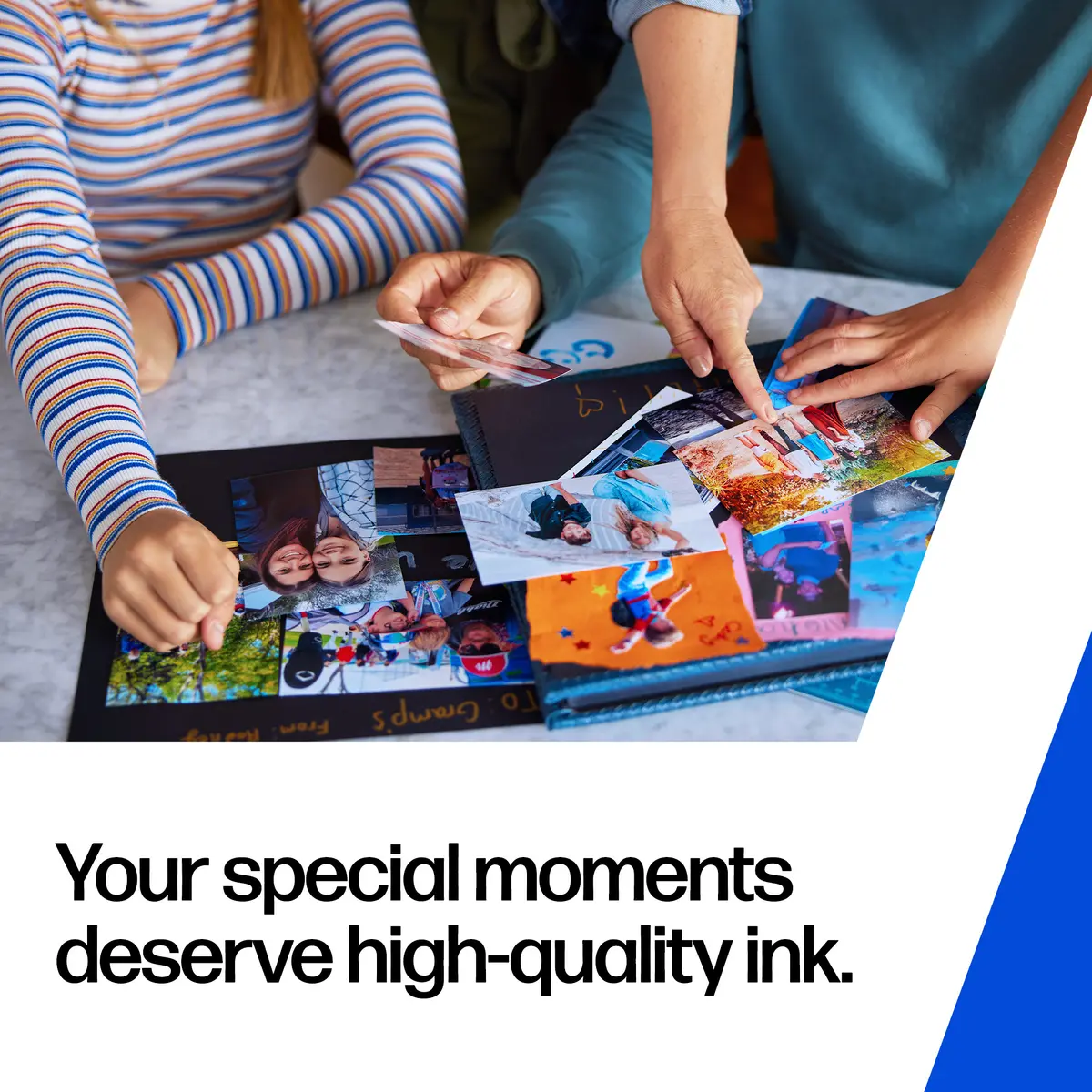
Keep important documents and memories alive
Choose Original HP Ink to print crisp documents and your cherished moments in vivid colors.
Customer reviews
Customer questions
How much does the HP 980 Yellow Original Ink Cartridge cost, and is it available for purchase?
If I order this product today, when will I receive my order?
What payment options are available?
Can HP 980 Yellow Original Ink Cartridge be purchased with a lease?
- Select the product on the website and add it to your cart;
- When placing your order, choose the payment method “Installments”;
- Fill in the required details for the lending partner;
- Receive a decision within a few minutes.


