
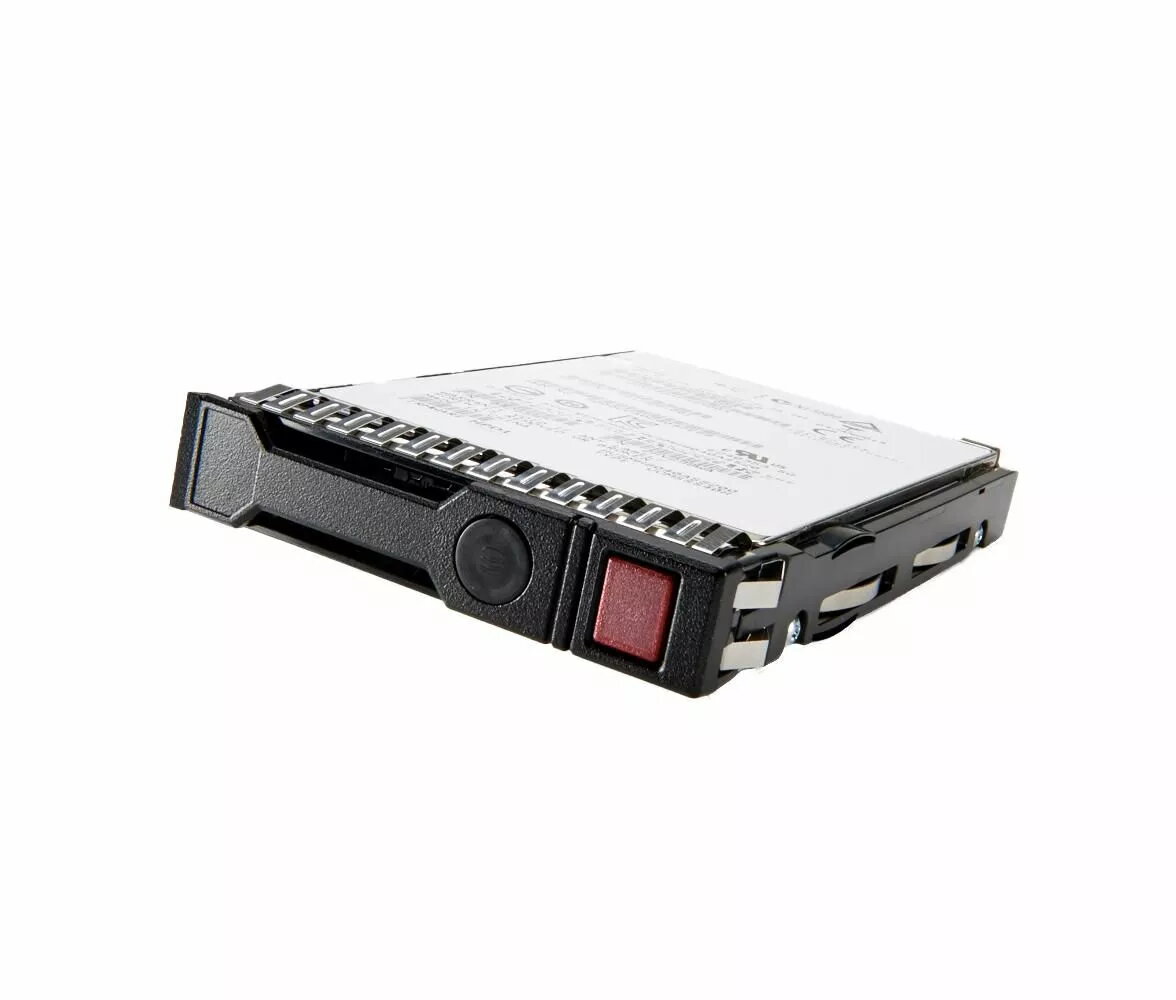
The 2.5-inch 900GB 10K RPM HDD for Servers, HP Enterprise M6710 is a compact internal hard drive engineered for enterprise server environments. It offers 900GB of formatted capacity in a 2.5-inch form factor with a 10,000 RPM spindle speed to balance storage density and seek performance. The drive is intended for use in servers, storage arrays and virtualization hosts where mid-tier performance, reliability and efficient bay utilization are priorities.
Advantages
This 2.5-inch 900GB 10K RPM HDD delivers higher capacity per drive bay compared with lower-capacity counterparts, helping to maximize storage density in multi-bay server chassis. The 10,000 RPM spindle speed reduces average access latency relative to lower-RPM drives, providing improved random I/O responsiveness for mixed workloads. The drive is designed for continuous 24/7 operation and server-class reliability expectations, making it suitable for enterprise deployment scenarios where consistent availability matters.
Suitable for
- Enterprise rack and blade servers requiring compact, mid-performance drives
- Storage arrays and JBOD enclosures where bay density is important
- Virtualization hosts and VDI infrastructures with mixed read/write workloads
- Database partitions and application servers needing balanced IOPS and capacity
Key specifications
- Form factor: 2.5-inch
- Capacity: 900 GB
- Spindle speed: 10,000 RPM
- Interface: compatible with standard enterprise SAS/SATA server backplanes (verify server compatibility before installation)
- Intended use: enterprise server and storage array deployment
- Designed for continuous operation and server-class reliability
How to use
Install the drive into a compatible 2.5-inch server bay or storage enclosure following the server manufacturer's mounting and drive carrier instructions. Ensure the server supports the drive interface and 900GB capacity before insertion. After physical installation, power on the system and confirm the drive is detected in the server BIOS or storage controller management interface. Partition, format and configure the drive according to your operating system or storage array requirements; for RAID deployments, add the drive to the appropriate RAID group and allow any background initialization or rebuild processes to complete.
Usage recommendations
For reliable operation, use this drive in environments with appropriate cooling and vibration control, and follow your server vendor's firmware and compatibility guidelines. Monitor drive health using S.M.A.R.T. or storage controller tools and include the drive in a regular backup and maintenance plan.