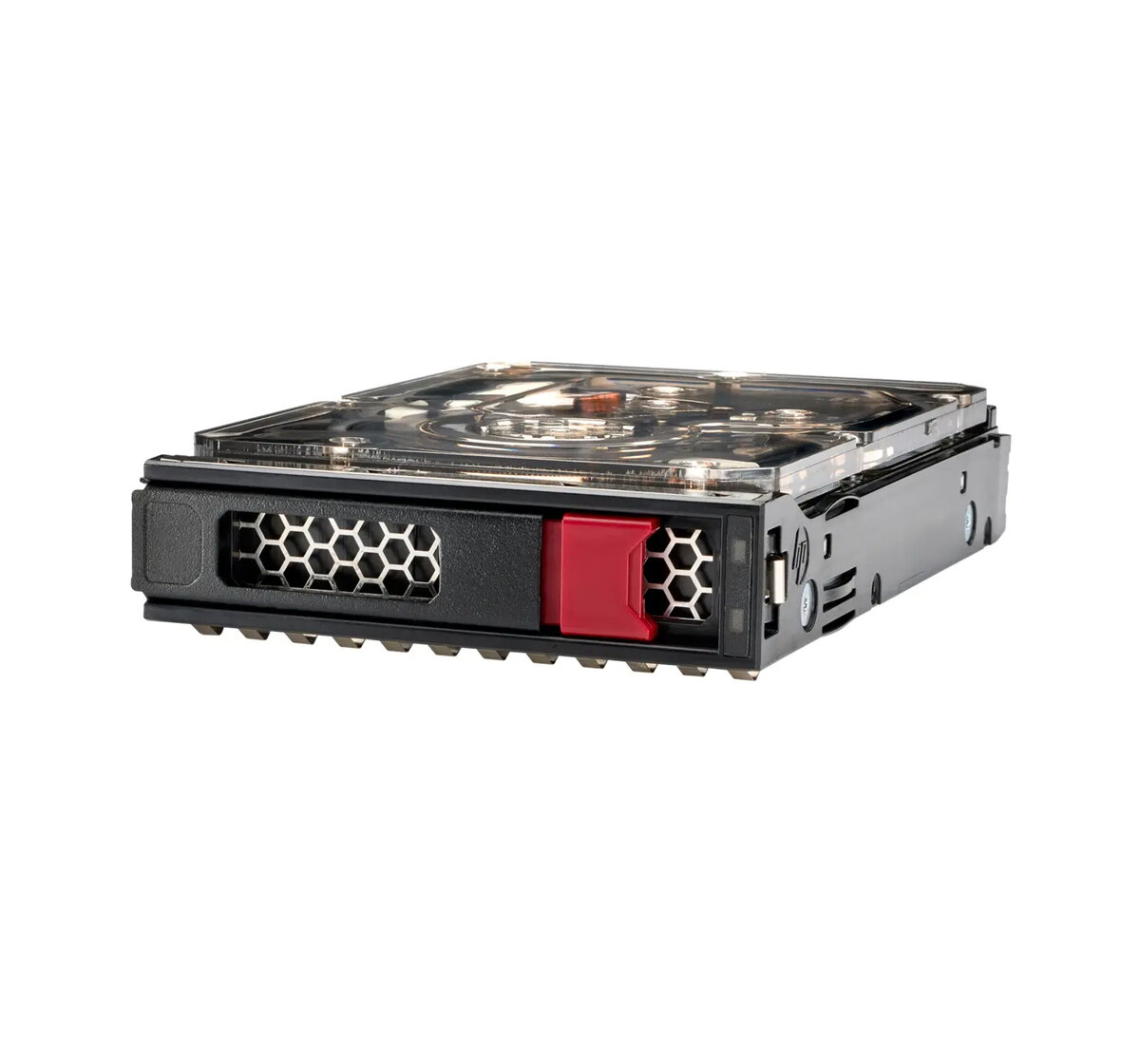
The HPE 834028-K21 is a high-capacity 8 TB 3.5-inch internal hard drive engineered for enterprise-grade storage environments. Operating at a spindle speed of 7200 RPM and utilizing a SATA 6Gb/s interface, this Midline HDD provides a balance of performance and reliability for data-intensive server applications. It features 512e sector formatting and is equipped with digitally signed firmware to ensure data integrity and protection against unauthorized access within HPE server systems.
Advantages
This hard drive is specifically designed to meet the rigorous demands of modern data centers, offering a robust solution for bulk storage requirements. By utilizing HPE-optimized firmware, the drive delivers predictable and consistent performance across various storage platforms. The inclusion of digitally signed firmware provides an essential layer of security, helping to mitigate the risk of malicious attacks on your data infrastructure. Furthermore, the drive undergoes extensive qualification processes, ensuring seamless compatibility with HPE ProLiant server environments and supporting advanced monitoring tools like SMART for proactive health management.
Suitable for
- Bulk data storage and archiving
- Cloud and web infrastructure environments
- Enterprise server storage solutions
- Data-intensive applications requiring high capacity
This drive may not be suitable for high-performance computing tasks that require the ultra-low latency and high IOPS provided by Solid State Drives (SSDs). It is also not intended for desktop or consumer-grade hardware that does not support the 3.5-inch Large Form Factor or the specific power and interface requirements of enterprise server systems.
Key specifications
- Capacity: 8 TB
- Form Factor: 3.5-inch (LFF)
- Interface: SATA 6Gb/s
- Spindle Speed: 7200 RPM
- Formatting: 512e
- Weight: 1.36 kg
To install the drive, ensure your server is powered down and disconnected from the power source. Insert the drive into an available 3.5-inch drive bay within your compatible HPE server chassis, ensuring it is properly seated in the drive carrier. Once installed, secure the drive and reconnect the power. Upon booting, the server's RAID controller or operating system should detect the drive, allowing you to initialize and format it according to your storage configuration requirements.
What to consider before purchase
- Verify compatibility with your specific HPE server model and drive cage
- Ensure your controller supports SATA 6Gb/s interfaces
- Confirm that your system supports 3.5-inch Large Form Factor drives
- Check if your current RAID configuration supports the 512e sector format
For optimal performance and longevity, it is recommended to monitor the drive health regularly using HPE Systems Insight Manager and to keep the server firmware updated via the HPE Service Pack for ProLiant.