
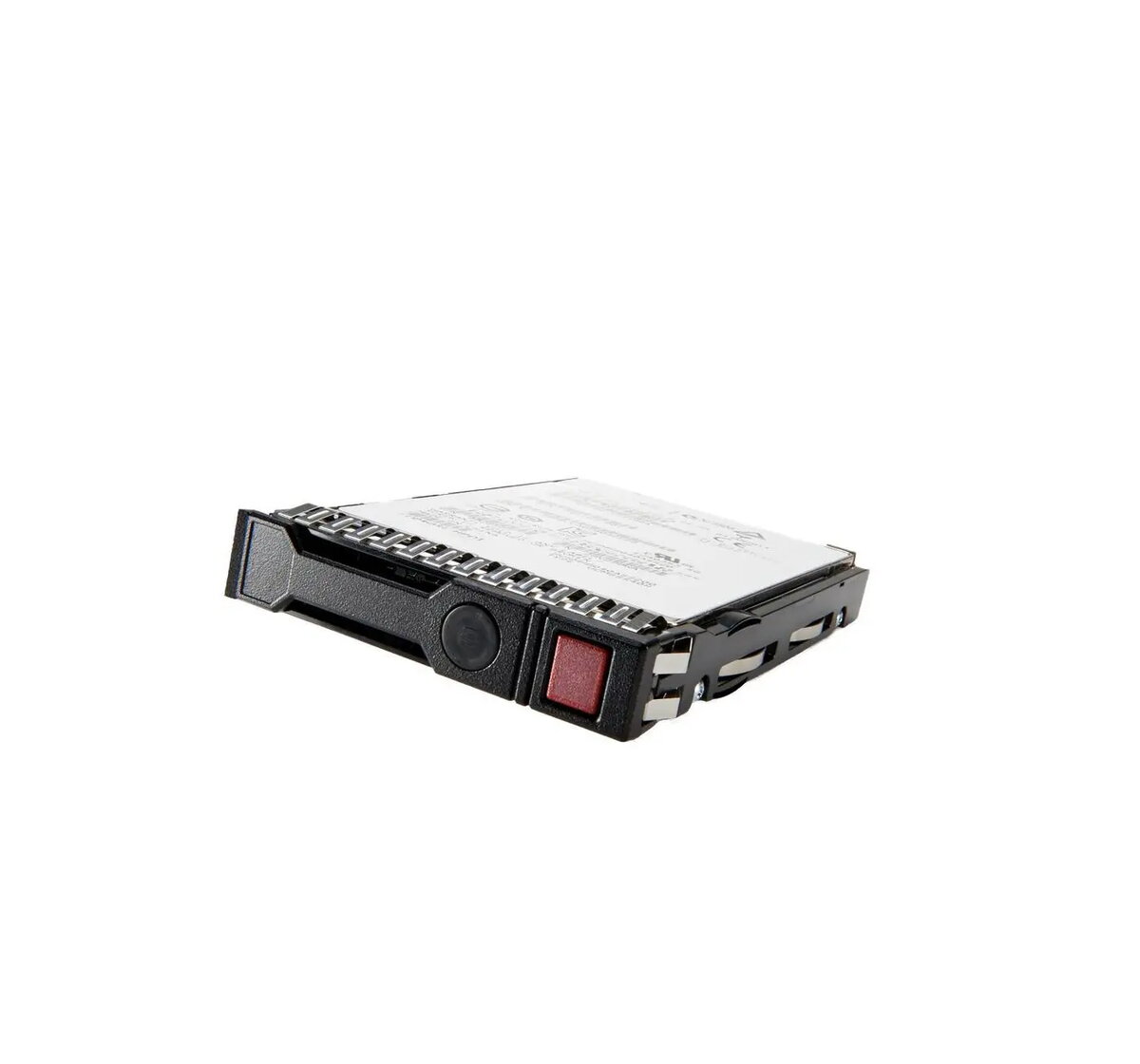
The HP Enterprise 150GB SATA M.2 2280 RI DS Solid State Drive is a high-performance storage solution engineered specifically for demanding enterprise server environments. This Read Intensive (RI) drive utilizes a compact M.2 2280 form factor and a reliable SATA interface to deliver consistent data access speeds and robust operational stability. Designed to meet the rigorous standards of business-critical infrastructure, it provides an efficient way to enhance server performance and expand storage capacity while maintaining high levels of data integrity.
Advantages
This solid state drive offers significant benefits for enterprise applications, primarily through its optimized read-intensive architecture which ensures rapid data retrieval for frequently accessed files. The compact M.2 2280 design allows for space-efficient installation in compatible server hardware, helping to optimize airflow and internal chassis layout. By choosing this enterprise-grade component, users benefit from enhanced durability and reliability compared to standard consumer-grade drives, ensuring that business operations remain uninterrupted and data remains secure under continuous workload conditions.
Suitable for
- Boot drives for enterprise servers
- Read-intensive database applications
- Web server storage environments
- General server storage expansion
When it may not be suitable
This drive is not intended for write-intensive workloads such as heavy data logging or continuous high-volume write operations, as it is specifically optimized for read-intensive tasks. Additionally, it is not compatible with systems that do not support the M.2 SATA interface standard.
Key specifications
- Capacity: 150GB
- Form Factor: M.2 2280
- Interface: SATA
- Drive Type: Read Intensive (RI)
- Application: Enterprise Server
How to use
To install the drive, ensure the server is powered down and disconnected from the power source. Locate the M.2 slot on the server motherboard or storage controller card. Carefully insert the drive into the slot at a slight angle until the pins are fully seated, then secure it using the appropriate mounting screw. Once installed, initialize the drive through the server operating system or RAID controller interface to format it for use.
What to consider before purchase
- Verify compatibility with your specific server model and M.2 slot interface type.
- Ensure the drive's capacity meets your specific storage requirements.
- Confirm that your workload aligns with the Read Intensive (RI) performance profile.
Usage recommendations
For optimal performance and longevity, ensure that the server environment maintains adequate cooling and that the drive firmware is kept up to date according to the manufacturer's guidelines.