
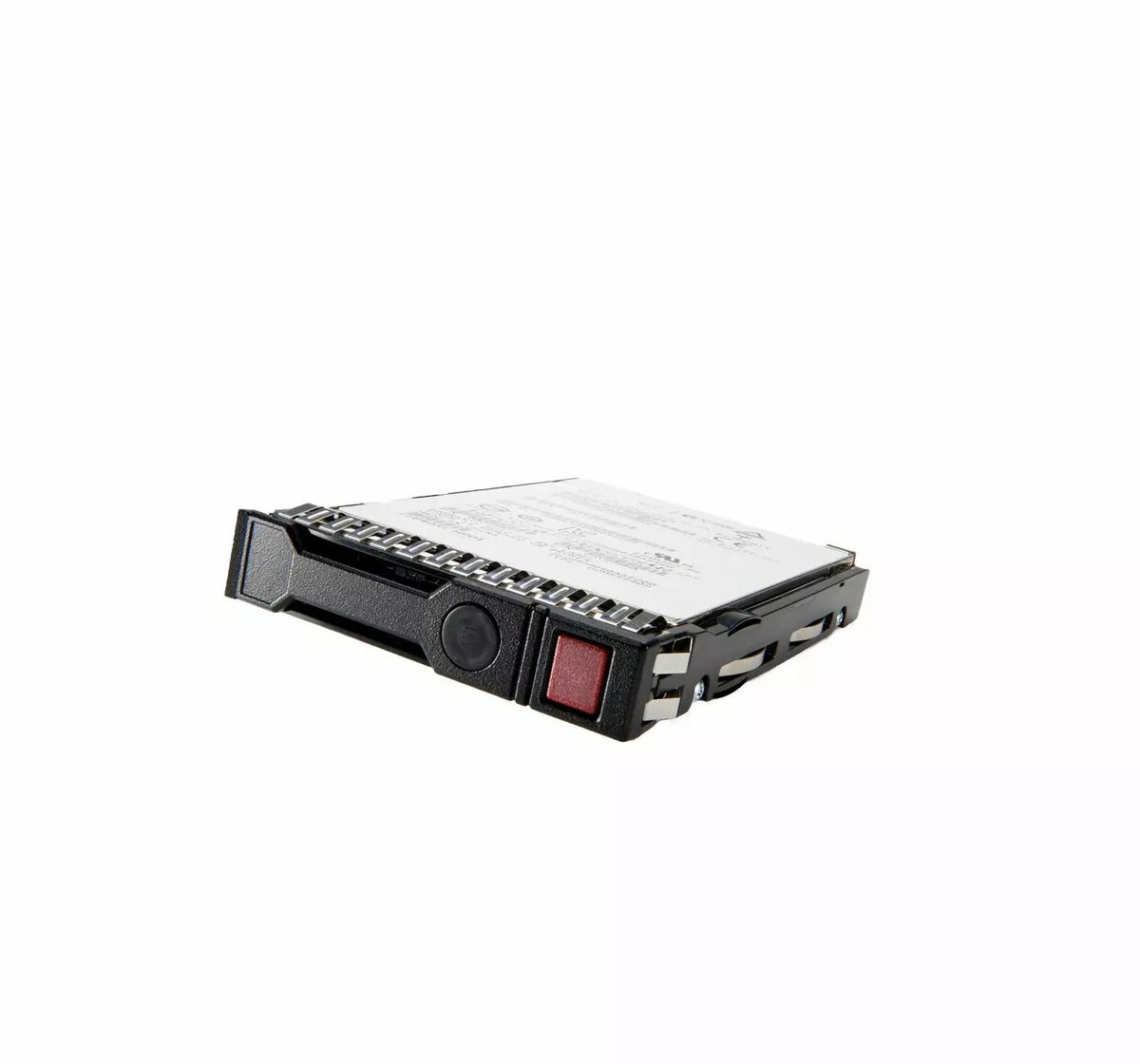
The Hewlett Packard Enterprise 240GB M.2 2280 SATA SSD is a high-performance storage solution designed to enhance system responsiveness and data reliability. Utilizing the SATA interface within a compact M.2 2280 form factor, this drive is engineered to provide a significant upgrade over traditional mechanical hard drives, facilitating faster boot sequences and rapid application loading times for both professional and personal computing environments.
Advantages
This solid-state drive offers superior durability and efficiency by eliminating moving parts, which reduces the risk of mechanical failure and lowers power consumption. The M.2 2280 form factor allows for space-saving installation in compatible laptops and desktop motherboards, making it an ideal choice for compact system builds. Users will experience improved multitasking capabilities and overall system stability, ensuring that data-intensive tasks are handled with greater speed and consistency.
Suitable for
- Upgrading older laptops and desktops for improved performance
- Operating systems and application storage
- Compact workstation builds requiring reliable storage
- General office productivity and home computing tasks
When it may not be suitable
This drive is not suitable for systems that lack an M.2 slot supporting the SATA protocol, as it will not function in NVMe-only slots. Additionally, it may not provide sufficient capacity for users requiring extensive storage for large media libraries or high-volume data archiving.
Key specifications
- Capacity: 240GB
- Form Factor: M.2 2280
- Interface: SATA
- Technology: Solid State Drive
How to use
To install the SSD, ensure your computer is powered off and disconnected from the power source. Locate the M.2 slot on your motherboard, insert the drive at a slight angle until the pins are fully seated, and secure it using the appropriate mounting screw. Once installed, initialize the drive through your operating system's disk management utility to format it for use as a primary boot drive or secondary storage volume.
What to consider before purchase
- Verify that your motherboard or laptop supports the M.2 2280 SATA interface
- Ensure your system has an available M.2 slot
- Check if your BIOS settings require configuration to recognize the new drive
Usage recommendations
Regularly back up critical data to an external storage device or cloud service to prevent loss in the event of hardware failure or system errors.