
{{ totalProductsCount }}

In cart {{totalProductsCount}} item(s)

Total:
{{sum | formatAmount}}

Your cart is empty

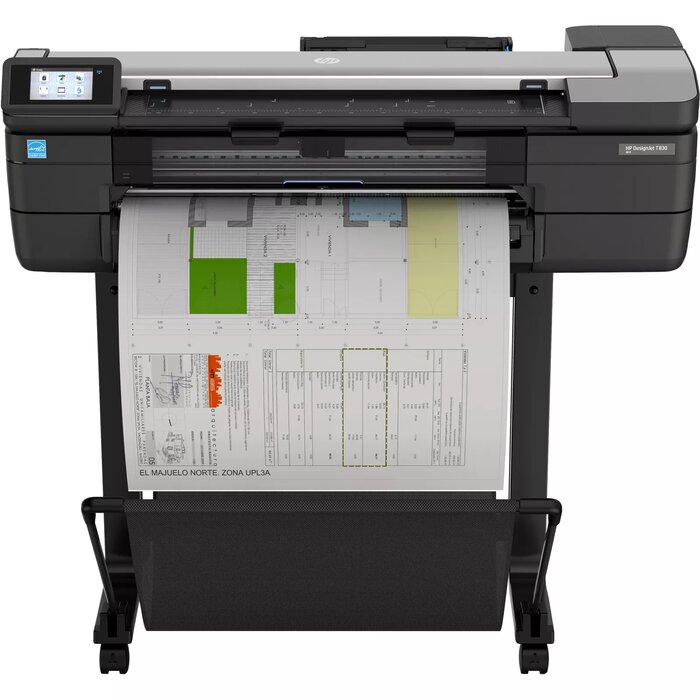
header-product Multifunction Printer HP Designjet T830 24-in

Multifunction Printer HP Designjet T830 24-in

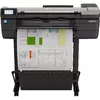
Multifunction Printer HP Designjet T830 Photo 1
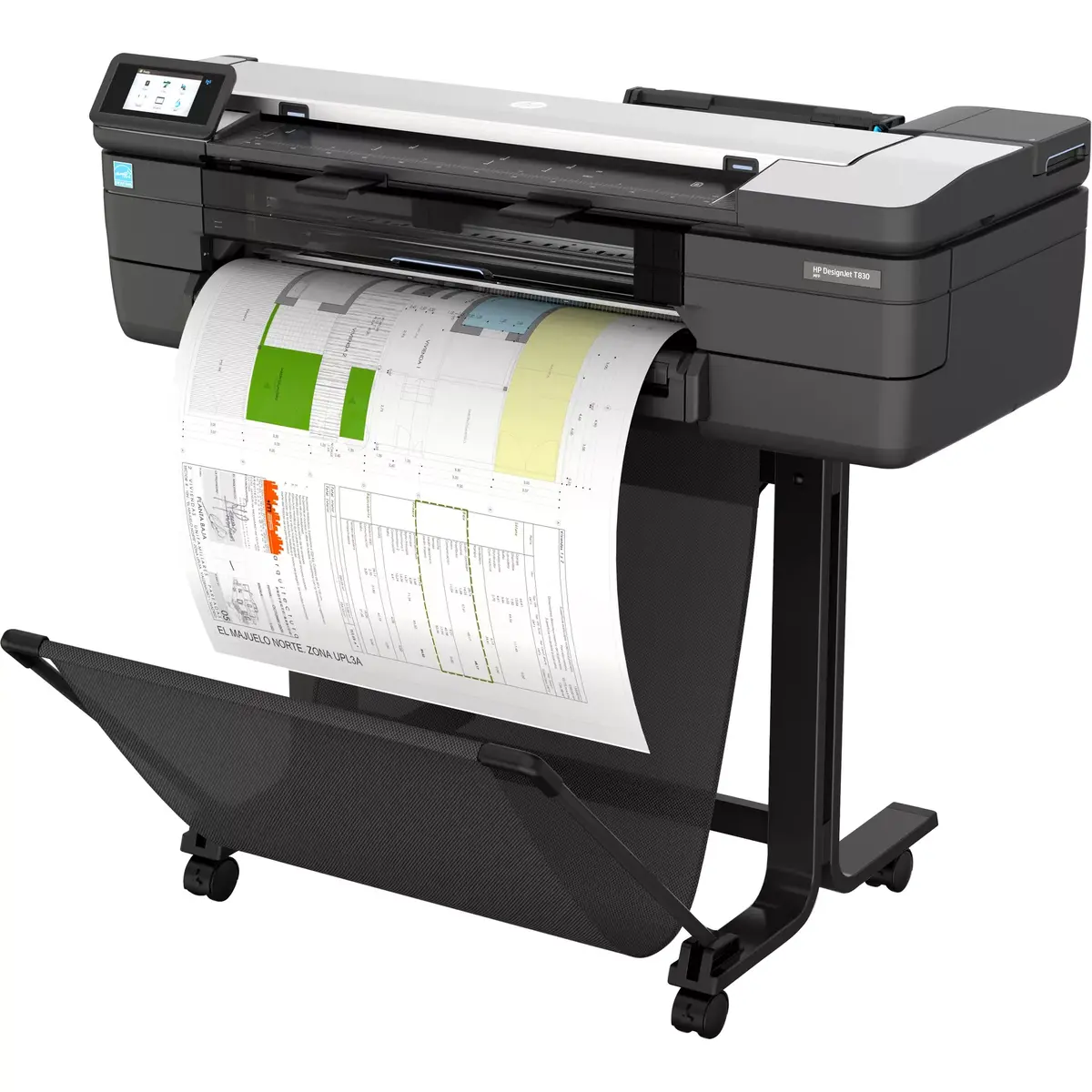
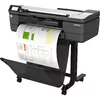
Multifunction Printer HP Designjet T830 Photo 2
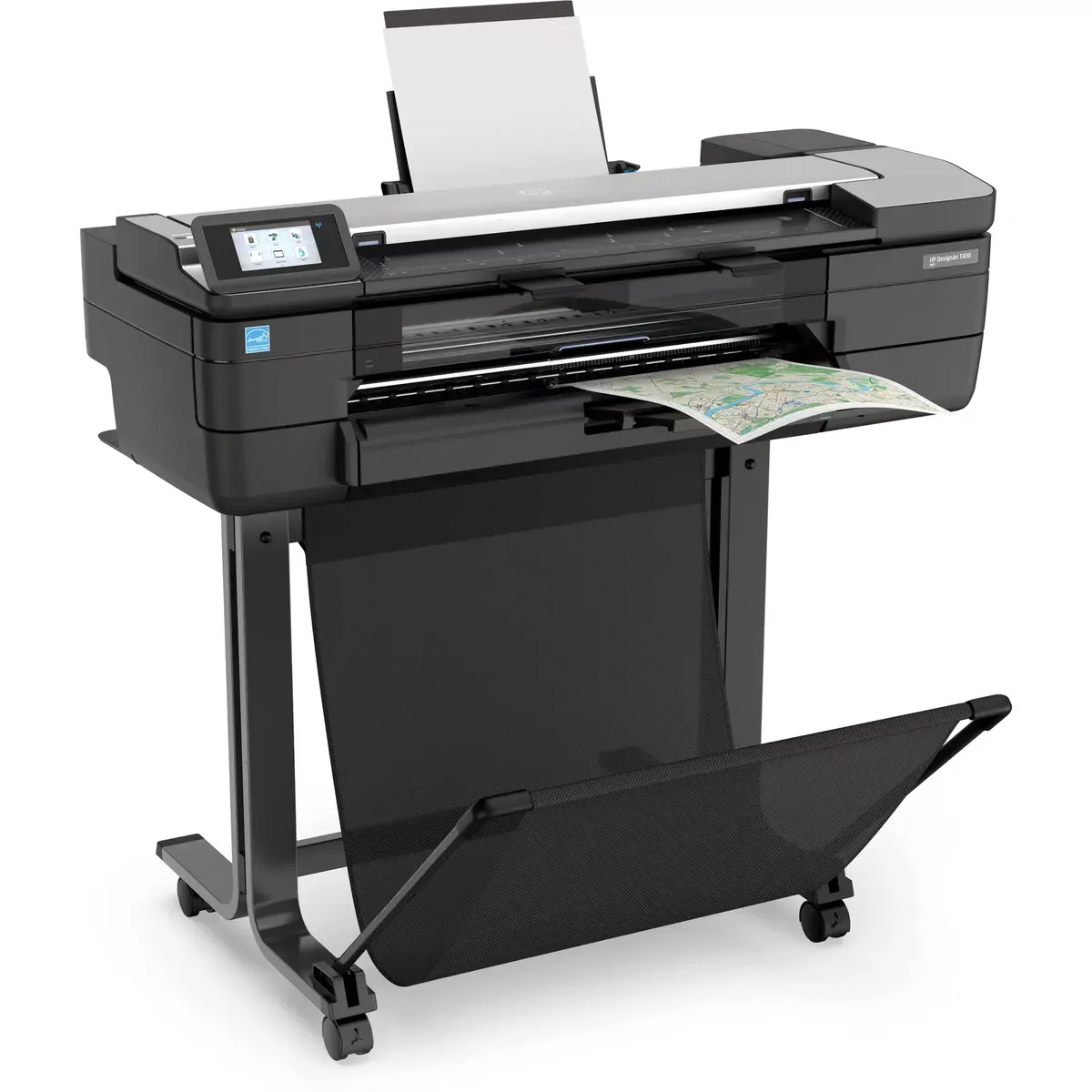
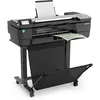
Multifunction Printer HP Designjet T830 Photo 3
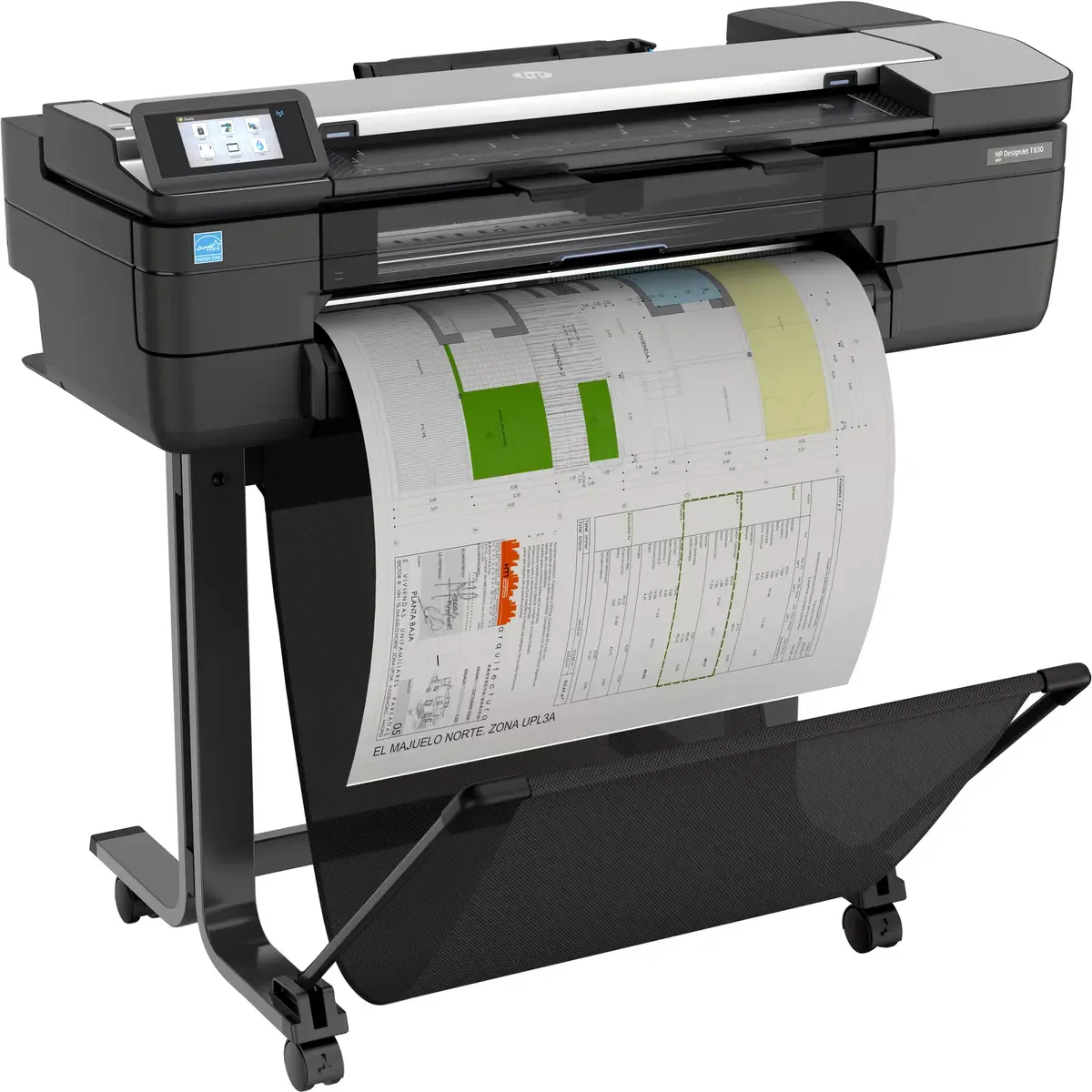
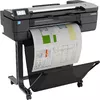
Multifunction Printer HP Designjet T830 Photo 4
Multifunction Printer HP Designjet T830 Photo 1
Multifunction Printer HP Designjet T830 Photo 2
Multifunction Printer HP Designjet T830 Photo 3
Multifunction Printer HP Designjet T830 Photo 4
Out of stock.
View similar!

Short description

The HP Designjet T830 is a versatile 24-inch multifunction printer that offers high-quality inkjet printing with a maximum resolution of 2400 x 1200 DPI. It supports various page description languages including CALS G4 and HP-GL/2. The printer features color copying with a maximum resolution of 600 x 600 DPI and can resize copies from 50% to 400%. It also provides color scanning with an optical resolution of 600 x 600 DPI. The maximum print size is 610 x 1897 mm, accommodating various media types such as bond, coated, and glossy paper. Connectivity options include USB Type-A and Ethernet LAN with data rates up to 1000 Mbit/s.
Warranty: 1 Year
SKU: 3670416

delivery
Information regarding the items availability for purchase will be posted on this site
price
Item cost information will be published on this site
Together cheaper
{{product.price | formatAmount}}
{{product.title}}
{{productBundle.reference.specialPrice | formatAmount}}
{{productBundle.title}}
{{productBundlePreviousPrice | formatAmount}}
{{productBundleSpecialPrice | formatAmount}}

You saving {{productBundleYouSave | formatAmount}}

Product information

Description

The HP Designjet T830 24-in is a compact large-format multifunction printer designed for on-site project review and collaboration. It combines high-quality inkjet printing with integrated scanning and copying, supporting a maximum print resolution of 2400 x 1200 DPI and a maximum print size of 610 x 1897 mm. Connectivity includes USB Type-A and Gigabit Ethernet, and the unit is finished in silver and black with a total weight of 46.7 kg.

Advantages

The device provides precise DesignJet print quality suitable for technical drawings and presentation plots, plus convenient all-in-one functionality for print, scan and copy. Its compact footprint and straightforward controls enable fast sharing of project review results. The printer supports common page description languages such as CALS G4 and HP-GL/2 and offers color copying and scanning with up to 600 x 600 DPI optical resolution.

Suitable for

  • On-site project review and collaboration
  • Architectural and engineering drawings
  • Presentation plots and large-format graphics
  • Offices that need a compact multifunction plotter

Key specifications

  • Maximum print size: 610 x 1897 mm
  • Maximum print resolution: 2400 x 1200 DPI
  • Color copy resolution: up to 600 x 600 DPI; resize 50%–400%
  • Scan optical resolution: 600 x 600 DPI
  • Connectivity: USB Type-A, Gigabit Ethernet (up to 1000 Mbit/s)
  • Weight: 46.7 kg
  • Product colour: Silver, Black

How to use

Install the HP Designjet T830 on a stable surface with enough clearance for large-format media. Connect to your network via Gigabit Ethernet or attach a USB device to the Type-A port for direct printing. Load appropriate media (bond, coated, glossy) and set size and print preferences in the printer driver or on the built-in control panel. Use the integrated scanner for digitizing plans and the copy function for quick color reproductions; adjust resolution and scale as needed.

Usage recommendations

To maintain print quality and device reliability, use HP cartridges with compatible HP chips or reused HP chips where specified; be aware that dynamic security features may block cartridges with non-HP electronic circuitry after firmware updates. Periodically update firmware to ensure secure operation and follow HP guidelines for media types and cartridge handling.

Specifications

USB port: The device features a socket into which a USB cable can be plugged.
Yes
Wi-Fi: Popular technology that allows an electronic device to exchange data or connect to the internet wirelessly using radio waves.
Yes
Ethernet LAN: An Ethernet LAN (Local Area Network) interface is present, for a wired conection via a cable.
Yes
Cut sheets:
Yes
Maximum print size: The maximum size that an image can be printed with a good resolution.
610 x 1897 mm
Scanning: To convert a document or picture into digital form for storage or processing on a computer, by scanning it using a scanner.
Colour scanning
Copying: Description of copying function (colour or monochrome).
Colour copying
Number of print cartridges: The amount of print cartridges. A print cartridge is a container holding a quantity of ink which is inserted into a inkjet printer mechanism.
4
Maximum resolution: Maximum printing resolution.
2400 x 1200
Colour: The main colour of the product.
Yes
Print technology: Indicates the method used to print by this product.
Inkjet
Product colour: The colour e.g. red, blue, green, black, white.
Black, Silver
Paper tray media types:
Bond paper, Coated paper, Glossy paper, Photo paper, Plain paper
Printing colours: The colours that can be produced by the printer.
Yellow, Cyan, Magenta, Matte black
Page description languages:
URF, TIFF, HP-RTL, HP-GL/2, CALS G4
All features

Packaging data

Cartridge(s) included:
Yes
Package weight: Weight of the packaged product.
65700 g
Package height: The distance from the top to the bottom of the packaging.
645 mm
Package depth: The distance from the front to the back of the packaging.
570 mm
Package width: The distance from one side of the packaging to the other.
1310 mm

Weight & dimensions

Weight: Weight of the product without packaging (net weight). If possible, the net weight is given including standard accessories and supplies. Please note that sometimes the manufacturer leaves out the weight of accessories and/or supplies.
46.7 kg
Height: The measurement of the product from head to foot or from base to top.
1155 mm
Depth: The distance from the front to the back of something.
605 mm
Width: The measurement or extent of something from side to side.
1098 mm

Sustainability

Sustainability certificates:
EPEAT Silver, ENERGY STAR
Sustainable technologies and materials:
Free, convenient HP ink cartridge and printhead recycling with HP Planet Partners; FSC®-certified papers and a range of recyclable HP media with a take-back program; ENERGY STAR® certified; EPEAT® registered

System requirements

Windows operating systems supported: Windows vesions wich can be used with the device.
Yes
Mac operating systems supported: Mac operating systems e.g. OS X can be used with the device.
Yes

Operational conditions

Storage temperature (T-T): The minimum and maximum temperatures at which the product can be safely stored.
-25 - 55
Operating relative humidity (H-H):
20 - 80
Operating temperature (T-T): The minimum and maximum temperatures at which the product can be safely operated.
5 - 40

Power

AC input frequency:
50 - 60
AC input voltage: The voltage of the AC electricity that is inputted into the product.
100 - 240
Power consumption (typical): Amount of power consumed by this model, often expressed in watts (W). Typical values that manufacturers give are power consumption when off, standby/suspended mode, typical use, maximum usage.
35 W
Power consumption (standby): The amount of electricity that is consumed when the product is on standby.
0.2 W

Brand-specific features

HP ePrint:
Yes

Performance

HP segment:
Business
Sound pressure level (printing):
48 dB
Sound power level (standby):
16 dB
Maximum internal memory: The maximum amount of memory inside a product, usually measured in bytes e.g megabytes (MB) or gigabytes (GB).
1000 MB
Internal memory: The amount of memory, usually measured in bytes (e.g. MB, GB), which is installed in the system's hardware.
1000 MB
Product colour: The colour e.g. red, blue, green, black, white.
Black, Silver

Ports & interfaces

Ethernet LAN data rates: The different speed levels of the Ethernet LAN connection.
1000
USB connector: What type of USB connector is built into the device.
USB Type-A
USB port: The device features a socket into which a USB cable can be plugged.
Yes
Wi-Fi: Popular technology that allows an electronic device to exchange data or connect to the internet wirelessly using radio waves.
Yes
Ethernet LAN: An Ethernet LAN (Local Area Network) interface is present, for a wired conection via a cable.
Yes

Paper handling

Print margin cut-sheet:
5 x 5 x 5 x 5
Maximum roll diameter: The maximum size of roll that can be used, measured by the diameter which is the distance from one side to the other with a straight line passing through the centre of the roll.
100 mm
Media thickness:
0.8
Cut sheets:
Yes
Borderless printing media sizes:
A3, A4
ISO A-series sizes (A0...A9): Different sizes of paper from A0 (big) to A9 (small). A4 is the most common size used for printing documents.
A1, A2, A3, A4
Paper tray media types:
Bond paper, Coated paper, Glossy paper, Photo paper, Plain paper
Maximum print size: The maximum size that an image can be printed with a good resolution.
610 x 1897 mm

Scanning

Accuracy:
0.1 %
Maximum media thickness:
0.8 mm
Scan to:
USB, E-mail, Cloud
Scan technology: Indicates the technology used to scan by this product
CIS
Optical scanning resolution: How many pixels a scanner can see. Most commonly, this is measured in dots per inch (dpi).For example, a typical flatbed scanner will use a scanning head with 300 sensors per inch, so it can sample 300 dots per inch (dpi) in one direction. To scan in the other direction, it will move the scanning head along the page, stopping 300 times per inch, so it can scan 300 dpi in the other direction as well. This scanner would have an optical resolution of 300 x 300 dpi. Some manufacturers stop the scanning head more frequently as it moves down the page, so their machines have resolutions of 300 x 600 dpi or 300x1200 dpi.
600 x 600
Scanning: To convert a document or picture into digital form for storage or processing on a computer, by scanning it using a scanner.
Colour scanning

Copying

Copier resize:
50 - 400
Maximum number of copies:
99 copies
Maximum copy resolution: The greatest amount of detail that can be produced by a copy of a document.
600 x 600
Copying: Description of copying function (colour or monochrome).
Colour copying

Printing

Print head: Component of a printer that applies the mark or image to the paper.
1
Printing colours: The colours that can be produced by the printer.
Yellow, Cyan, Magenta, Matte black
Page description languages:
URF, TIFF, HP-RTL, HP-GL/2, CALS G4
Number of print cartridges: The amount of print cartridges. A print cartridge is a container holding a quantity of ink which is inserted into a inkjet printer mechanism.
4
Print resolution colour:
2400 x 1200
Maximum resolution: Maximum printing resolution.
2400 x 1200
Colour: The main colour of the product.
Yes
Print technology: Indicates the method used to print by this product.
Inkjet

Description

Machine translation. Load original

Reasons to buy

CONVENIENT – Fast, agile, intuitive print/scan/copy

Print documents fast – up to 26 seconds for A1 size prints.[1]
Enjoy easy installation in the office or on a construction job site with the most compact large-format MFP.[2]
Easily print project sets and PDF documents with HP Click printing software.
Anyone can print smoothly from a smartphone or tablet with HP Mobile Printing.[3]

TRUSTED – HP DesignJet quality and reliability

Get HP DesignJet quality also in small-format sizes – print half-size documents with the 50-sheet A4/A3 input tray.
Smart scanning technology protects originals from damage during scanning and delivers precise colours.
Reinforced design and strong legs for easy transport and on-site use.
Redesigned stand reduces CO2e by up to 197 tons/year per units sold.[4]

COMMUNICATION – Immediately share meeting results

Use the built-in scanner to copy and distribute sketches and hand-annotated drawings to colleagues and partners right away.
Easily link your computer, smartphone, or tablet to the printer with Wi-Fi Direct.
Share drawings immediately – scan and email from the front panel, or use the HP Smart app[5] to email contacts or post to the cloud.
No learning curve — with the intuitive single-touchscreen design, you can scan, copy, and share instantly.

Similar products

{{product.title}} Show details Hide details

{{highlightedFeature.featureTitle}}:

{{getProductFeatureValueById(product, highlightedFeature.featureId)}}

{{product.price | formatAmount}}
Might be useful
{{product.manufacturerName}}
{{product.categoryName}}
{{product.title}}
{{product.specialPrice}}
{{product.price}}

Customer reviews

Customer questions

FAQ

What payment options are available?

AiO.lv offers several payment methods: Bank transfer, Leasing for legal entities. All transactions are 100% secure and encrypted.

Can this product be purchased for a company (with VAT)?

Yes. AiO.lv works with legal entities in Latvia and across Europe. The product price already includes VAT. For certain product categories, as well as for companies from other EU countries with a valid VAT number, a 0% VAT rate may apply. We issue the invoice immediately after the order is placed, support electronic BIS invoices, and automatically generate all necessary accounting documents. You can complete the purchase for a company online — simply select the company profile and choose bank transfer as the payment method during checkout.

What is the warranty period?

All HP products come with an official 2 Years warranty. It covers all manufacturing defects and malfunctions that may occur during use. The warranty is valid at all authorized HP service centers and through AiO.lv

Can the product be returned after purchase?

Yes, you can return the product within 14 days of purchase if you bought it as a consumer (not a legal entity). Returns are possible without giving any reason — the main condition is that the product retains its original appearance and full set of accessories. We will make the process as simple and convenient as possible: just contact our customer support team, and we will help you arrange the return.

Where should I contact for warranty service?

For warranty-related questions you can contact the AiO.lv (SIA VSPRO) customer support team. We will assist with consultation, warranty claim processing, and coordination with certified service centers.

How can I tell if this product suits my needs?

When making a choice, we recommend paying attention to the key features: usb port, wi-fi, ethernet lan, cut sheets, maximum print size, scanning, copying, number of print cartridges, maximum resolution, colour, print technology, product colour, paper tray media types, printing colours, page description languages, compatibility with your devices or usage conditions, material quality, functionality, and warranty terms. These characteristics will help you determine how well the model meets your needs.

Where can I download the instructions for Multifunction Printer HP Designjet T830?

You can download the instructions in PDF format from the “Instructions” section on the product description page. The file contains complete information about installation, setup, and usage.
warranty
14-Day Return Policy We are confident in our quality, but if the purchase doesn’t fit — you have 14 days to return the product with peace of mind.
shipping
Fast Delivery Get your orders as quickly as possible — right to your door, parcel lockers, or pickup points across Latvia and the EU.
payment
Secure Payment Pay the way you prefer: cash, VISA, MasterCard, Apple Pay, Google Pay, bank transfer, or 0% installment plan.
warranty
Quality Since 2008 AiO.lv has been on the market for over 18 years and has earned trust — with more than 6000 genuine positive reviews on Google.