
A curated selection of maximum value offers!
In cart {{totalProductsCount}} item(s)
Your cart is empty
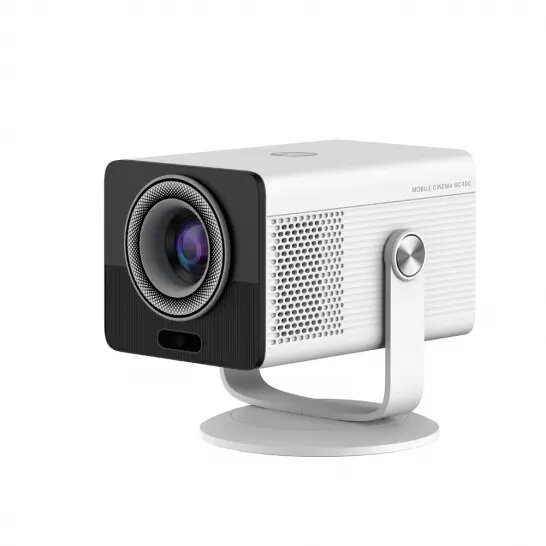
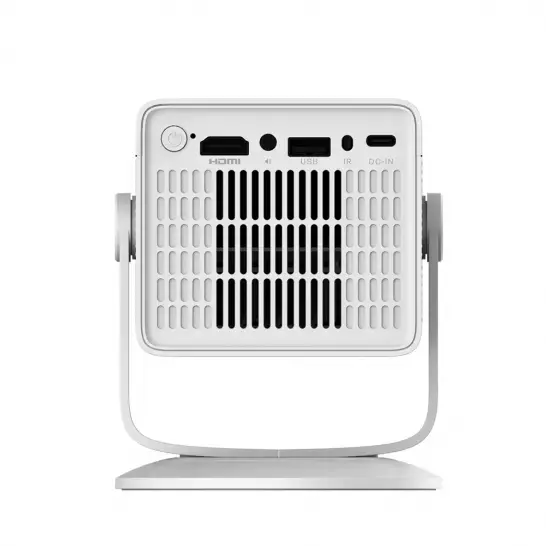
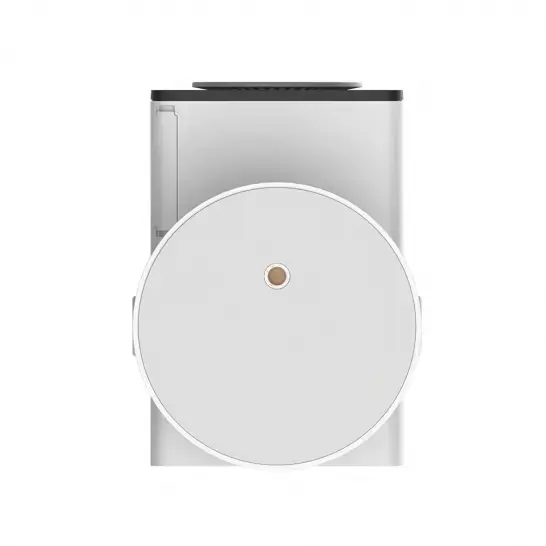
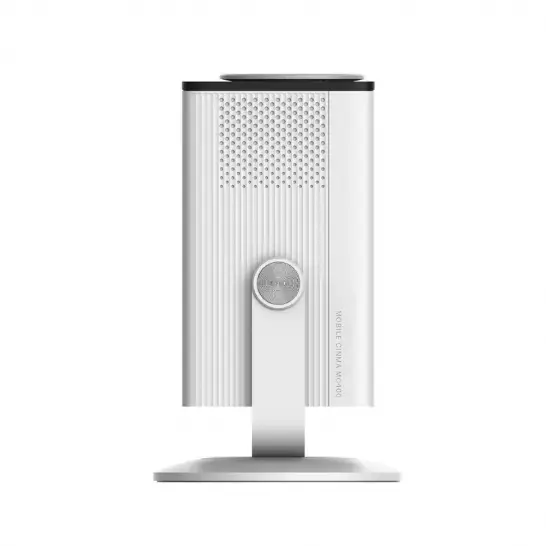
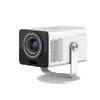
HP MC400 LCD Projector, 720p Resolution, 16:9 Aspect Ratio, Android TV, White
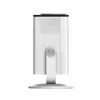
The HP MC400 is a compact LCD projector designed to bring high-definition entertainment into any home or workspace. Featuring a native 720p resolution and a 16:9 aspect ratio, this device delivers clear and vibrant visuals for movies, streaming, and presentations. With a built-in Android TV operating system and 8 GB of internal memory, it functions as a standalone media hub, allowing users to access apps and content directly without needing external players. Its portable design, combined with an innovative 0-90° rotation capability, allows for flexible projection onto walls or ceilings.
The primary benefit of the HP MC400 is its exceptional versatility and ease of use. The integrated Android TV platform simplifies content navigation, while the auto-focus feature ensures a sharp image every time the projector is moved. Its lightweight construction and support for USB-C power bank charging make it highly portable, ideal for users who need a big-screen experience on the go. Furthermore, the long-lasting LED light source provides up to 20,000 hours of operation, ensuring reliability and reducing the need for frequent maintenance. The inclusion of wireless projection support for both iOS and Android devices adds another layer of convenience for quick content sharing.
This projector is optimized for dimly lit environments and may not provide sufficient brightness for well-lit rooms or daylight conditions. While it is excellent for casual media consumption, it is not intended for professional-grade cinema installations or large-scale auditorium presentations where high-lumen output is required.
To begin, place the HP MC400 on a stable surface or mount it as required. Connect the device to a power source, either via the included AC adapter or a compatible 45W USB-C power bank. Once powered on, follow the on-screen instructions to connect to your local Wi-Fi network. Use the remote control to navigate the Android TV interface, log into your preferred streaming services, or mirror your smartphone screen wirelessly. The projector will automatically adjust the focus to ensure a clear image. You can rotate the projector body to adjust the projection angle from floor to ceiling as needed.
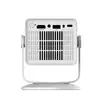
For the best audio experience, consider pairing the projector with external Bluetooth speakers or headphones, especially in larger rooms. Always ensure the ventilation areas are clear of obstructions to maintain optimal performance and extend the lifespan of the LED light source.
{{highlightedFeature.featureTitle}}:
{{getProductFeatureValueById(product, highlightedFeature.featureId)}}
{{ productComparisonGenerationError }}
