

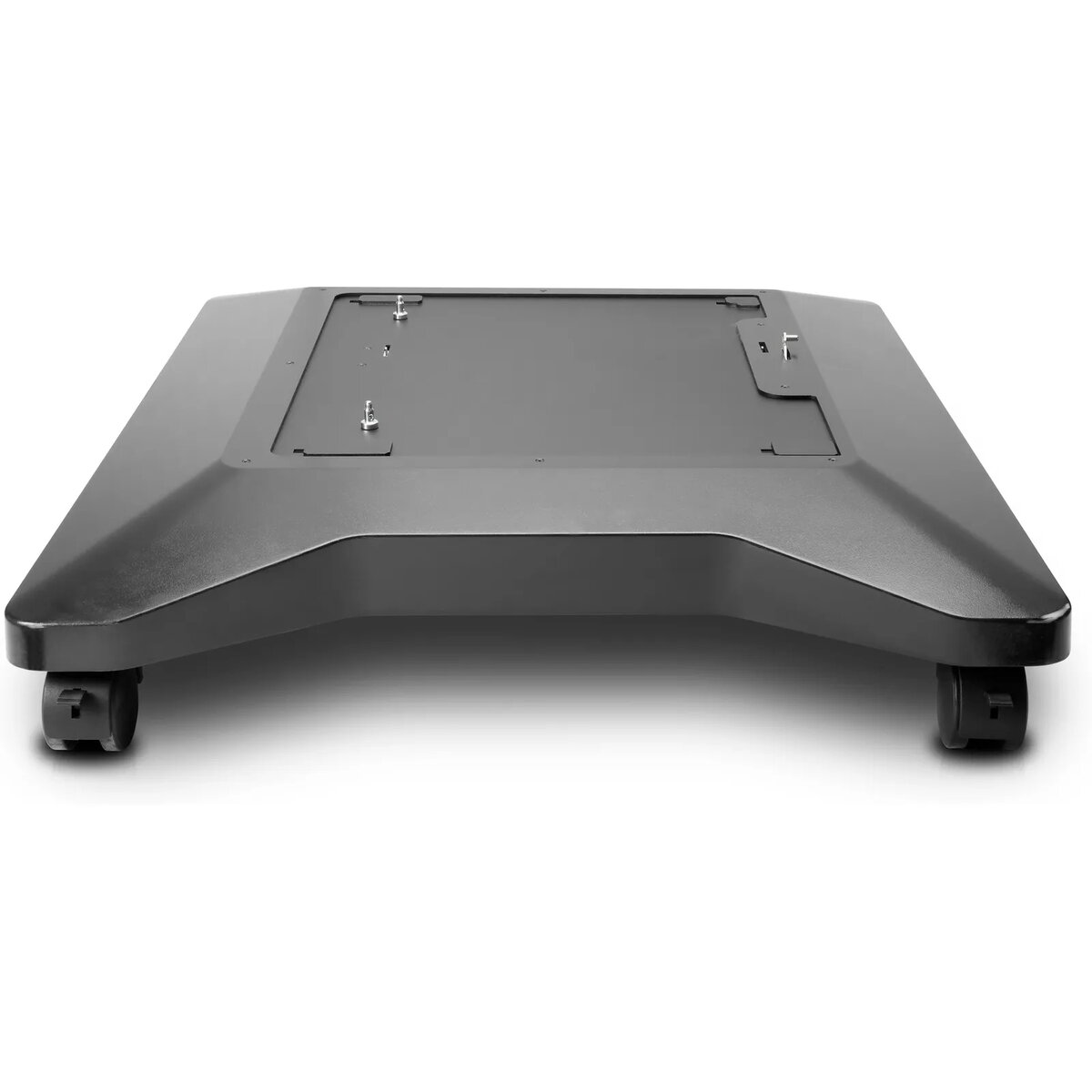
Printer Stand HP LaserJet M607 M608 M609
445.49 €
{{selectedOffer && selectedOffer.price | formatAmount}}
Offer for legal entity, cashless payment.
Why is an item available only for a legal entity?
This is due to long delivery times and limited product warranties.
This is due to long delivery times and limited product warranties.
Short description
The HP LaserJet Printer Stand is designed for the LaserJet Enterprise M607, M608, and M609 models. With a sleek white finish, it measures 648 mm in width, 748 mm in depth, and 144 mm in height. This stand provides stability and convenience, allowing easy access to your printer while optimizing workspace. It supports up to 20 units per pallet, making it ideal for business environments.
Available for order:
14 pcs.
Warranty:
2 Years
SKU:
407582


Cheapest delivery:
Unisend LV
Pick-up points
Unisend LV
Cost
1.79 €
Deliver
{{selectedOffer.parcelStationDeliveryString}}
Customer service center
2b. Kengaraga str., Riga, Latvia, LV-1063
24.08.2026
{{selectedOffer.officeDeliveryString}}
free
Courier Delivery
Please note that in case of a large parcel additional delivery costs may apply!
From 12.70 € (Weight: 16.02 kg)
Parcel couriers
Unisend LV / Venipak Locker LV / Latvijas Pasts pakomāts / DPD Paku skapis / Omniva LV
27.08.2026
{{selectedOffer.parcelStationDeliveryString}}
From 1.79 €

Payment Methods:
Bank transfer


