
Filters you can trust. Pure water every day.
In cart {{totalProductsCount}} item(s)
Your cart is empty
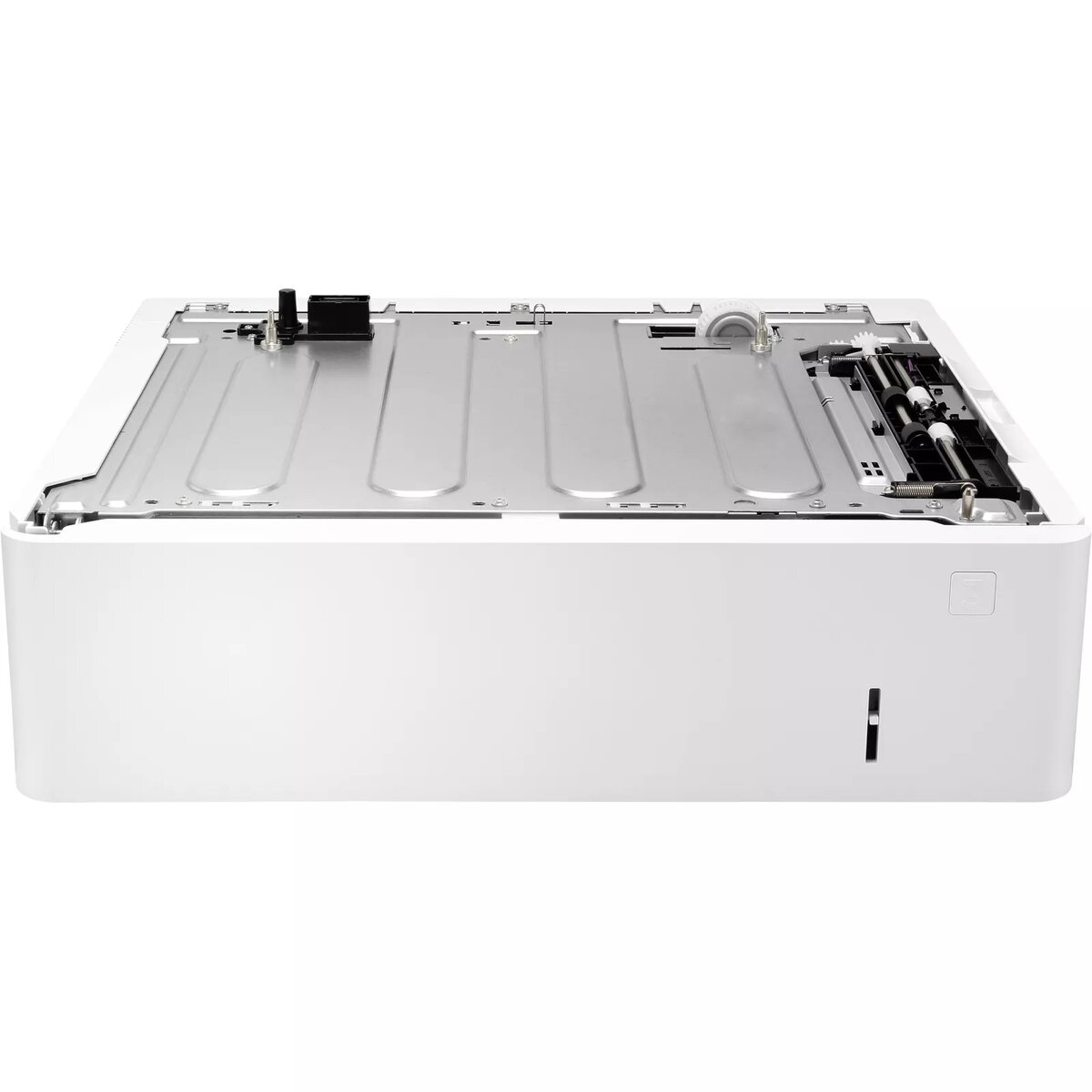
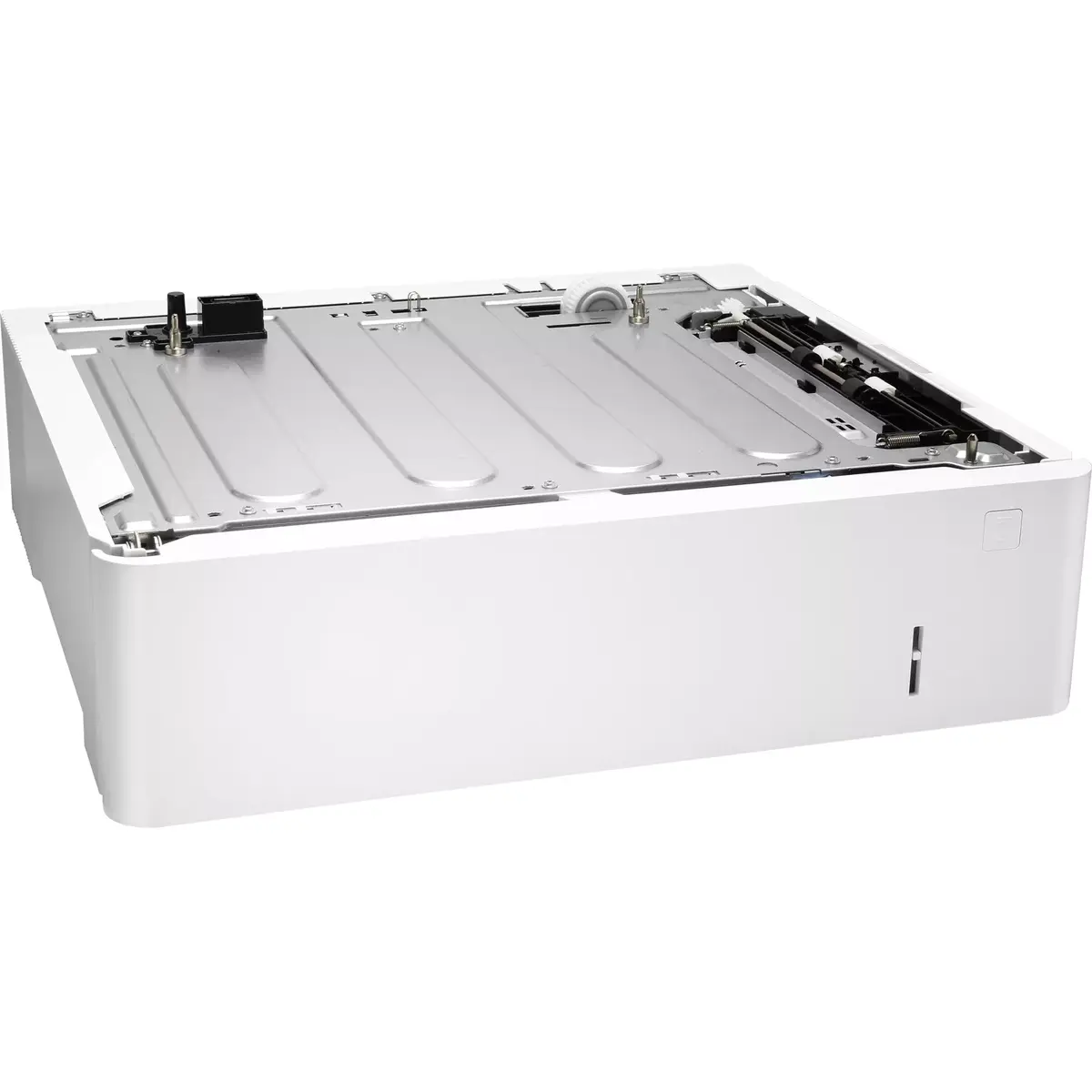
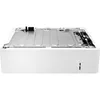
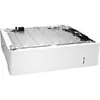
Auto Document Feeder HP LaserJet Envelope Feeder
The HP LaserJet Envelope Feeder is an auto document feeder (ADF) accessory engineered for compatible HP Color LaserJet Enterprise and LaserJet Enterprise series printers. Designed to integrate with designated models in the M607, M608 and M609 ranges, the feeder enables automated envelope feeding to streamline mail and envelope printing tasks. The unit's compact footprint measures 426 mm wide, 466 mm deep and 148 mm high, making it suitable for standard office print environments where space efficiency and reliable envelope handling are required.
This envelope feeder automates multi-envelope printing, reducing manual handling and increasing throughput for mailings. Its measured dimensions allow straightforward installation next to or on supported printers without significant workspace rearrangement. The device supports predictable envelope feeding behavior to minimize jams and misfeeds when used with compatible media sizes and recommended envelope types, contributing to consistent print results and reduced operator intervention.
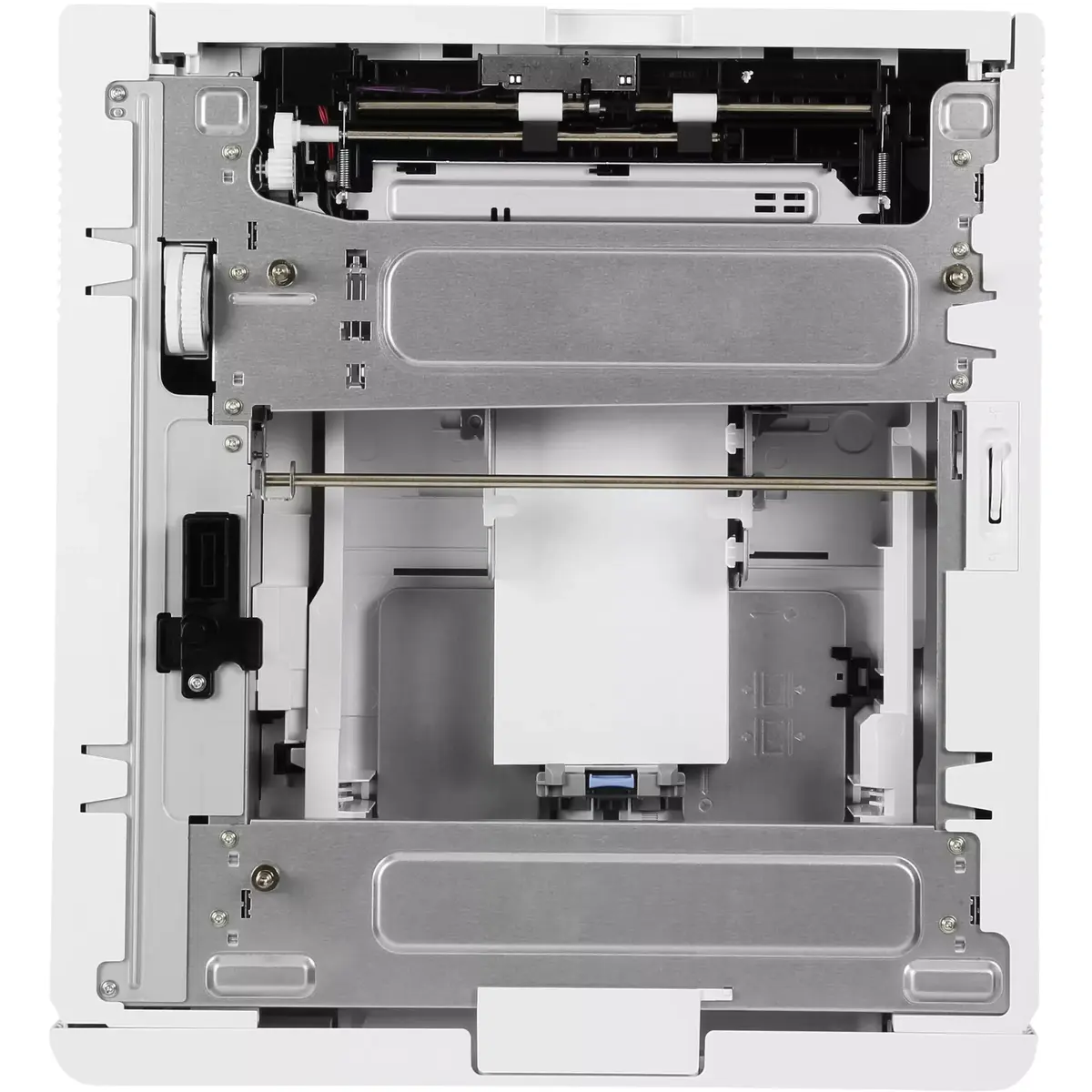
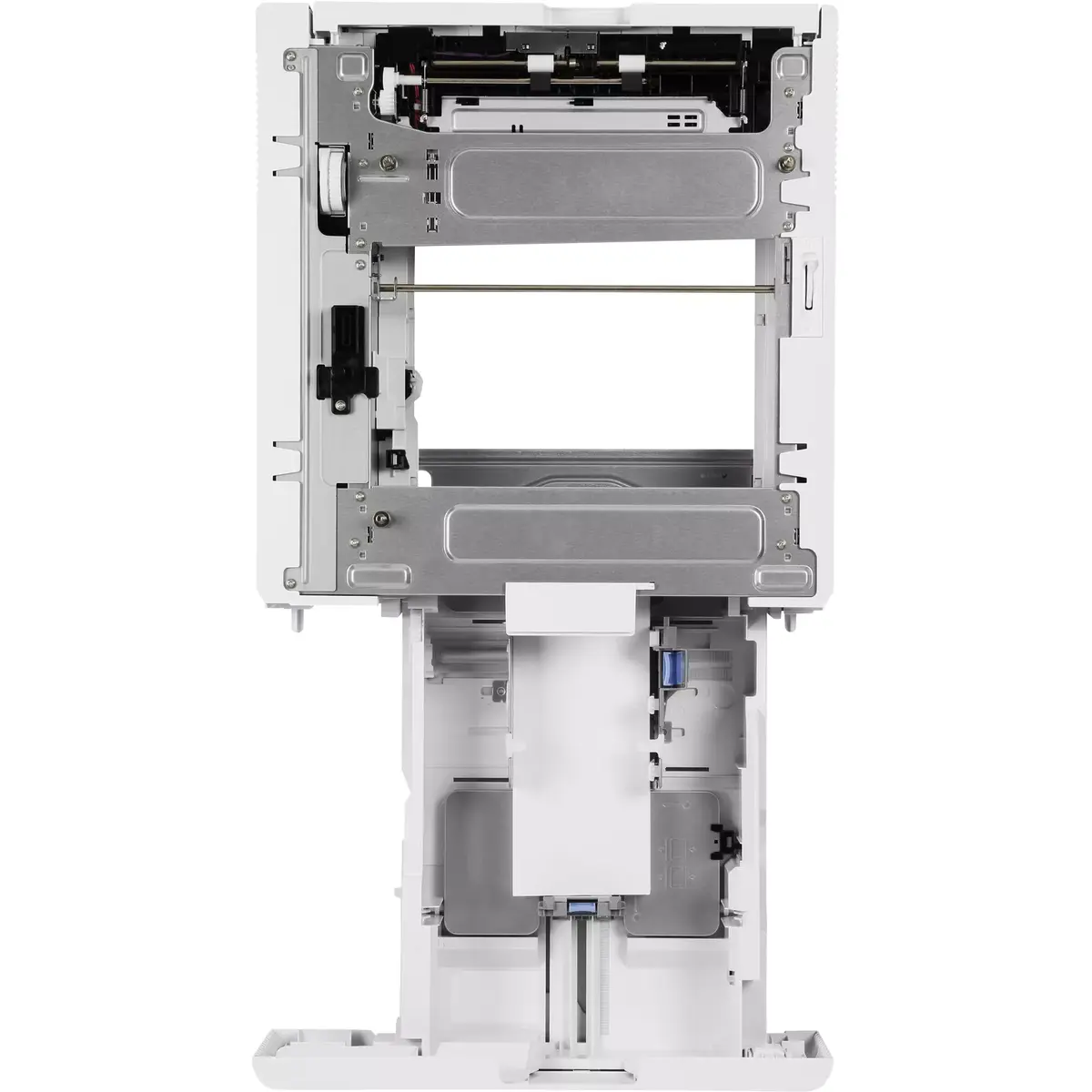
Install the envelope feeder according to the printer integration instructions provided by the printer manufacturer, ensuring the printer is powered off during mechanical connection. After mounting, configure the printer’s paper source settings to recognize the envelope feeder and select the appropriate envelope size and print orientation in the print driver. Load envelopes into the feeder tray following the indicated orientation marks and align guides to reduce skew. Perform a test print on a single envelope to verify feed and alignment before initiating a larger job.
Use envelopes that meet the printer and feeder media guidelines for weight and dimensions, avoid damaged or excessively curled envelopes, and ensure envelope flaps are sealed or secured. Regularly check and clean feed rollers as part of routine maintenance to preserve reliable feeding performance. When printing large batches, monitor the feeder occasionally to prevent jams and maintain consistent output quality.
{{highlightedFeature.featureTitle}}:
{{getProductFeatureValueById(product, highlightedFeature.featureId)}}
{{ productComparisonGenerationError }}
