
Powerful EcoFlow stations for energy anywhere!
In cart {{totalProductsCount}} item(s)
Your cart is empty
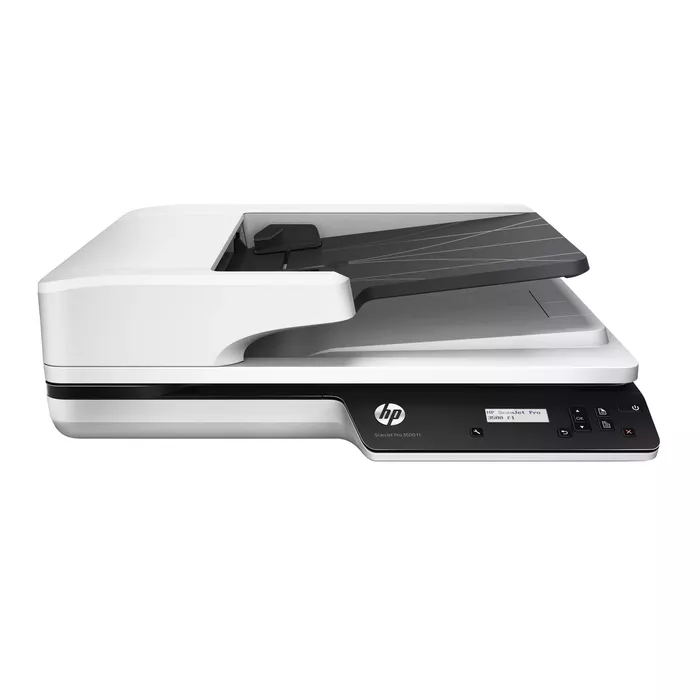
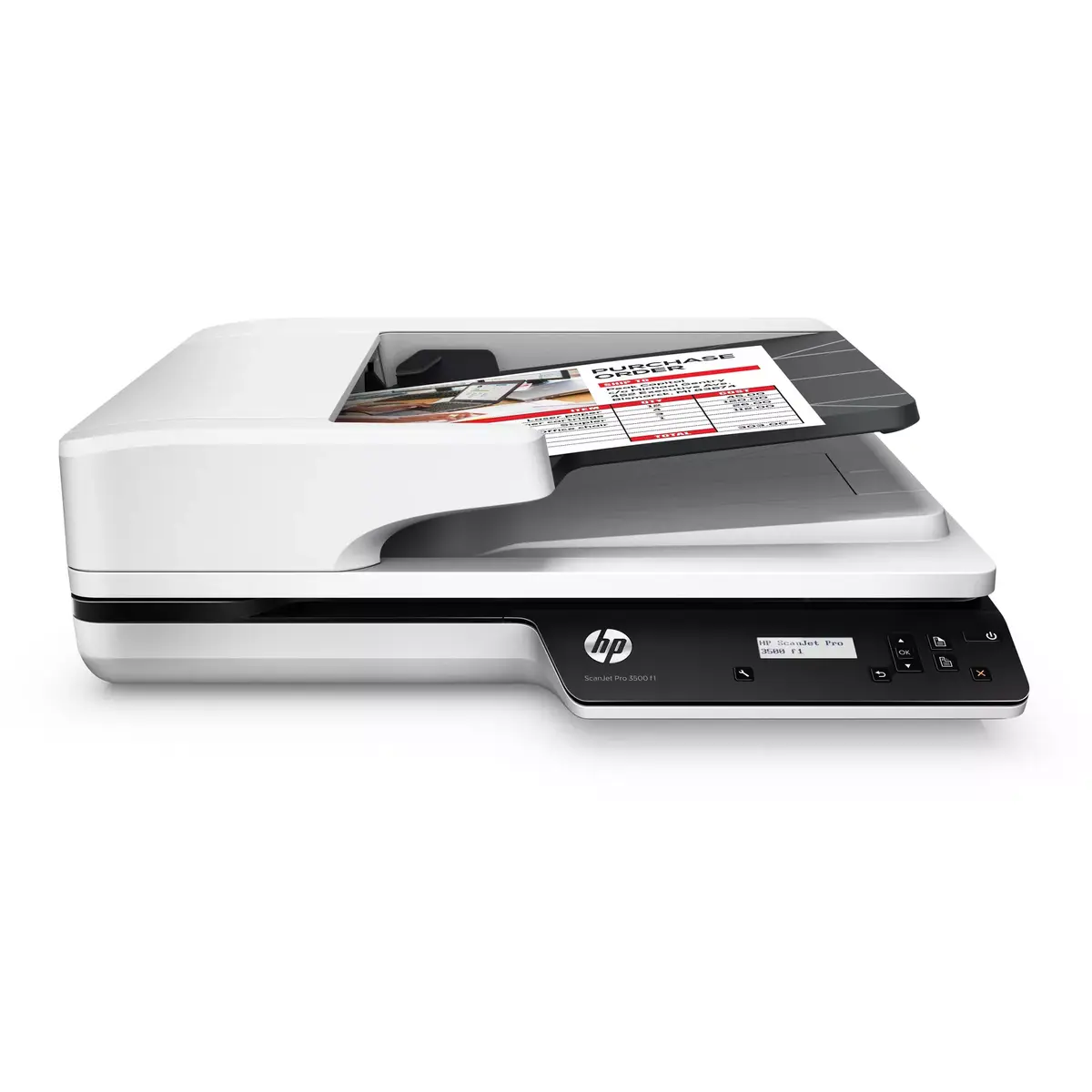
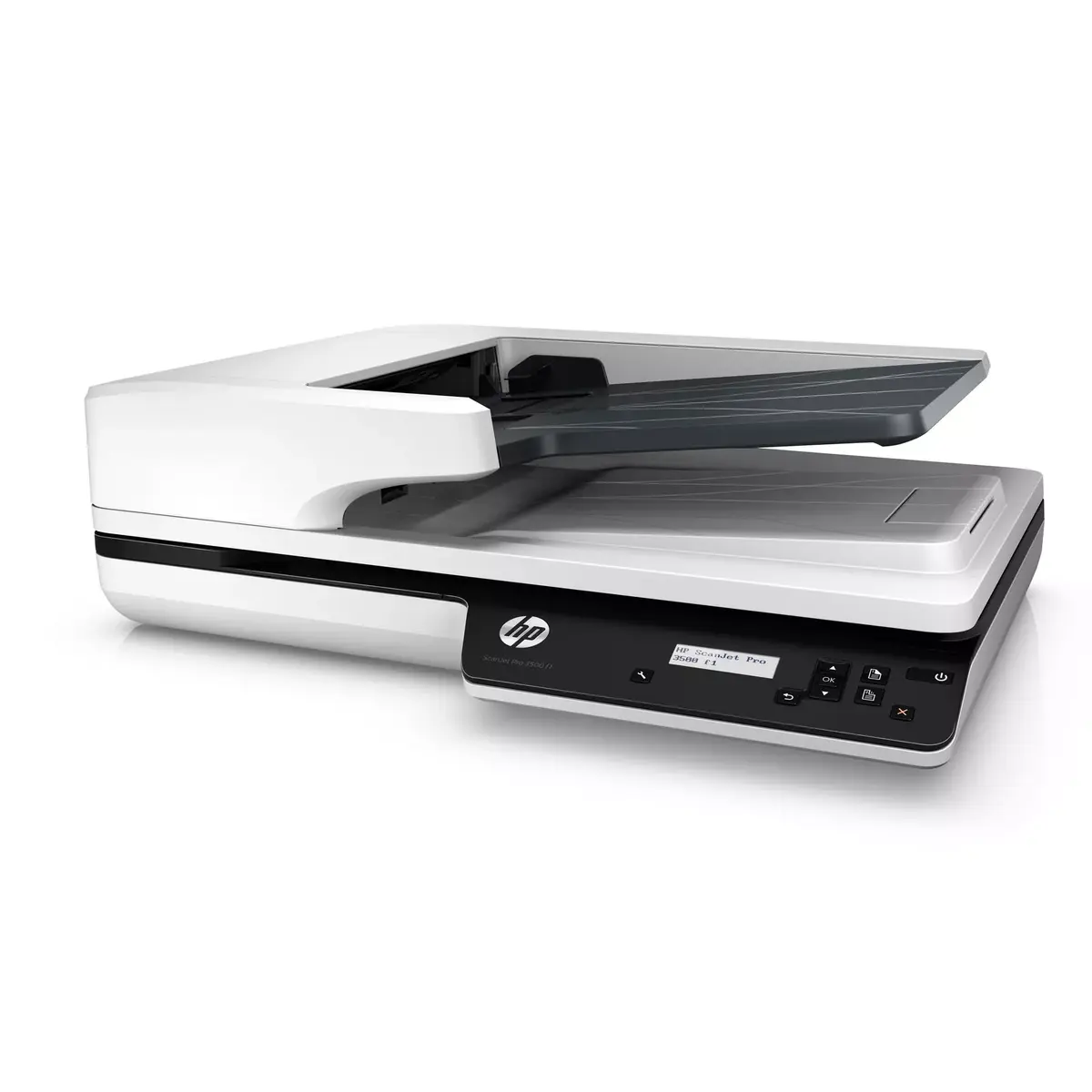
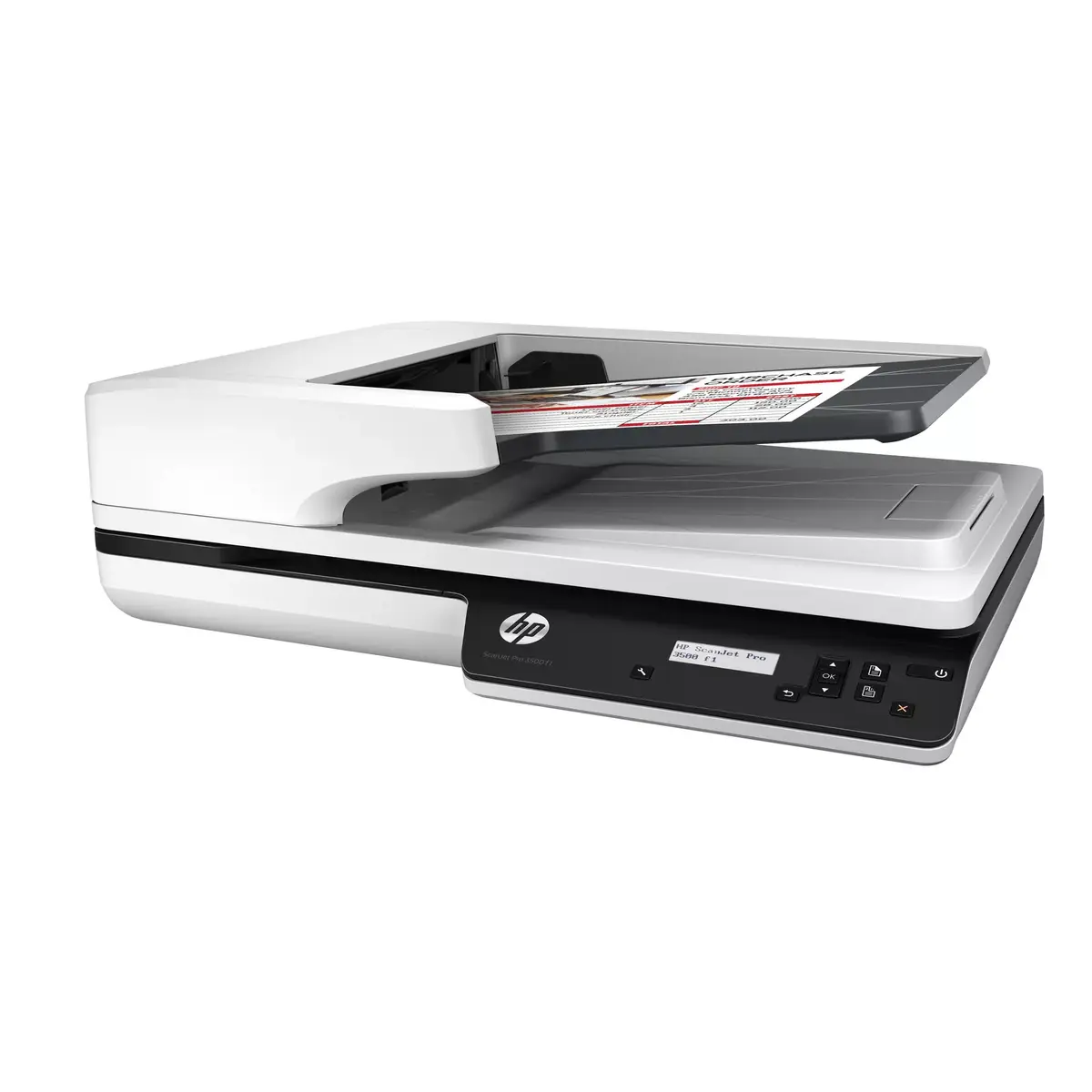
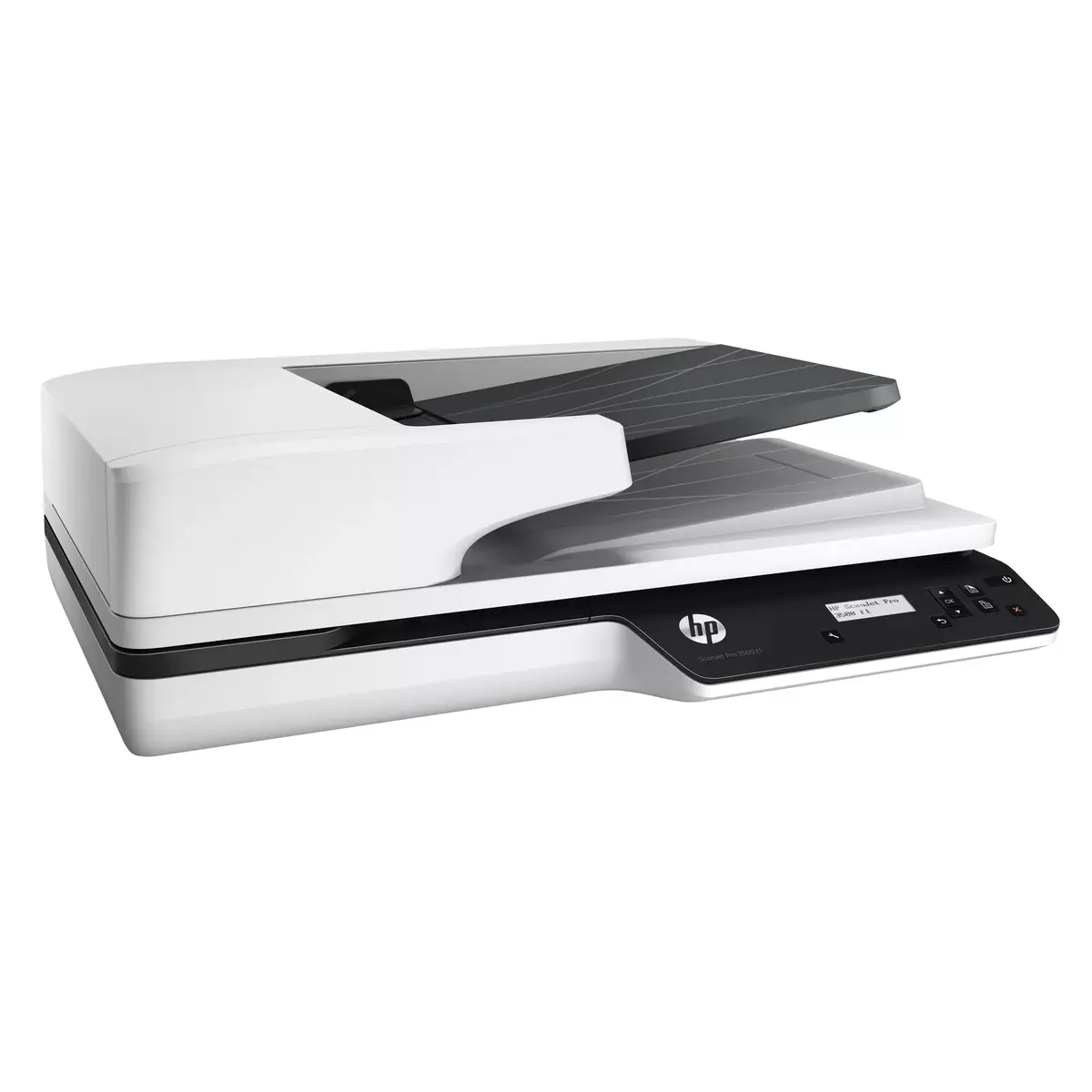
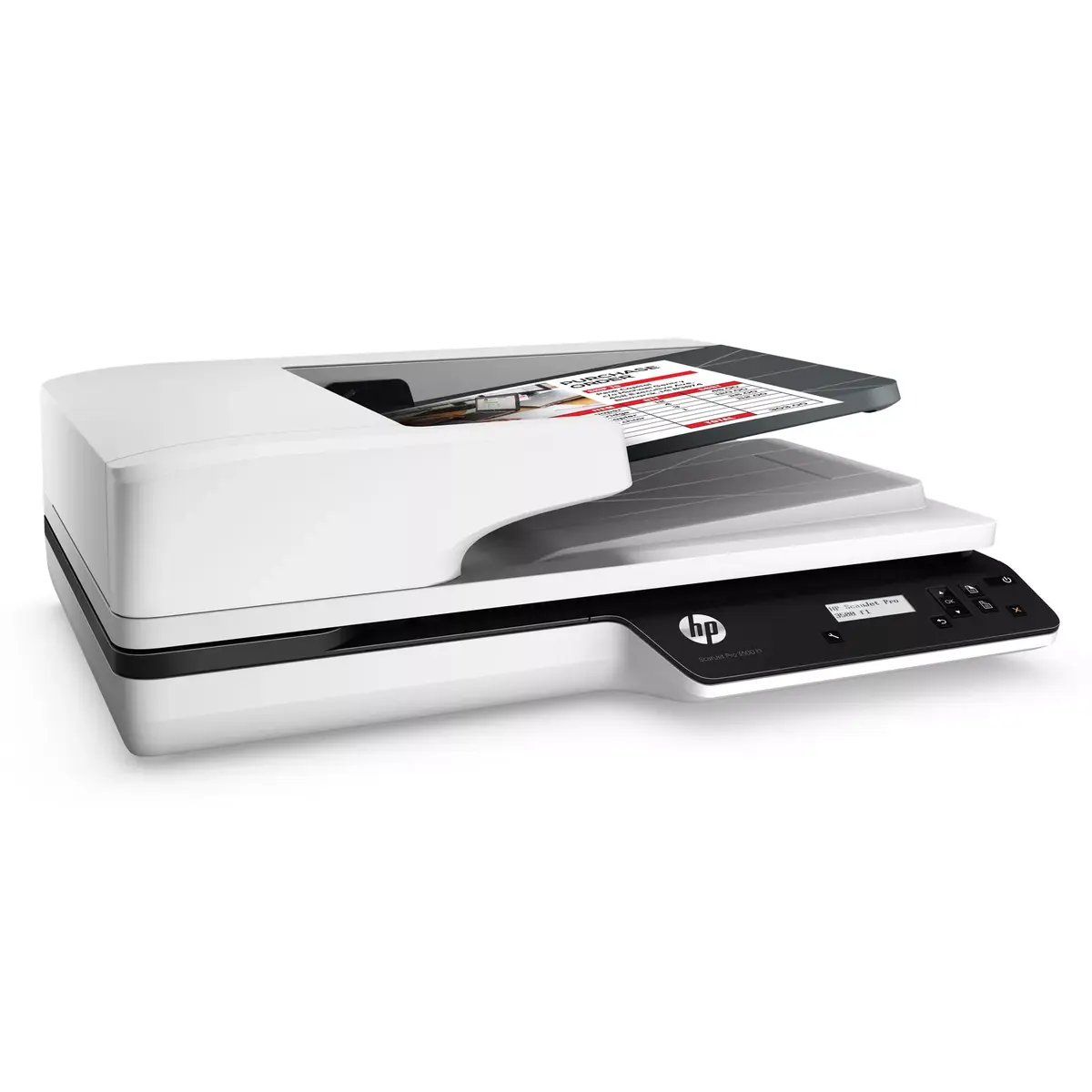
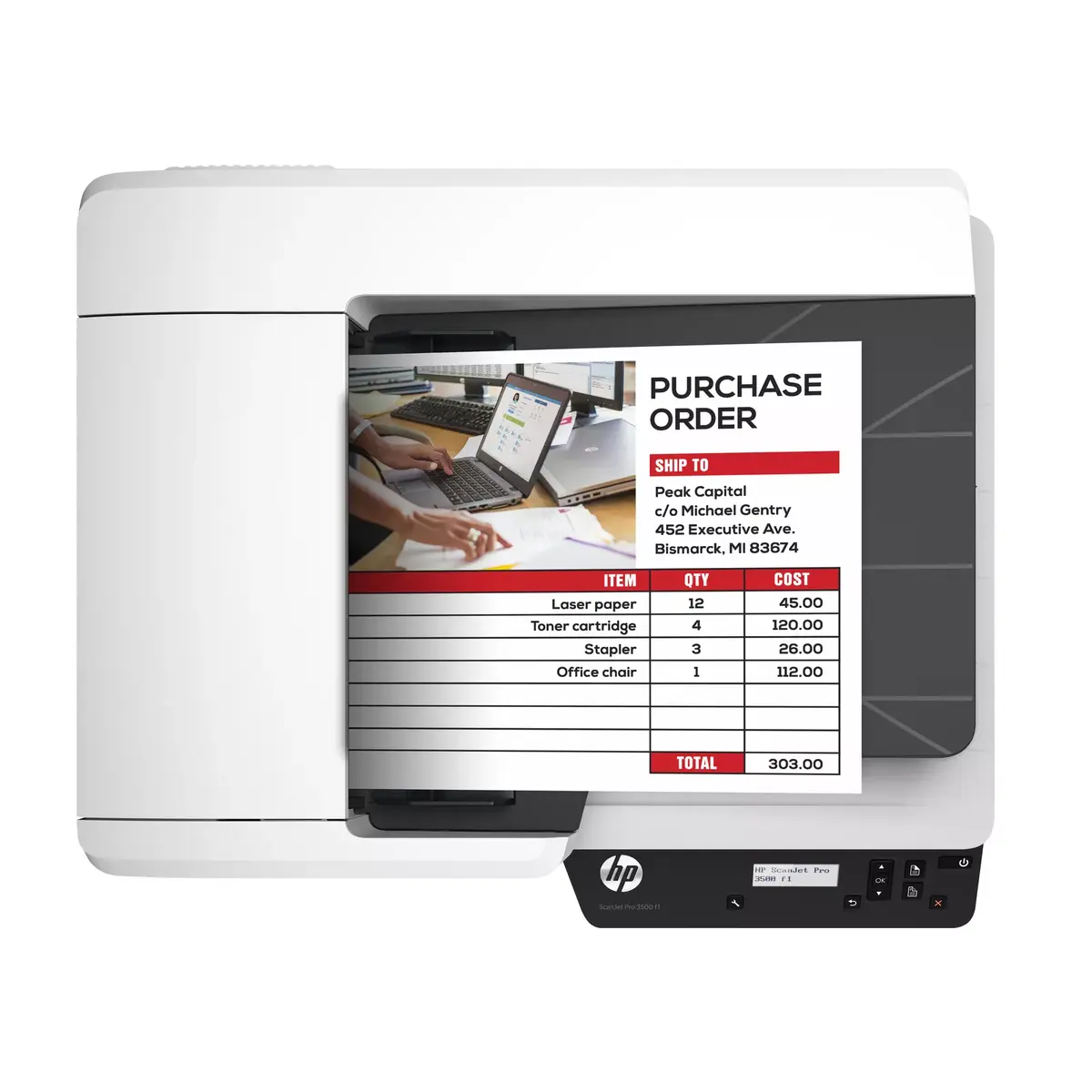
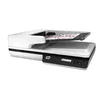
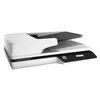
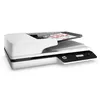
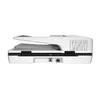
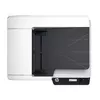
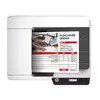
Flatbed & ADF scanner HP Scanjet Pro 3500 f1
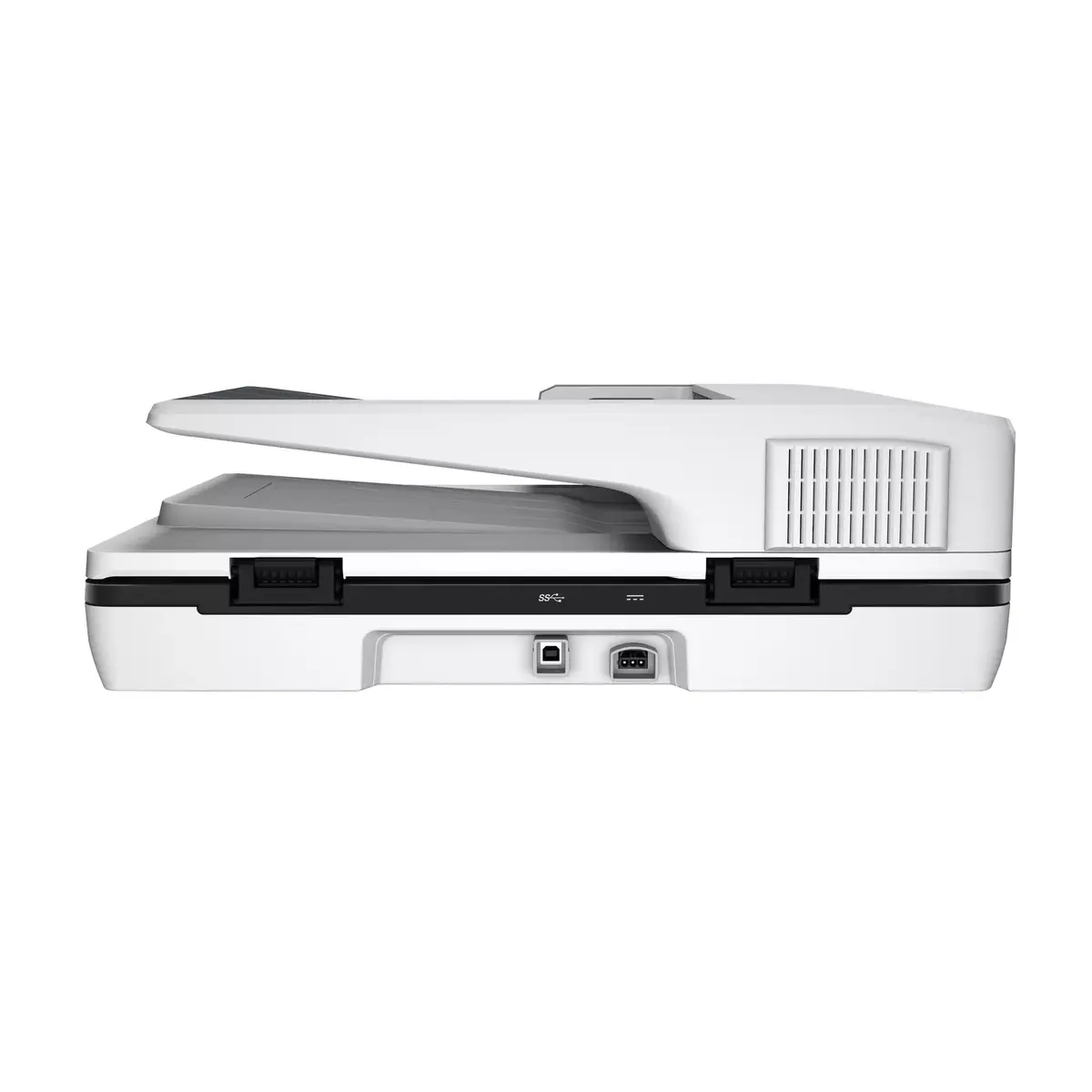
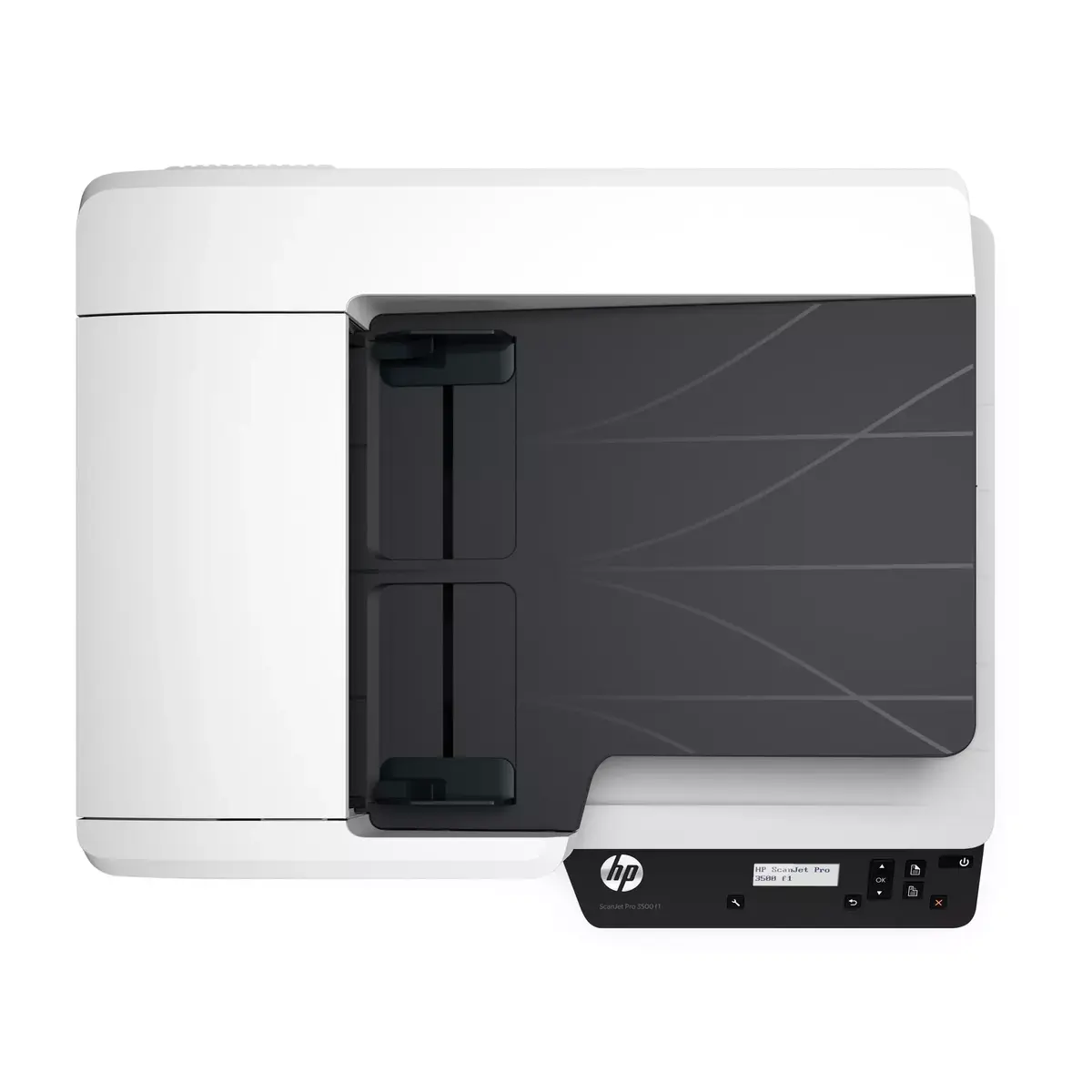
The Flatbed & ADF scanner HP Scanjet Pro 3500 f1 is a versatile office scanner that combines a flatbed glass platen and an automatic document feeder (ADF) for mixed scanning needs. It supports documents up to A4 size through the ADF and larger originals on the flatbed, offers an optical resolution of 1200 x 1200 dpi, and is designed for a daily volume of up to 3,000 sheets. A built-in LCD and a USB 3.2 Gen 1 connection enable straightforward operation and fast data transfer.
This scanner delivers two-sided scanning at up to 50 images (25 pages) per minute and includes HP EveryPage and an ultrasonic sensor to reduce misfeeds. It provides high-resolution scans (up to 1200 dpi) suitable for documents, graphics and photos, and supports book-edge scanning to minimise distortion near spines. The unit integrates with HP Scan and I.R.I.S. Readiris Pro OCR for accurate text capture and includes features for automatic image enhancement, blank-page deletion and one-button scan profiles.
The HP Scanjet Pro 3500 f1 is not intended for oversized originals beyond the flatbed capacity or for continuous production-line scanning beyond its specified daily duty cycle. It may also be less appropriate where extremely compact or portable solutions are required, as this model weighs approximately 5.58 kg and is designed for a desktop environment.
Use the flatbed for fragile, thick or bound originals and the ADF for stacks of loose documents. Select or create scan profiles on the LCD or in HP Scan software to automate common tasks and destinations, and connect the scanner to a PC via the USB 3.2 Gen 1 port for fast transfers. To obtain editable text, enable OCR processing with I.R.I.S. Readiris Pro or HP Scan’s OCR option. For mixed batches, leave HP EveryPage and the ultrasonic sensor active to detect misfeeds and separate pages reliably.
For best results, use the ADF for mixed single-sheet batches and the flatbed for books, photos or bulky items. Keep HP EveryPage and the ultrasonic sensor enabled to reduce misfeeds, and update drivers/software to ensure full TWAIN and cloud-integration functionality.
{{highlightedFeature.featureTitle}}:
{{getProductFeatureValueById(product, highlightedFeature.featureId)}}
{{ productComparisonGenerationError }}
