
Hurry and order now – up to 50% off!
In cart {{totalProductsCount}} item(s)
Your cart is empty
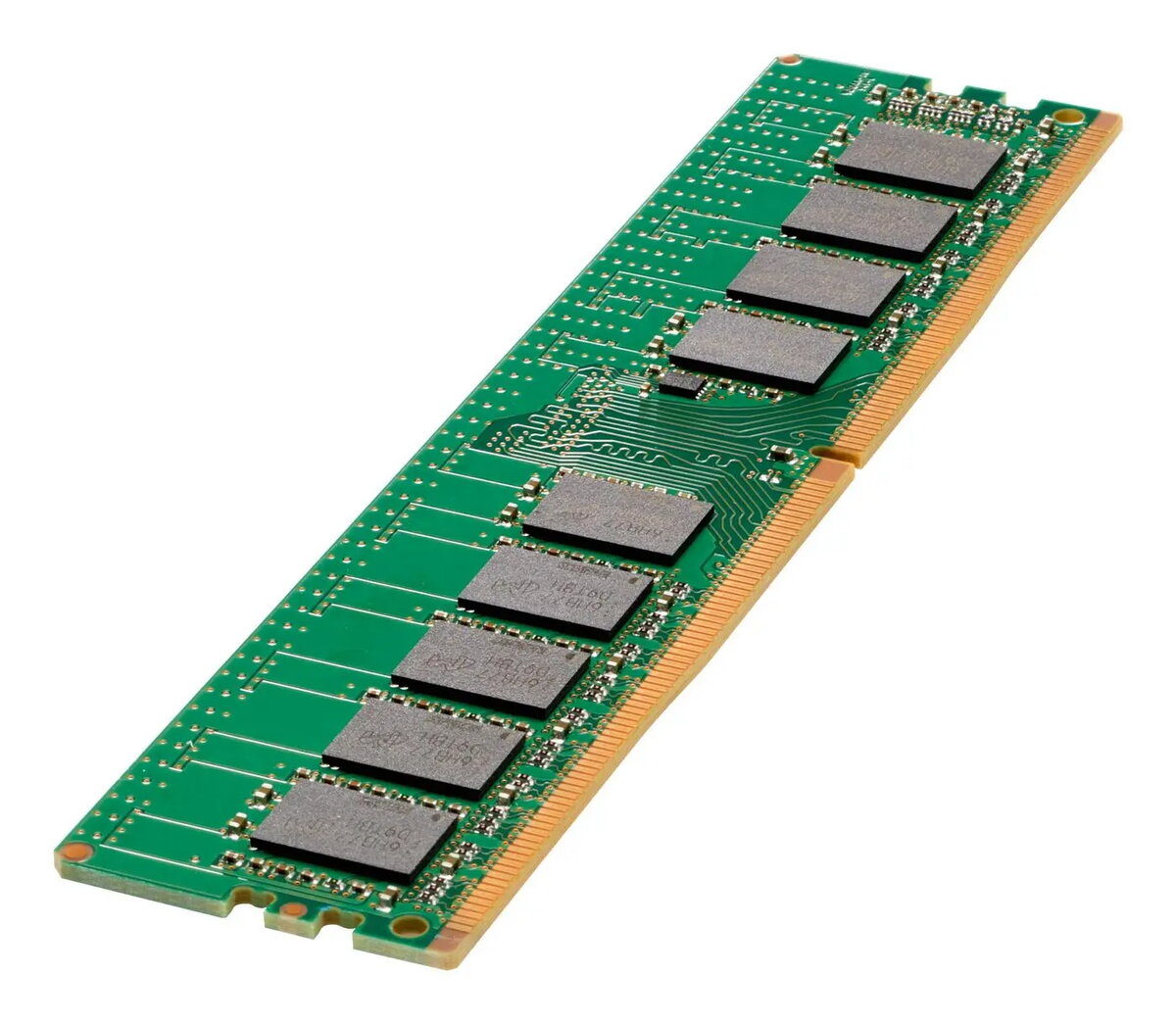
Memory Module HP DDR4 32GB 3200MHz Dual Rank
The HP 32GB DDR4 memory module provides 32GB of system memory with a dual rank configuration and a rated speed of 3200MHz. Designed for desktop and workstation systems that accept DDR4 DIMMs, this HP memory module (MPN: P00924-H21-RFB) focuses on delivering increased capacity and responsiveness for multitasking, content creation, and demanding applications. The module is built to industry standards for compatibility with platforms that support DDR4 3200MHz memory and dual rank modules.
This HP DDR4 32GB 3200MHz Dual Rank module increases available system memory capacity while maintaining a high data transfer rate at 3200MHz. The dual rank design can improve memory throughput in compatible platforms, helping to reduce paging and application stalls under heavy workloads. The module follows industry-standard form factors and signaling for DDR4, facilitating straightforward upgrades and replacements in supported systems without requiring firmware changes in most standard configurations.
Install the memory module into an available DDR4 DIMM slot on a compatible motherboard while the system power is off and the power cord is disconnected. Align the module with the slot key and press evenly on both ends until the retention latches click into place. After installation, power on the system and check BIOS/UEFI or the operating system to confirm the module is recognized at the correct capacity and speed. If the platform supports XMP/DOCP profiles and the module or system firmware exposes compatible settings, enable the appropriate profile to run at the intended 3200MHz, otherwise the module may negotiate a lower JEDEC default speed.
For optimal results, install memory modules in matched pairs or according to the motherboard manufacturer’s channel population guidelines to ensure dual-channel or multi-channel operation. Verify motherboard compatibility with 32GB DDR4 dual rank modules and consult system documentation for supported memory configurations and maximum capacities. When mixing modules, use modules with the same speed, voltage, and timing where possible to minimize compatibility issues.
{{highlightedFeature.featureTitle}}:
{{getProductFeatureValueById(product, highlightedFeature.featureId)}}
{{ productComparisonGenerationError }}
