
Save time and money with our discounts!
In cart {{totalProductsCount}} item(s)
Your cart is empty
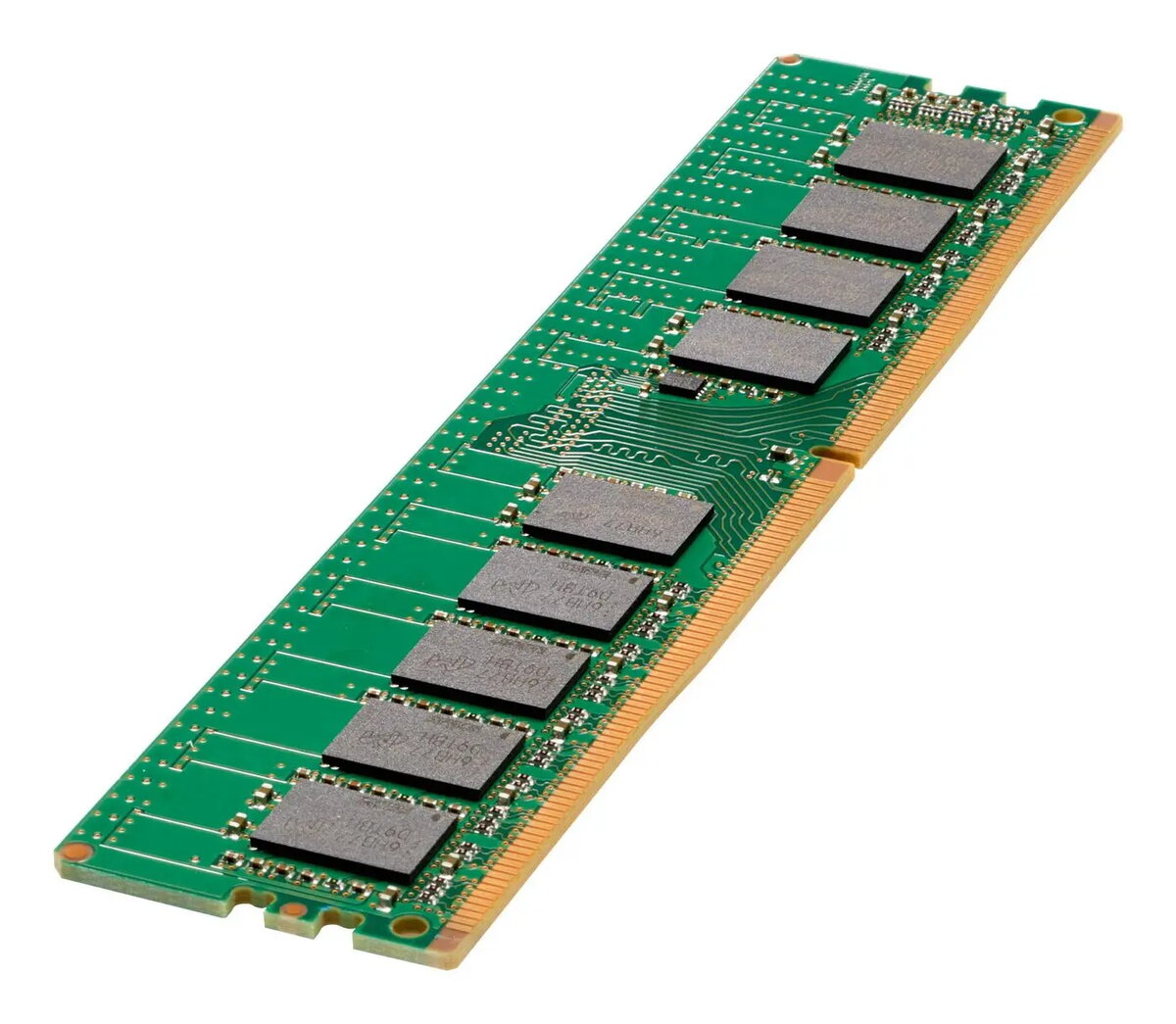
Memory Module HP DDR4 32GB 3200MHz Dual Rank
The HP DDR4 32GB 3200MHz Dual Rank memory module (MPN: P00924-K21-RFB) is a single DIMM designed to expand system memory capacity and improve multitasking performance. With DDR4 technology and a rated frequency of 3200MHz, this 32GB module uses a dual-rank organization to provide improved throughput and compatibility in many desktop and server platforms that support registered or unregistered DDR4 DIMMs according to manufacturer specifications.
This HP memory module provides 32GB of DDR4 capacity at 3200MHz with a dual-rank layout that can increase addressable memory performance in supported systems. The module is designed to meet HP quality and compatibility standards under the specified MPN, offering stable operation and predictable timing behavior for workloads that require sustained memory bandwidth and capacity. The product is suitable for systems where higher memory density and reliable operation are required.
Install the module into a compatible DDR4 DIMM slot on a motherboard that supports 3200MHz memory and the required capacity per slot. Before installation, power off the system and disconnect power cables. Discharge static electricity by grounding yourself, then align the module notch with the slot key and press firmly until the retention clips lock. After installation, power on the system and verify that the BIOS/UEFI recognizes the 32GB module and that the memory operates at the expected frequency or at the supported system rate. Consult the system or motherboard documentation for supported memory configurations, channel population guidelines, and BIOS settings for optimal operation.
To ensure compatibility and stability, pair this HP 32GB DDR4 3200MHz Dual Rank module with identical modules (same capacity, speed, and rank) where possible, and update the system BIOS/UEFI to the latest recommended version. Check the system or motherboard memory QVL and manufacturer guidelines when installing in multi-module configurations or in servers. Use antistatic handling procedures during installation and avoid forcing the module into incompatible slots.
{{highlightedFeature.featureTitle}}:
{{getProductFeatureValueById(product, highlightedFeature.featureId)}}
{{ productComparisonGenerationError }}
