
Hurry and order now – up to 50% off!
In cart {{totalProductsCount}} item(s)
Your cart is empty
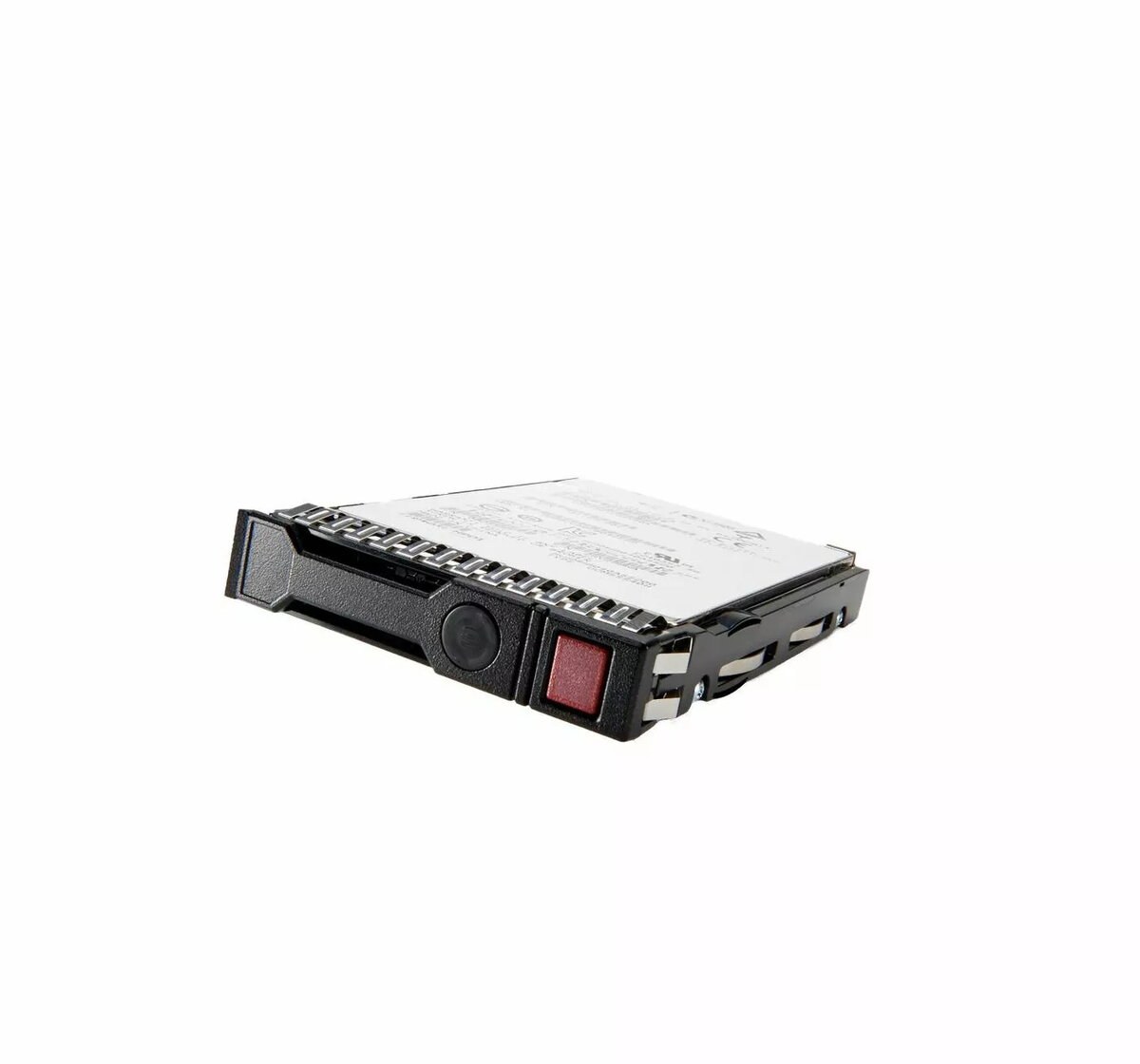
SSD drive HP SPS-DRV 800GB SFF SAS MU P26290-B21-RFB, 800 GB, SFF SAS, server storage
HP SPS-DRV 800GB SFF SAS MU P26290-B21-RFB is an enterprise-grade solid-state drive with 800 GB usable capacity in a small form factor (SFF) and a SAS interface. Designed for HP servers and compatible storage arrays, this SSD provides low-latency access and predictable performance suited for I/O-intensive workloads. The drive implements enterprise endurance and reliability features expected in data center deployments and integrates with server management tools used in HP environments.
This HP SFF SAS SSD delivers high random I/O performance, consistent latency and improved throughput compared with traditional spinning media. The small form factor and SAS connectivity enable straightforward integration into blade and rack servers, while solid-state architecture reduces mechanical failure points. The drive’s enterprise design focuses on durability and data integrity, making it appropriate for mixed read/write server workloads and virtualization platforms.
Install the HP SPS-DRV 800GB SFF SAS MU P26290-B21-RFB into a compatible HP server or storage array bay following the server vendor’s hardware installation guidelines. Ensure the server firmware and storage controller drivers support SAS SSDs and the specific HP part number for full compatibility. After physical installation, configure the drive in the server BIOS or RAID controller firmware as required: present the drive to the operating system, initialize and format per your OS recommendations, or add the drive to a RAID or logical volume as part of your storage layout.
Use this drive in environments that require consistent enterprise-class performance such as databases, virtualization hosts and I/O-heavy applications. Monitor drive health via HP management tools and implement appropriate backup and redundancy strategies. For optimal longevity, avoid sustained, unnecessary write amplification, and follow your storage vendor’s firmware update guidance.
{{highlightedFeature.featureTitle}}:
{{getProductFeatureValueById(product, highlightedFeature.featureId)}}
{{ productComparisonGenerationError }}
