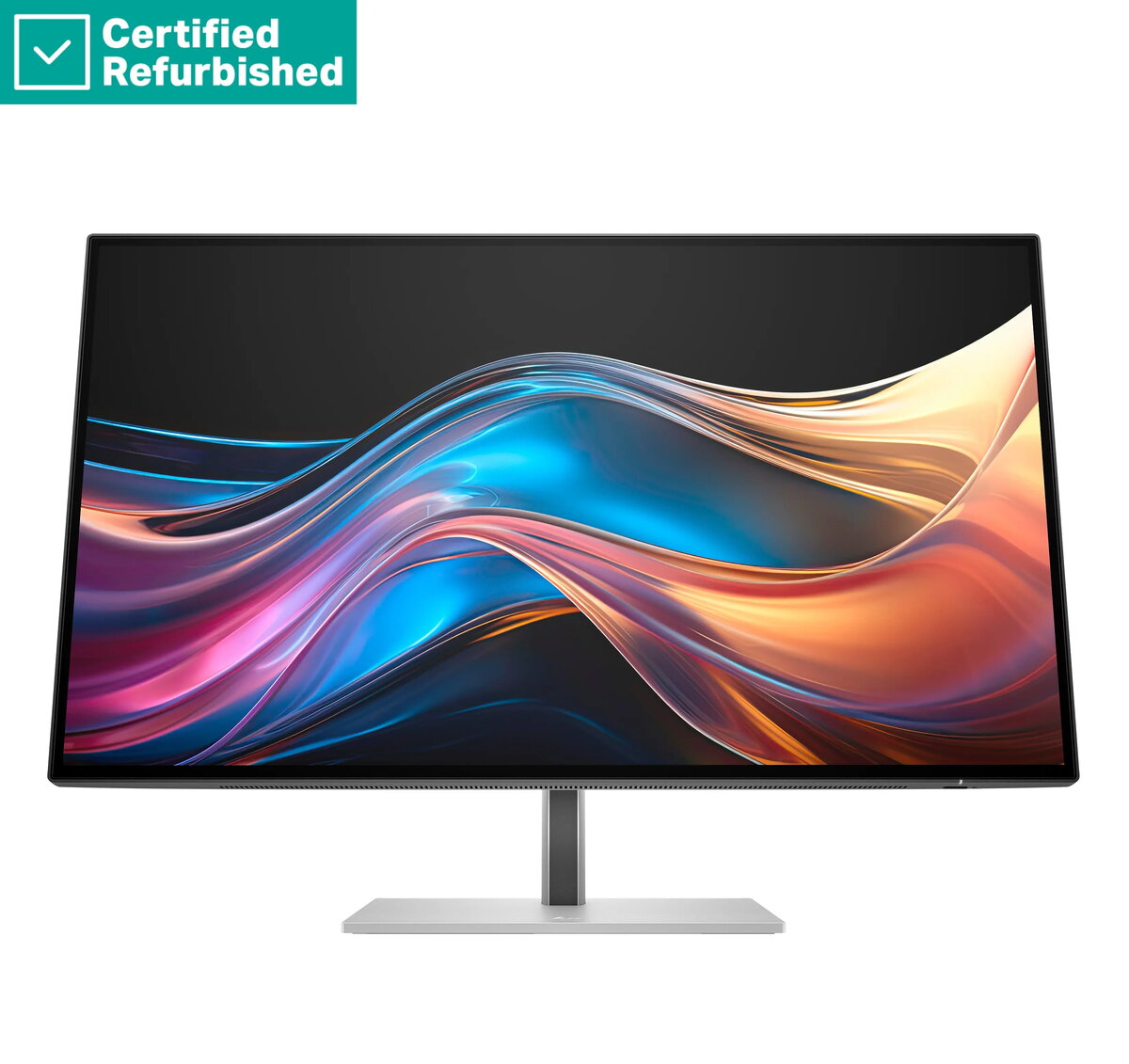
The HP RENEW 727pq Series 7 Pro is a high-performance 27-inch QHD monitor designed to meet the demands of modern professionals. Featuring a crisp 2560x1440 resolution and an advanced IPS panel, this display ensures accurate color reproduction and wide viewing angles. With a smooth 120Hz refresh rate, 400 nits of brightness, and HDR400 certification, it provides a vibrant and fluid visual experience for both creative work and daily office productivity.
Advantages
This monitor offers significant benefits for users who prioritize visual clarity and ergonomic comfort. The IPS panel technology delivers consistent color accuracy, which is essential for photo editing, graphic design, and detailed document work. The 120Hz refresh rate reduces motion blur, making navigation and scrolling much smoother compared to standard 60Hz displays. Furthermore, the versatile stand allows for extensive adjustments, including height, tilt, swivel, and pivot, enabling users to customize their workspace to reduce physical strain during long working hours.
Suitable for
- Graphic design and photo editing
- Professional office productivity and multitasking
- Content creation and media consumption
- Data analysis and spreadsheet management
When it may not be suitable
This monitor may not be the ideal choice for competitive gaming enthusiasts who require ultra-high refresh rates beyond 120Hz or specialized low-latency features found in dedicated gaming displays. Additionally, the 15W USB-C power delivery is limited and may not be sufficient to charge high-performance laptops that require higher wattage power adapters.
Key specifications
- Display size: 27 inches
- Resolution: 2560x1440 QHD
- Panel type: IPS
- Refresh rate: 120Hz
- Brightness: 400 nits
- HDR support: HDR400
- Connectivity: USB-C (15W), HDMI, DisplayPort, DisplayPort-out
- USB Hub: 3x USB-A ports
- Ergonomics: Height adjustable, tilt, swivel, and pivot
How to use
To set up the monitor, connect the power cable and your preferred video cable, such as HDMI, DisplayPort, or USB-C, to your computer. Once connected, use the on-screen display menu to adjust brightness, contrast, and color settings to suit your environment. The integrated USB-A hub allows you to connect peripherals like keyboards, mice, or external drives directly to the monitor for a cleaner desk setup. Adjust the stand to your preferred height and angle to ensure the screen is at eye level.
What to consider before purchase
- Ensure your computer supports the required video output via USB-C, HDMI, or DisplayPort.
- Verify if your laptop requires more than 15W of power for charging, as an external power adapter may be needed.
- Check your desk space to ensure the 27-inch footprint fits your workstation.
Usage recommendations
For the best visual performance, ensure the monitor is connected via DisplayPort or USB-C to fully utilize the 120Hz refresh rate. Regularly clean the screen with a soft, dry microfiber cloth to maintain clarity and prevent dust buildup.