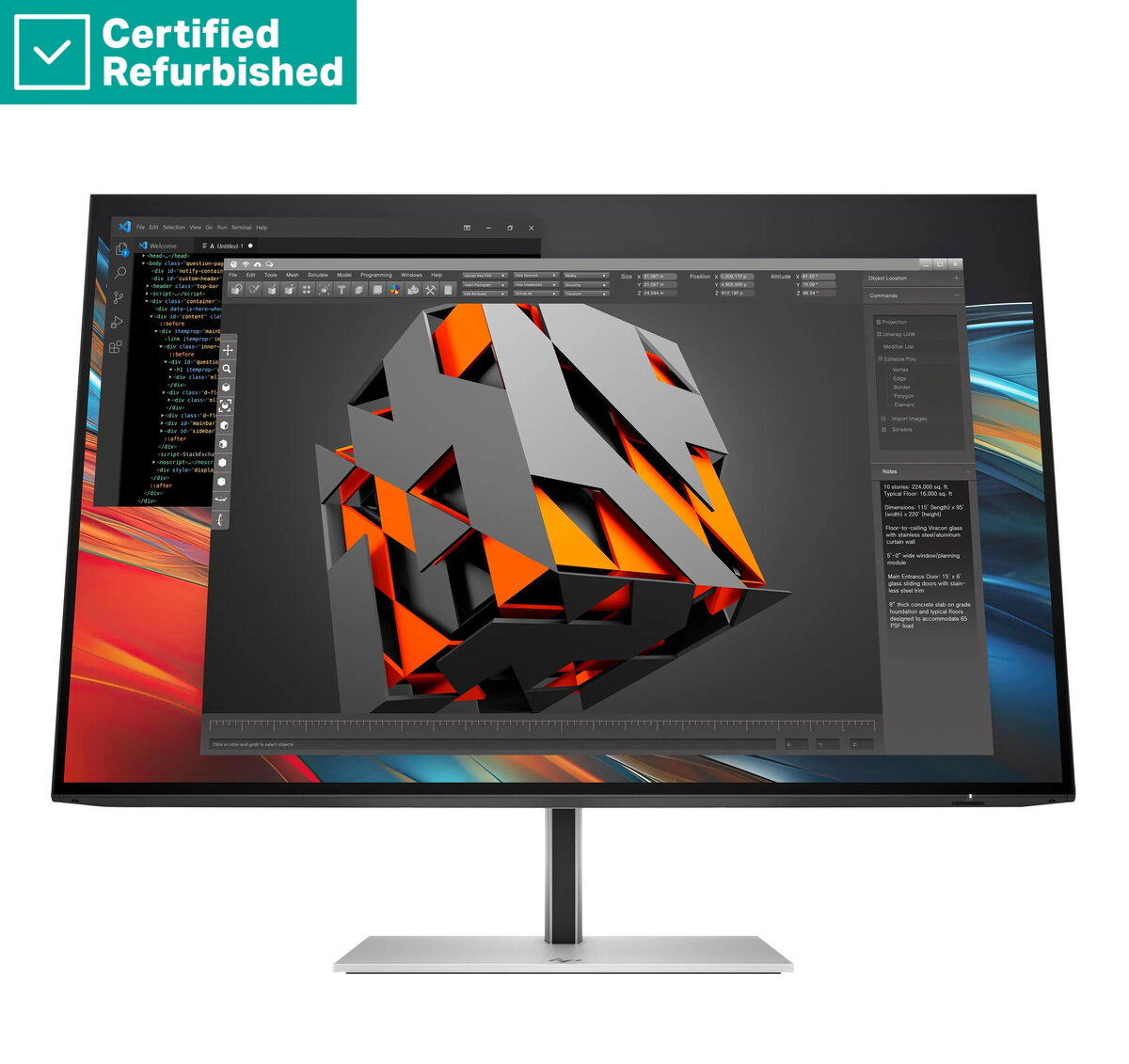
The HP Renew 724pn Series 7 Pro is a 24-inch professional monitor designed to enhance productivity in demanding office environments. Featuring a WUXGA resolution of 1920x1200, this display provides more vertical screen space compared to standard Full HD monitors, allowing for better document viewing and multitasking. The high-quality IPS panel ensures consistent color accuracy and wide viewing angles, while the 100Hz refresh rate offers smoother motion for daily tasks.
Advantages
This monitor excels in professional settings by combining high-resolution clarity with ergonomic flexibility. The anti-glare coating minimizes reflections, reducing eye strain during long working hours. With a brightness level of 350 nits, the display remains clear even in well-lit office spaces. The integrated 4-port USB-A hub simplifies cable management by allowing users to connect peripherals directly to the monitor, while the versatile stand supports height adjustment, tilt, swivel, and pivot functions to suit individual ergonomic preferences.
Suitable for
- Office productivity and document management
- Graphic design and creative workflows requiring color accuracy
- Multitasking with multiple windows and applications
- Professional workstations requiring peripheral connectivity
When it may not be suitable
This monitor is not intended for high-end competitive gaming that requires ultra-fast response times or 4K resolution. It also lacks built-in speakers, which may be a drawback for users who prefer an all-in-one audio solution without external equipment.
Key specifications
- Display size: 24-inch
- Resolution: 1920x1200 WUXGA
- Panel type: IPS
- Refresh rate: 100Hz
- Brightness: 350 nits
- Connectivity: HDMI, DisplayPort, DisplayPort-out, 4x USB-A
- Ergonomics: Height adjustable, tilt, swivel, pivot
How to use
To set up the monitor, connect the power cable and your preferred video cable, such as HDMI or DisplayPort, to your computer. Use the included stand to adjust the height and angle to your eye level. Once connected, configure your display settings in your operating system to ensure the resolution is set to 1920x1200 for optimal clarity. You can connect your mouse, keyboard, or other USB devices directly to the monitor's built-in USB-A ports to keep your workspace organized.
What to consider before purchase
- Ensure your computer has a compatible HDMI or DisplayPort output.
- Verify that your desk space accommodates the 24-inch footprint and the ergonomic stand's range of motion.
- Consider if you require external speakers, as this model does not include integrated audio.
Usage recommendations
For the best visual experience, position the monitor at arm's length and adjust the height so the top of the screen is at or slightly below eye level. Regularly clean the screen with a dry, lint-free microfiber cloth to maintain clarity.