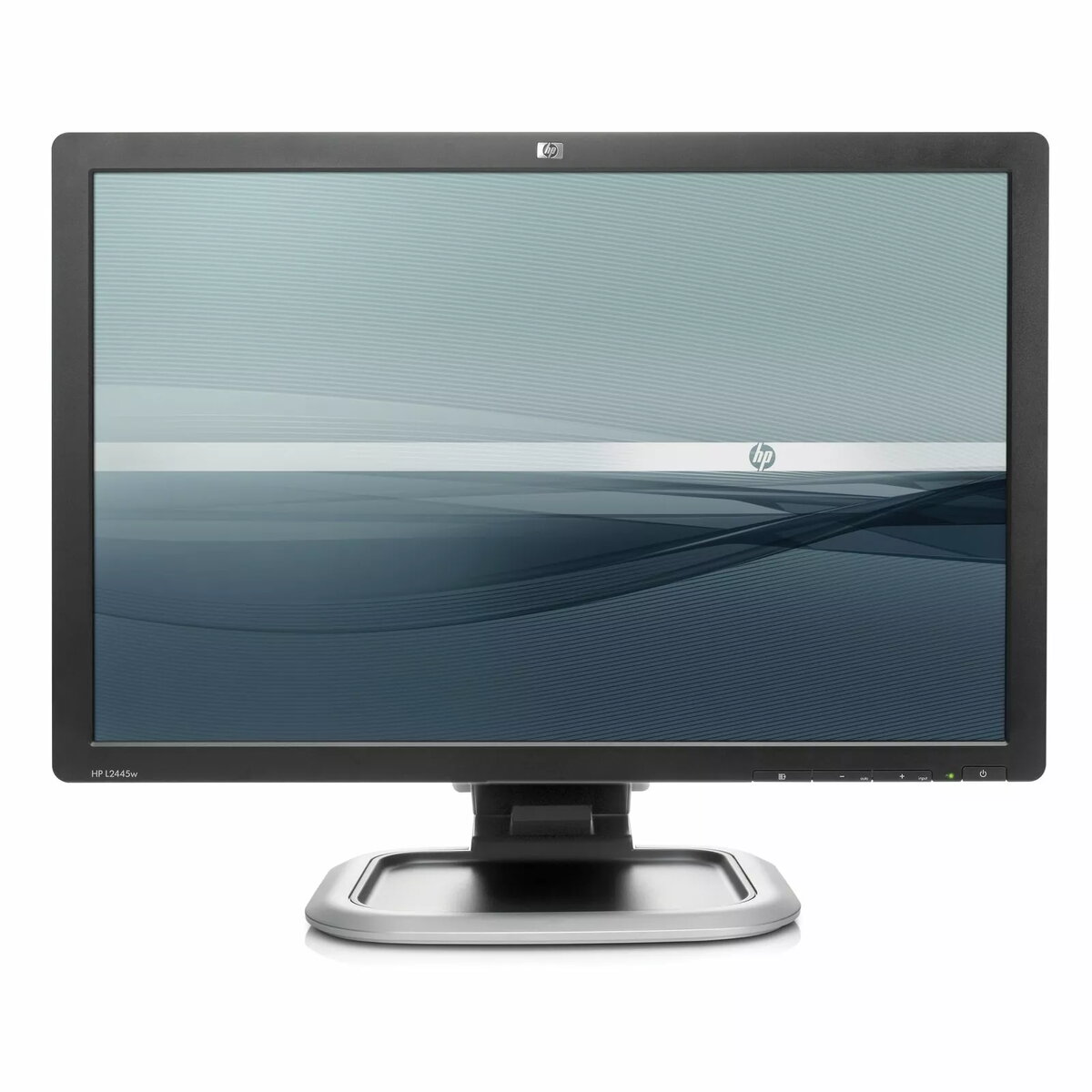
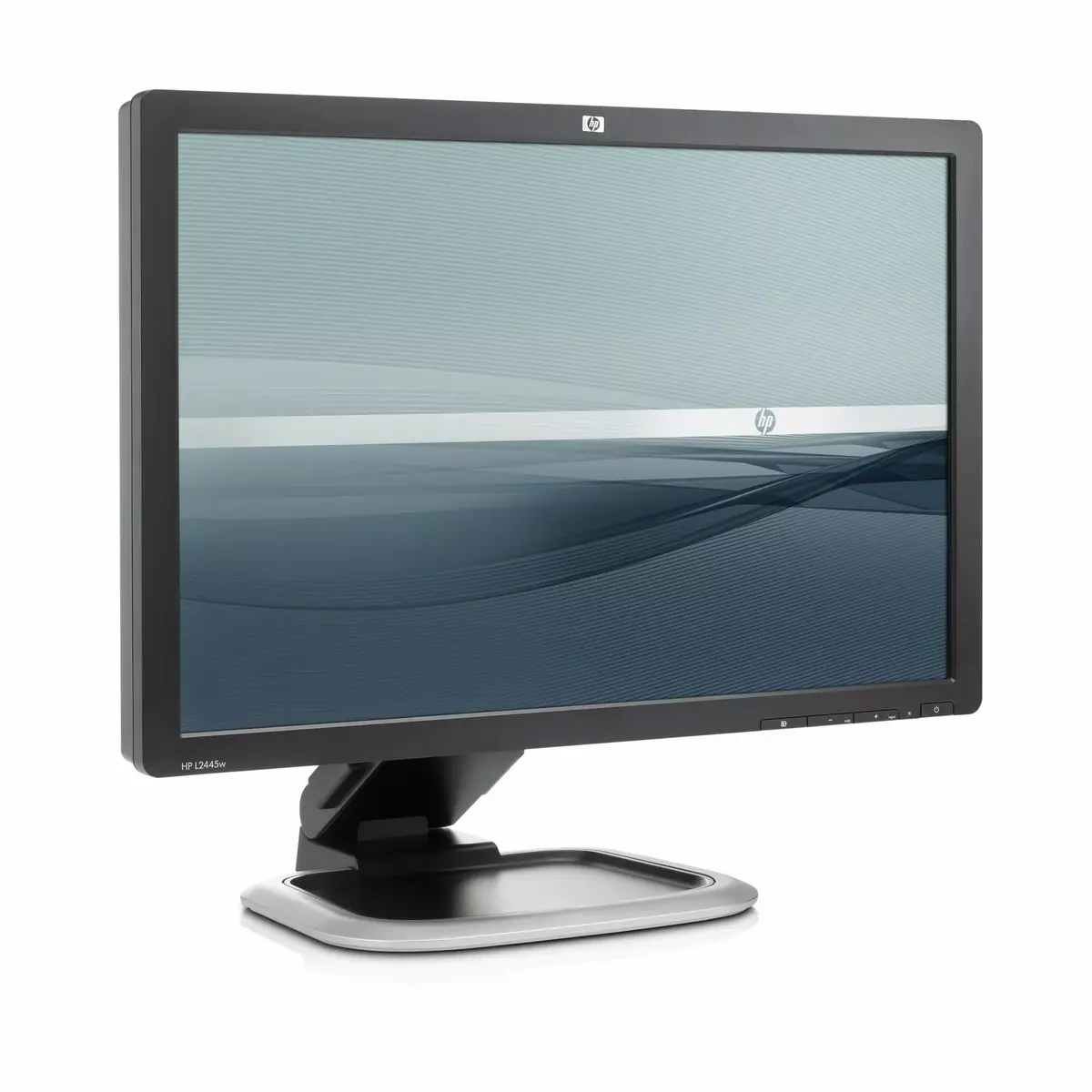
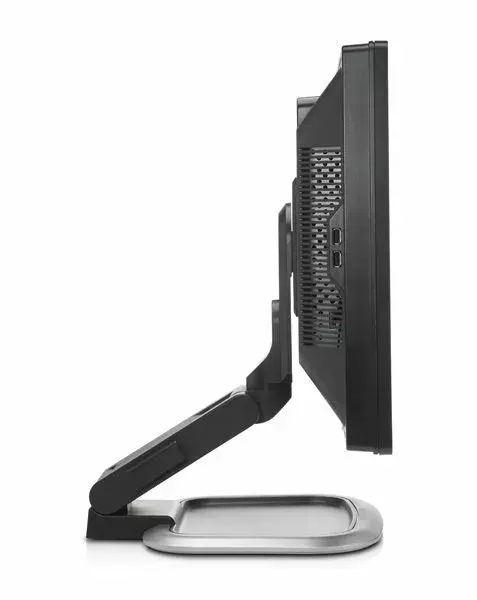
-
Pixel pitch:
This is the parameter of a picture tube, which specifies the shortest distance between two dots of the same colour. The principle is: the smaller the dot pitch, the better sharpness of image.
-
0.27 x 0.27
-
Contrast ratio (typical):
The difference in light intensity between the brightest white and the darkest black.
-
1000:1
-
Horizontal scan range:
-
24 - 83
-
Viewing angle, horizontal:
Maximum horizontal angle at which a display can be viewed with acceptable visual performance.
-
160 °
-
Viewing angle, vertical:
Maximum vertical angle at which a display can be viewed with acceptable visual performance.
-
160 °
-
Display:
The description of display that can includes display type, resolution, size etc.
-
LCD
-
Vertical scan range:
-
50 - 76
-
Security features:
-
Kensington Lock-ready
-
Bundled software:
Software distributed with another product such as a piece of computer hardware or other electronic device, or a group of software packages which are sold together. A software suite is an example of bundled software, as is software which is pre-installed on a new computer.
-
HP Display Assistant is a software utility that enables theft deterrence and allows monitor adjustment, color calibration, and security/asset management using the Display Data Channel Command Interface (DDC/CI) protocol of the connected PC; HP Display LiteSaver allows you to schedule Sleep mode at preset times to help protect the monitor against image retention, drastically lower power consumption and energy costs, and extend the lifespan of the monitor; Pivot Pro software from Portrait Displays, Inc. interacts with your PC's native graphics driver to enable seamless portrait screen redraws with a simple mouse-click or keyboard command. Pivot Pro supports 90-degree portrait and landscape views. Language support is available in English, Japanese, French, German, Spanish, Italian, and Traditional and Simplified Chinese
-
Power consumption (typical):
Amount of power consumed by this model, often expressed in watts (W). Typical values that manufacturers give are power consumption when off, standby/suspended mode, typical use, maximum usage.
-
85 W
-
I/O ports:
An interface on a device to which you can connect another device.
-
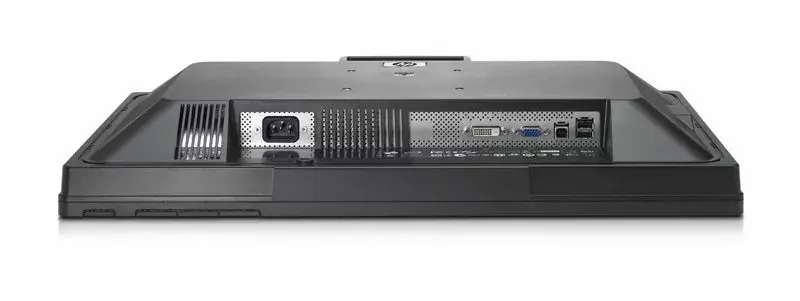
USB 2.0 Hub: self-powered, four ports (cable included)
-
User controls:
-
Menu select, Auto adjust/OSD down, Input select/OSD up, Power
Brightness, contrast, positioning, color temperature (6500k, 9300k, custom), individual color control, serial number, display, clock, clock phase, monitor management (power saver, sleep), factory reset
-
Package dimensions (WxDxH):
-
672 x 464 x 352
-
Operating relative humidity (H-H):
-
20 - 80
-
Storage temperature (T-T):
The minimum and maximum temperatures at which the product can be safely stored.
-
20 - 60
-
Plug and Play:
Indicates whether this product supports is "plug and play". Plug and play is hardware or software that, after being installed ("plugged in"), can immediately be used ("played with"), as opposed to hardware or software which requires configuration.
-
Yes
-
Power requirements:
-
100 - 240 V, 50 / 60 Hz
-
Display diagonal:
Size of the display for this product, measured diagonally, usually in inches.
-
24 "
-
Operating temperature (T-T):
The minimum and maximum temperatures at which the product can be safely operated.
-
5 - 40
-
Dimensions (W x D x H) (imperial):
-
565.4 x 301 x 526.8
-
Cable lock slot:
Holes on the edge of devices through which a cable lock can be passed, so the device can be locked to a desk etc.
-
Yes
-
Storage relative humidity (H-H):
-
5 - 95
-
Response time:
The response time is the time difference between the moment that a source (for example a video card) sends a signal and that equipment (for example a monitor) receives or display the signal. (Used abbreviations: R/F = Rise and Fall.)
-
5 ms
-
Display resolution:
The number of distinct pixels in each dimension that can be displayed. It is usually quoted as width × height, with the units in pixels: for example, "1024 × 768" means the width is 1024 pixels and the height is 768 pixels. The higher the number of pixels, the sharper the image.
-
1920 x 1200
-
Maximum resolution:
The maximum number of pixels that can be displayed in the image. It is usually quoted as width × height,: for example, "1024 × 768" means the width is 1024 pixels and the height is 768 pixels.
-
1920 x 1200
-
Swivel angle range:
-
-45 - 45
-
Display resolution at frequency:
Total number of pixels (horizontal and vertical) that can be displayed at a frequency
-
Preset VESA Graphic Modes (non-interlaced): 640 x 480 @ 60 Hz and 75 Hz, 800 x 600 @ 60 Hz and 75 Hz, 1024 x 768 @ 60 Hz and 75 Hz, 1280 x 960 @ 60 Hz, 1280 x 1024 @ 60 Hz and 75 Hz, 1440 x 900 @ 60 Hz, 1600 x 1000 @ 60 Hz, 1680 x 1050 @ 60 Hz, 1920 x 1200 @ 60 Hz; Text Mode: 720 x 400 @ 70 Hz; Mac Mode: 1152 x 870 @ 75 Hz and 832 x 624 @ 75 Hz
-
Display scanning frequency:
-
Horizontal Frequency: 24 to 83 kHz (VGA input), 24 to 83 KHz (DVI input for modes with pixel clock less than 165 MHz); Vertical Frequency: 50 to 76 Hz (VGA input), 50 to 76 Hz (DVI input for modes with pixel clock less than 165 MHz)
-
Display tilt and swivel range:
Range of pitch (tilt) and yaw (swivel) movement of the monitor position; expressed in degrees
-
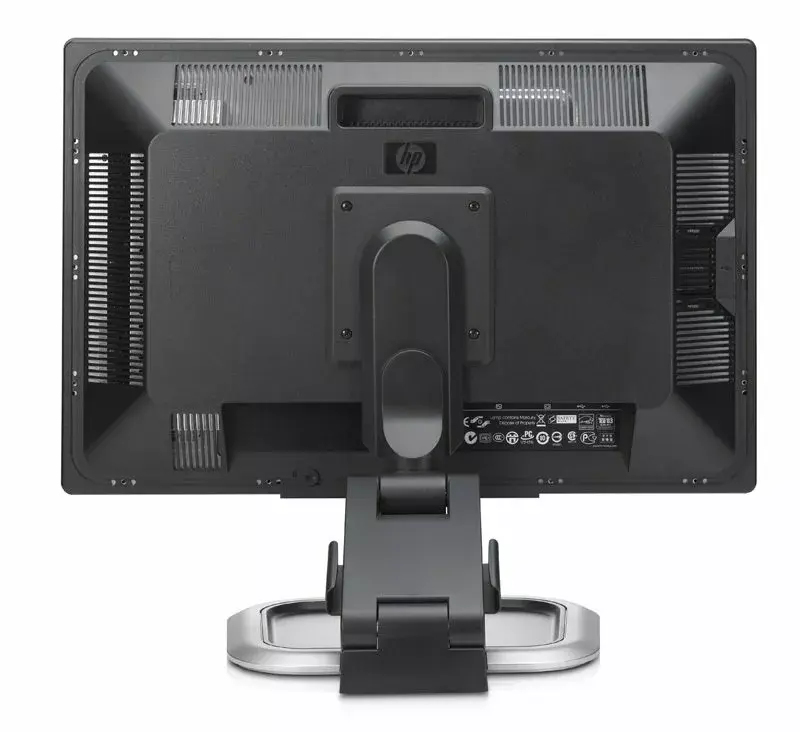
Tilt range: -5° to +35° vertical tilt, swivel range: -45° to +45°, height adjust: 130 mm, pivot rotation
-
Display video input type connector:
Physical description of the video input socket type
-
VGA and DVI-D connectors, HDCP support
-
Power consumption (standby):
The amount of electricity that is consumed when the product is on standby.
-
2 W
-
Tilt angle range:
-
-5 - 35
-
Audio included:
-
No audio included at platform level
-
Multimedia:
-
Optional HP Silver LCD Speaker Bar: powered directly by the monitor or PC, the Speaker Bar seamlessly attaches to the monitor's lower bezel to bring full audio support to select HP LCD monitors. Features include dual speakers with full sound range and external jack for headphones, part number EE418AA. For more information, refer to the product's Quick Specs. Optional HP LCD Monitor Quick Release: An easy-to-use, VESA-compliant, LCD monitor mounting solution that allows you to quickly and securely attach a flat panel monitor to a variety of stands, brackets, arms or wall mounts, part number EM870AA. For more information, refer to the product's Quick Specs. Optional Kensington Security Lock: combines aircraft-grade steel and Kevlar fiber to securely lock down your monitor and help prevent theft, part number PC766A. For more information, refer to the product's Quick Specs
-
TV tuner integrated:
Device has an in-built TV tuner.
-
No
-
VGA (D-Sub) ports quantity:
Number of VGA (D-Sub) ports (connecting interfaces) in the device. The VGA (D-Sub) connector is a 15 pin connector between a computer and a monitor. It was first introduced in 1987 by IBM.
-
1
-
Built-in speaker(s):
The device contains speaker(s) to produce sound.
-
No
-
DVI-D ports quantity:
This is the amount of DVI-I interfaces. Digital Visual Interface (DVI) is a video display interface developed by the Digital Display Working Group (DDWG). The digital interface is used to connect a video source to a display device, such as a computer monitor. DVI-D means DVI digital, which means it can only support digital, but not analog.
-
1
-
Panel mounting interface:
The product can be used wih VESA mounting interfaces.
-
100 x 100
-
Width (with stand):
-
556 mm
-
Height (with stand):
-
521 mm
-
Depth (with stand):
-
253 mm
-
Video Dot Rate:
-
200 MHz
-
Touchscreen:
A screen of a laptop, smartphone, etc., that responds to touch so you can control the interface using your fingers.
-
No
-
Dimension note (imperial):
-
with stand
-
Dimension note (metric):
-
with stand
-
Product dimensions (with stand, imperial):
-
565.4 x 301 x 526.8
-
Product dimensions (without stand, imperial):
-
565.4 x 82.8 x 371.1
-
Height adjustment:
-
130 mm
-
Weight (without stand):
-
9800 g
-
Height (without stand):
-
421 mm
-
Width (without stand):
-
565 mm
-
Depth (without stand):
-
83 mm
-
Display brightness (typical):
Display brightness, measured by its Luminance, presented as a figure in nits. Typical brightness ratings for monitors range from 250 to 350 nits with a target value of between 80 to 120 nits being suitable for most displays in a normal viewing environment.
-
400 cd/m²