
Save time and money with our discounts!
In cart {{totalProductsCount}} item(s)
Your cart is empty
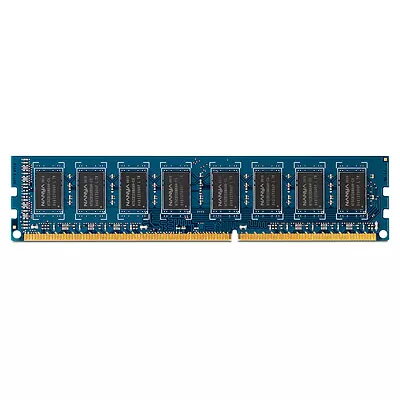
Memory Module HP 4GB DDR3 1333 MHz DIMM
Maximize your Business PC performance with HP Memory. Upgrading your memory is a cost-effective way to boost your system performance without having to upgrade your processor.
HP Memory provides a straightforward upgrade path to improve multitasking and application responsiveness on business PCs. By increasing RAM capacity, users can run more programs simultaneously and reduce slowdowns caused by insufficient memory, all without replacing the processor or other major components.
Power off the computer and disconnect it from the power source. Open the system case following the manufacturer instructions, locate the memory slots on the motherboard, and install compatible HP memory modules into available slots, ensuring they are correctly seated and latched. Reassemble the case, reconnect power, and verify that the system recognizes the new memory in BIOS or the operating system.
Check the specific HP model compatibility and supported memory type and maximum capacity before purchasing. Consider matching module speed and size for optimal performance and consult HP documentation or a technician if unsure.
{{highlightedFeature.featureTitle}}:
{{getProductFeatureValueById(product, highlightedFeature.featureId)}}
{{ productComparisonGenerationError }}
