


Powerful EcoFlow stations for energy anywhere!
In cart {{totalProductsCount}} item(s)
Your cart is empty
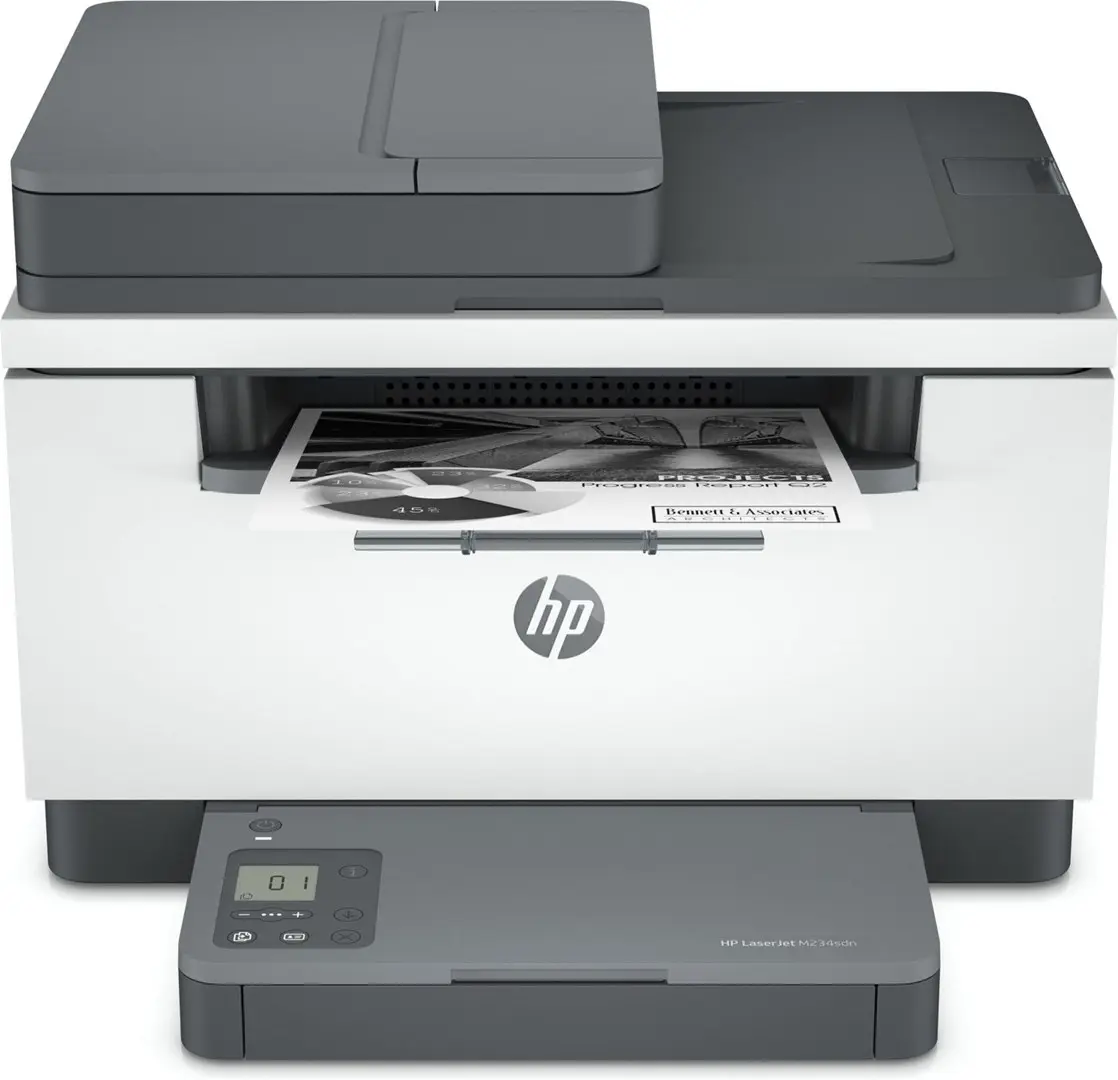
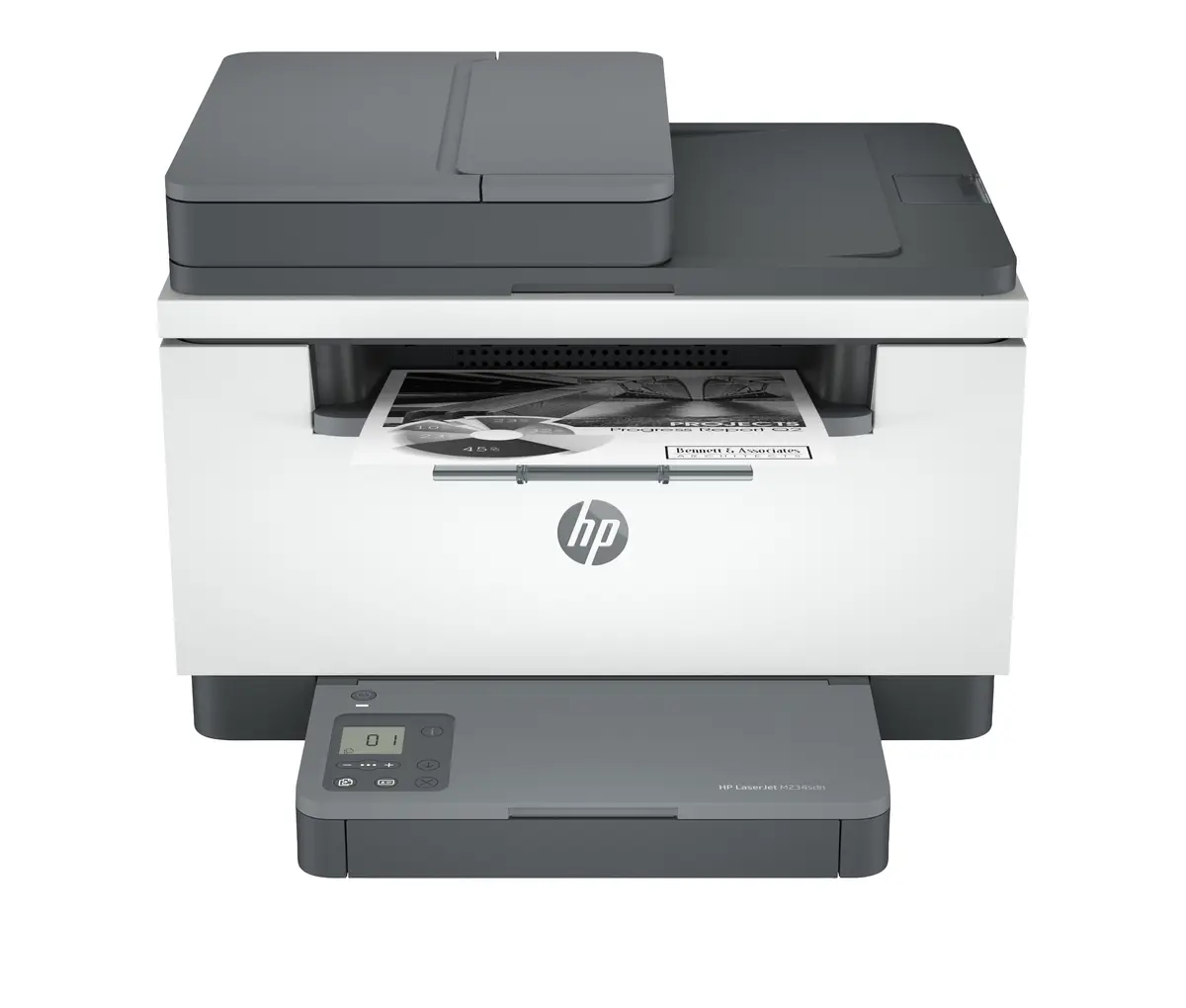
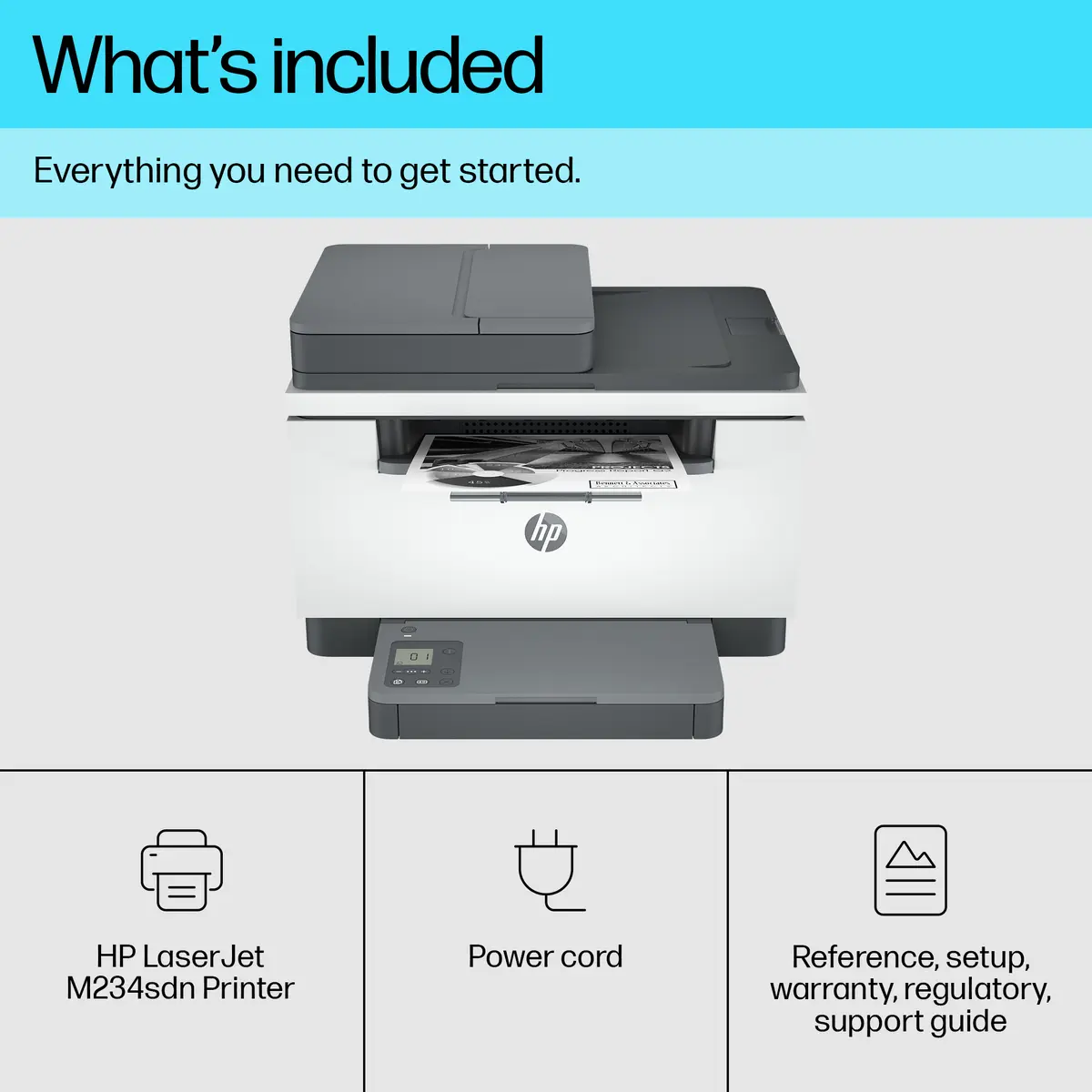
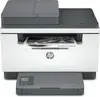
HP LaserJet M234sdn Monochrome Laser Multifunction Printer with Ethernet Copier and Scanner supporting A4 up to 29 ppm
The HP LaserJet M234sdn Monochrome Laser Multifunction Printer is designed to meet the demands of modern home and office environments by integrating printing, copying, and scanning into a single, compact device. Built for efficiency, this monochrome laser printer delivers sharp text and reliable black-and-white documents while supporting paper sizes up to A4. Featuring automatic duplex printing and a print speed of up to 29 pages per minute, it streamlines daily document workflows with minimal effort and consistent quality.
This multifunction device offers exceptional productivity with its fast two-sided printing capabilities and integrated automatic document handling. Its compact footprint ensures it fits comfortably on desks in busy home offices or shared workspaces without taking up excessive room. The inclusion of Ethernet connectivity allows for easy network integration, enabling multiple users to access the printer efficiently. Furthermore, the reliable laser technology ensures that every printed page maintains professional clarity from the first sheet to the last.
This device is strictly a monochrome printer and does not support color printing, making it unsuitable for graphic design tasks or photo printing where color accuracy is required. Additionally, offices that require wireless Wi-Fi connectivity will need to look elsewhere, as this model relies exclusively on wired Ethernet and USB connections.
To begin using the printer, connect the device to a power source and link it to your network using an Ethernet cable or connect directly via USB. Load your paper into the single input tray, ensuring the media type matches your print settings. Install the black print cartridge securely into the unit. Once connected and loaded, you can send print jobs from your computer or use the built-in control panel with the LCD display to manage copying and scanning functions directly from the device.
Usage recommendations: Place the printer on a stable, flat surface with adequate ventilation and sufficient clearance around the paper trays for smooth operation. Use genuine or compatible HP-chip cartridges to ensure continuous performance and avoid potential interruptions caused by dynamic security firmware updates.
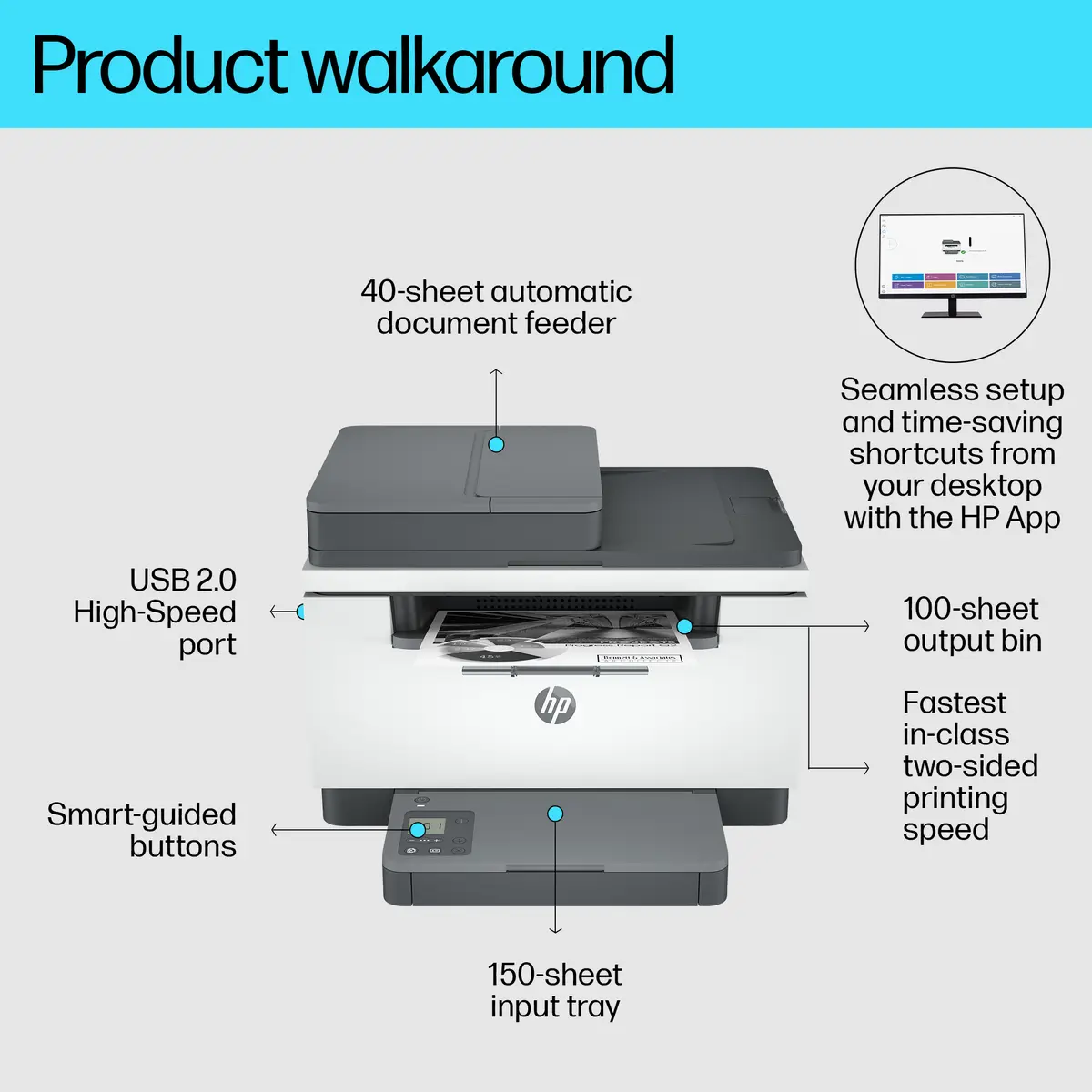
Speed through multipage documents with the fastest in-class two-sided printing speed.[2][2]

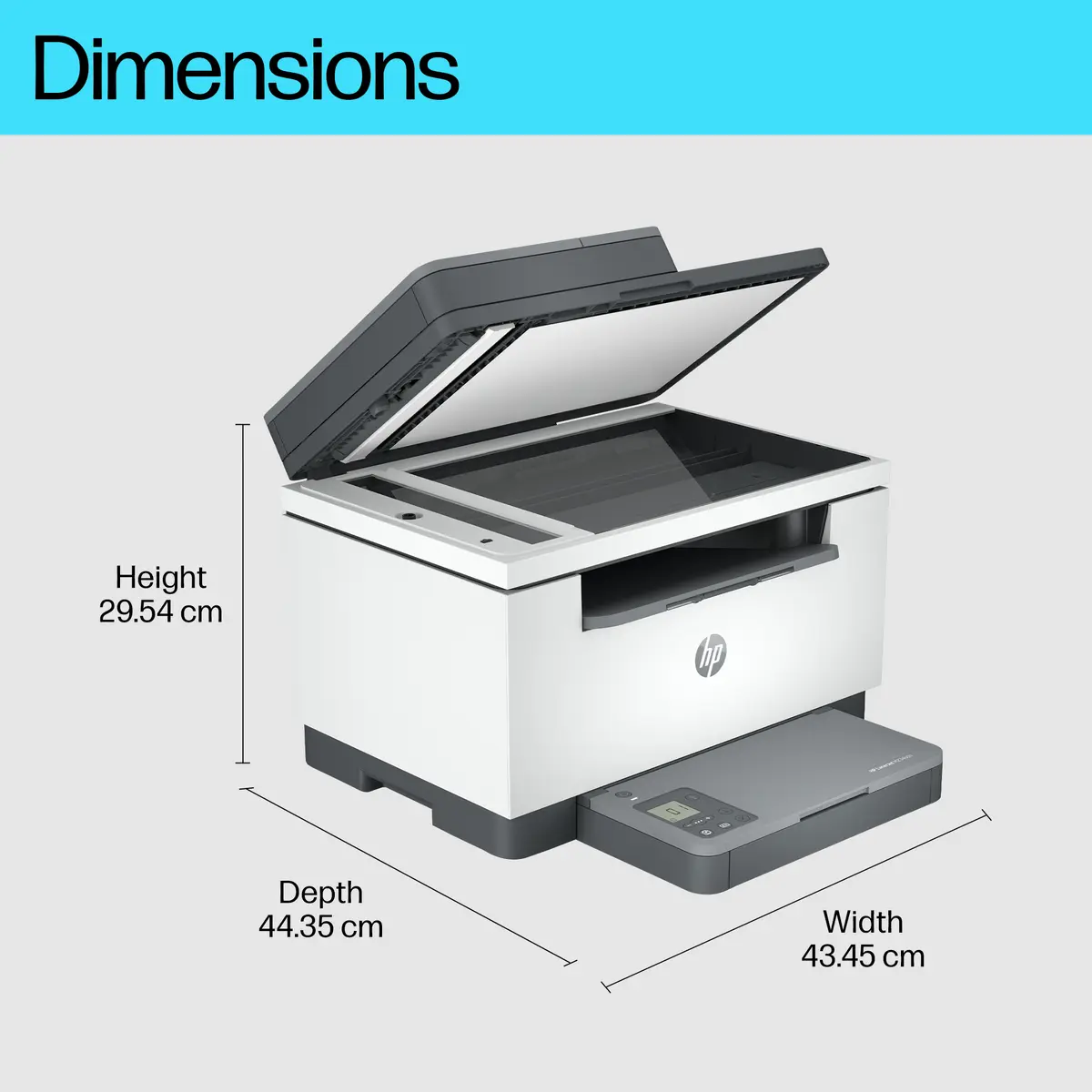
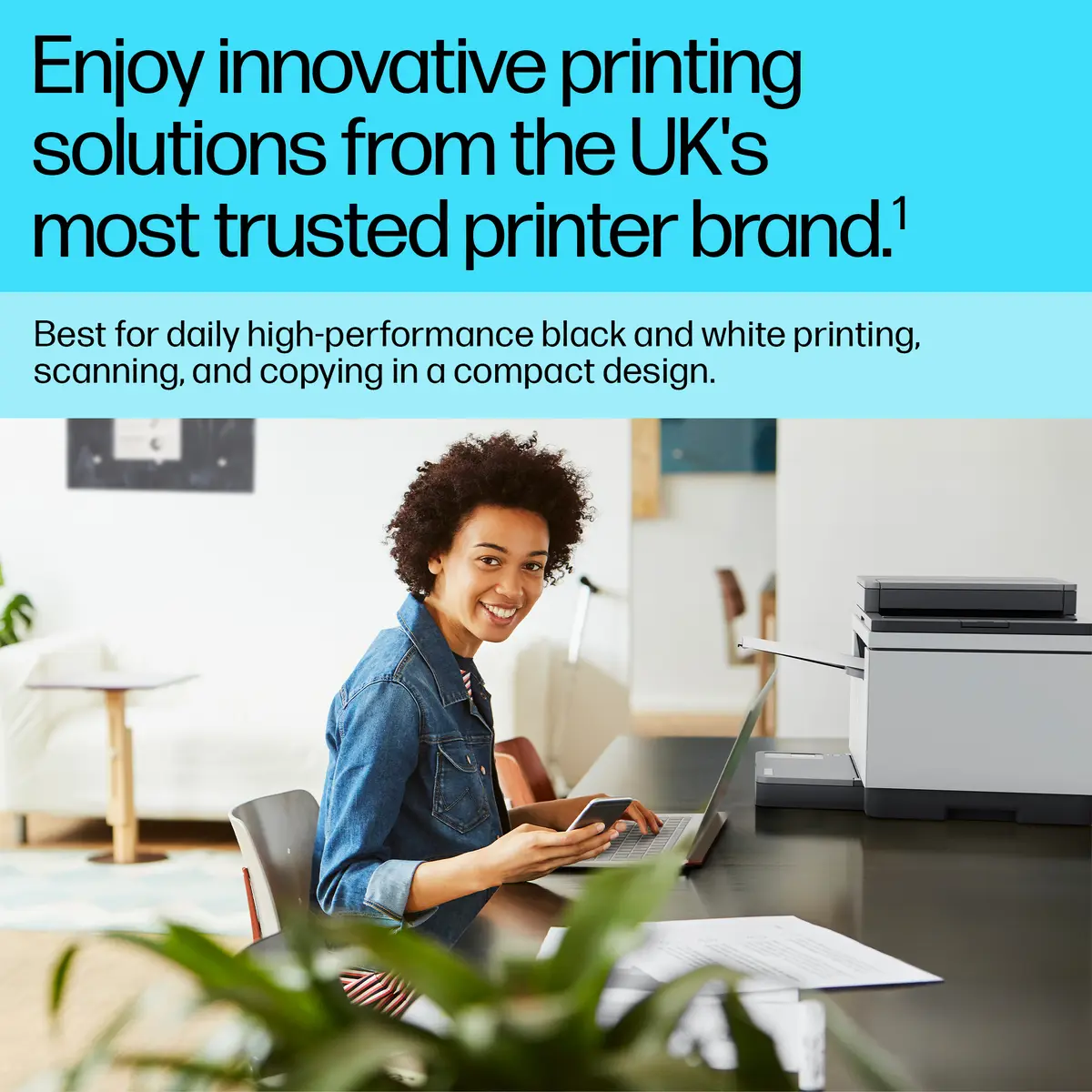
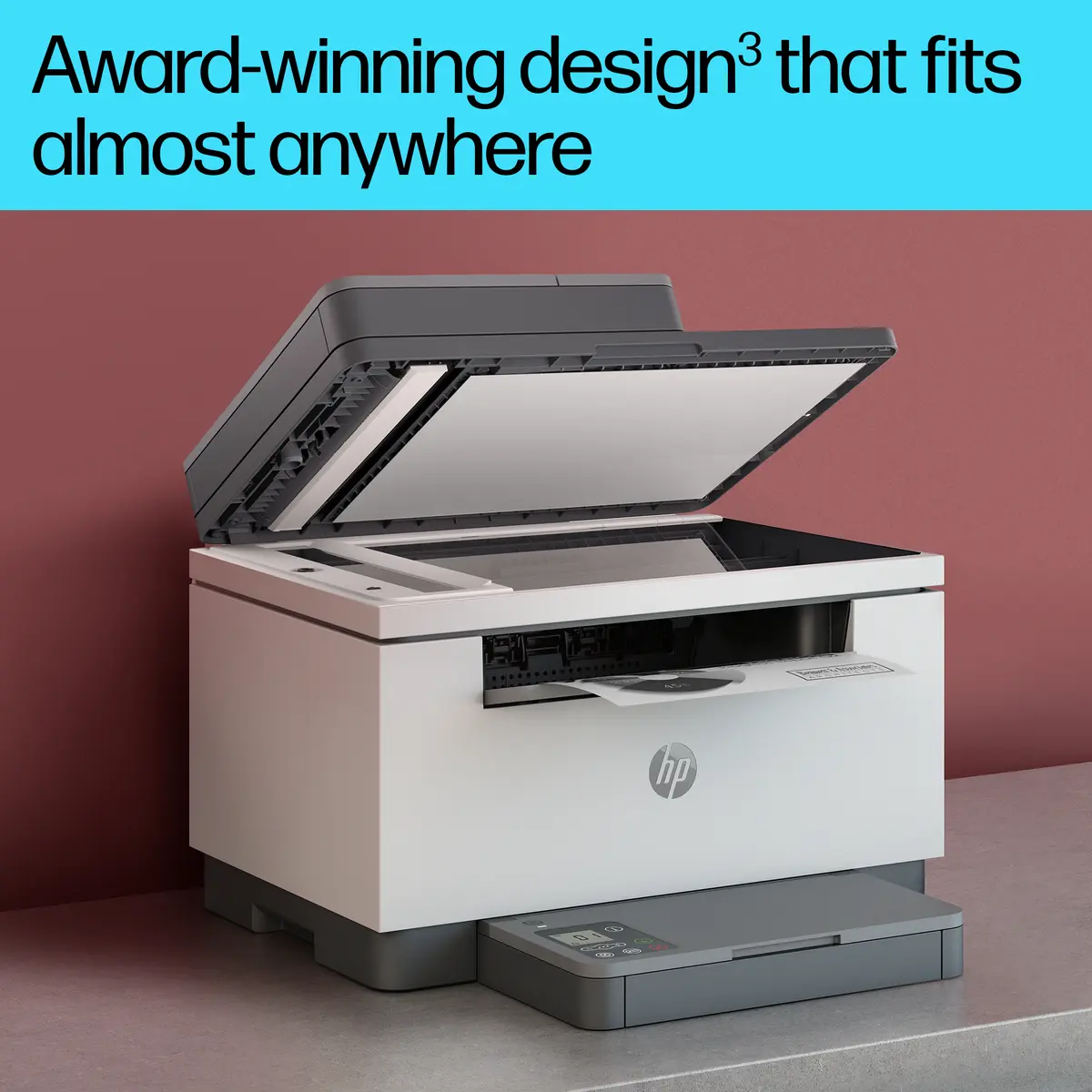
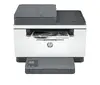
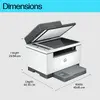
A LaserJet so compact it can fit almost anywhere.

Breeze through tasks with automatic scanning and copying.

Get started fast with simple setup that guides you through each step, with HP app.[6][6]

Get high-quality scanning, and share to Dropbox, Google Drive, email, or the cloud – from virtually anywhere.[6][6]

Quickly access and print documents and images on your smartphone, from Dropbox and Google Drive.[6][6]

Speed through multipage documents with the fastest in-class two-sided printing speed.[2]
You can fit this LaserJet almost anywhere – it’s that small and compact. Get projects done quickly with a printer that fits almost anywhere.
Easily handle large print jobs, and save time with automatic scanning and copying. Breeze through scan and copy tasks, using the automatic document feeder.
Easily share resources – access and print with Ethernet networking.
Get the business prints you want, fast. This printer delivers your documents at high speed.
Get high-quality scanning, and share to Dropbox, Google Drive, email, or the cloud – from virtually anywhere – with HP app.[6]
Quickly access and print documents and images on your smartphone, from Dropbox and Google Drive, using HP app.[6]
Get started fast with easy setup that guides you, step by step. Simply download the HP app, connect to a network, and share your printer across all your devices.[6]
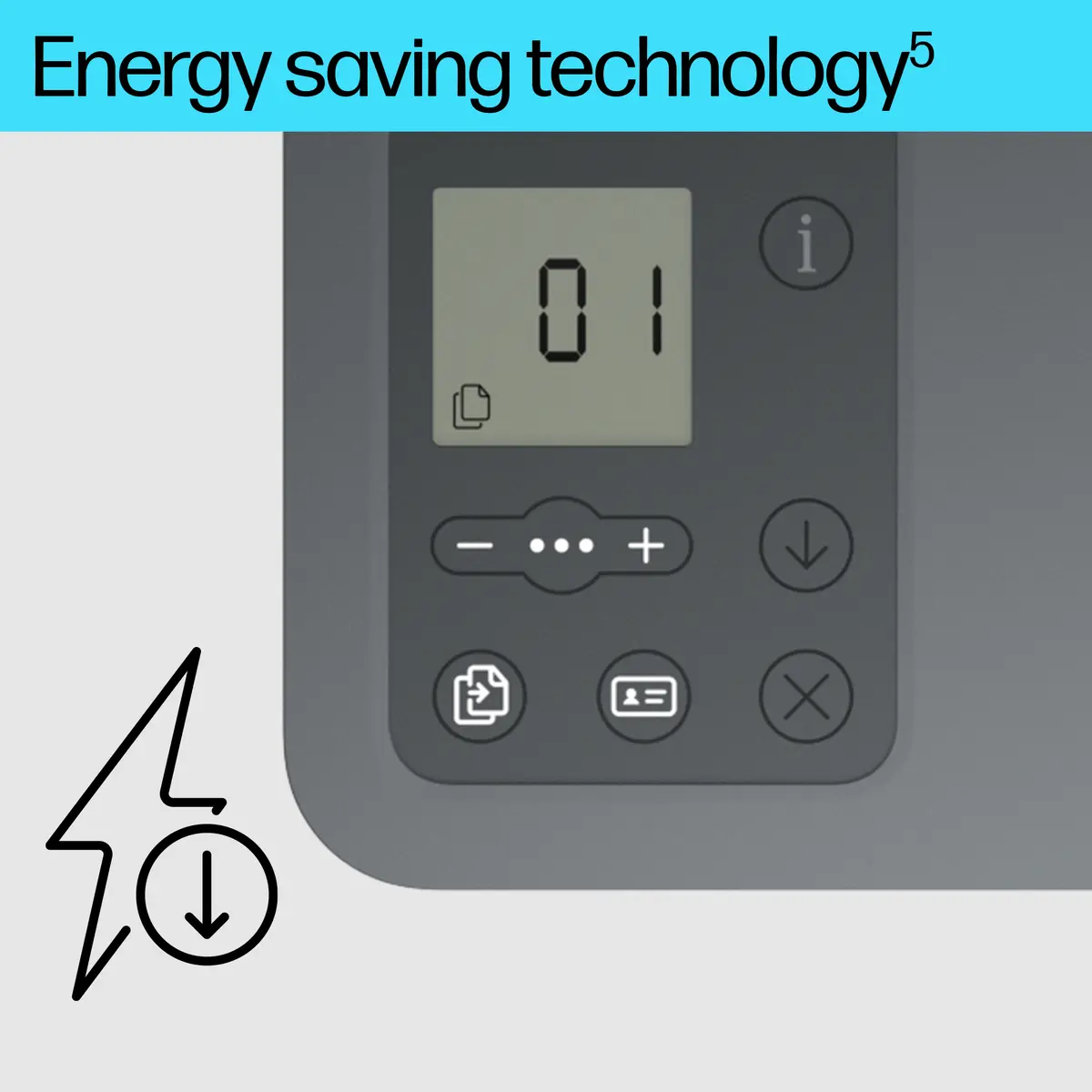
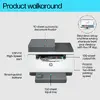
Easily manage tasks with smart-guided buttons for an intuitive experience – buttons appear only when needed.
This HP LaserJet meets ecolabel requirements, including ENERGY STAR and BLUE ANGEL.
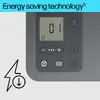
Help save energy with a LaserJet that uses up to 20% less energy than previous model.
Help save energy with HP Auto-On/Auto-Off Technology – intelligence that can turn your printer on when you need it and off when you don’t.[8]
HP FSC-certified paper is sustainably sourced from responsibly managed, renewable forest sources, which helps stop deforestation and protect wildlife.
{{highlightedFeature.featureTitle}}:
{{getProductFeatureValueById(product, highlightedFeature.featureId)}}
{{ productComparisonGenerationError }}