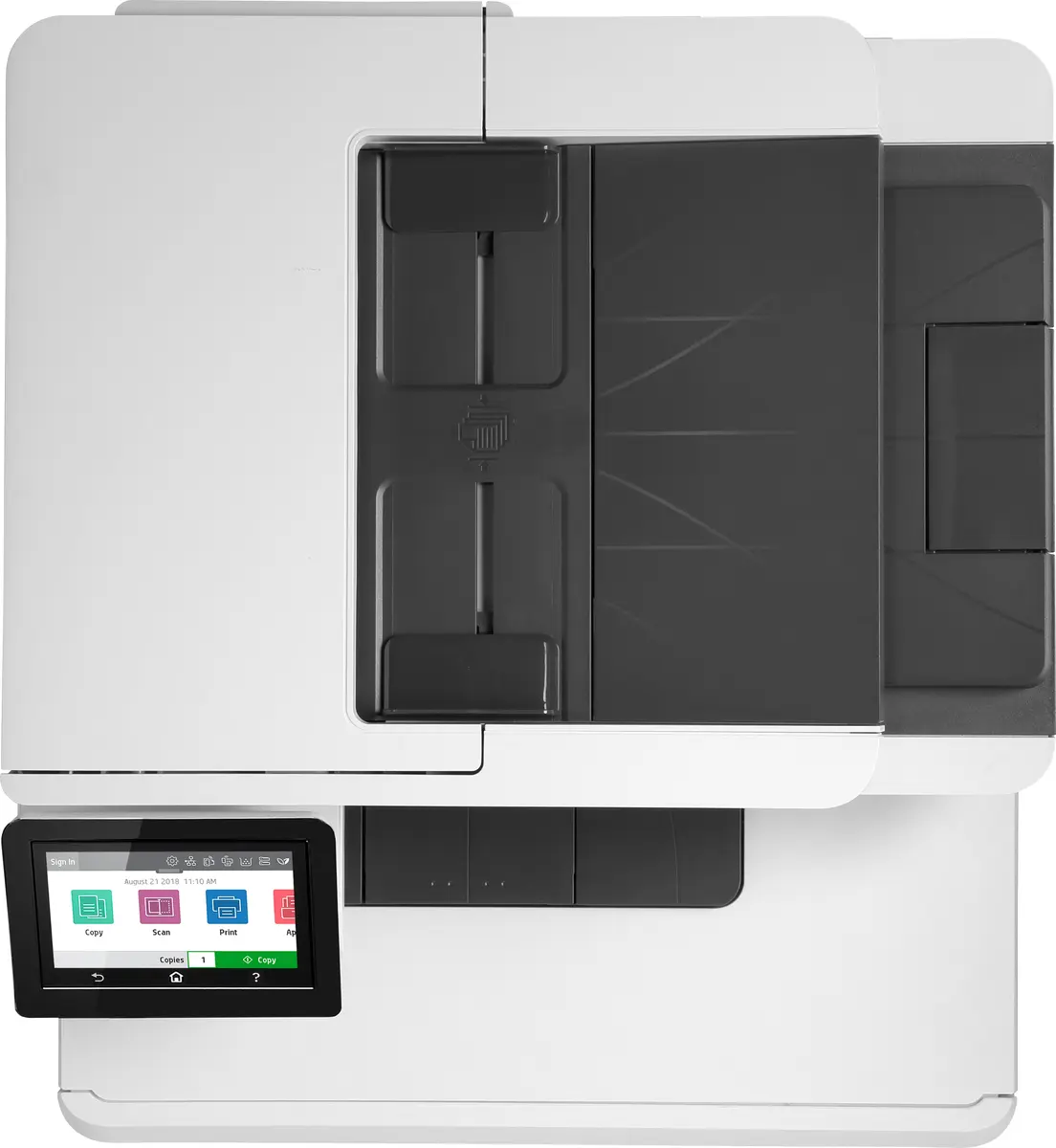
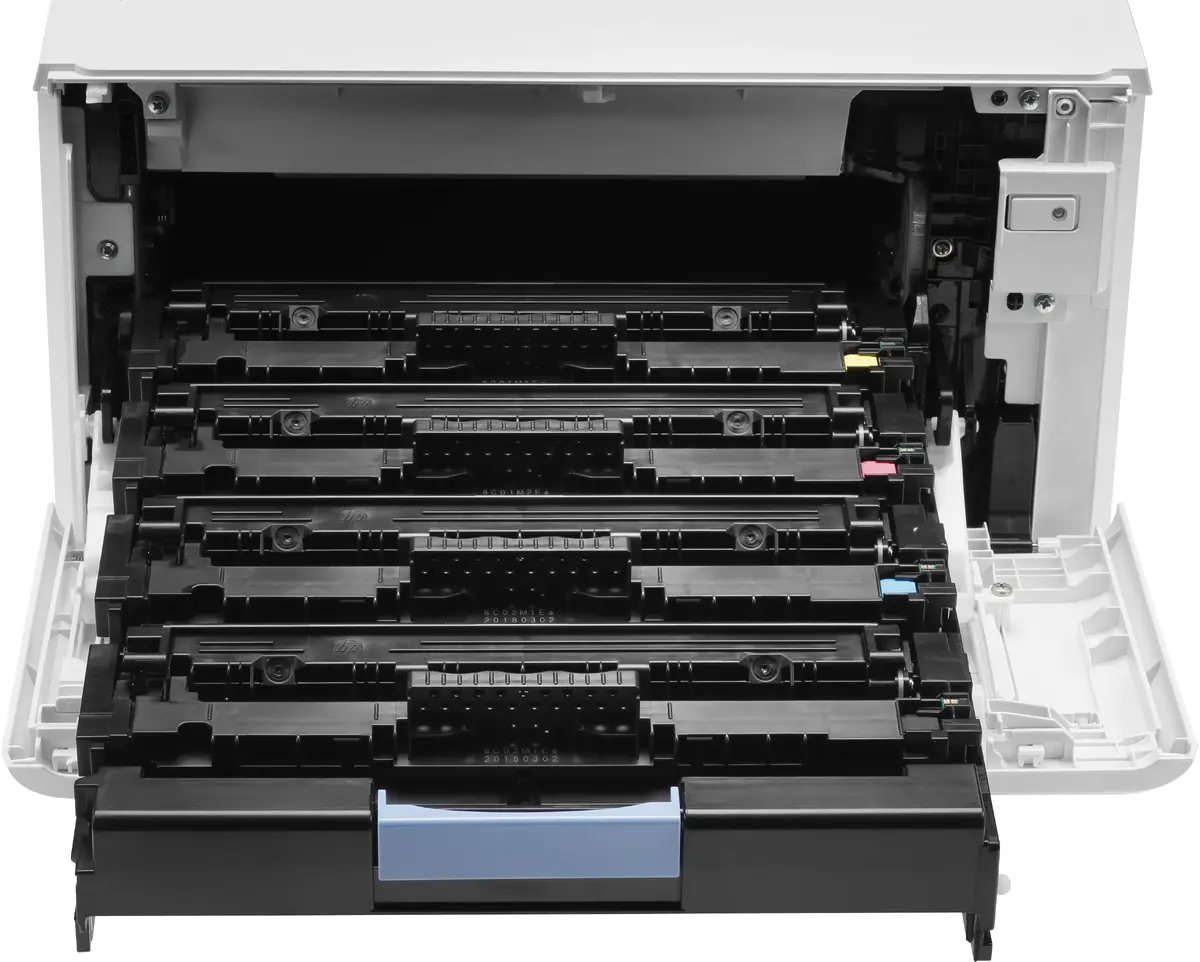
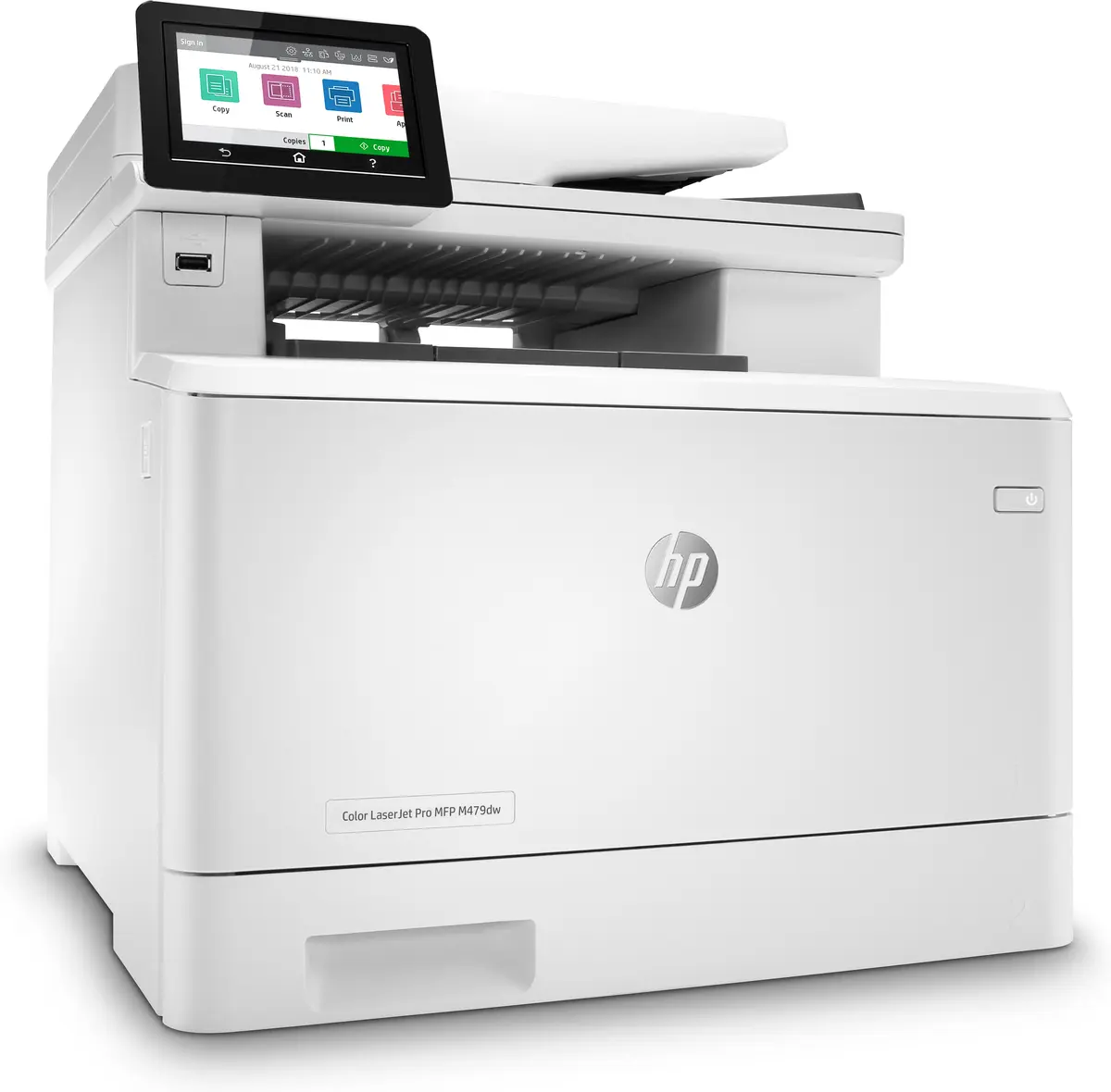
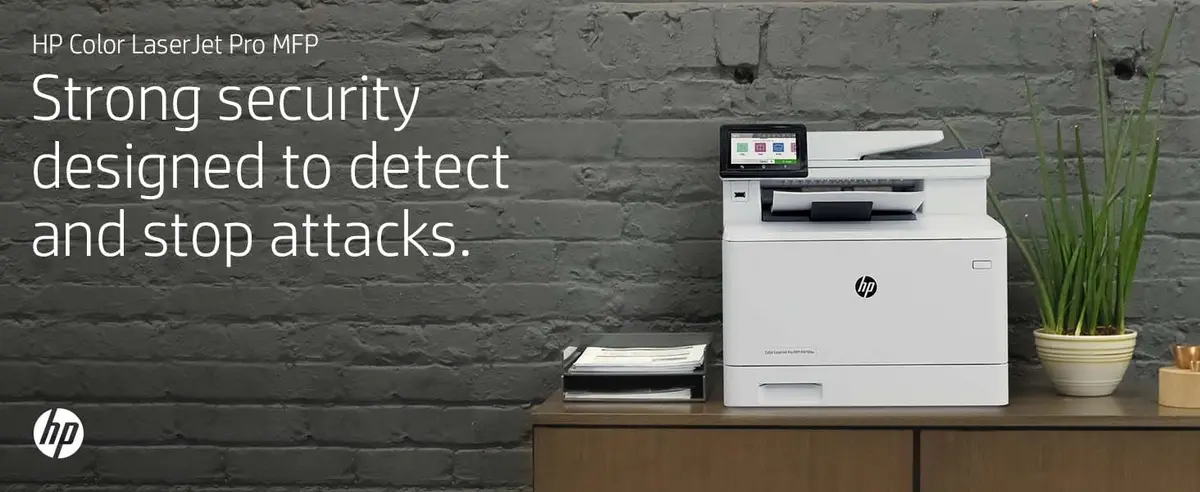
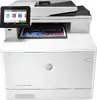
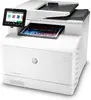
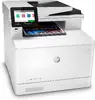
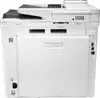
-
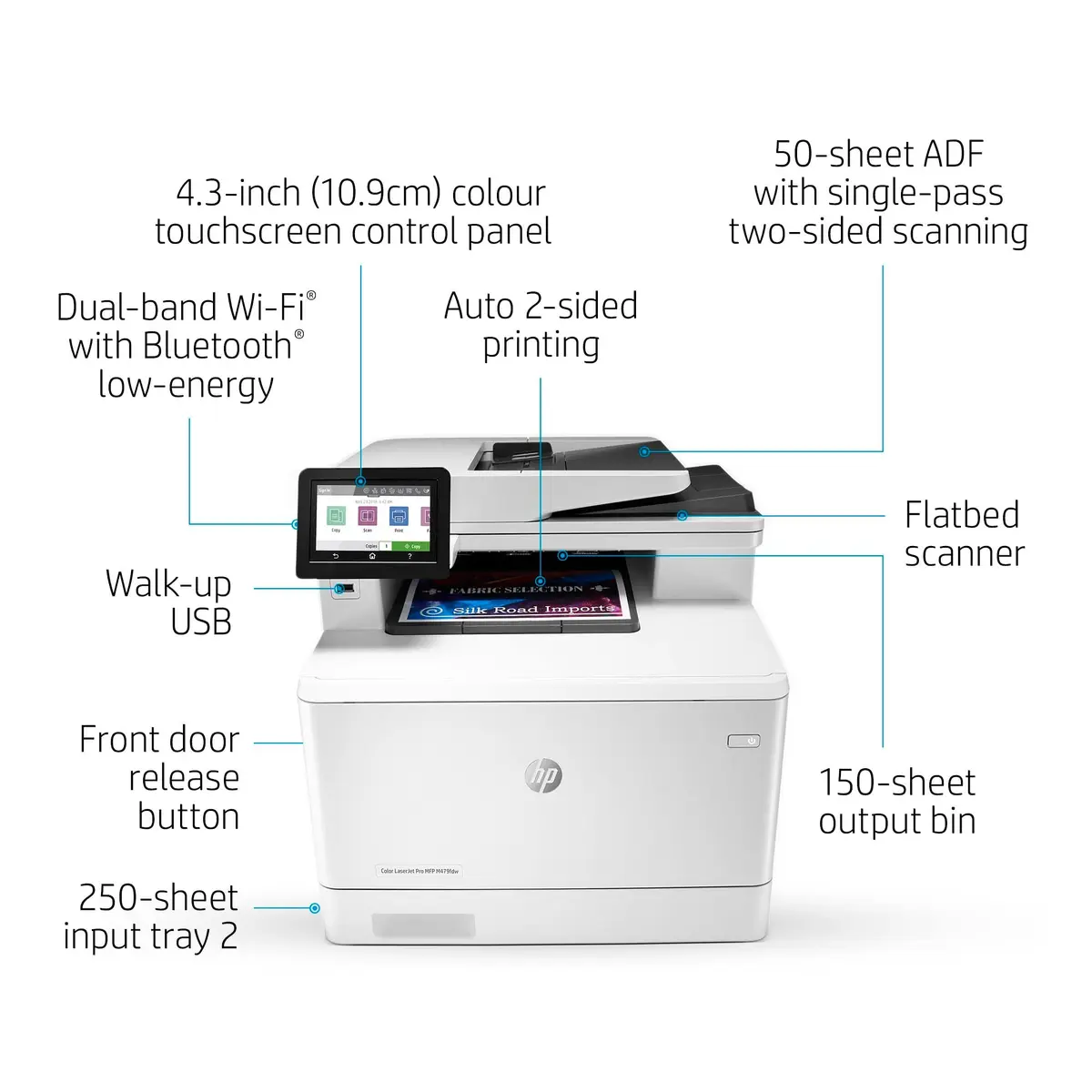
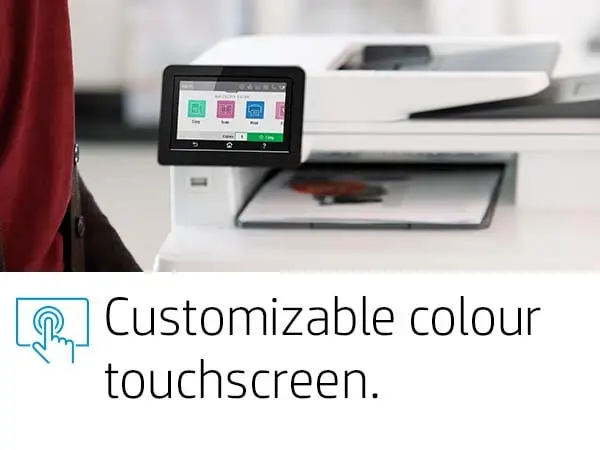
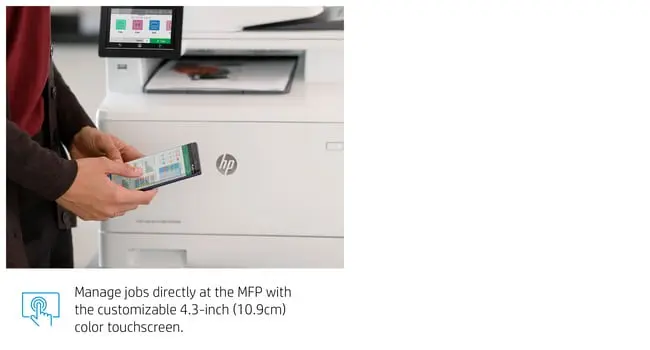
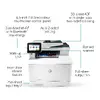
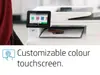
Built-in display:
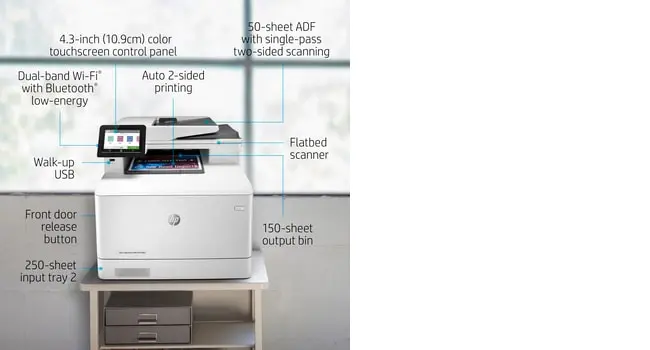
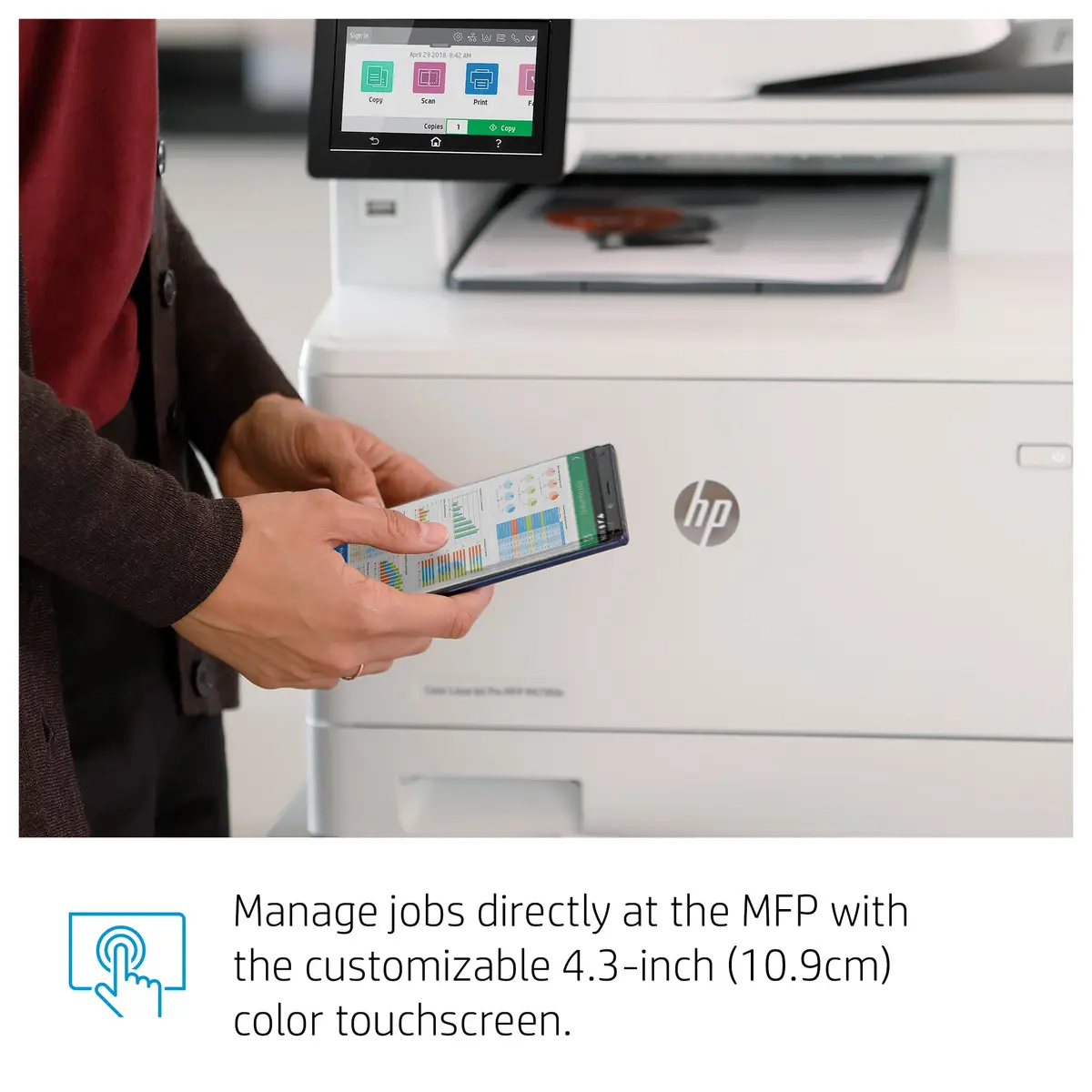
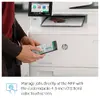
A display which is part of the product, so you do not need to attach another display.
-
Yes
-
Market positioning:
Under which category can the device be positioned in the market, e.g. camera phone.
-
Business
-
Internal memory:
The amount of memory, usually measured in bytes (e.g. MB, GB), which is installed in the system's hardware.
-
512 MB
-
Ethernet LAN:
An Ethernet LAN (Local Area Network) interface is present, for a wired conection via a cable.
-
Yes
-
Wi-Fi:
Popular technology that allows an electronic device to exchange data or connect to the internet wirelessly using radio waves.
-
Yes
-
Direct printing:
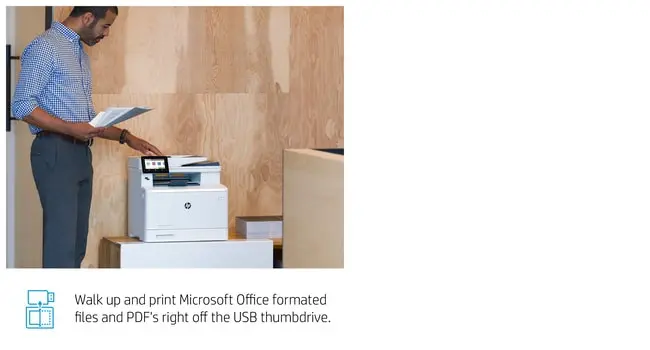
With direct printing it is possible to print your photographs or other documents directly to a printer from a compatible device, without the use of a computer.
-
Yes
-
Maximum ISO A-series paper size:
The maximum paper size the device can handle, defined by ISO A-series.
-
A4
-
Total output capacity:
-
150 sheets
-
Total input capacity:
-
300 sheets
-
Total number of input trays:
-
2
-
Number of print cartridges:
The amount of print cartridges. A print cartridge is a container holding a quantity of ink which is inserted into a inkjet printer mechanism.
-
4
-
Maximum duty cycle:
The maximum number of prints/copies made by a printer/copier in a fixed period.
-
50000 pages per month
-
Faxing:
To send an exact copy of a document made by electronic scanning and transmitted as data by telecommunications links.
-
No
-
Scanner type:
Indicates the type of scanner this product is.
-
Flatbed scanner
-
Optical scanning resolution:
How many pixels a scanner can see. Most commonly, this is measured in dots per inch (dpi).For example, a typical flatbed scanner will use a scanning head with 300 sensors per inch, so it can sample 300 dots per inch (dpi) in one direction. To scan in the other direction, it will move the scanning head along the page, stopping 300 times per inch, so it can scan 300 dpi in the other direction as well. This scanner would have an optical resolution of 300 x 300 dpi. Some manufacturers stop the scanning head more frequently as it moves down the page, so their machines have resolutions of 300 x 600 dpi or 300x1200 dpi.
-
1200 x 1200
-
Duplex scanning:
Feature of computer scanners and multifunction printers (MFPs) that allows the automatic scanning of a sheet of paper on both sides.
-
No
-
Scanning:
To convert a document or picture into digital form for storage or processing on a computer, by scanning it using a scanner.
-
Colour scanning
-
Maximum copy resolution:
The greatest amount of detail that can be produced by a copy of a document.
-
600 x 600
-
Duplex copying:
-
Yes
-
Copying:
Description of copying function (colour or monochrome).
-
Colour copying
-
Print speed (black, normal quality, A4/US Letter):
The print speed of a printer for black & white A4 pages, normal quality. The exact speed varies depending on the system configuration, software program, and document complexity.
-
27 ppm
-
Maximum resolution:
Maximum printing resolution.
-
600 x 600
-
Printing:
Producing a paper copy of information stored on a computer.
-
Colour printing
-
Print technology:
Indicates the method used to print by this product.
-
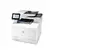
Laser
-
Product colour:
The colour e.g. red, blue, green, black, white.
-
Grey, White
-
ISO A-series sizes (A0...A9):
Different sizes of paper from A0 (big) to A9 (small). A4 is the most common size used for printing documents.
-
A4, A5, A6
-
Paper tray media types:
-
Plain paper, Glossy paper, Bond paper, Photo paper, Recycled paper, Envelopes, Labels, Rough paper, Postcard
-
Printing colours:
The colours that can be produced by the printer.
-
Black, Cyan, Magenta, Yellow
-
Duplex functions:
The product has the ability to print, scan etc. on both sides of a sheet of paper.
-
Print, Copy