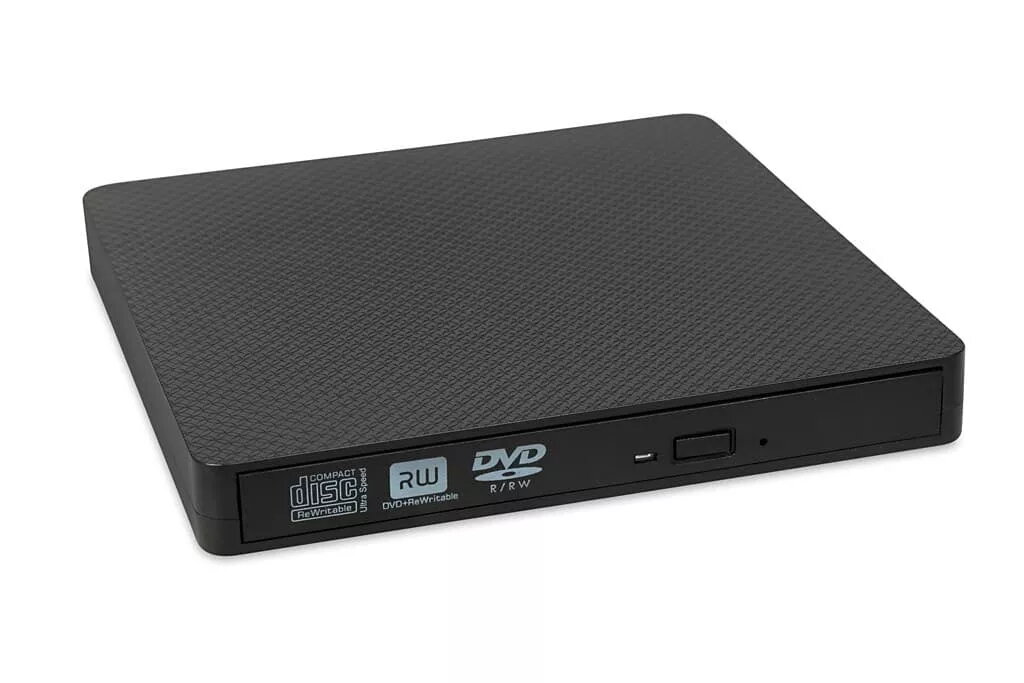
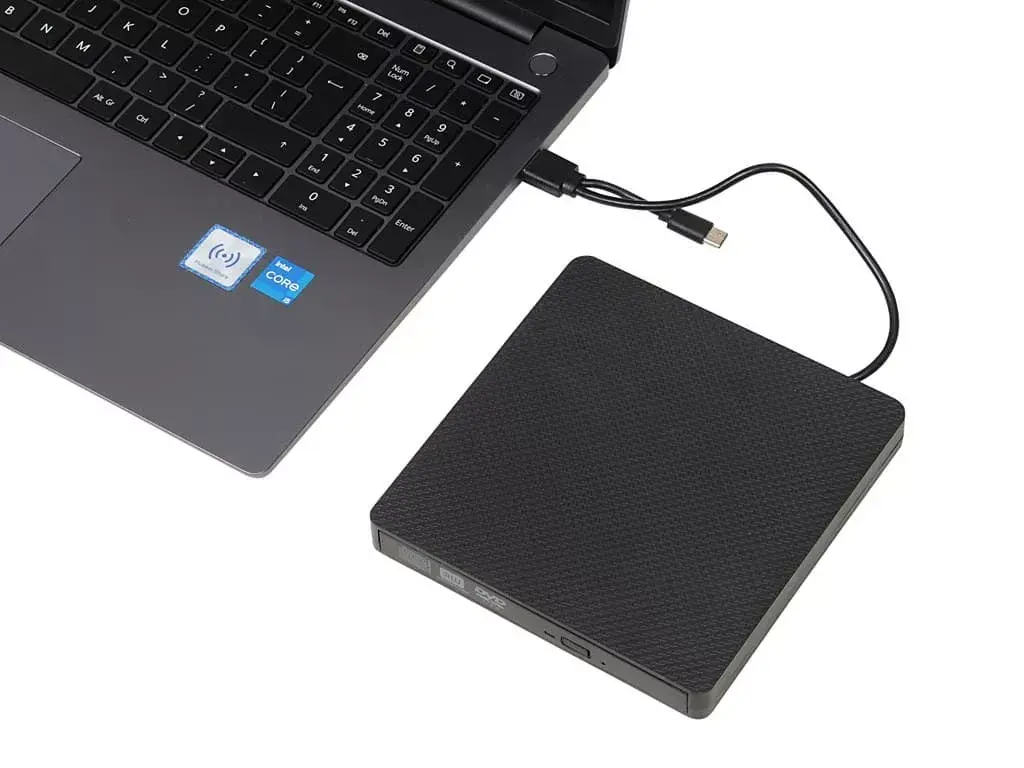
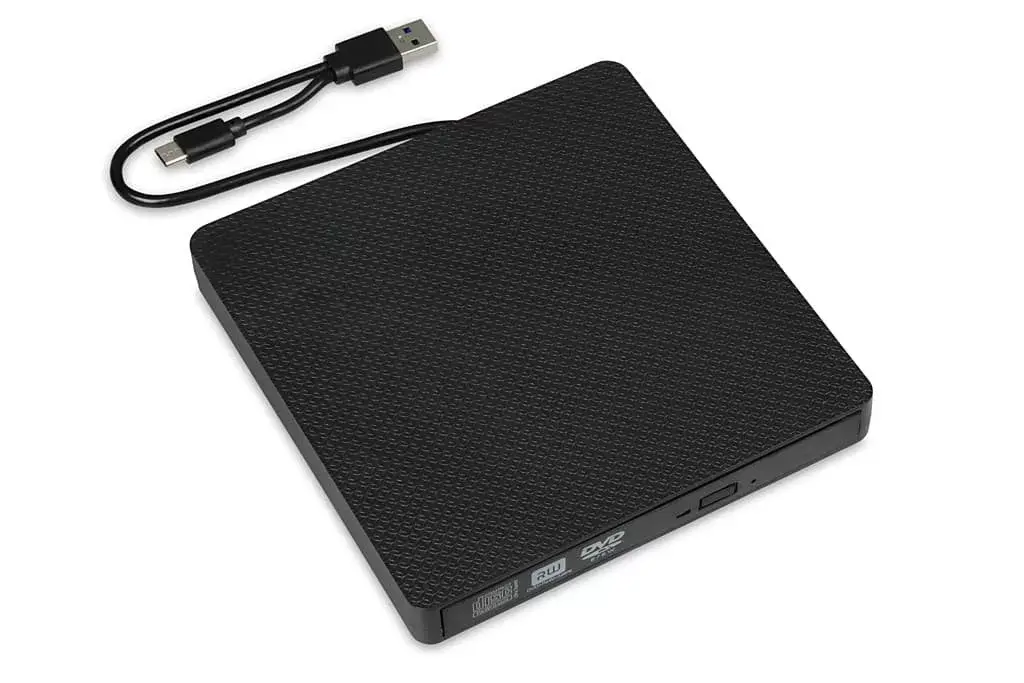
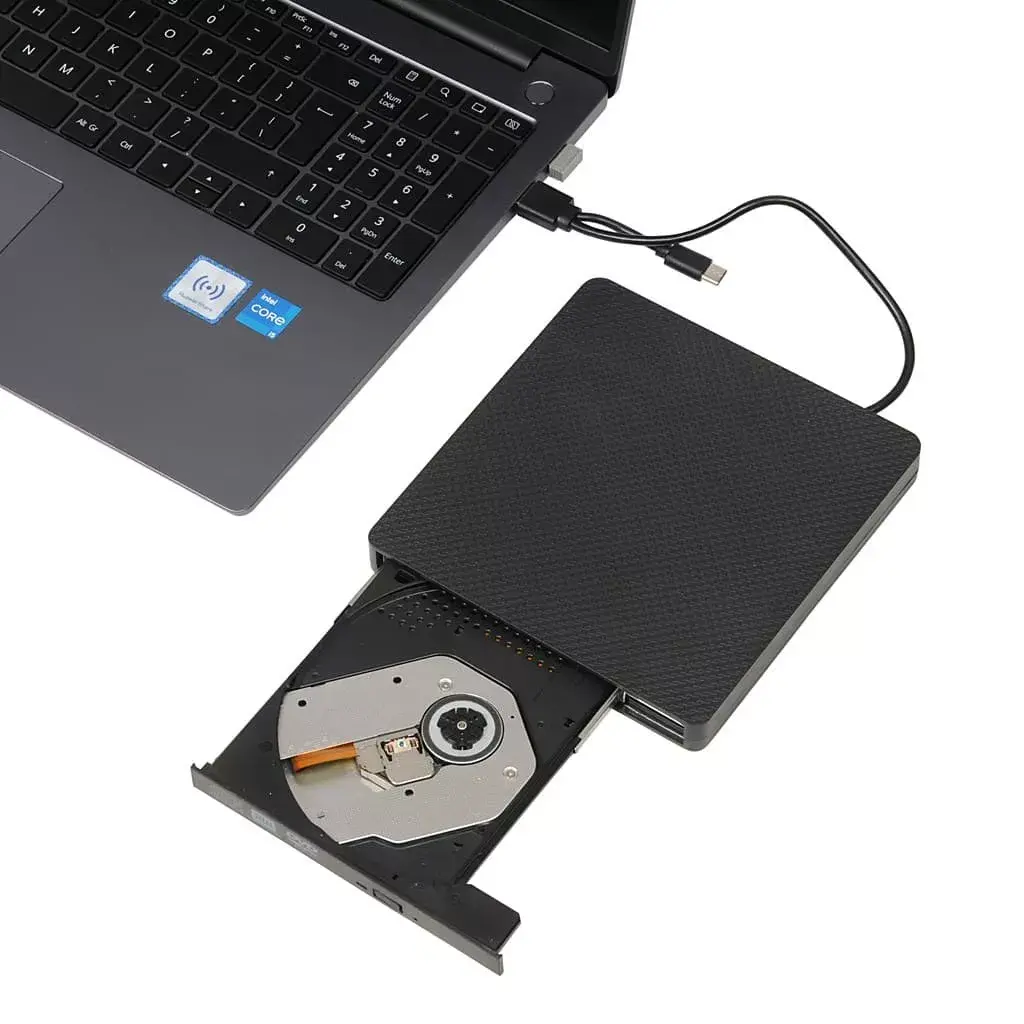
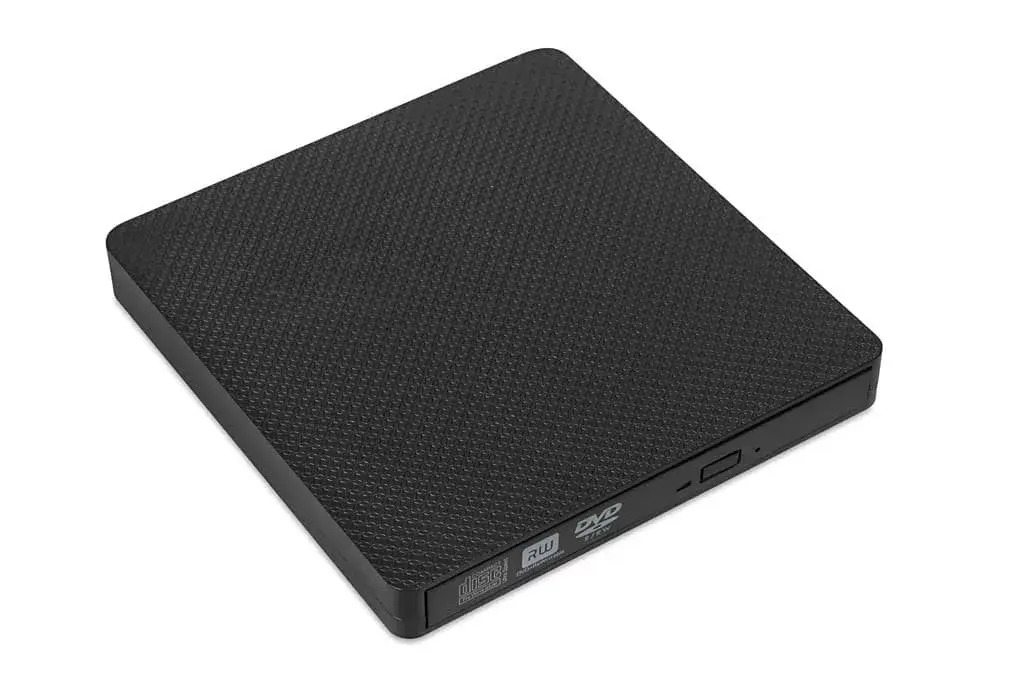
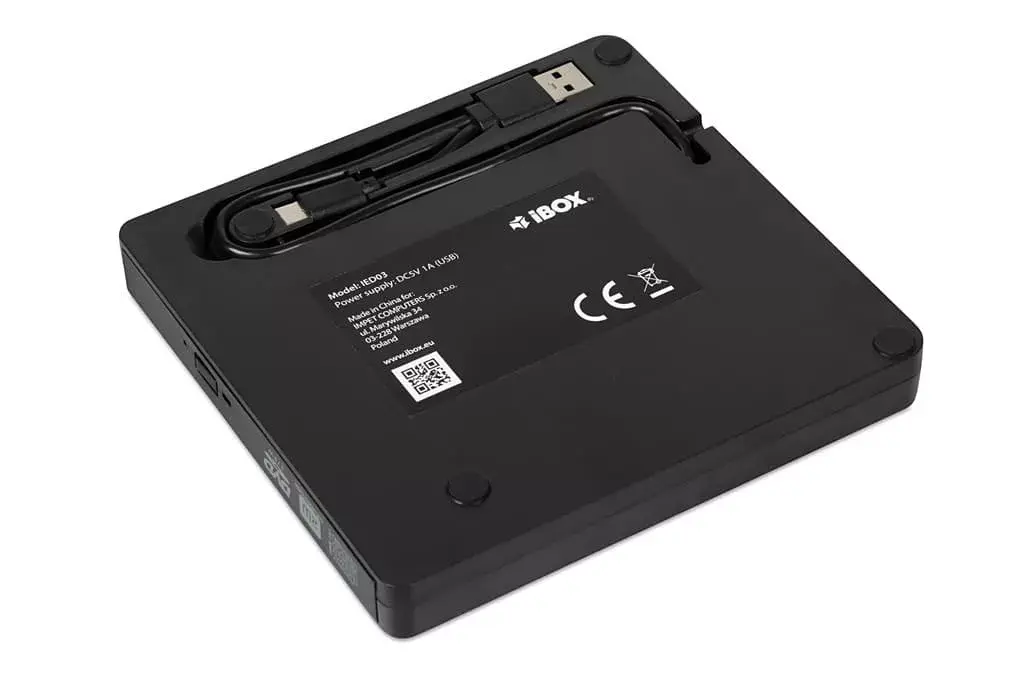
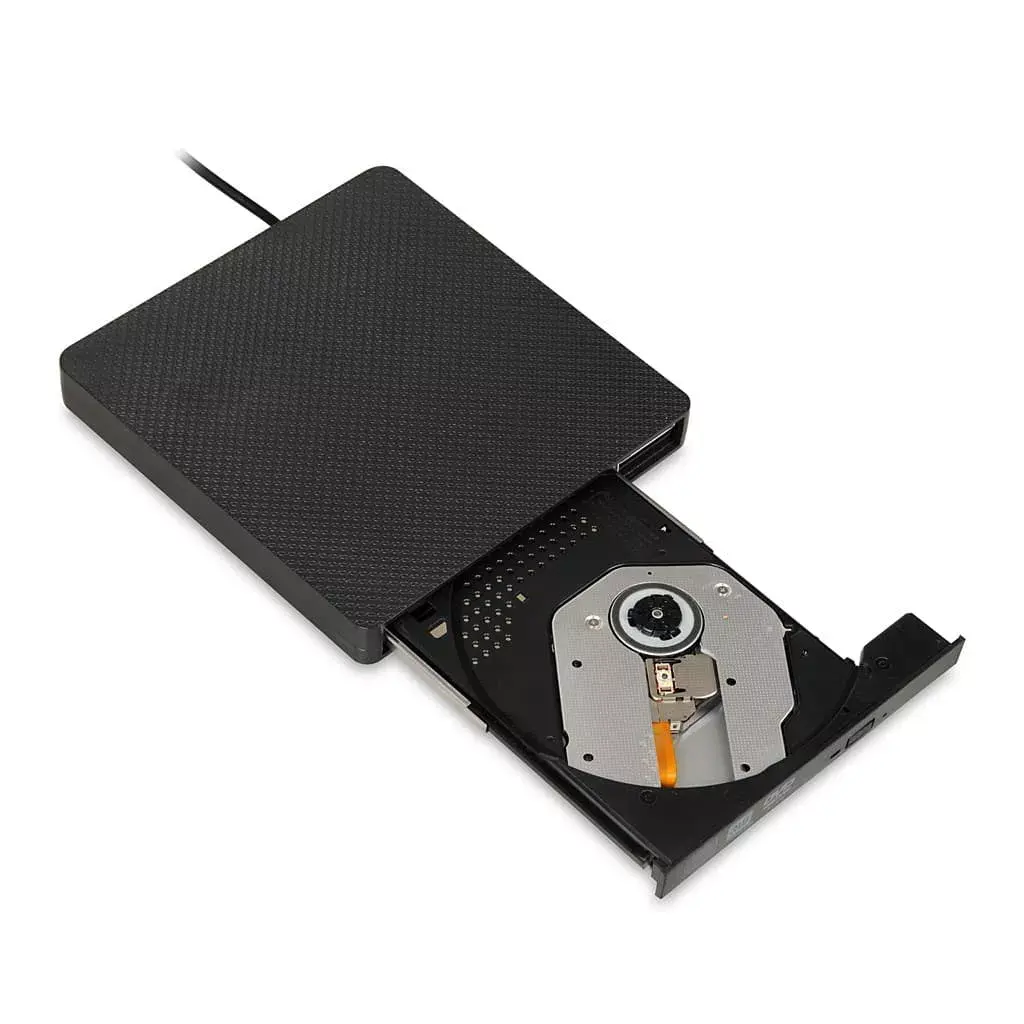
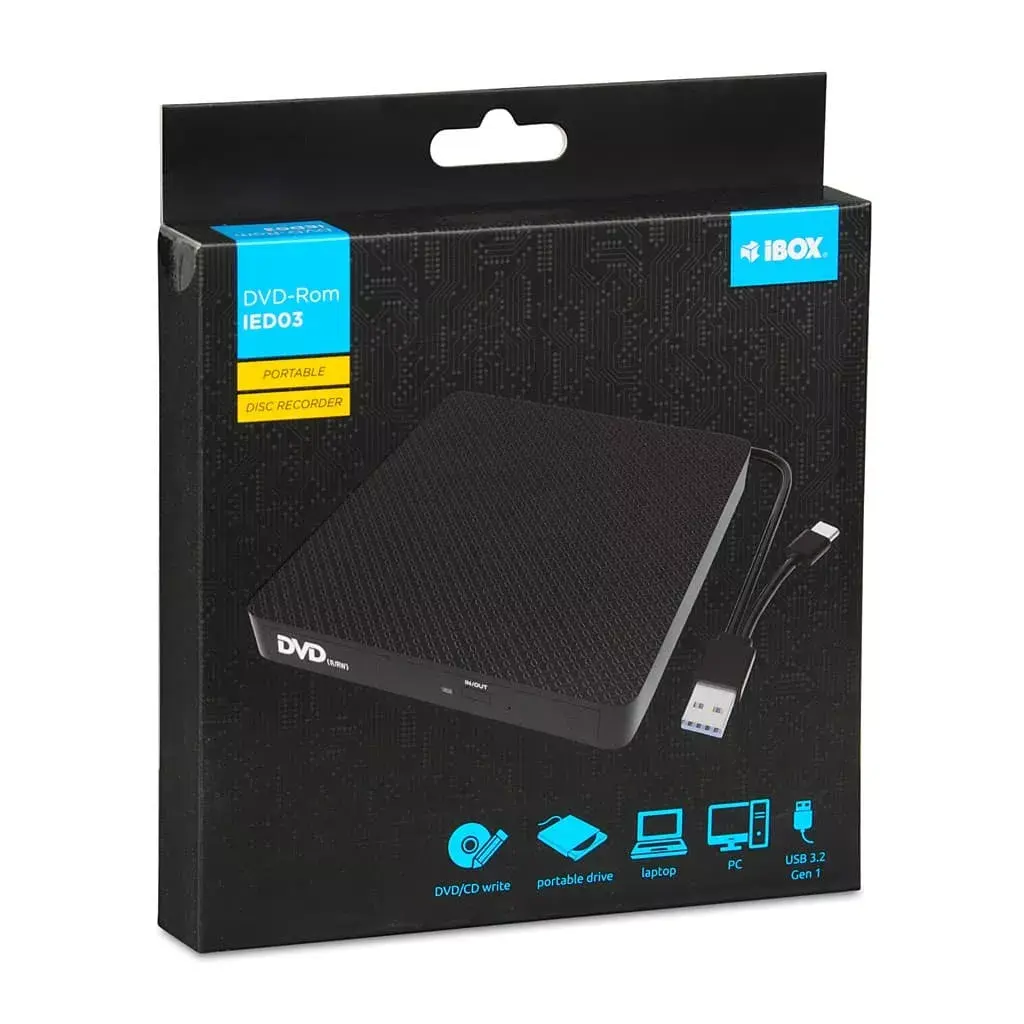
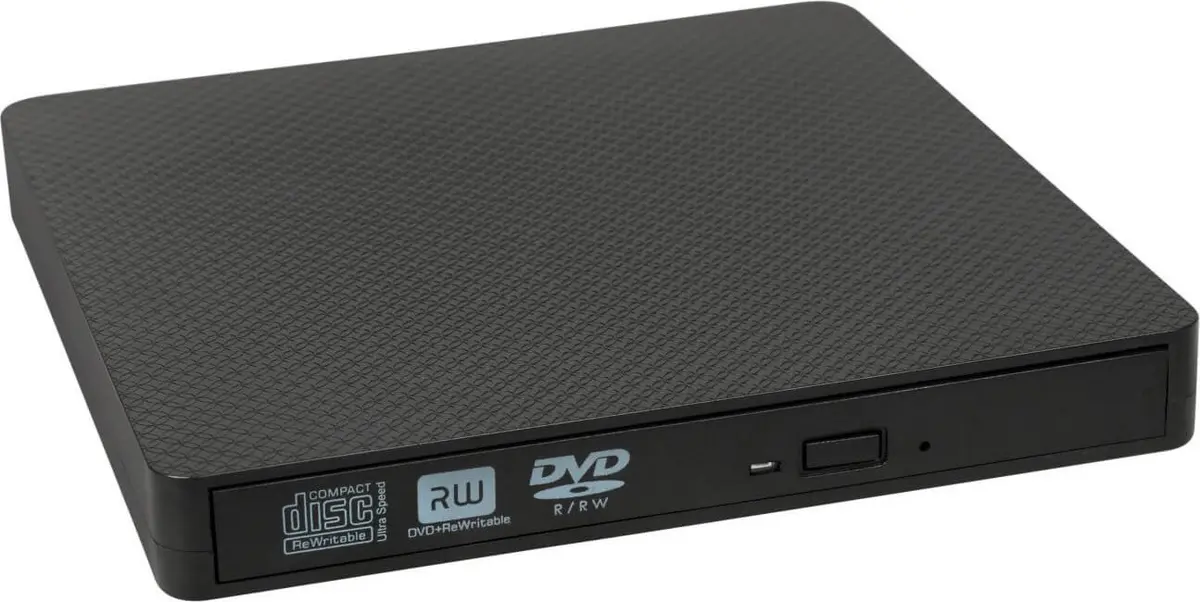
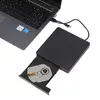
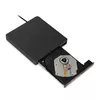
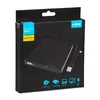
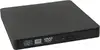
This comparison reviews the Optical Disc Drive IBOX IED03 alongside several external storage enclosures from the same manufacturer. All products share the IBOX brand, a compact design, and a USB connection interface for handling digital content. However, their core purpose is fundamentally different: the featured disc drive is designed for reading, writing, and archiving data on CDs and DVDs, whereas all alternative products are enclosures meant for housing internal 2.5-inch hard disk drives or solid-state drives to turn them into portable external storage.
⚙️ Below is a comparison of key characteristics such as device type, supported storage media, connection interfaces, and primary use cases.
| Parameter | Optical Disc Drive IBOX IED03 | HDD enclosure IBOX HD-01 | HDD enclosure IBOX HD-02 | HDD/SSD enclosure IBOX HD-05 Black | HDD/SSD enclosure IBOX HD-05 | HDD/SSD enclosure IBOX HD-05 Red |
|---|
| Device type | DVD±RW optical disc drive | 2.5" HDD enclosure | 2.5" HDD enclosure | 2.5" HDD/SSD enclosure | 2.5" HDD/SSD enclosure | 2.5" HDD/SSD enclosure |
| Supported media | CD, DVD, DVD+R DL, M-DISC (120 mm) | 2.5" SATA drives (up to 1 TB) | 2.5" SATA drives (up to 1 TB) | 2.5" SATA III drives (up to 10 TB) | 2.5" SATA III drives (up to 10 TB) | 2.5" SATA III drives (up to 10 TB) |
| Connection interface | USB 3.1 Gen1 (Type-C) | USB 2.0 Type-A | USB 3.2 Gen 1 (Type-A) | USB 3.2 Gen 1 (Micro-USB B) with UASP | USB 3.2 Gen 1 (Micro-USB B) with UASP | USB 3.2 Gen 1 (Micro-USB B) with UASP |
| Primary purpose | Optical disc playback, writing, and backup creation | File transfer and reuse of older hard drives | Faster file transfer from older hard drives | High-capacity mobile storage and drive cloning | Mobile storage and external capacity expansion | Portable data storage and backup creation |
| Practical conclusion | The only device in the selection built for physical optical discs and legacy media libraries. | Uses an older USB 2.0 interface, suitable only for basic reading of older hard drives at lower speeds. | Offers a faster USB Type-A interface for 2.5-inch drives compared to the entry-level HD-01 model. | Supports modern high-capacity drives up to 10 TB and UASP technology for faster file transfers. | Shares the technical capabilities of the black HD-05 version while featuring a distinct blue enclosure design. | Equipped with the JMicron JMS578 chipset and UASP support for stable and fast operation with large drives. |
◎ The table below evaluates product suitability for various user needs and scenarios to help determine the most appropriate option.
| Use case | Recommended product | Why |
|---|
| Watching legacy DVD movies or installing software from physical discs | Optical Disc Drive IBOX IED03 | Only this product features a laser mechanism designed for reading and writing CD and DVD media. |
| Creating long-term archival backups on physical media | Optical Disc Drive IBOX IED03 | Supports M-DISC burning capabilities, engineered for decades of data permanence. |
| Repurposing an old laptop hard drive as portable storage | HDD enclosure IBOX HD-05 Black (or other HD-05 variants) | Allows you to insert a standard 2.5-inch SATA drive and connect it via a modern, high-speed USB port. |
| Maximizing portable storage capacity up to 10 TB | HDD enclosure IBOX HD-05 Black | Supports high-capacity modern drives, unlike the older HD-01 and HD-02 models which are capped at 1 TB. |
Recommendation: The Optical Disc Drive IBOX IED03 differs fundamentally from all other compared models because it processes optical discs rather than hard drives. Choose this drive if you need to play audio or video discs, install software from compact discs, or create permanent archives using M-DISC. If your goal is to store files on 2.5-inch magnetic or solid-state drives, the HD-01, HD-02, or HD-05 enclosure series will be much more suitable.