





JBL speakers and headphones for pure and deep sound!
In cart {{totalProductsCount}} item(s)
Your cart is empty
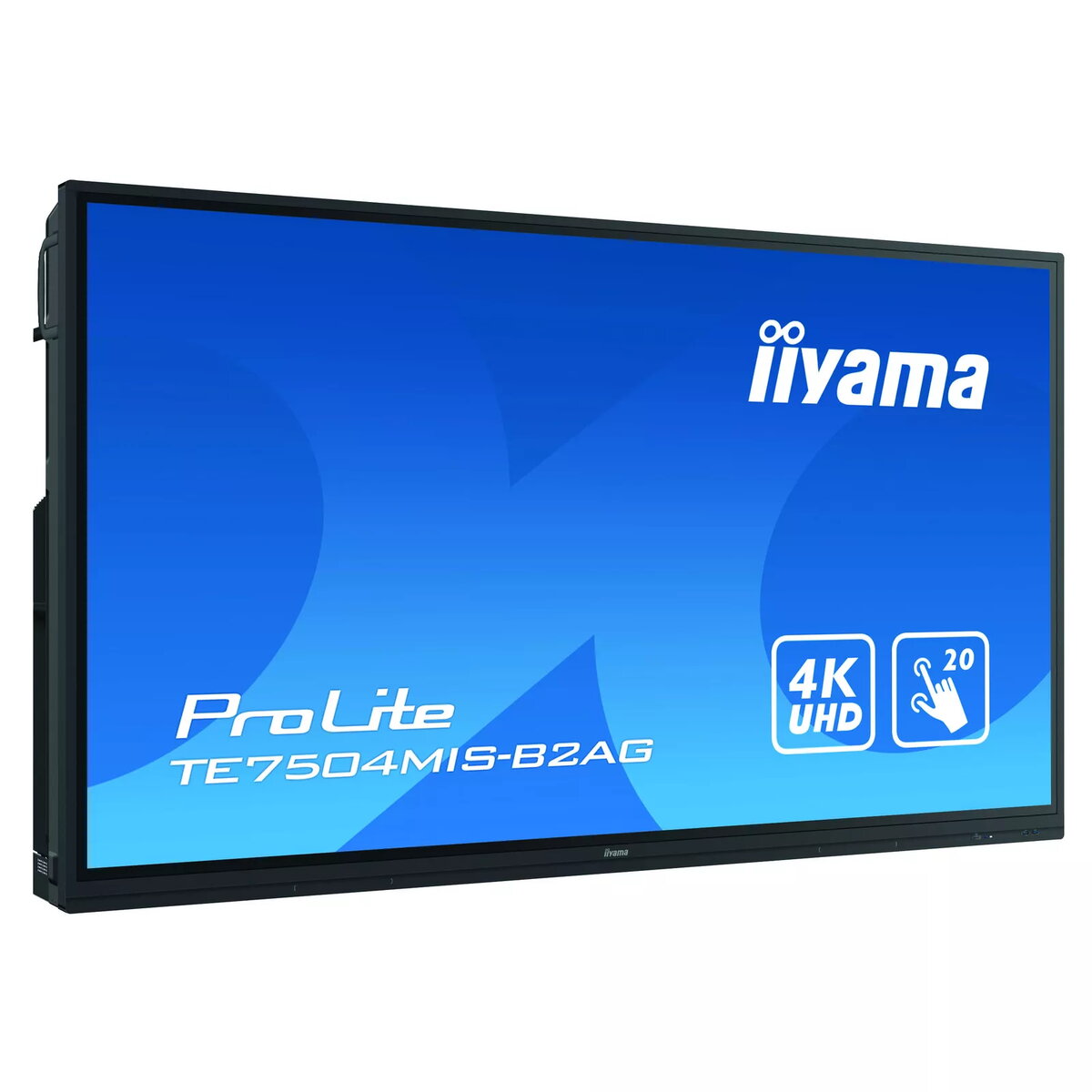
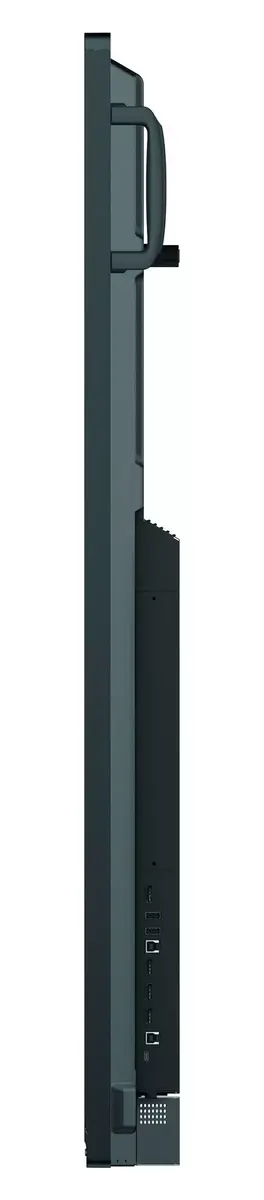
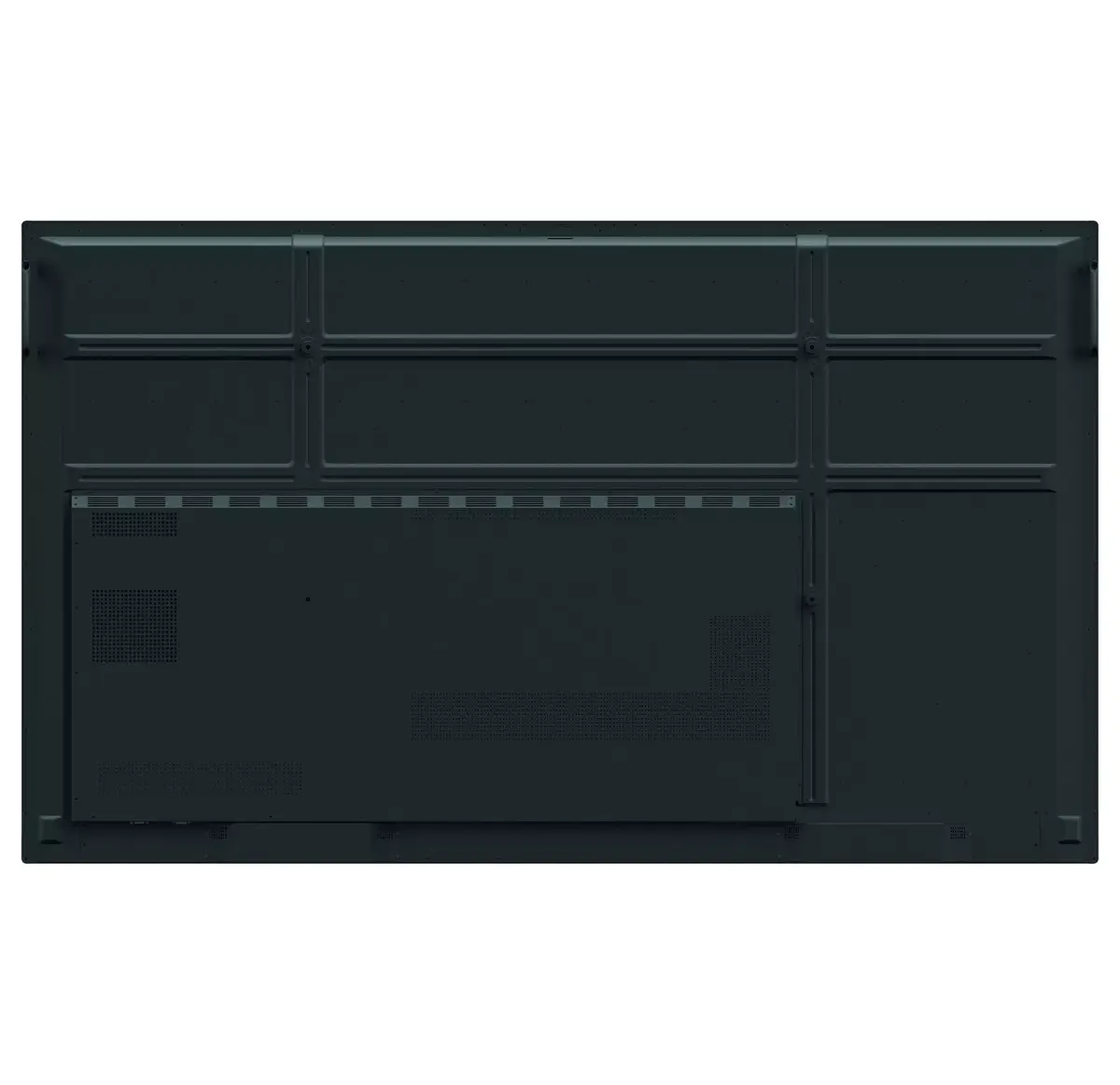
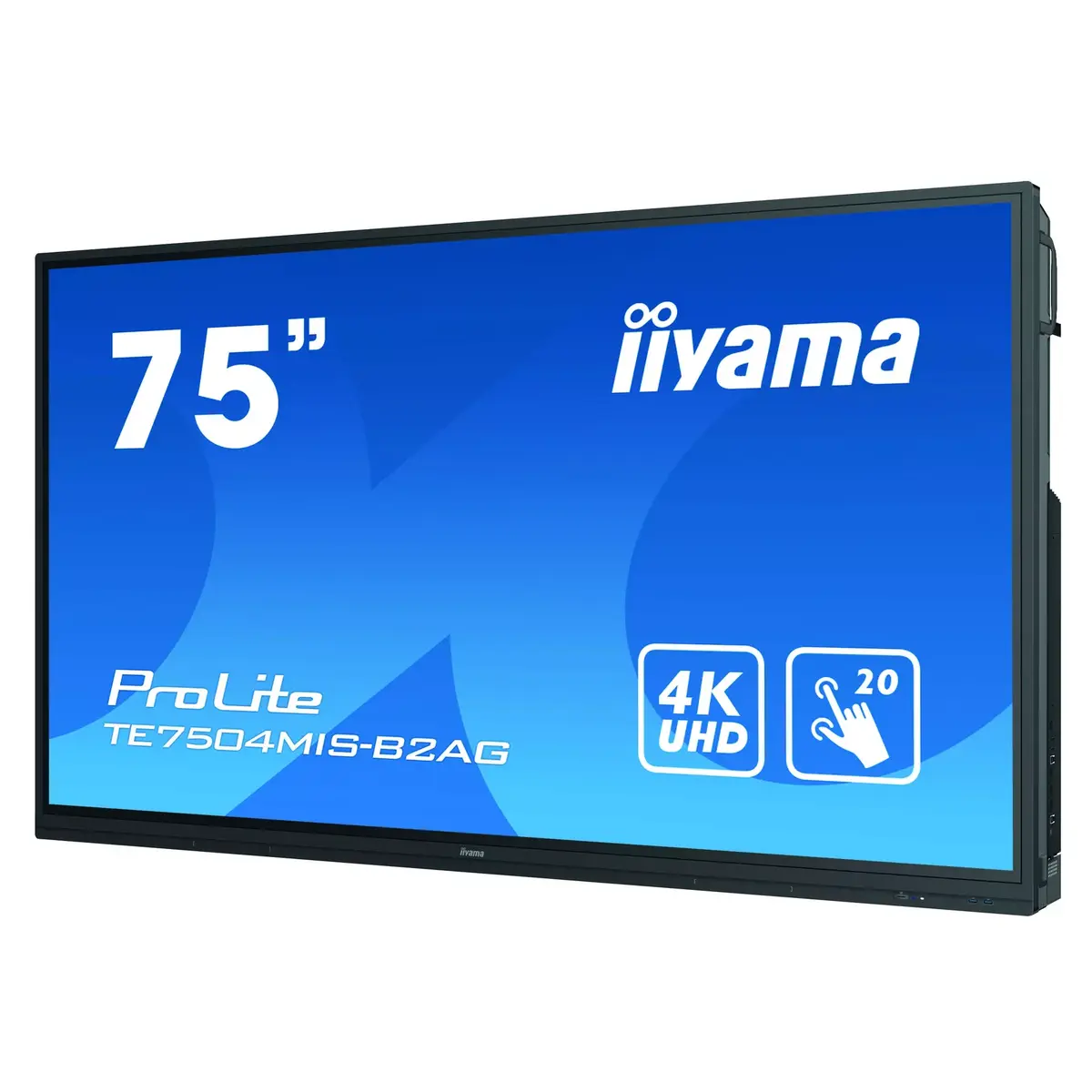
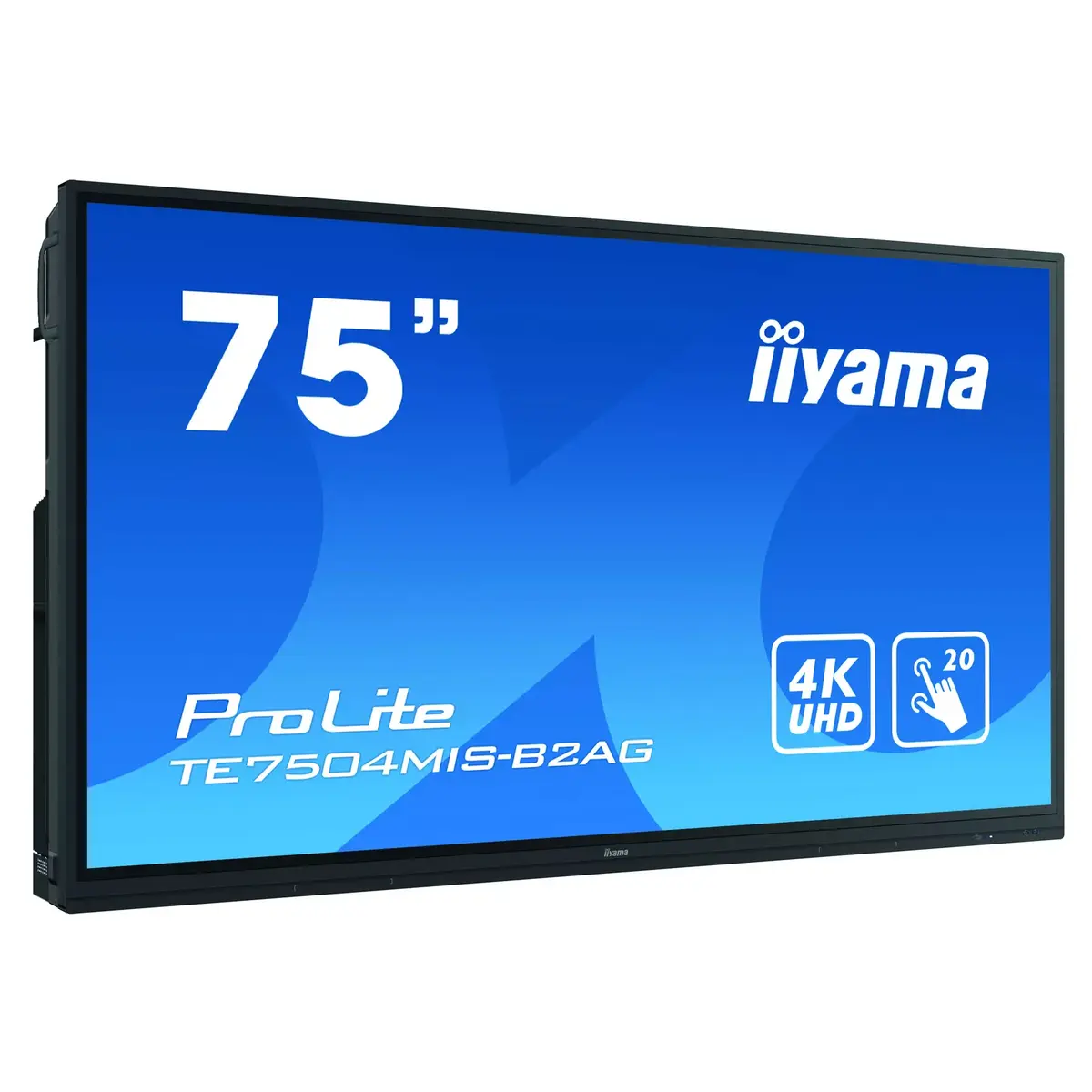
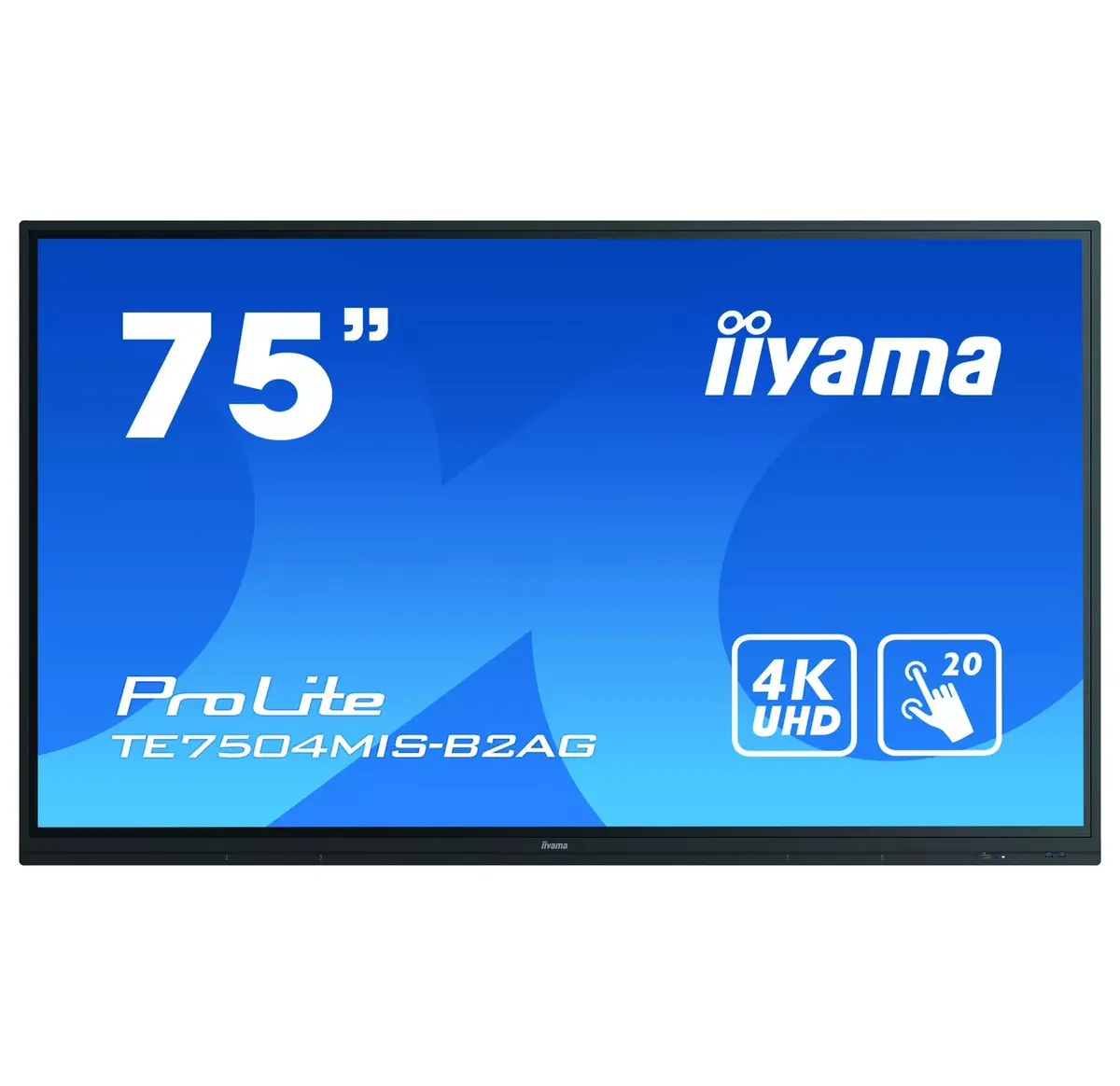
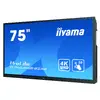
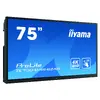
Interactive flat panel IIYAMA TE7504MIS-B2AG 75" (190.5 cm) IPS 4K UHD 350 cd/m² Wi‑Fi Android touchscreen
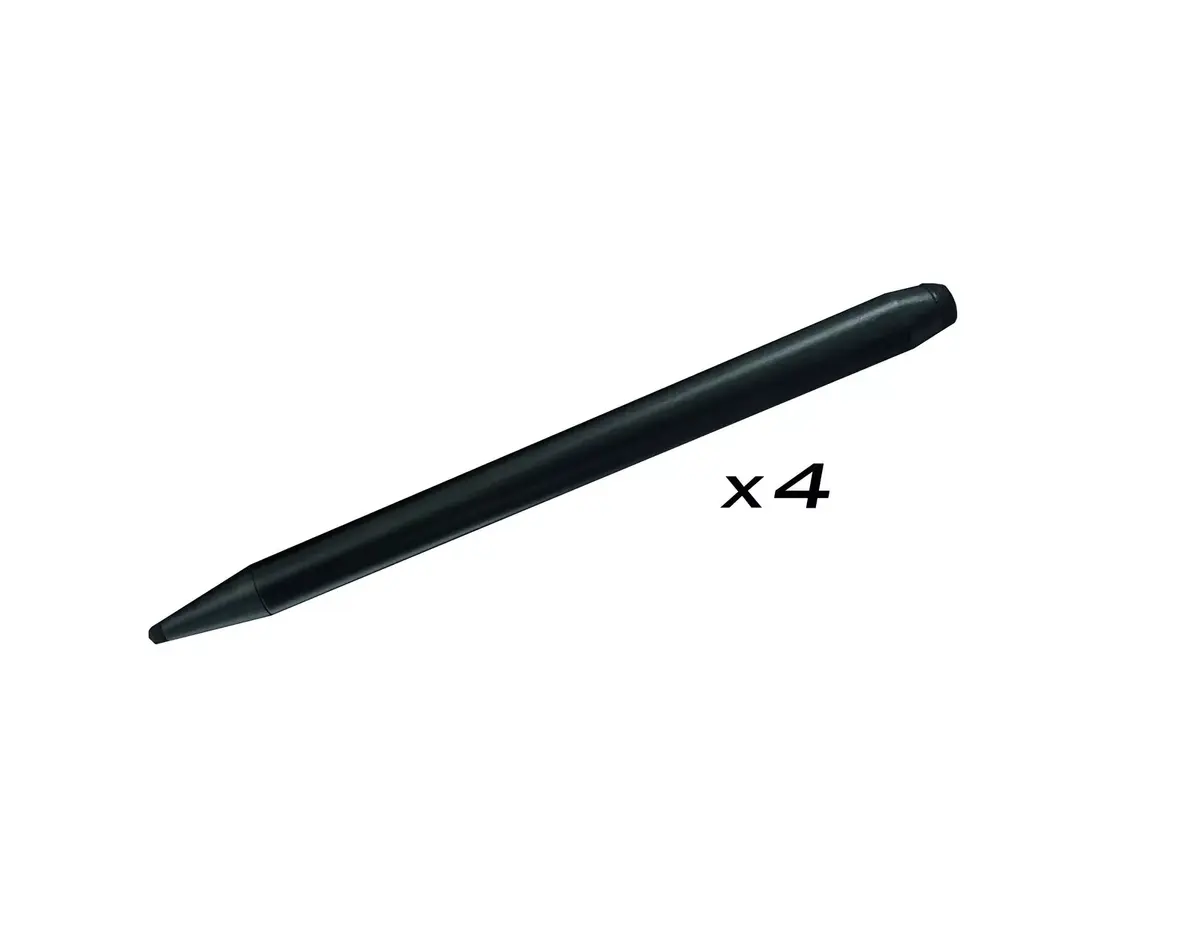
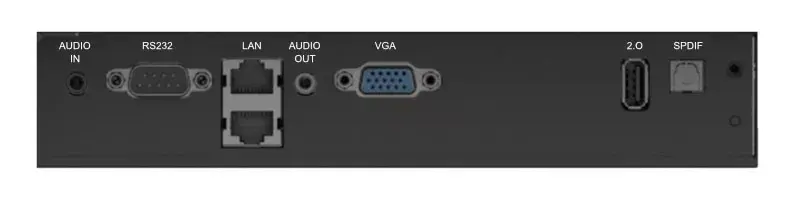
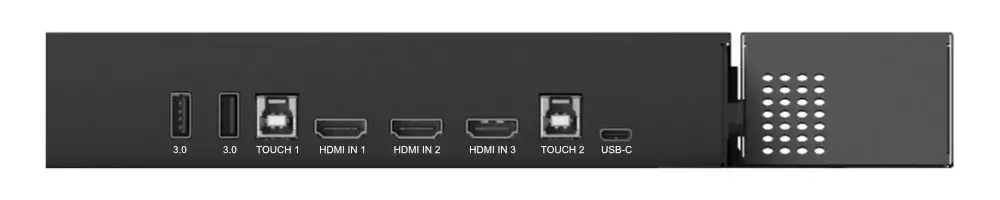
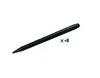
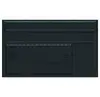
The iiyama TE7504MIS-B2AG is a 75" interactive flat panel designed for educational and corporate environments. It features a 4K UHD (3840 x 2160) IPS display with 350 cd/m² brightness, 1200:1 contrast ratio and a PureTouch-IR 20-point touchscreen. The panel runs iiWare 9.0 (Android) with built-in apps such as Note, web browser, file manager, cloud drives and WPS Office, includes dual-function touch pens for 4K annotation, and offers a USB-C port with 65W power delivery for video, audio and touch via a single connection.
The display delivers high-resolution, color-accurate images across a wide viewing angle thanks to its commercial-grade IPS panel, tempered by anti-glare coating and 3 mm hardened glass for durability in high-use spaces. PureTouch-IR provides 1 mm touch accuracy allowing smooth, fast annotations, while 32 GB internal memory, cloud drive support and direct USB saving simplify content storage and sharing. Integrated Wi-Fi, ScreenSharePro/EShare and optional Slot PC support provide flexible connectivity and compatibility with common streaming protocols and Windows-based systems. The unit is specified for 24/7 operation and includes security features such as screen lock, USB passcode protection and a Clean app to remove data.
This display is intended for professional and institutional use; it may be excessive for basic home entertainment where simpler TVs or monitors suffice. If you require a lightweight portable touchscreen or a display without built-in Android functionality, a different product might better match those needs.
Turn on the panel and connect your source device via HDMI, USB‑C, Wi‑Fi (ScreenSharePro/EShare) or the integrated apps in iiWare. Use the dual-function touch pens or finger input to annotate directly on 4K content within the Note app or supported office files. Save annotations and files to the internal 32 GB storage, a connected USB drive, or a linked cloud drive. For Windows applications and extended management, install the optional Slot PC. Use the Clean app and security features to clear user data and protect access when the display is shared among multiple users.
For optimal viewing and touch performance position the display at an appropriate height for users, keep the anti-glare surface clean of grease and heavy dust, and use the recommended touch pens for precise annotation. Regularly run the Clean app after shared sessions to remove personal data and maintain security.
{{highlightedFeature.featureTitle}}:
{{getProductFeatureValueById(product, highlightedFeature.featureId)}}
{{ productComparisonGenerationError }}