



{{ totalProductsCount }}

In cart {{totalProductsCount}} item(s)

Total:
{{sum | formatAmount}}

Your cart is empty

header-product Monitor iiyama 75" 4K Ultra HD Interactive Flat Panel

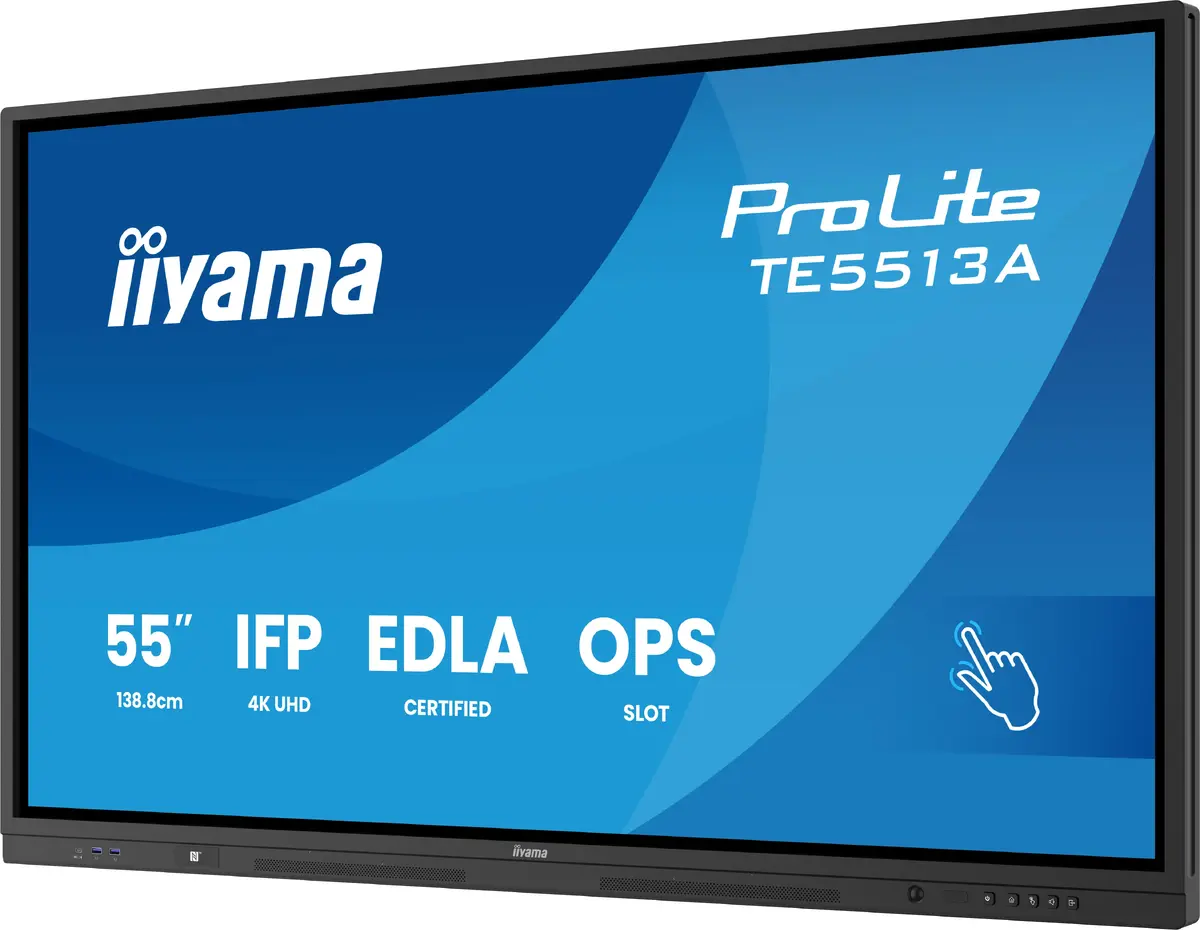
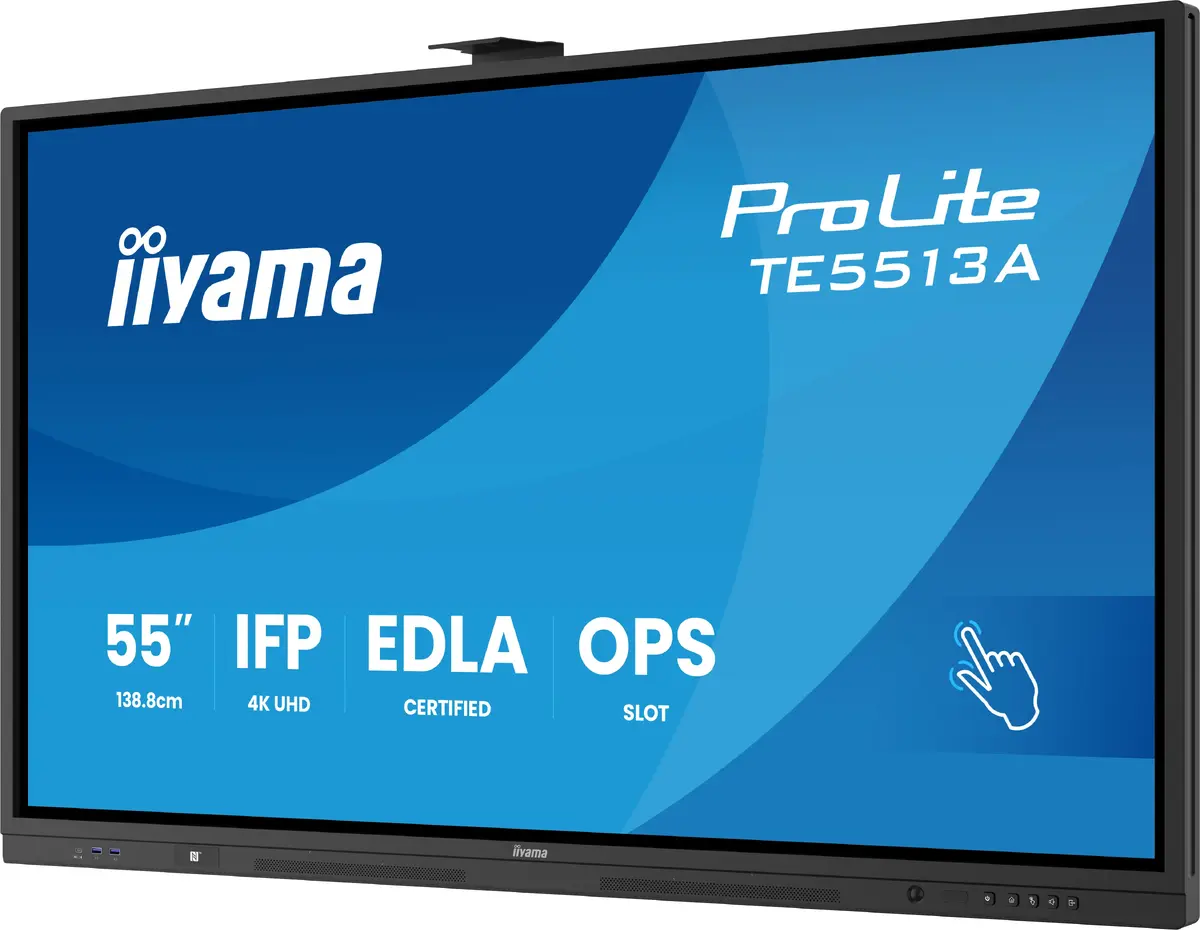
Monitor iiyama 75" 4K Ultra HD Interactive Flat Panel

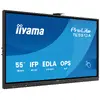
Monitor iiyama 75" Photo 1
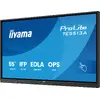
Monitor iiyama 75" Photo 2
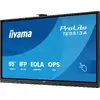
Monitor iiyama 75" Photo 3
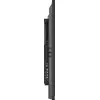
Monitor iiyama 75" Photo 4
Monitor iiyama 75" Photo 5
Monitor iiyama 75" Photo 6
Monitor iiyama 75" Photo 7
Monitor iiyama 75" Photo 8
Monitor iiyama 75" Photo 9
Monitor iiyama 75" Photo 10
Monitor iiyama 75" Photo 11
Monitor iiyama 75" Photo 12
Monitor iiyama 75" Photo 13
Monitor iiyama 75" Photo 14
Monitor iiyama 75" Photo 15
Monitor iiyama 75" Photo 16
Monitor iiyama 75" Photo 17
Monitor iiyama 75" Photo 18
Monitor iiyama 75" Photo 19
Monitor iiyama 75" Photo 20
Monitor iiyama 75" Photo 1
Monitor iiyama 75" Photo 2
Monitor iiyama 75" Photo 3
Monitor iiyama 75" Photo 4
Monitor iiyama 75" Photo 5
Monitor iiyama 75" Photo 6
Monitor iiyama 75" Photo 7
Monitor iiyama 75" Photo 8
Monitor iiyama 75" Photo 9
Monitor iiyama 75" Photo 10
Monitor iiyama 75" Photo 11
Monitor iiyama 75" Photo 12
Monitor iiyama 75" Photo 13
Monitor iiyama 75" Photo 14
Monitor iiyama 75" Photo 15
Monitor iiyama 75" Photo 16
Monitor iiyama 75" Photo 17
Monitor iiyama 75" Photo 18
Monitor iiyama 75" Photo 19
Monitor iiyama 75" Photo 20
Out of stock.
View similar!

Short description

The iiyama 75" Google EDLA Certified IFP is an interactive flat panel designed for seamless integration and collaboration in educational and enterprise environments. With a display diagonal of 190.5 cm (75") and a resolution of 3840 x 2160 pixels, it offers stunning 4K Ultra HD visuals. The panel features a brightness of 450 cd/m² and a responsive touchscreen interface. It operates on Android and supports Wi-Fi connectivity, making it ideal for continuous use with operating hours of 18/7. The sleek black design complements any modern workspace.
Warranty: 2 Years
SKU: 11411561

delivery
Information regarding the items availability for purchase will be posted on this site
price
Item cost information will be published on this site
Together cheaper
{{product.price | formatAmount}}
{{product.title}}
{{productBundle.reference.specialPrice | formatAmount}}
{{productBundle.title}}
{{productBundlePreviousPrice | formatAmount}}
{{productBundleSpecialPrice | formatAmount}}

You saving {{productBundleYouSave | formatAmount}}

Product information

Description

The iiyama 75" 4K Ultra HD Interactive Flat Panel (model TE7513A-B1AG) is a Google EDLA Certified display designed for educational and enterprise environments. It features a 75" (190.5 cm) Zero-Gap Air Bonding IPS LCD with 3840 x 2160 resolution, 450 cd/m² brightness and PureTouch-IR+ with palm rejection for accurate touch input. Running iiWare 21E on Android 14-EDLA, the panel includes Wi-Fi 6, Bluetooth 5.0, iiControl (DMS) and the iiShare wireless collaboration app, plus a PIR motion sensor for improved energy efficiency.

Advantages

The panel delivers clear 4K visuals and wide viewing angles thanks to its IPS panel and high resolution. Zero-Gap Air Bonding removes parallax for precise pen and finger interaction, while PureTouch-IR+ with palm rejection ensures smooth, reliable touch performance. Integrated connectivity (Wi-Fi 6, Bluetooth 5.0) and Android-based iiWare 21E simplify app use and network management. Built-in speakers and VESA support make installation and everyday use straightforward.

Suitable for

  • Classrooms and lecture halls
  • Meeting rooms and collaborative workspaces
  • Training and presentation environments

Key specifications

  • Model: TE7513A-B1AG
  • Display diagonal: 75" (190.5 cm)
  • Resolution: 3840 x 2160 (4K Ultra HD)
  • Panel type: IPS
  • Brightness: 450 cd/m²
  • Pixel pitch: 0.43 x 0.43 mm
  • Response time: 8 ms
  • Contrast ratio (typical): 1200:1
  • Operating system: iiWare 21E (Android 14-EDLA)
  • Connectivity: Wi‑Fi 6, Bluetooth 5.0
  • Touch: PureTouch-IR+ with palm rejection, Zero-Gap Air Bonding
  • Built-in speakers: Yes
  • VESA mounting: Yes
  • Operating hours: 18/7
  • Energy class (SDR): G; consumption 217 kWh/1000 h
  • Colour: Black

How to use

Mount the display using a compatible VESA bracket or stand, connect power and network (Wi‑Fi 6 or wired if available), and sign in to your network or management platform. Use the built-in Android iiWare 21E interface to install or open educational and collaboration apps, or use the iiShare app for wireless screen sharing. Interact directly on the touchscreen with finger or compatible pen; palm rejection reduces unintended touches. Configure iiControl (DMS) for remote device monitoring and management.

Usage recommendations

For best results place the display at an appropriate height for the audience and ensure stable network access (Wi‑Fi 6 recommended). Use the PIR motion sensor and power management settings to reduce energy use when the room is idle. For regular heavy use, follow the 18/7 operating guideline and schedule periodic cleaning of the touchscreen with manufacturer-recommended, non-abrasive cleaners.

Specifications

Display diagonal: iagonal of the visible part of the screen expressed in centimeters and inches.
75 "
Display resolution:
3840 x 2160
HD type:
4K Ultra HD
Panel type:
IPS
Pixel pitch:
0.43 x 0.43
Response time:
8 ms
Contrast ratio (typical):
1200:1
VESA mounting:
Yes
Built-in speaker(s):
Yes
Energy efficiency class: Rating of how efficiently a device uses energy, affecting power consumption and costs.
G
Energy efficiency class (SDR): Energy efficiency class is a standard classification that is used all over Europe and which is understandable at first sight. Products can be efficiently compared according to classes, starting from A (the most energy efficient class), and ending with G (the most energy-intensive class). The classification of energy efficiency is based on annual energy consumption which is being calculated on the basis of several different parameters.
G
Energy consumption (SDR) per 1000 hours: Power consumption in switched-on state expressed in W.
217 kWh
Product colour:
Black
All features

Display

Display diagonal: iagonal of the visible part of the screen expressed in centimeters and inches.
75 "
HD type:
4K Ultra HD
Panel type:
IPS
Display resolution:
3840 x 2160
Pixel pitch:
0.43 x 0.43
Response time:
8 ms
Contrast ratio (typical):
1200:1
Display brightness:
450 cd/m²
Viewing angle, vertical:
178 °
Viewing angle, horizontal:
178 °
Horizontal scan range:
30 - 135
Display diagonal (metric):
189.3 cm
Native aspect ratio:
16:9
Display number of colours:
1.07 billion colours
Touchscreen:
Yes
Anti-glare screen:
Yes
Active display area (W x H):
1650 x 928
Surface hardness:
7H
Number of simultaneous touchpoints:
40
Glass thickness:
3.2 mm

Design

Product colour:
Black
Placement supported:
Indoor
Panel mounting interface:
800 x 400
Product design:
Interactive flat panel
Orientation:
Vertical
Positioning accuracy:
1 mm

Ports & interfaces

HDMI ports quantity:
3
DisplayPorts quantity:
1
Ethernet LAN (RJ-45) ports:
2
HDMI version:
2.0
USB ports quantity:
1
USB port:
Yes
RS-232C:
Yes
HDCP version:
2.3
DisplayPort version:
1.2
USB 3.2 Gen 1 (3.1 Gen 1) Type-A ports quantity:
3
USB 3.2 Gen 1 (3.1 Gen 1) Type-C ports quantity:
2
OPS module slot:
Yes
HDMI input ports quantity:
2
HDMI output ports quantity:
1

Ergonomics

VESA mounting:
Yes

Audio

Number of built-in speakers:
2
Built-in speaker(s):
Yes

Performance

HDCP:
Yes
Mean time between failures (MTBF):
50000 h
Purpose:
Education
On Screen Display (OSD):
Yes
Operating system installed:
Android
On Screen Display (OSD) languages:
ESP, ENG, DEU, DAN, CZE, DUT, FRE, ITA, POL, RUS, FIN, SLV
Number of OSD languages:
13
Operating hours (hours/days):
18/7

Network

Ethernet LAN:
Yes
Wi-Fi:
Yes
Wi-Fi standards:
Wi-Fi 6 (802.11ax)

Multimedia

RMS rated power:
40 W

Technical details

Energy efficiency class: Rating of how efficiently a device uses energy, affecting power consumption and costs.
G

Thin Client

Built-in processor:
Yes
Processor cores:
4

Computer system

Operating system version:
14
Internal storage capacity:
128 GB
On-board graphics card model:
Arm Mali-G52
Processor architecture:
ARM Cortex-A73
Processor frequency:
1.4 GHz
Internal memory:
8 GB
Computer system:
Yes

Power

Energy efficiency class (SDR): Energy efficiency class is a standard classification that is used all over Europe and which is understandable at first sight. Products can be efficiently compared according to classes, starting from A (the most energy efficient class), and ending with G (the most energy-intensive class). The classification of energy efficiency is based on annual energy consumption which is being calculated on the basis of several different parameters.
G
Energy consumption (SDR) per 1000 hours: Power consumption in switched-on state expressed in W.
217 kWh
Power consumption (typical): Power consumption in switched-on state expressed in W.
217 W
Power consumption (off):
0.3 W
Power consumption (standby):
0.5 W
AC input frequency:
50/60
AC input voltage:
100 - 240
Energy efficiency scale: Range of energy efficiency levels classifying devices from most to least energy-efficient.
A to G

Weight & dimensions

Display depth:
87 mm
Display height:
1016 mm
Display weight:
51800 g
Display width:
1710 mm

Operational conditions

Storage temperature (T-T):
-20 - 60
Operating temperature (T-T):
0 - 40

Packaging content

Cables included:
USB, Power, HDMI
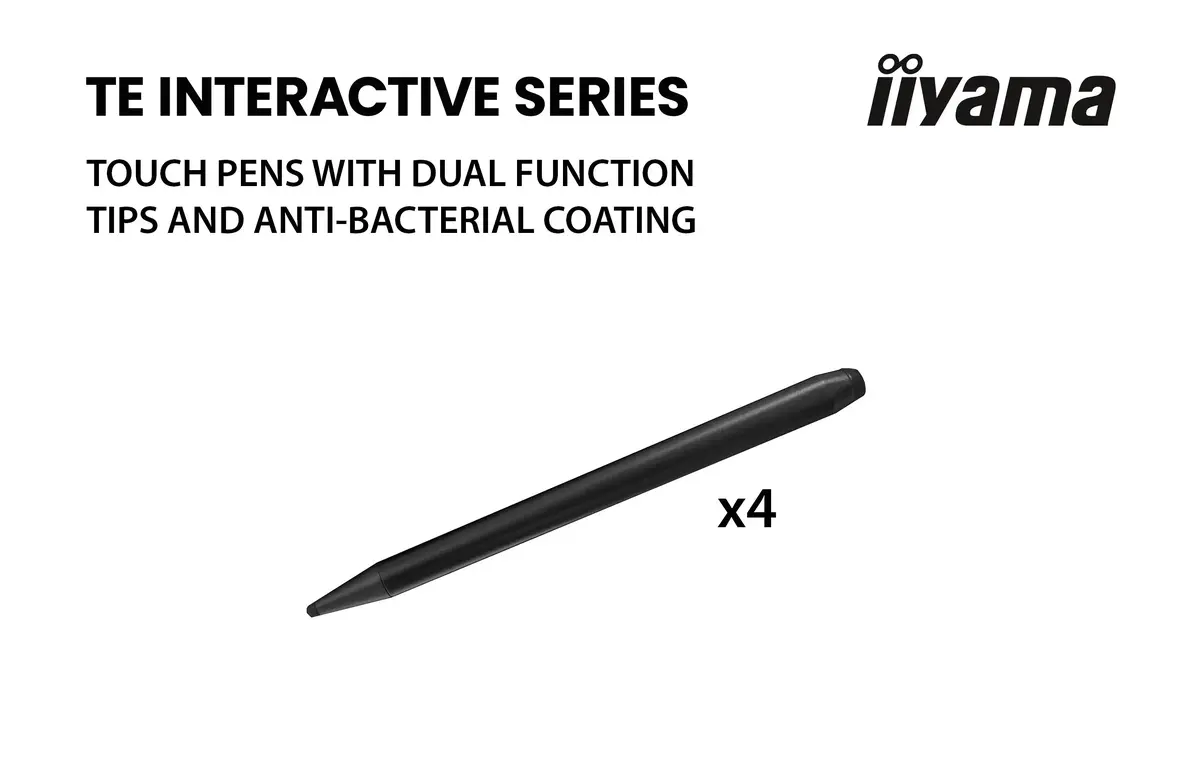
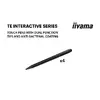
Stylus pen:
Yes
Number of stylus pens:
4

Packaging data

Package weight:
63000 g
Package depth:
185 mm
Package height:
1125 mm
Package width:
1860 mm

Reasons to buy

Google EDLA Certified

Google Enterprise Device License Agreement allows Google apps, accounts, files, and collaborative tools to be easily accessed directly from the Google EDLA certified iiyama displays, offering seamless integration with the Google ecosystem and the entire Microsoft 365 suite for enhanced user experience, productivity, and collaboration in all environments, especially the education and enterprise sectors alike.

iiWare 21E (Android 14 OS)

Empower your presentations with iiWare 21E, featuring Google EDLA, iiControl (DMS), iiShare (Wireless Presentation), WhiteBoard, Cloud Drives, iiBrowser and file manager via an intuitive and user-friendly software that allows you to effortlessly manage, customize, and access various applications with ease.

Quick Radial Menu

This feature provides a quick way to operate the interactive display. Long press with five fingers to bring up the Quick Radial Menu. Users can directly select the frequently used apps in the apps menu and place them in the Quick Radial Menu.

iiControl - Device Management System

iiControl provides organizations with a convenient and fast unified management solution for terminal equipment, builds an efficient and real-time equipment management system, helps digitize the campus/office estate environment and makes device management ultra convenient. iiControl DMS is committed to maintaining compliance with GDPR.

PureTouch-IR+

The state-of-the-art PureToucht-IR+ technology ensures accurate and precise touch responses, enabling effortless interaction and annotation.

Pen PickUp Sensor

The Stylus Pen Pick-Up Sensor detects when the pen is lifted from its holder, ensuring instant responsiveness and seamless transitions between touch and stylus input. Ideal for interactive displays, it enhances workflow efficiency by automatically activating writing mode, reducing delays, and improving the overall user experience.

PIR Motion Sensor

The PIR motion sensor enhances energy efficiency by detecting movement and automatically adjusting display settings. It reduces power consumption when no activity is detected, extending device lifespan. Ideal for offices and classrooms, it ensures a smart, hands-free operation while optimizing performance and sustainability.

Standalone Solution & Connectivity

The OPS PC Slot offers a convenient standalone solution, allowing easy integration without the need for additional devices. The USB-C connection provides seamless connectivity, enabling quick data transfer, video output, and power through a single cable for enhanced versatility and ease of use.

Wall Mount

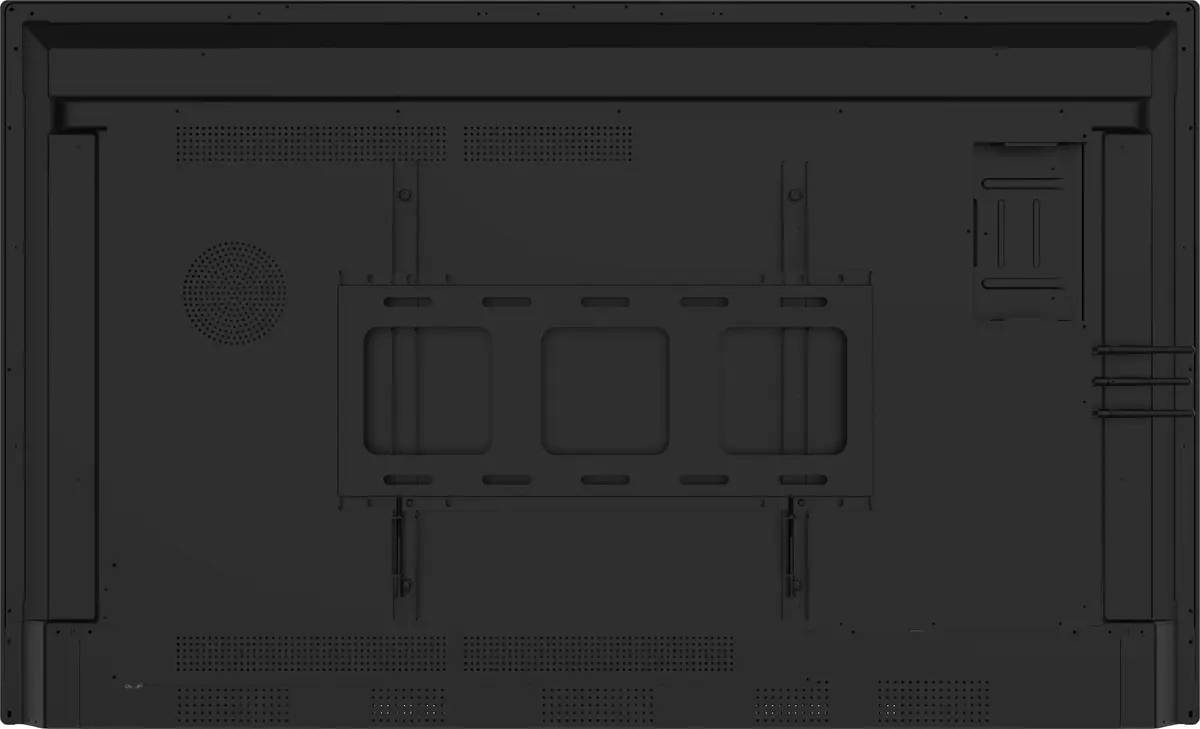
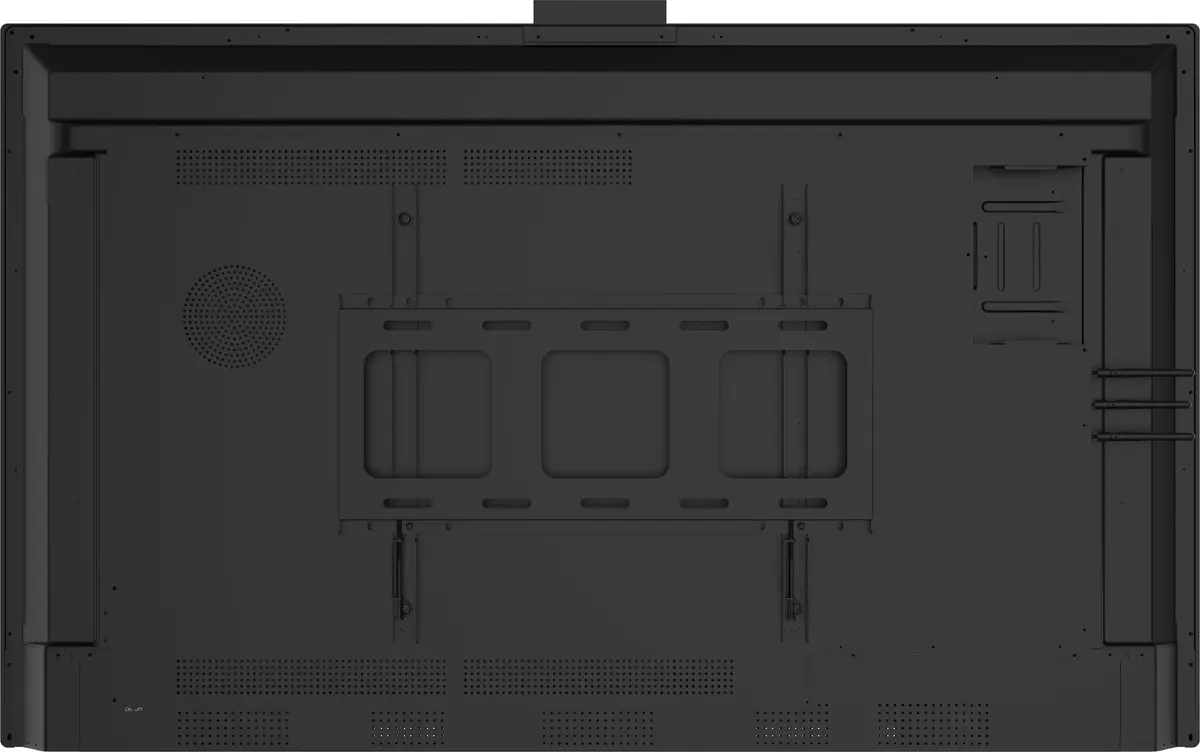
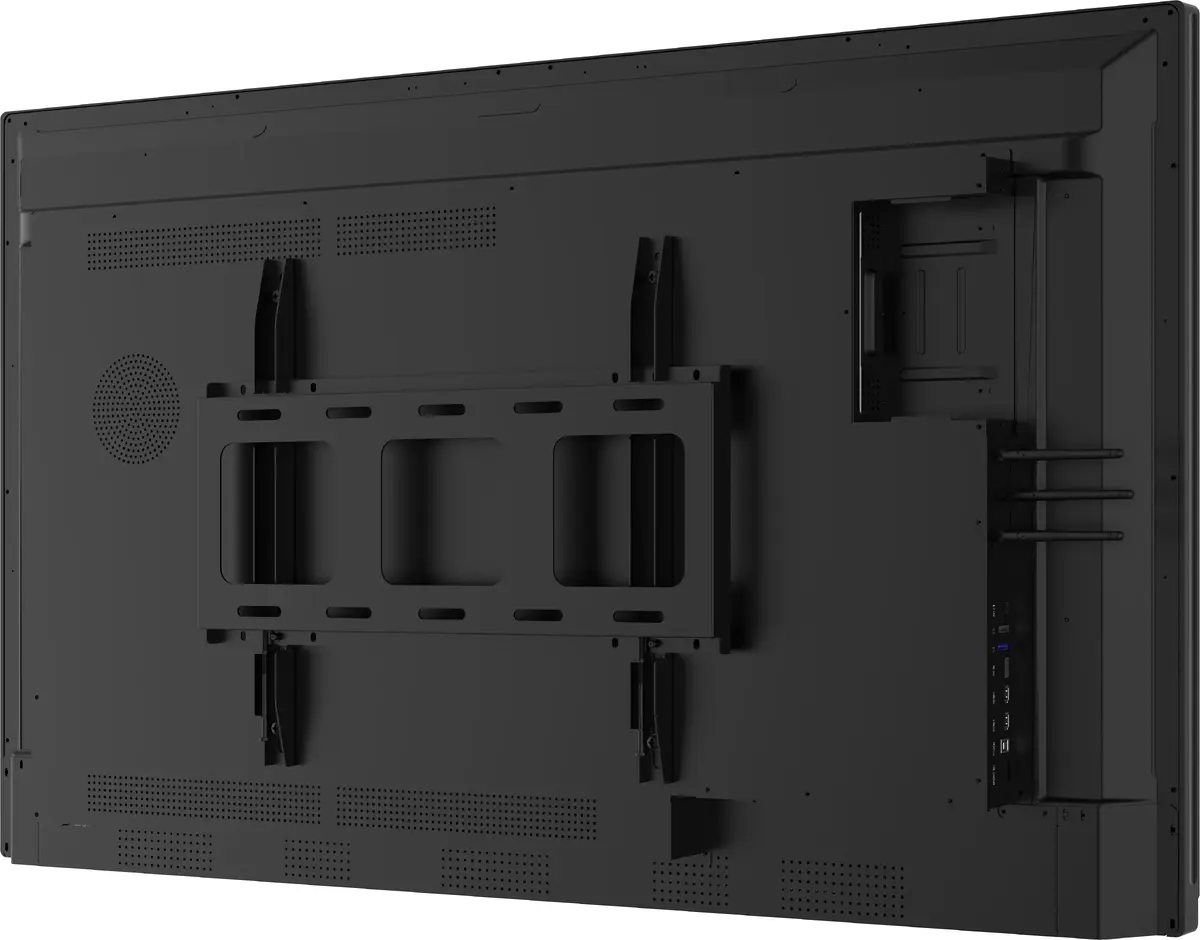
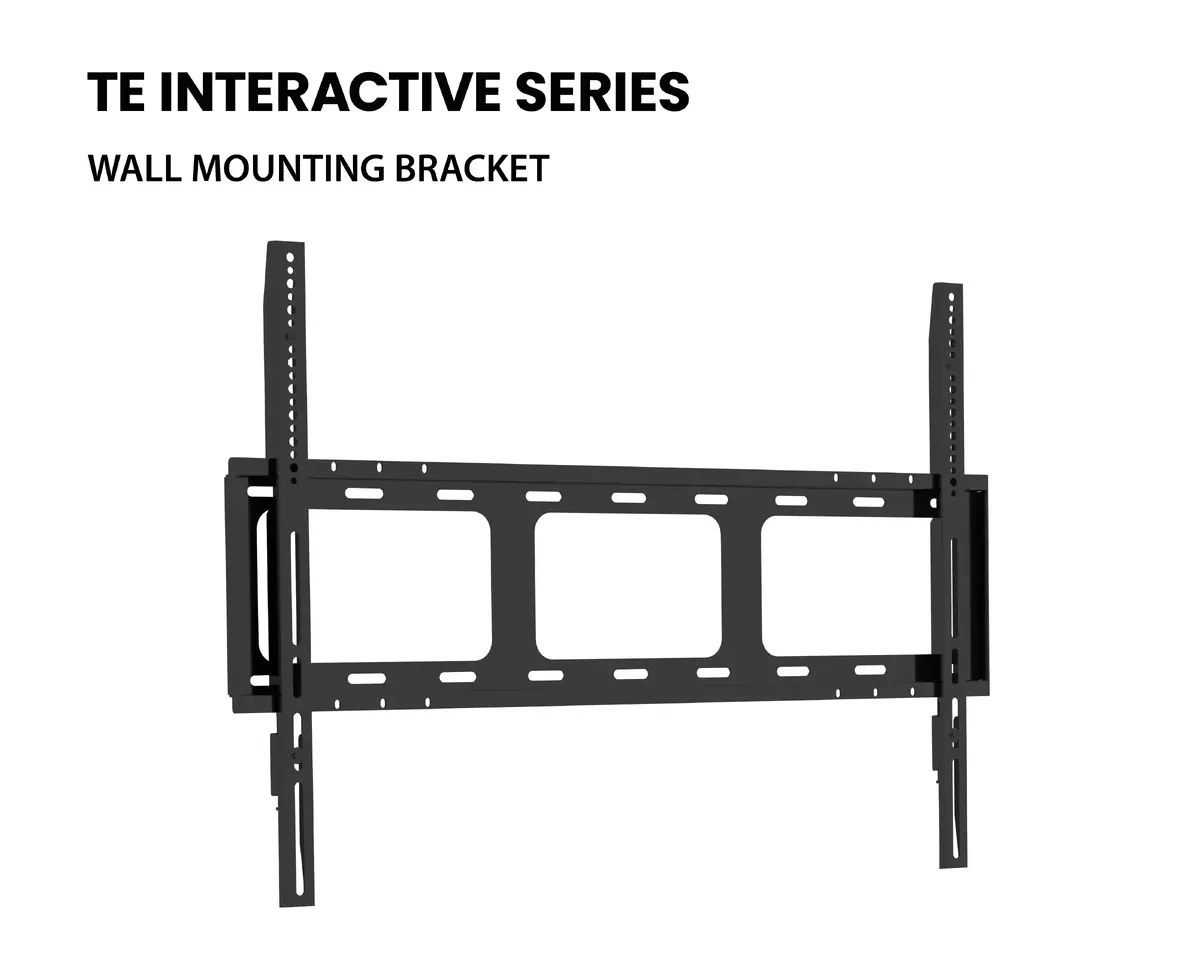
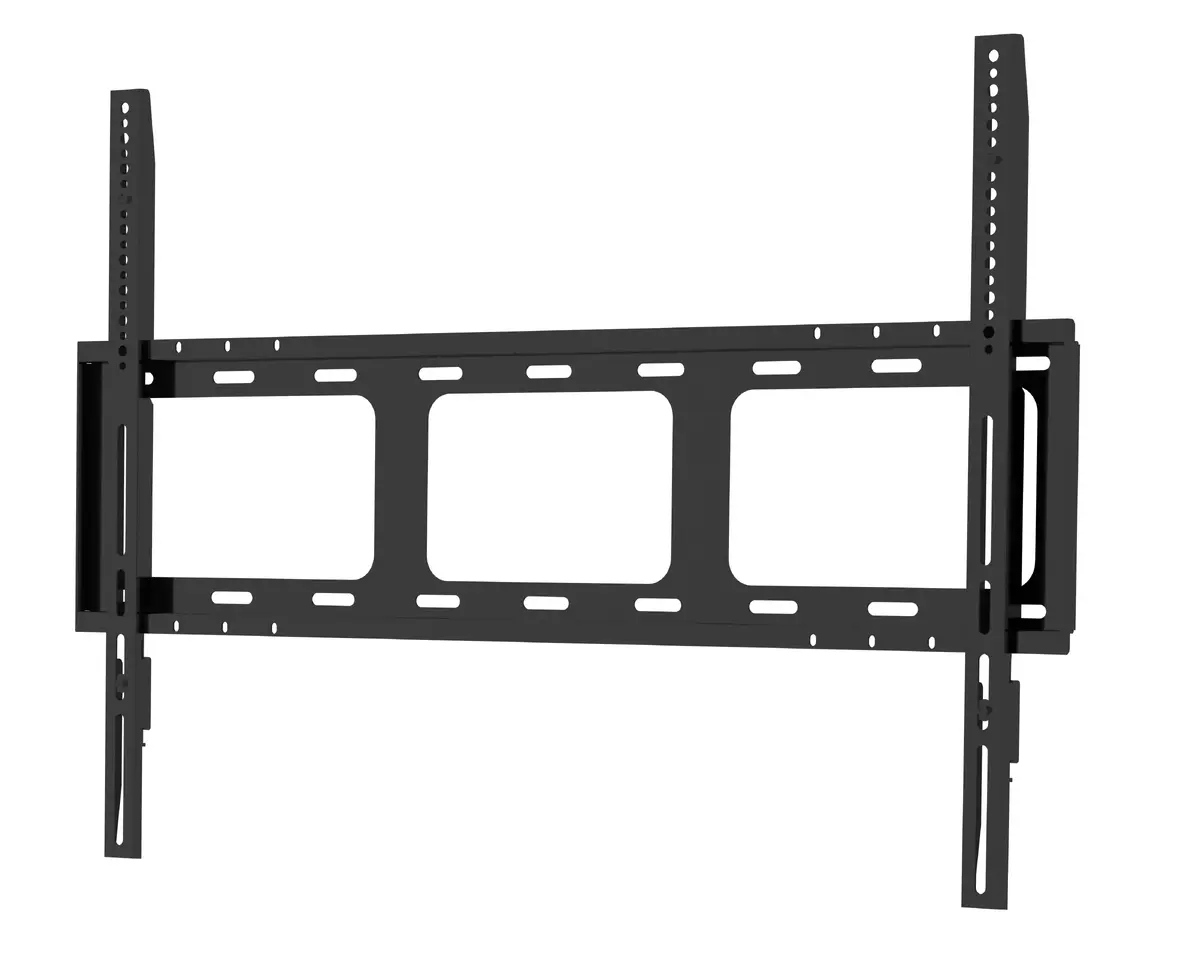
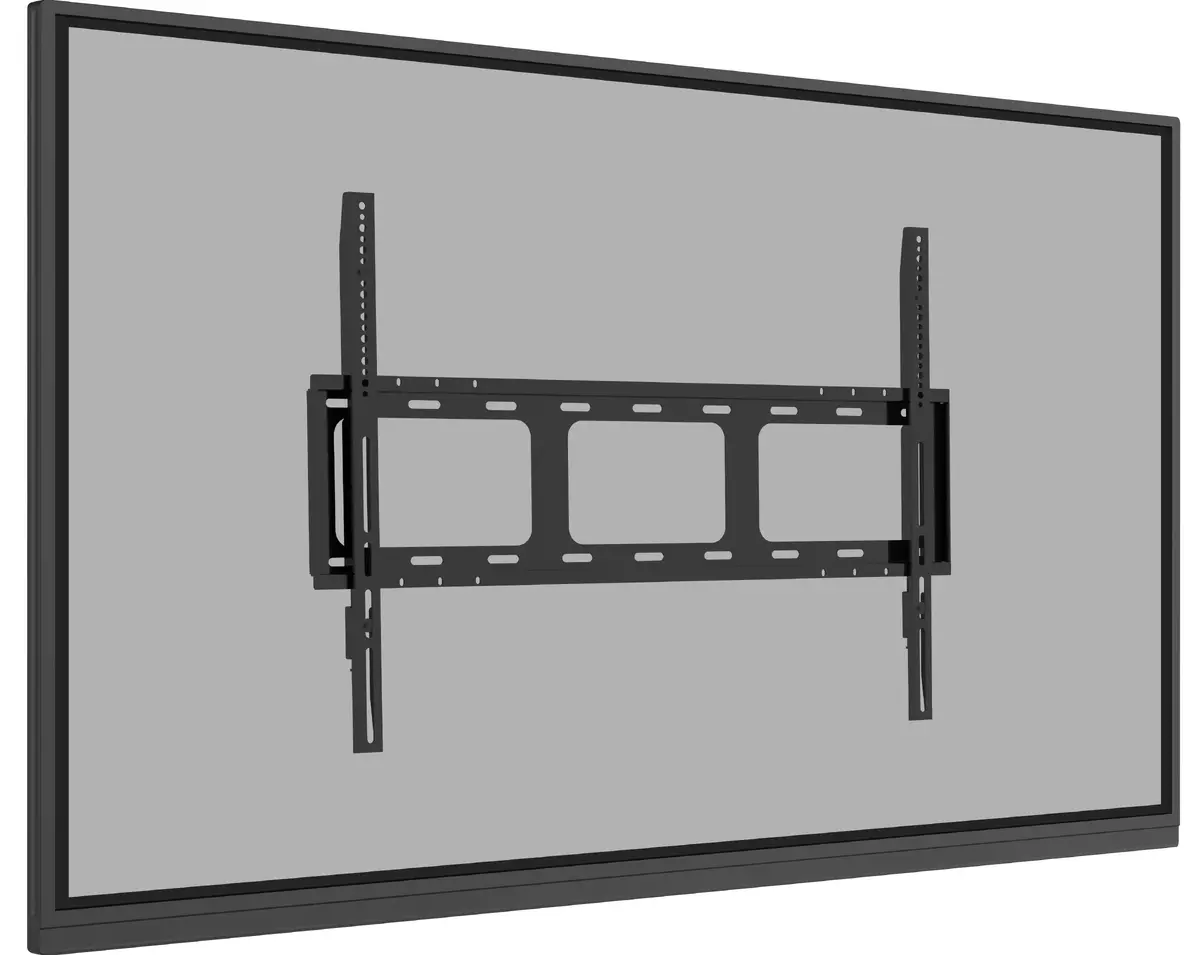
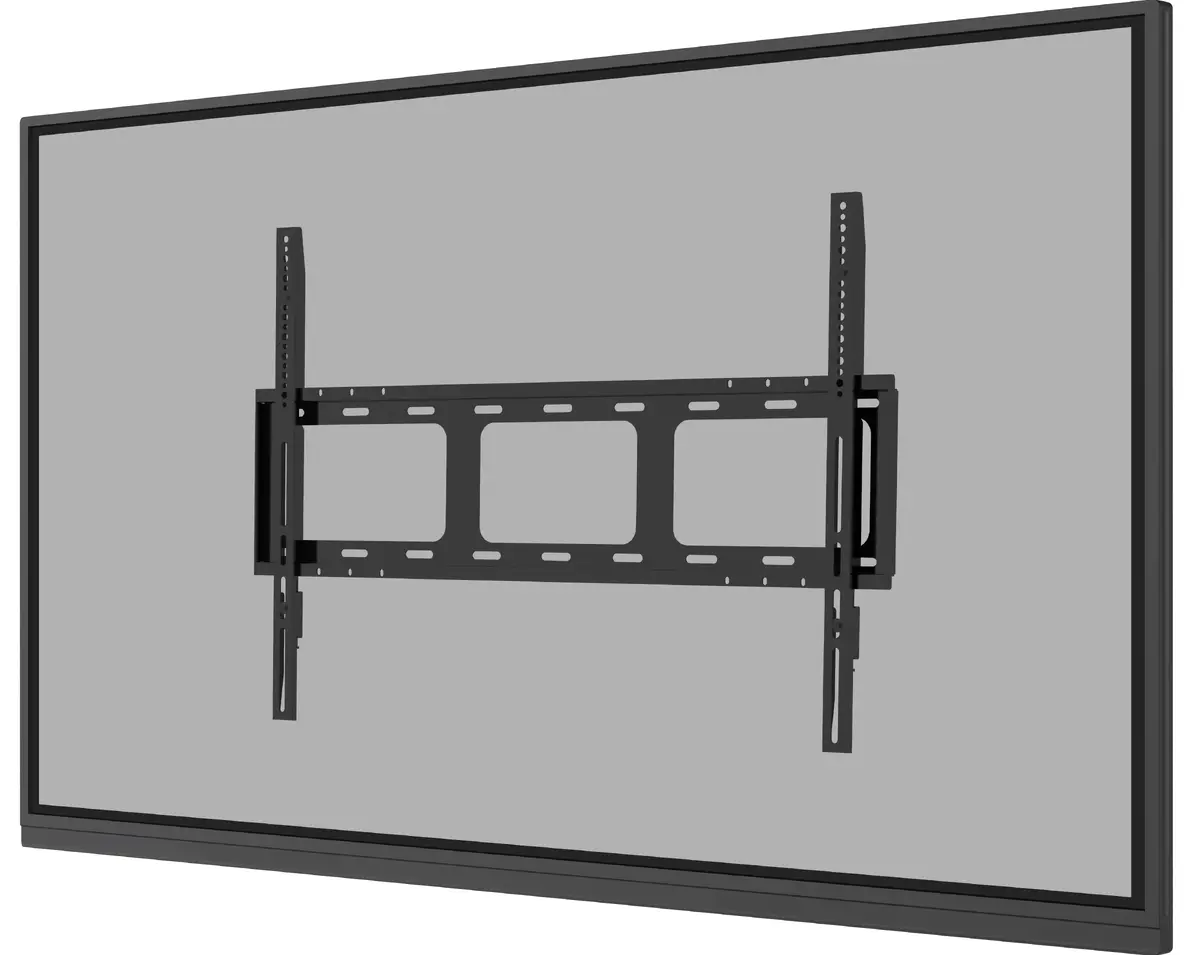
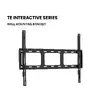
The included wall mount bracket ensures secure and stable installation of your display. Designed for easy setup, it supports VESA compatibility and offers a sleek, space-saving solution. Its durable construction guarantees reliability, making it ideal for classrooms, offices, and meeting rooms.

Speakers, Subwoofer and Webcam Bracket

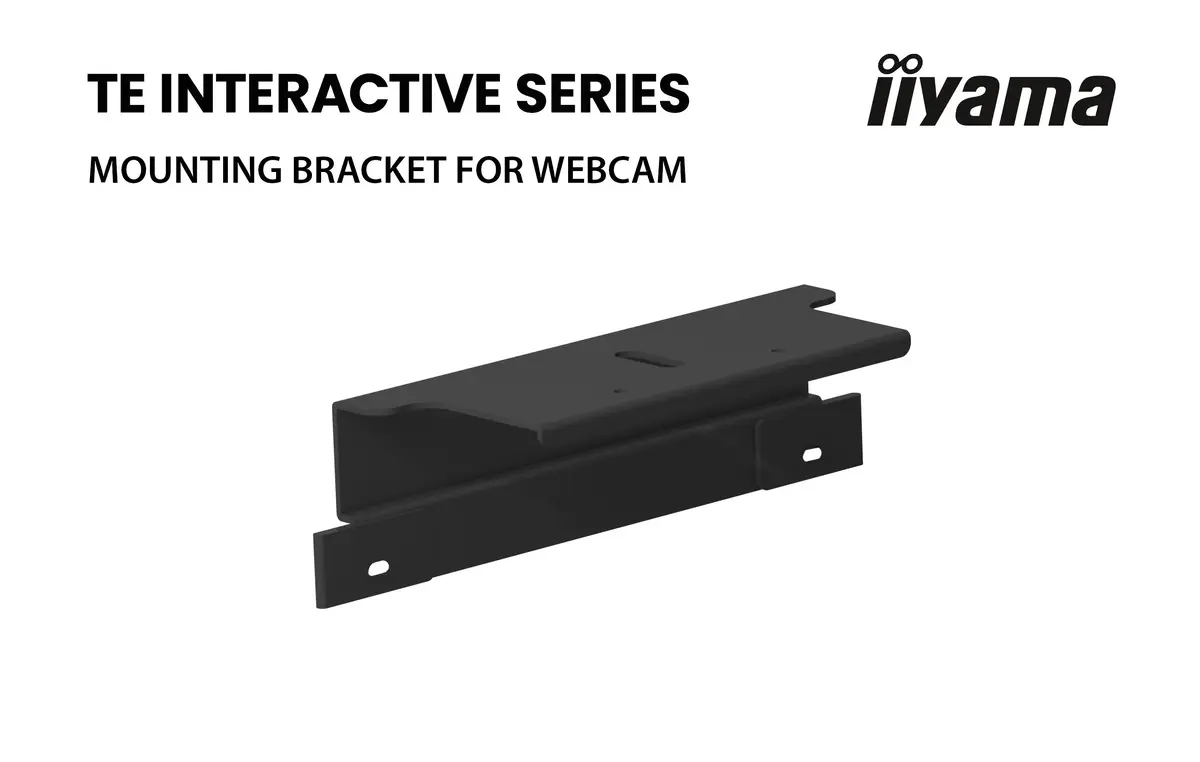
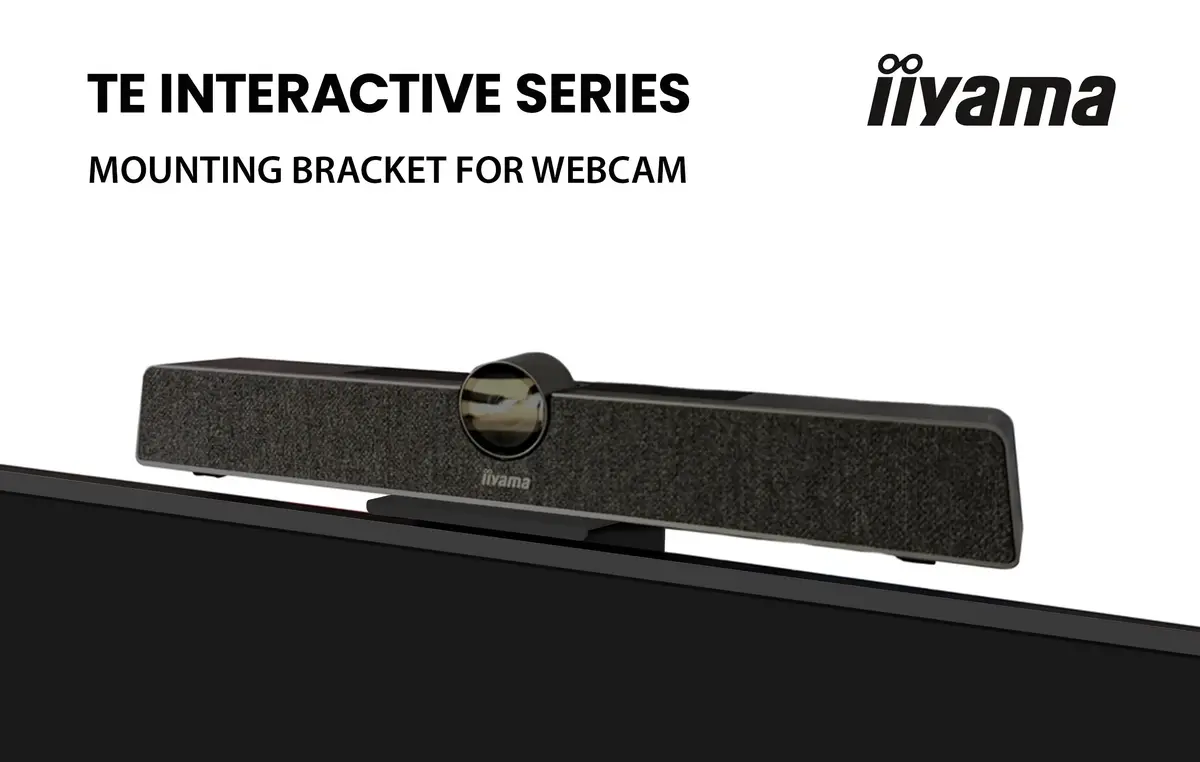
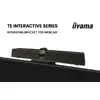
The built-in front-facing speakers with an integrated subwoofer support conferencing configurations with ultra clear sound. The included webcam bracket ensures secure and stable installation of a webcam. Ideal for conferencing, presentations, and interactive applications.

Similar products

{{product.title}} Show details Hide details

{{highlightedFeature.featureTitle}}:

{{getProductFeatureValueById(product, highlightedFeature.featureId)}}

{{product.price | formatAmount}}
Might be useful
{{product.manufacturerName}}
{{product.categoryName}}
{{product.title}}
{{product.specialPrice}}
{{product.price}}

Energy label

Energy label
TE7513A-B1AG
Model

Device manufacturer code

IIYAMA
Manufacturer

Device manufacturer

75 "
Display diagonal

iagonal of the visible part of the screen expressed in centimeters and inches.

G
Energy efficiency class

Rating of how efficiently a device uses energy, affecting power consumption and costs.

G
Energy efficiency class (SDR)

Energy efficiency class is a standard classification that is used all over Europe and which is understandable at first sight. Products can be efficiently compared according to classes, starting from A (the most energy efficient class), and ending with G (the most energy-intensive class). The classification of energy efficiency is based on annual energy consumption which is being calculated on the basis of several different parameters.

217 kWh
Energy consumption (SDR) per 1000 hours

Power consumption in switched-on state expressed in W.

Customer reviews

Customer questions

FAQ

What payment options are available?

AiO.lv offers several payment methods: Bank transfer, Leasing for legal entities. All transactions are 100% secure and encrypted.

Can this product be purchased for a company (with VAT)?

Yes. AiO.lv works with legal entities in Latvia and across Europe. The product price already includes VAT. For certain product categories, as well as for companies from other EU countries with a valid VAT number, a 0% VAT rate may apply. We issue the invoice immediately after the order is placed, support electronic BIS invoices, and automatically generate all necessary accounting documents. You can complete the purchase for a company online — simply select the company profile and choose bank transfer as the payment method during checkout.

What is the warranty period?

All IIYAMA products come with an official 2 Years warranty. It covers all manufacturing defects and malfunctions that may occur during use. The warranty is valid at all authorized IIYAMA service centers and through AiO.lv

Can the product be returned after purchase?

Yes, you can return the product within 14 days of purchase if you bought it as a consumer (not a legal entity). Returns are possible without giving any reason — the main condition is that the product retains its original appearance and full set of accessories. We will make the process as simple and convenient as possible: just contact our customer support team, and we will help you arrange the return.

Where should I contact for warranty service?

For warranty-related questions you can contact the AiO.lv (SIA VSPRO) customer support team. We will assist with consultation, warranty claim processing, and coordination with certified service centers.

How can I tell if this product suits my needs?

When making a choice, we recommend paying attention to the key features: display diagonal, display resolution, hd type, panel type, pixel pitch, response time, contrast ratio (typical), vesa mounting, built-in speaker(s), energy efficiency class, energy efficiency class (sdr), energy consumption (sdr) per 1000 hours, product colour, compatibility with your devices or usage conditions, material quality, functionality, and warranty terms. These characteristics will help you determine how well the model meets your needs.

Where can I download the instructions for Monitor iiyama 75"?

You can download the instructions in PDF format from the “Instructions” section on the product description page. The file contains complete information about installation, setup, and usage.
warranty
14-Day Return Policy We are confident in our quality, but if the purchase doesn’t fit — you have 14 days to return the product with peace of mind.
shipping
Fast Delivery Get your orders as quickly as possible — right to your door, parcel lockers, or pickup points across Latvia and the EU.
payment
Secure Payment Pay the way you prefer: cash, VISA, MasterCard, Apple Pay, Google Pay, bank transfer, or 0% installment plan.
warranty
Quality Since 2008 AiO.lv has been on the market for over 18 years and has earned trust — with more than 6000 genuine positive reviews on Google.