


Cheapest delivery:
Unisend LV
Unisend LV
1.79 €
{{selectedOffer.parcelStationDeliveryString}}

pay in 3 equal parts

In cart {{totalProductsCount}} item(s)
Your cart is empty
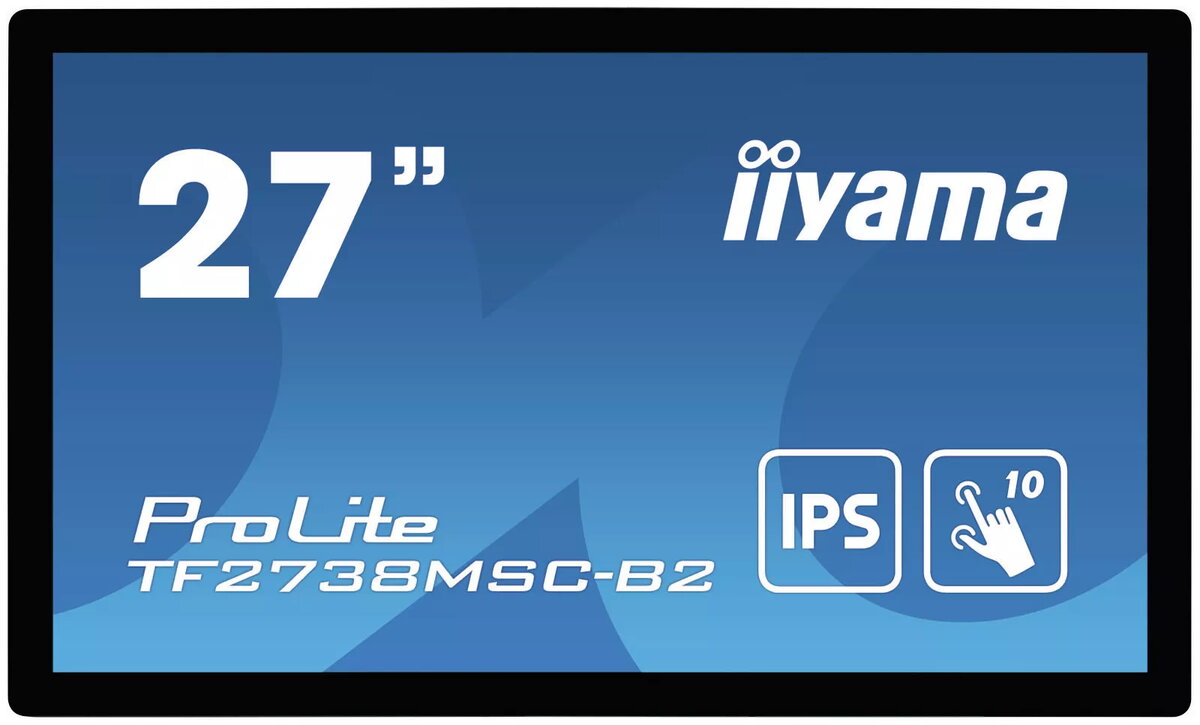
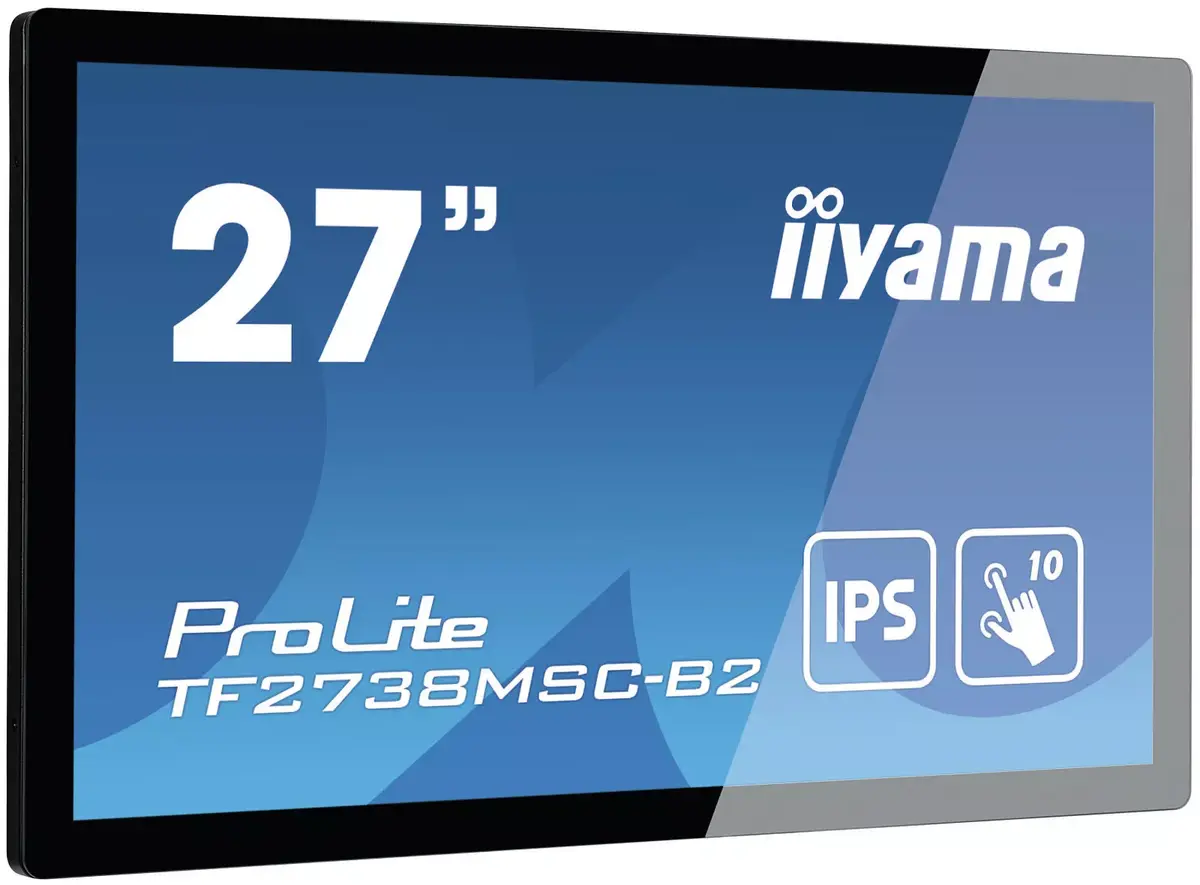
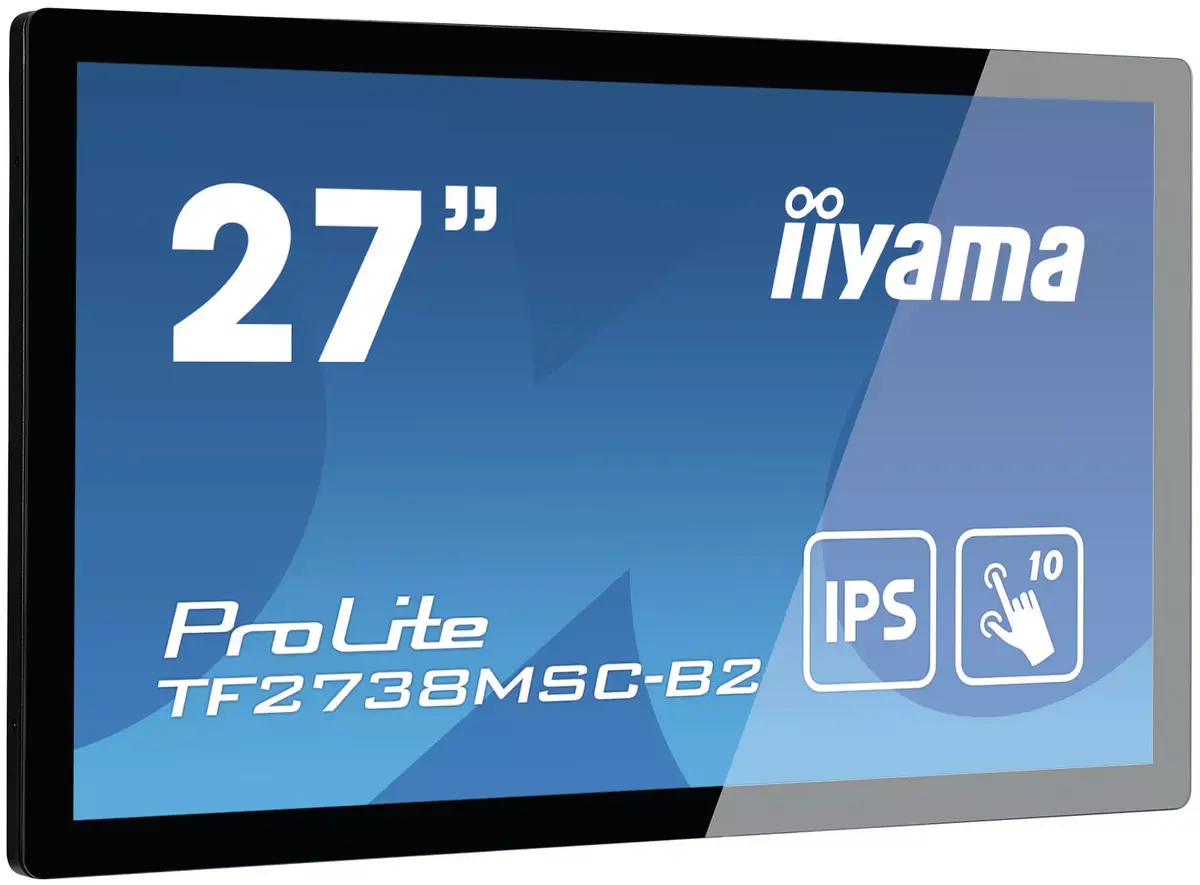
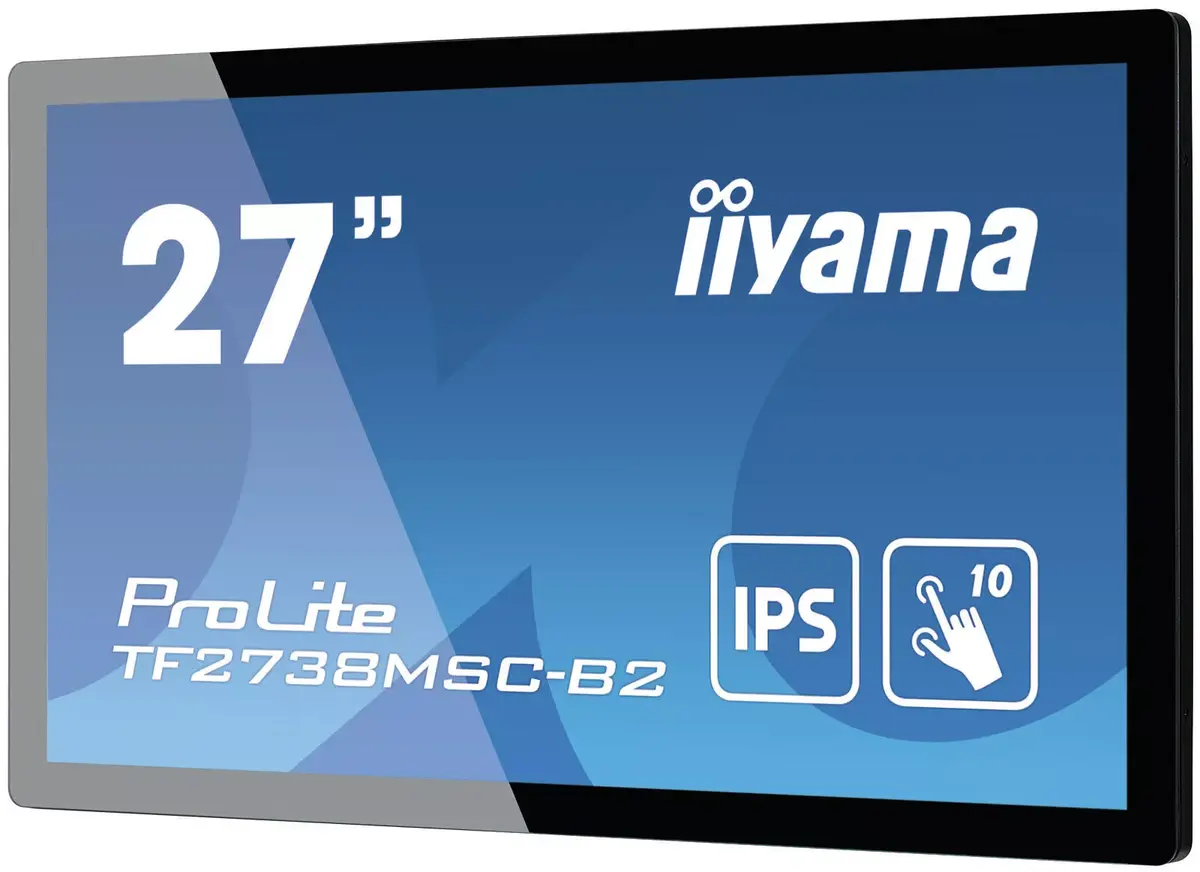
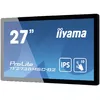
Monitor TF2738MSC-B2 27" IPS 1920x1080
Cheapest delivery:
Unisend LV
Unisend LV
1.79 €
{{selectedOffer.parcelStationDeliveryString}}
pay in 3 equal parts
You saving {{productBundleYouSave | formatAmount}}
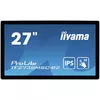
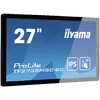
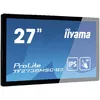
The ProLite TF2738MSC-B2 is a 27" open frame touch monitor with edge-to-edge glass, offering 1920 x 1080 Full HD resolution and an IPS LED panel for wide viewing angles and accurate colour reproduction. The screen uses Projected Capacitive 10-point touch technology for precise multi-touch interaction and includes built-in speakers and multiple digital inputs (DVI, HDMI, DisplayPort). With a rugged bezel and an IPX1 front rating, it is suitable for table-top integration and public-facing interactive installations.
IPS panel technology ensures consistent colours and wide viewing angles, while the projected capacitive 10-point touch provides responsive and durable touch input that works with bare fingers, latex-gloved fingers and stylus pens. Edge-to-edge tempered glass increases mechanical protection and supports easy cleaning. Triple digital inputs and integrated speakers simplify integration into kiosks, retail displays and interactive signage.
Place the TF2738MSC-B2 in a stable table-top or kiosk housing designed for open-frame monitors and connect a video source using HDMI, DisplayPort or DVI. Power the unit and calibrate touch input if required by your operating system or touch controller software. Use the built-in speakers for basic audio; for higher audio needs connect external speakers to your source device. Clean the glass surface with a soft, non-abrasive cloth and appropriate glass cleaner to maintain touch performance.
For long-term reliability, avoid exposing the front panel to direct, heavy water jets despite its IPX1 protection; this rating provides basic protection against vertically falling water. For colour-critical applications, profile the display with a colour calibration tool. When integrating into public environments, secure the bezel and housing to prevent tampering.
{{highlightedFeature.featureTitle}}:
{{getProductFeatureValueById(product, highlightedFeature.featureId)}}
{{ productComparisonGenerationError }}
| Warehouse | Stock | Delivery to the store | Store Price | |
| WH109 | 7 | 27.08.2026 |
|
|
| EU9 | 21 | 13.08.2026 |
|
|
| WH144 | 7 | 13.08.2026 |
|
|
| EU6 | 9 | 13.08.2026 |
|
|
Stock:
5
Delivery Date:
13.08.2026
Warehouse: WH174
|
|
Stock:
5
Delivery Date:
13.08.2026
Warehouse: WH354
|
|
Stock:
8
Delivery Date:
13.08.2026
Warehouse: EU3
|
|
Stock:
20
Delivery Date:
13.08.2026
Warehouse: WH94
|
|
Stock:
5
Delivery Date:
11.08.2026
Best delivery
Warehouse: WH321
|
|
Stock:
5
Delivery Date:
21.08.2026
Warehouse: EU58
|
|
Stock:
3
Delivery Date:
13.08.2026
Warehouse: EU85
|
|
Stock:
7
Delivery Date:
27.08.2026
Warehouse: WH109
|
|
Stock:
21
Delivery Date:
13.08.2026
Warehouse: EU9
|
|
Stock:
7
Delivery Date:
13.08.2026
Warehouse: WH144
|
|
Stock:
9
Delivery Date:
13.08.2026
Warehouse: EU6
|
Device manufacturer code
Device manufacturer
The amount of electricity that is consumed when the product is on standby.
Amount of power consumed by this model, often expressed in watts (W). Typical values that manufacturers give are power consumption when off, standby/suspended mode, typical use, maximum usage.
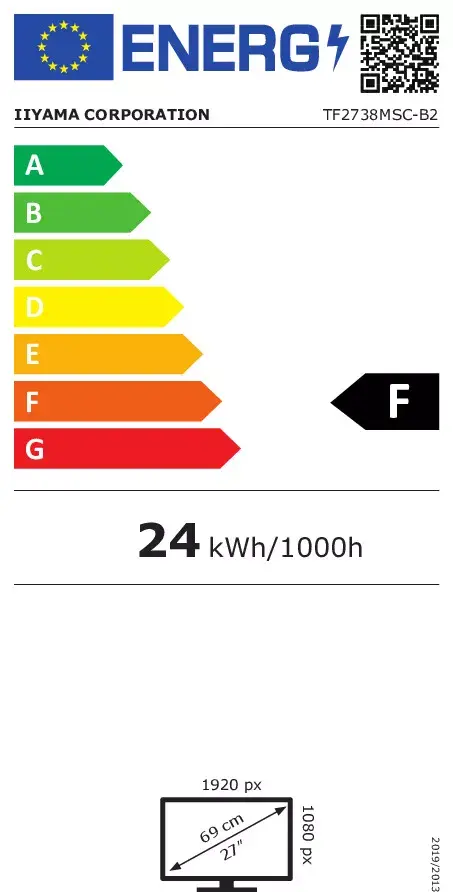
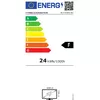
Energy efficiency class is a standard classification that is used all over Europe and which is understandable at first sight. Products can be efficiently compared according to classes, starting from A (the most energy efficient class), and ending with G (the most energy-intensive class). The classification of energy efficiency is based on annual energy consumption which is being calculated on the basis of several different parameters.
Number of DisplayPorts. A DisplayPort is a digital display interface developed by the Video Electronics Standards Association (VESA). The interface is primarily used to connect a video source to a display device such as a computer monitor, though it can also be used to carry audio, USB, and other forms of data.
Digital Visual Interface (DVI) is a video display interface to connect a video source to a display device, such as a computer monitor.
HDMI (High-Definition Multimedia Interface) is a compact audio/video interface for transferring uncompressed video data and compressed/uncompressed digital audio data from a HDMI-compliant device ("the source device") to a compatible computer monitor, video projector, digital television, or digital audio device. HDMI is a digital replacement for existing analog video standards.
The number of sockets (ports) for HDMI connections. HDMI (High-Definition Multimedia Interface) is a compact audio/video interface for transferring uncompressed video data and compressed/uncompressed digital audio data from a HDMI-compliant device ("the source device") to a compatible computer monitor, video projector, digital television, or digital audio device. HDMI is a digital replacement for existing analog video standards.
The product includes AMD Freesync Technology for the dynamic synchronization of the graphic card and the monitor in order to avoid screen tearing.
The device contains speaker(s) to produce sound.
A screen of a laptop, smartphone, etc., that responds to touch so you can control the interface using your fingers.
Type of supported High Definition (e.g. Full HD, 4K Ultra HD).
The technology used in the display e.g. plasma, LED.
Size of the display for this product, measured diagonally, usually in inches.
The number of distinct pixels in each dimension that can be displayed. It is usually quoted as width × height, with the units in pixels: for example, "1024 × 768" means the width is 1024 pixels and the height is 768 pixels. The higher the number of pixels, the sharper the image.
The colour e.g. red, blue, green, black, white.


