
Save time and money with our discounts!
In cart {{totalProductsCount}} item(s)
Your cart is empty
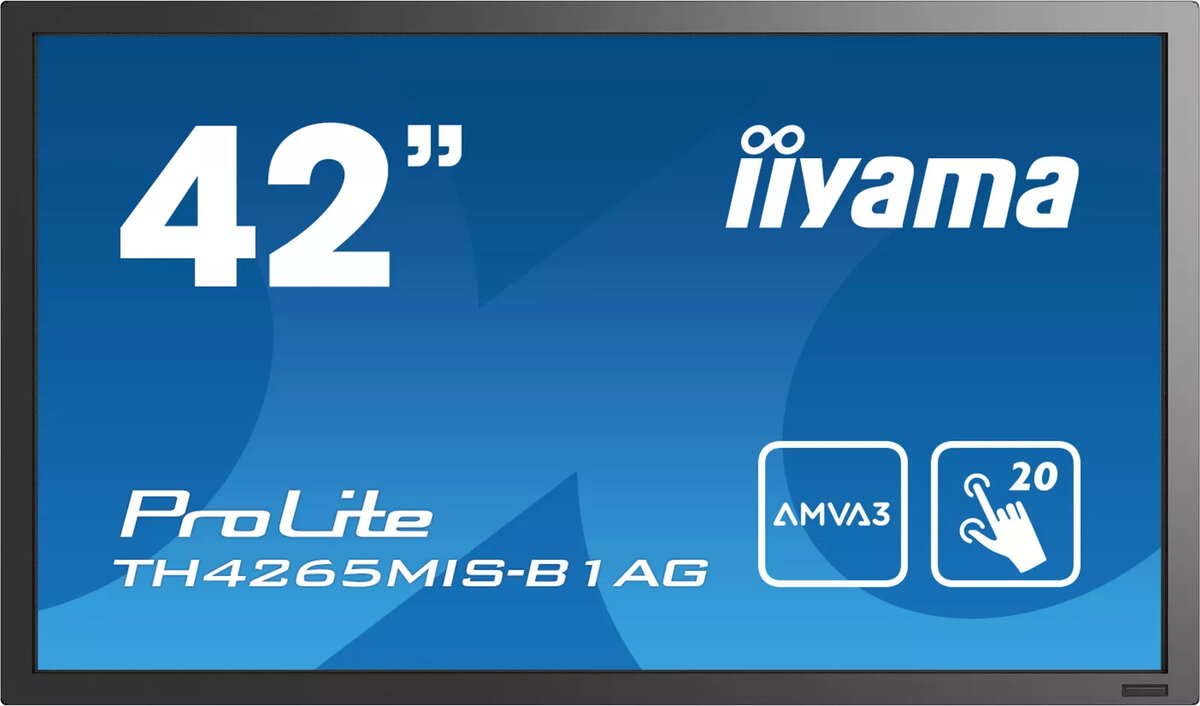
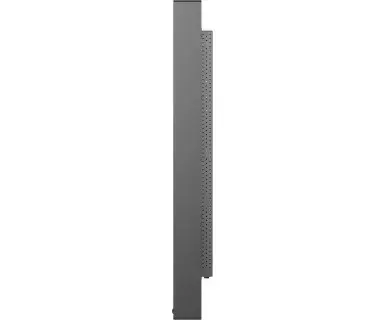
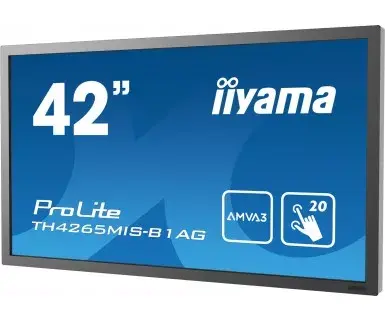
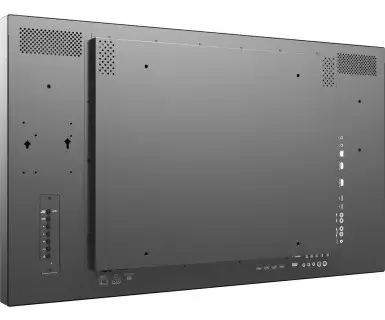
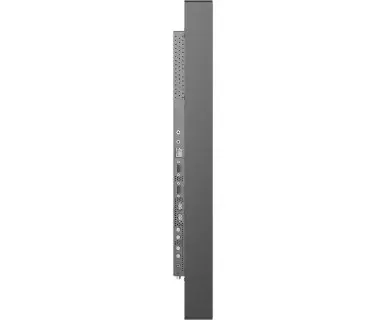
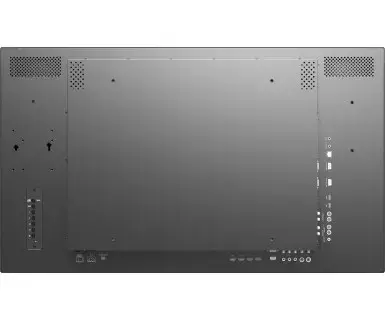
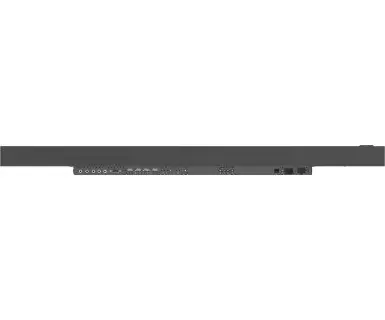
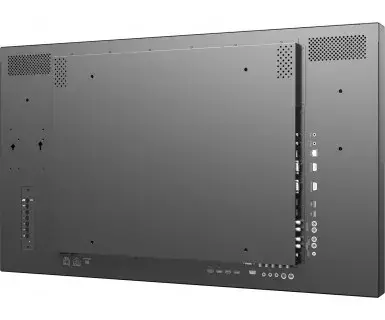
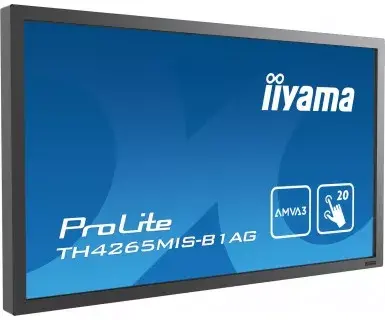
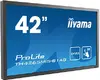
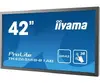
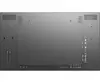
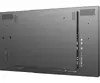
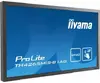
Computer monitor IIYAMA ProLite TH4265MIS-B1AG, 42" (106.7 cm), Full HD 1920×1080, LED touchscreen, 6.5 ms, 16:9, speakers, VESA, black
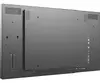
The iiyama ProLite TH4265MIS-B1AG is a 42" Full HD LED touchscreen designed for professional multi-user environments. It features an AMVA3 panel for improved contrast and wide viewing angles, infrared 20-point touch capability, anti-glare coating and a fan-less design. The display supports landscape and portrait mounting, has built-in speakers, VESA mounting and an ambient light sensor to optimise performance and reduce power use. It also offers USB playback, DisplayPort/HDMI daisy-chain support and LAN control for networked OSD adjustments.
The AMVA3 panel delivers higher contrast and deeper blacks with wide 178° viewing angles. Infrared 20-point touch is durable and accurate because it detects touches by interrupting an infrared grid rather than relying on a wear-prone overlay. Anti-glare coating minimises reflections and reduces visible fingerprints and dust. Daisy-chain capability simplifies multi-screen installations by linking displays via DisplayPort or HDMI, while USB playback and built-in speakers enable standalone content presentation. The fan-less design reduces noise and maintenance.
Install the display using a VESA-compatible mount in either landscape or portrait orientation depending on the application. Connect video sources via HDMI or DisplayPort; use the DisplayPort/HDMI output to daisy-chain additional compatible displays. For interactive use, connect via USB for touch input and enable the 20-point infrared touch in the device settings. Use the USB port or internal memory to play presentations and video files directly from the display. Configure brightness and other display settings manually via the on-screen menu or remotely through LAN control if network access is available.
Place the display where ambient light is moderate and use the built-in ambient light sensor to optimise brightness. For multi-screen installations use a single-cable daisy chain configuration to reduce cable clutter. Clean the anti-glare surface with a soft, lint-free cloth and a mild, non-abrasive cleaner; avoid sharp objects to preserve the infrared touch grid.
{{highlightedFeature.featureTitle}}:
{{getProductFeatureValueById(product, highlightedFeature.featureId)}}
{{ productComparisonGenerationError }}