Save time and money with our discounts!
In cart {{totalProductsCount}} item(s)
Your cart is empty
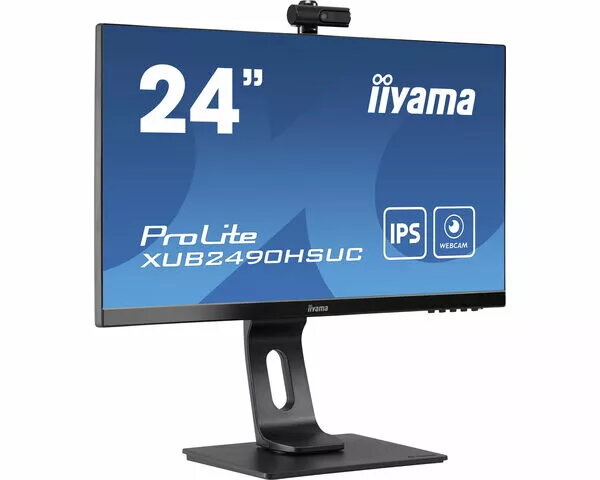
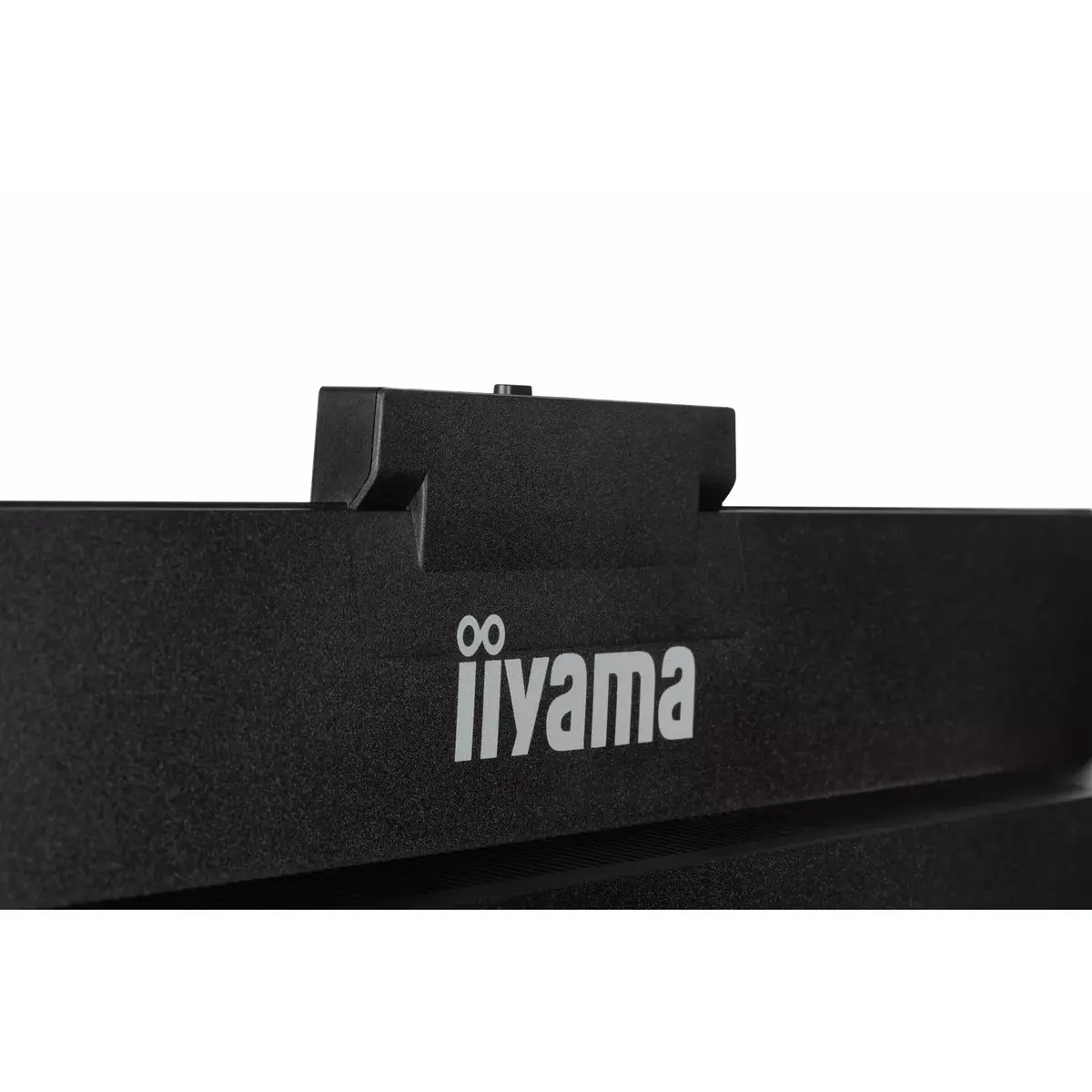
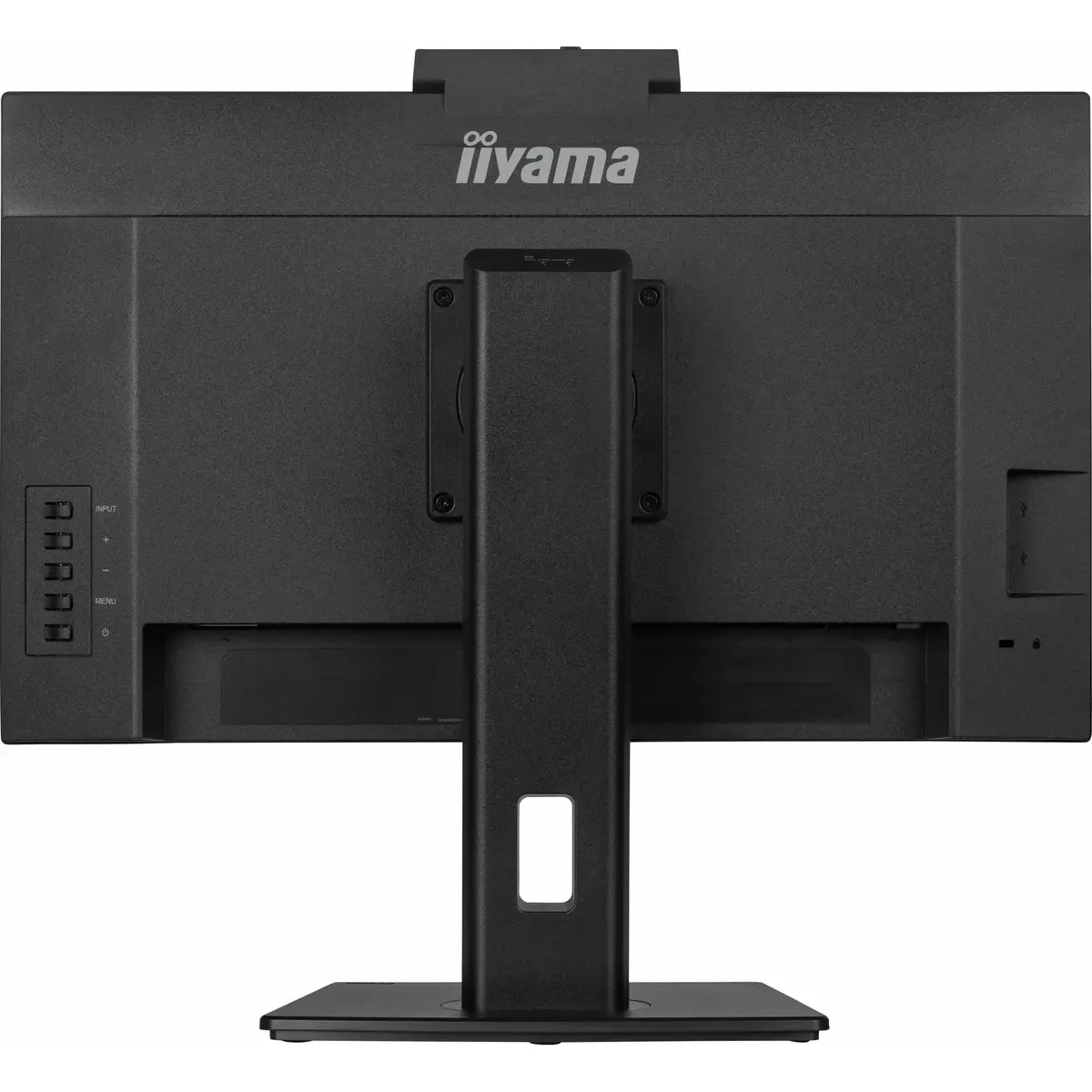
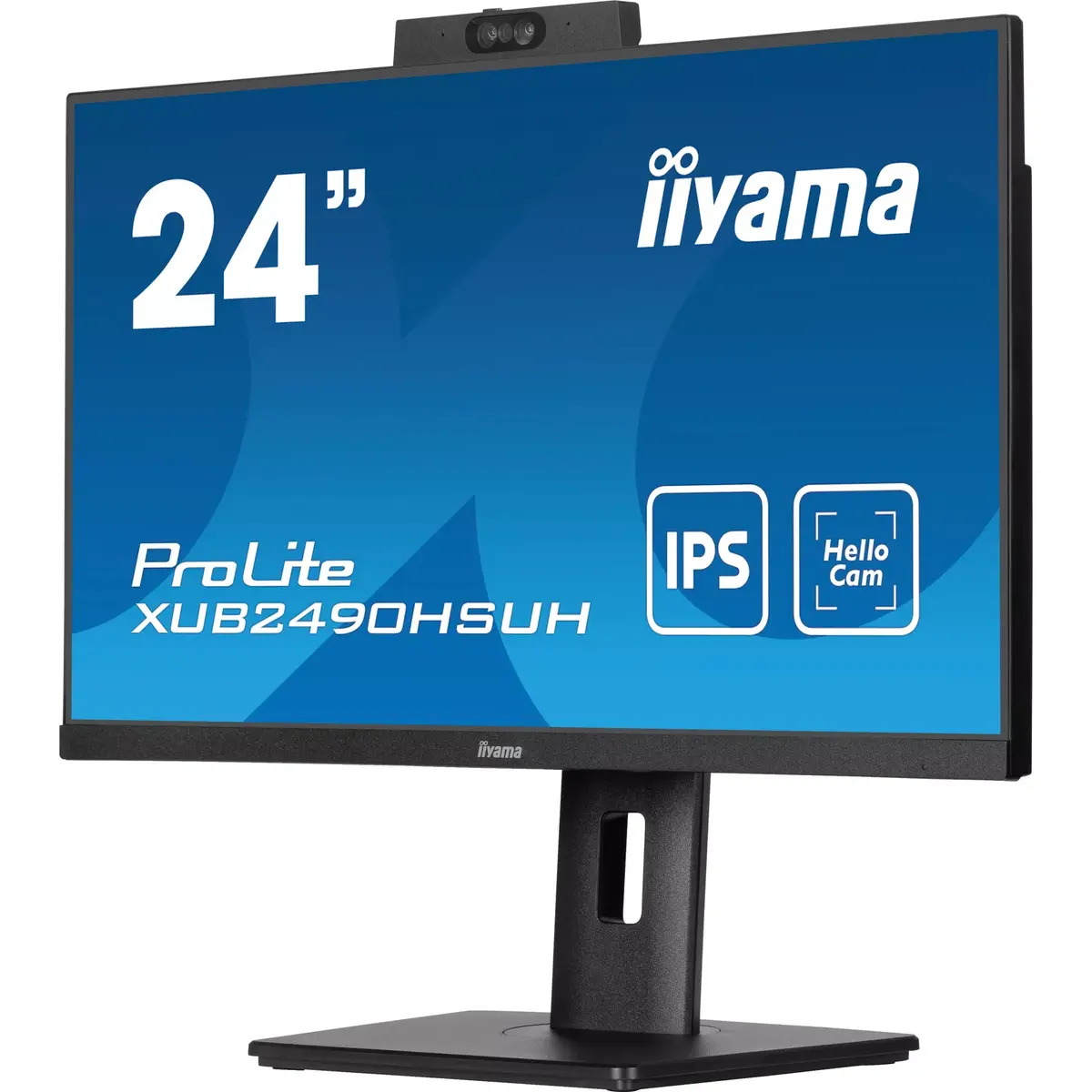
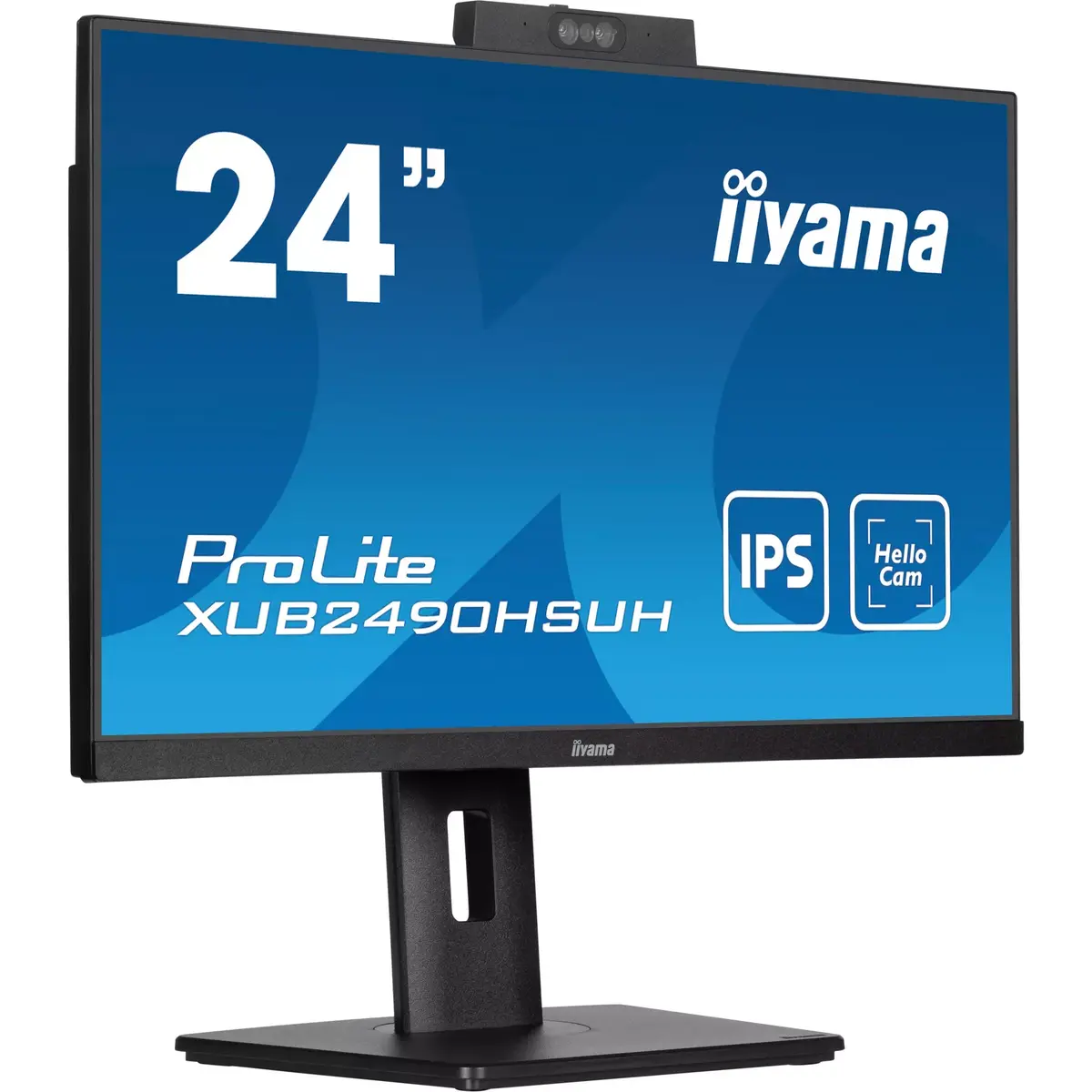
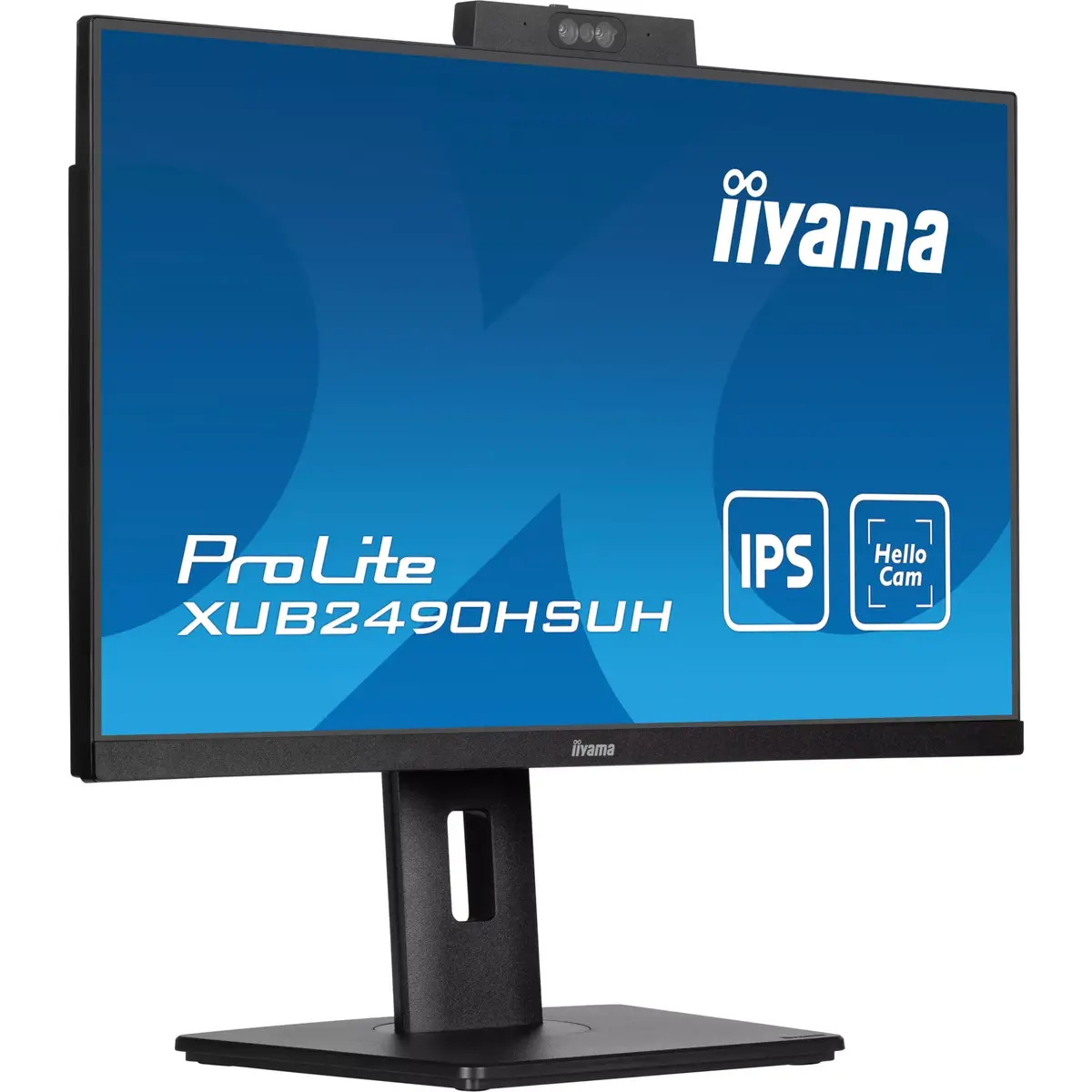
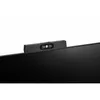
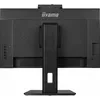
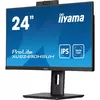
Monitor iiyama ProLite XUB2490HSUH-B1 23.8" Full HD LED 1920 x 1080
The iiyama ProLite XUB2490HSUH-B1 is a 23.8-inch Full HD LED monitor designed to provide reliable performance for professional and home office environments. Featuring a high-quality IPS panel with a resolution of 1920 x 1080 pixels, this display delivers sharp images and accurate color reproduction. The matte finish reduces glare, while the 16:9 aspect ratio offers a standard widescreen experience suitable for various multimedia and productivity tasks.
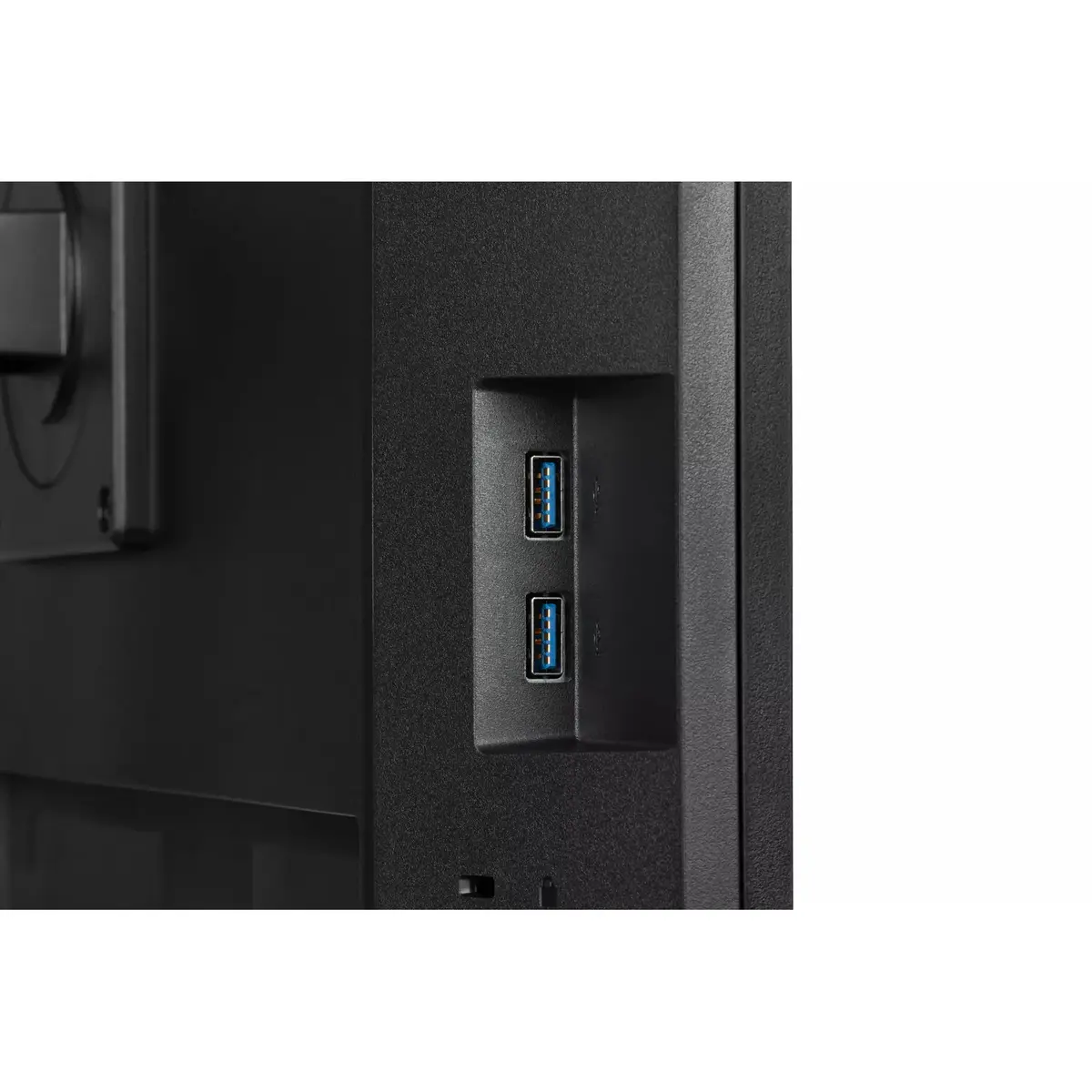
This monitor stands out due to its ergonomic flexibility, allowing users to adjust the height to suit their preferred viewing position, which helps reduce strain during long working hours. The IPS panel technology ensures consistent color and clarity across wide viewing angles of 178 degrees, making it an excellent choice for collaborative work. Additionally, the integrated USB hub and built-in speakers simplify desk organization by reducing the need for extra peripherals and cables, while VESA mounting compatibility provides options for wall or arm installation.
This monitor is not intended for high-end professional color grading or competitive gaming that requires extremely high refresh rates beyond standard levels. Users seeking ultra-high resolutions like 4K or specialized features for professional graphic design may find the Full HD resolution and standard brightness levels insufficient for their specific needs.
To set up the monitor, connect the power cable and the appropriate video signal cable from your computer to the monitor ports. Once connected, use the on-screen display menu to adjust brightness, contrast, and color settings to your preference. The height-adjustable stand can be moved manually to align the screen with your eye level. If you intend to use the USB hub, ensure the upstream cable is connected to your computer to enable data transfer for your peripheral devices.
For the best ergonomic experience, position the top of the monitor screen at or slightly below eye level. Regularly clean the screen with a soft, dry microfiber cloth to maintain clarity and avoid using harsh chemicals that could damage the matte coating.
{{highlightedFeature.featureTitle}}:
{{getProductFeatureValueById(product, highlightedFeature.featureId)}}
{{ productComparisonGenerationError }}
Device manufacturer code
Device manufacturer
iagonal of the visible part of the screen expressed in centimeters and inches.
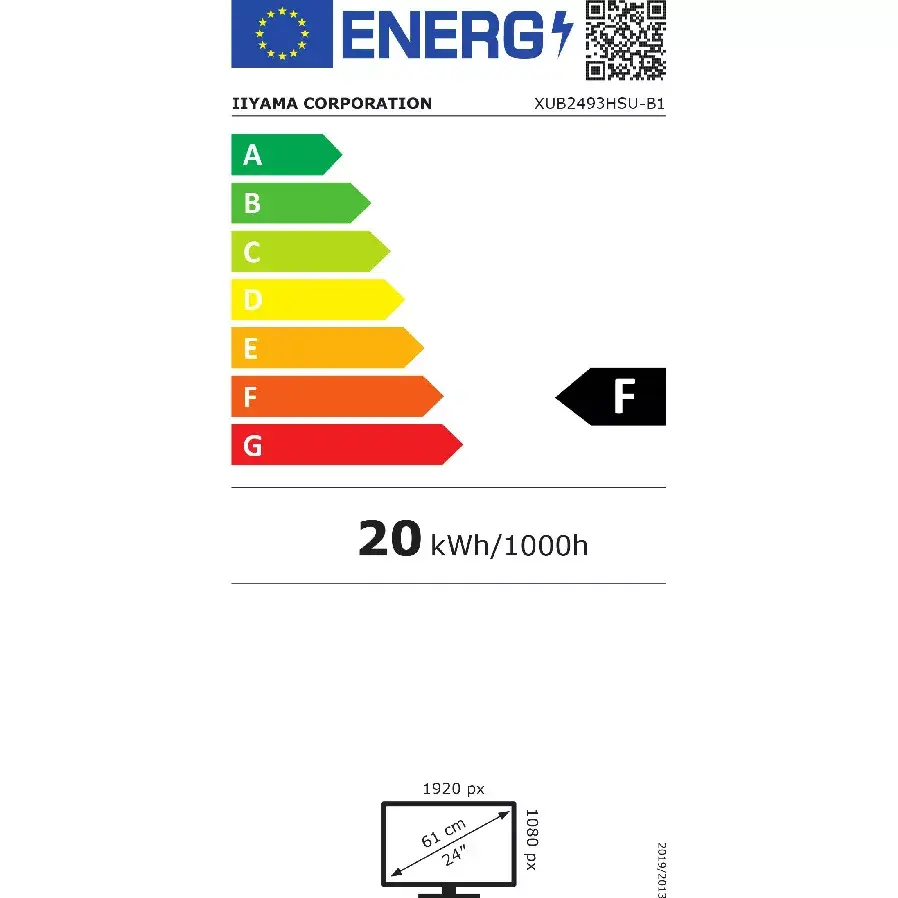
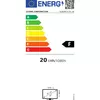
Energy efficiency class is a standard classification that is used all over Europe and which is understandable at first sight. Products can be efficiently compared according to classes, starting from A (the most energy efficient class), and ending with G (the most energy-intensive class). The classification of energy efficiency is based on annual energy consumption which is being calculated on the basis of several different parameters.