Save time and money with our discounts!
In cart {{totalProductsCount}} item(s)
Your cart is empty
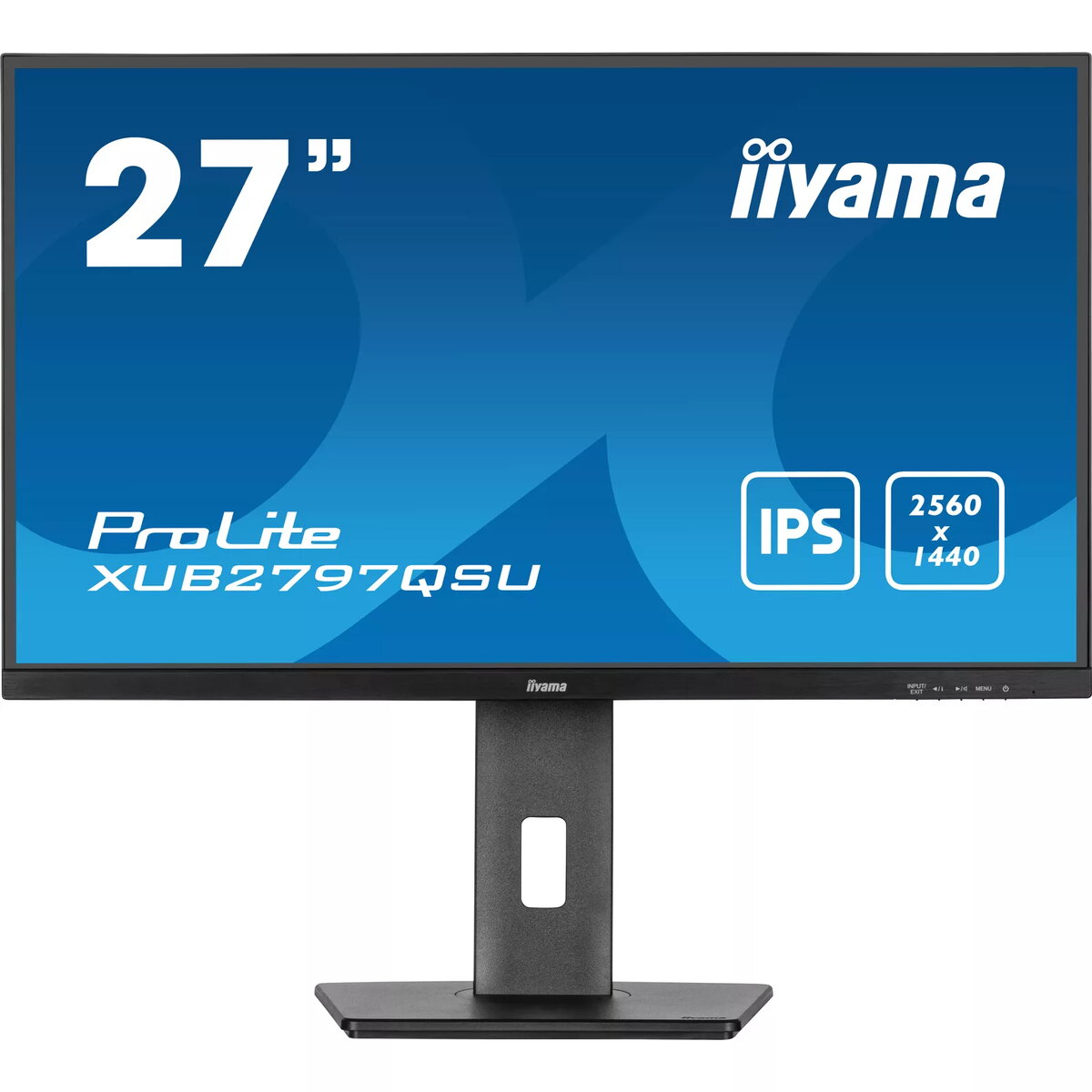
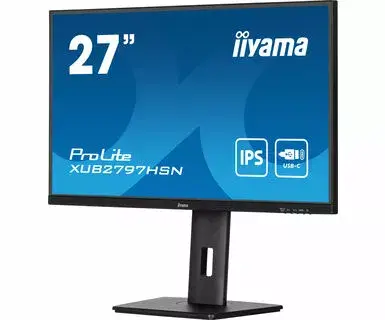
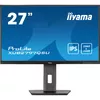
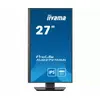
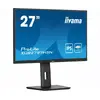
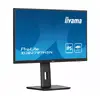
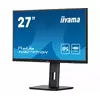
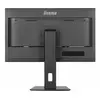
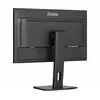
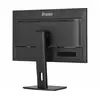
Monitor iiyama ProLite XUB2797QSU-B1 27" Wide Quad HD LED 2560 x 1440
The iiyama ProLite XUB2797QSU-B1 is a high-performance 27-inch monitor designed to deliver crisp visuals with its Wide Quad HD resolution of 2560 x 1440 pixels. Utilizing advanced IPS panel technology, this display ensures accurate color reproduction and consistent image quality from virtually any angle. With a rapid 1 ms response time and a 100Hz refresh rate, it provides smooth motion performance, making it an excellent choice for both professional office tasks and multimedia consumption.
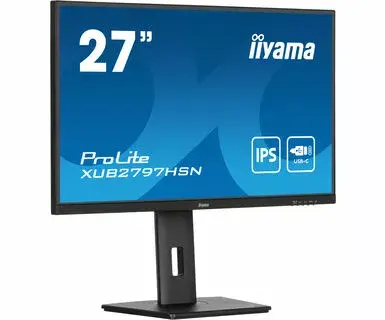
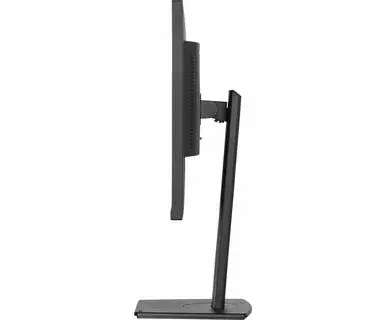
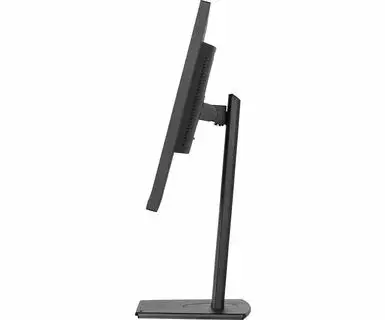
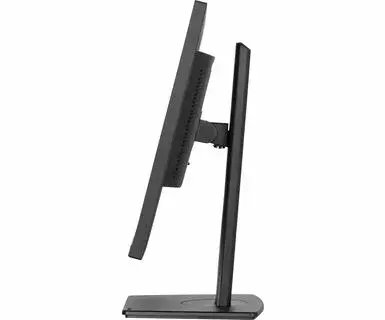
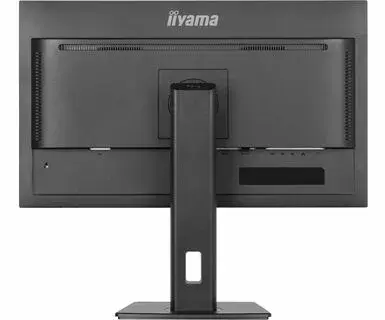
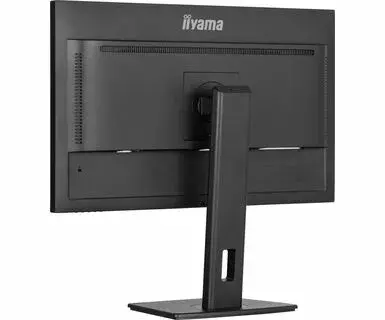
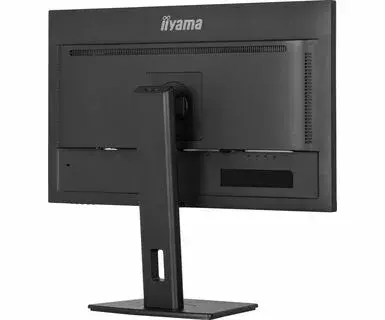
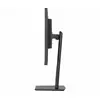
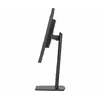
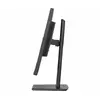
The monitor is built with user comfort in mind, featuring an ergonomic stand that allows for height adjustment, tilting, and rotation to suit your workspace requirements. Integrated stereo speakers and a built-in USB 3.2 Gen 1 hub add to its versatility, reducing cable clutter and simplifying your desk setup. The flicker-free technology and blue light reducer function help minimize eye strain during extended periods of use, supporting a healthier working environment.
This monitor stands out due to its high-resolution WQHD display, which offers significantly more screen real estate compared to standard Full HD monitors, allowing for better multitasking and detailed image editing. The IPS panel provides superior color accuracy and wide viewing angles, ensuring that images remain clear and vibrant regardless of your seating position. The inclusion of an ergonomic stand enhances physical comfort by allowing precise adjustments to height and orientation, which is essential for maintaining good posture during long work sessions. Furthermore, the combination of a fast response time and a 100Hz refresh rate ensures fluid visuals, while the integrated USB hub and speakers provide a convenient all-in-one solution for modern workstations.
This monitor may not be the ideal choice for professional competitive gaming where ultra-high refresh rates exceeding 144Hz are required. Additionally, users who prioritize extreme peak brightness for HDR content may find the standard brightness levels insufficient for their specific needs.
To set up the monitor, connect it to your computer using a high-quality HDMI or DisplayPort cable. Once connected, adjust the height and tilt of the stand to align the screen with your eye level to promote an ergonomic posture. You can utilize the built-in USB hub by connecting your peripherals directly to the monitor, which will then communicate with your computer through the upstream cable. Use the on-screen display menu to toggle the blue light reducer or adjust color settings to match your specific workflow requirements.
For the best visual experience, we recommend using the DisplayPort connection to fully utilize the monitor's refresh rate capabilities. To reduce eye fatigue, enable the blue light reducer function during evening hours or when working in low-light environments.
{{highlightedFeature.featureTitle}}:
{{getProductFeatureValueById(product, highlightedFeature.featureId)}}
{{ productComparisonGenerationError }}
Device manufacturer code
Device manufacturer
iagonal of the visible part of the screen expressed in centimeters and inches.
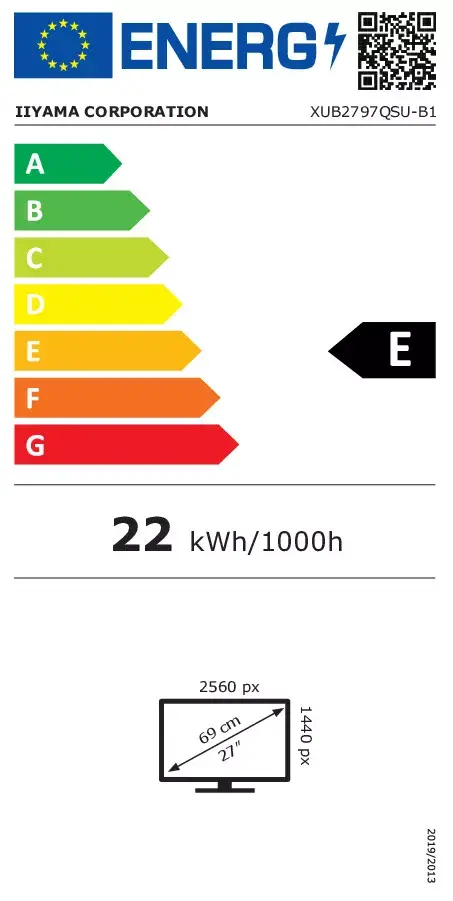
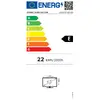
Energy efficiency class is a standard classification that is used all over Europe and which is understandable at first sight. Products can be efficiently compared according to classes, starting from A (the most energy efficient class), and ending with G (the most energy-intensive class). The classification of energy efficiency is based on annual energy consumption which is being calculated on the basis of several different parameters.
Power consumption in switched-on state expressed in W.