
Leave your address - as soon as the price of the product goes down, you'll know about it right away
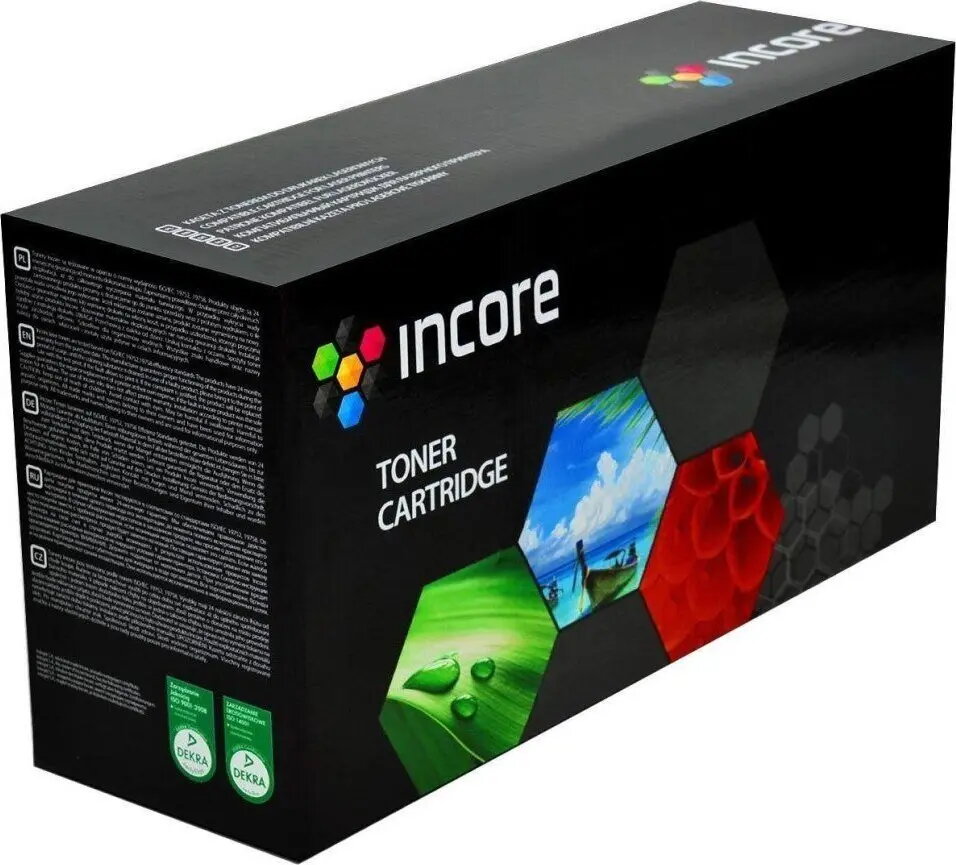
Drum unit Incore INCORE Drum for Xerox 3330 (IX-3330), Black, 30,000 pages
In cart {{totalProductsCount}} item(s)
Your cart is empty
Drum unit Incore INCORE Drum for Xerox 3330 (IX-3330), Black, 30,000 pages
Leave your address - as soon as the price of the product goes down, you'll know about it right away
Drum unit Incore INCORE Drum for Xerox 3330 (IX-3330), Black, 30,000 pages
Incore INCORE Drum for Xerox 3330 (IX-3330) is a black replacement drum unit engineered for monochrome laser printers in the Xerox 3330 series. Rated for approximately 30,000 pages, this drum transfers toner from the cartridge to paper and helps maintain consistent print density and sharp text output. It is intended as a direct replacement drum to restore image quality and reliability in regular black-and-white office printing.
The Incore drum unit provides a stable transfer surface that supports uniform toner adhesion across different paper types, which helps produce legible text and solid blacks. With an expected yield of about 30,000 pages, it reduces the frequency of drum replacement in busy print environments. The drum is designed for straightforward installation and works with the Xerox 3330 series to maintain consistent page-to-page output density and reduce streaking or fading that can occur with worn drums.
Power off the printer and allow it to cool if recently used. Open the printer access panel and remove the spent drum unit following the printer manufacturer’s instructions. Unpack the new Incore drum, avoiding direct contact with the drum surface and protecting it from bright light. Insert the replacement drum into the indicated slot until it clicks into place, then close the access panel and power the printer back on. Run a test print or alignment page and, if available, use the printer’s maintenance menu to reset the drum or page count so the device registers the new unit.
Store unused drum units in a cool, dry place away from direct sunlight and high humidity. Avoid touching the photosensitive surface to prevent fingerprints or damage. For consistent results, use compatible toner cartridges and perform routine printer maintenance such as cleaning transfer rollers and keeping firmware up to date.
{{highlightedFeature.featureTitle}}:
{{getProductFeatureValueById(product, highlightedFeature.featureId)}}