Leave your address - as soon as the price of the product goes down, you'll know about it right away
Remote Control InFocus HW-NAVIGATOR-6 Projector Press Buttons
In cart {{totalProductsCount}} item(s)
Your cart is empty
Remote Control InFocus HW-NAVIGATOR-6 Projector Press Buttons
Leave your address - as soon as the price of the product goes down, you'll know about it right away
Remote Control InFocus HW-NAVIGATOR-6 Projector Press Buttons
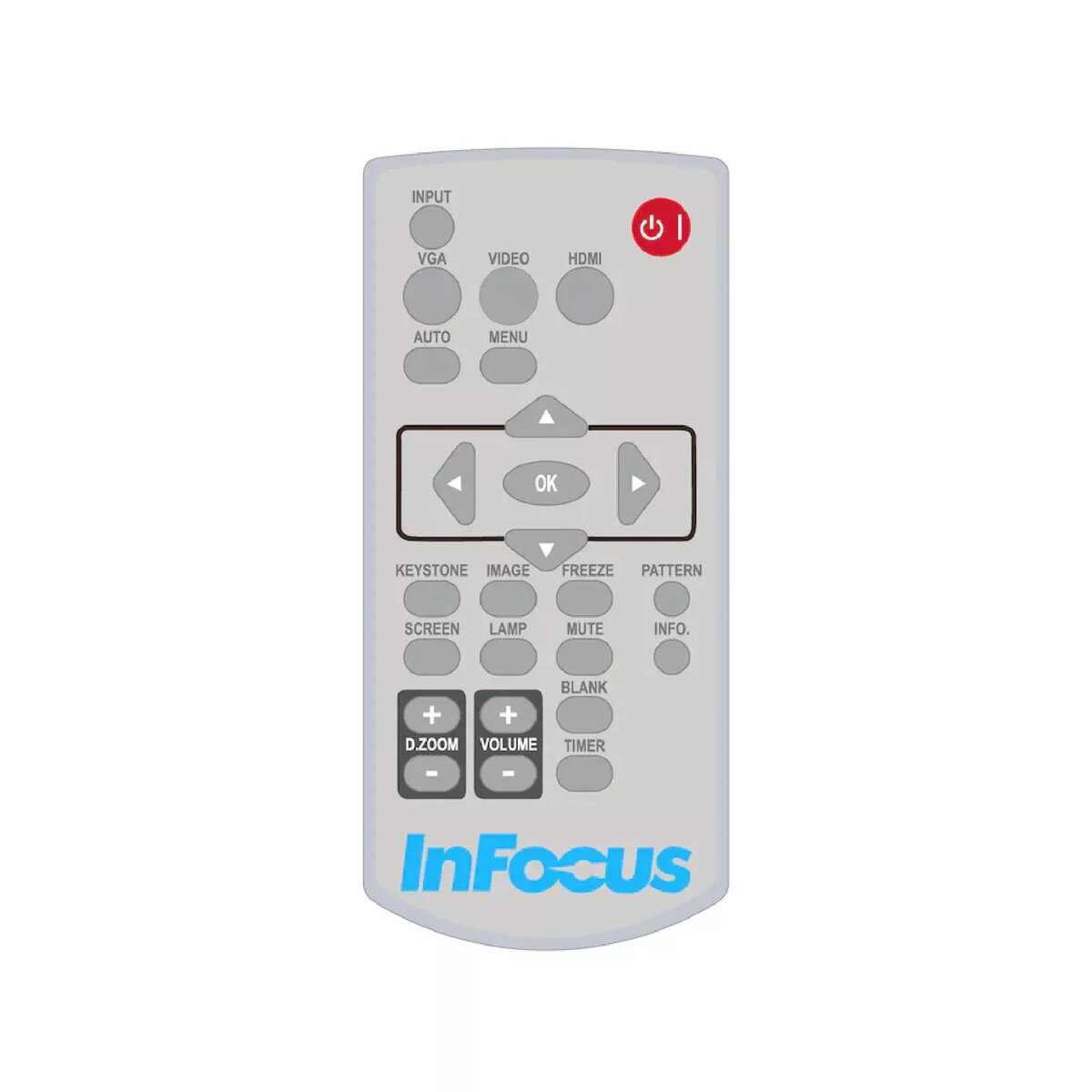
The InFocus HW-NAVIGATOR-6 is a white remote control designed for use with InFocus projectors, including the LightPro Advanced LCD series. It uses press buttons for input and provides straightforward projector management without backlit buttons.
The remote offers simple, tactile press-button operation and a compact white design that matches InFocus projector setups. It is specifically designed for projector control, ensuring compatibility and reliable basic navigation and menu access.
Point the remote toward the projector’s IR receiver and press the appropriate buttons to navigate menus, change inputs, or control playback functions. Replace batteries as needed and ensure there is a clear line of sight between the remote and the projector for reliable operation.
Use the remote in indoor environments and keep it away from moisture and extreme temperatures. For uninterrupted use, replace batteries before they run out and avoid blocking the projector’s IR sensor.
{{highlightedFeature.featureTitle}}:
{{getProductFeatureValueById(product, highlightedFeature.featureId)}}
| Warehouse | Stock | Delivery to the store | Store Price | |
| WH334 | 1 | 30.06.2026 Best delivery | 37.49 € Best price | |
| WH354 | 1 | 07.07.2026 | 46.99 € |
|
37.49 €
Stock:
1
Delivery Date:
30.06.2026
Best delivery
Warehouse: WH334
|
|
46.99 €
Stock:
1
Delivery Date:
07.07.2026
Warehouse: WH354
|