


InLine DisplayPort Male to Male Cable 0.5 m Black Gold-Plated Maximum Resolution 2560 x 1600 Pixels UL Certified
Short description


Cheapest delivery:
Unisend LV
Product information
Description
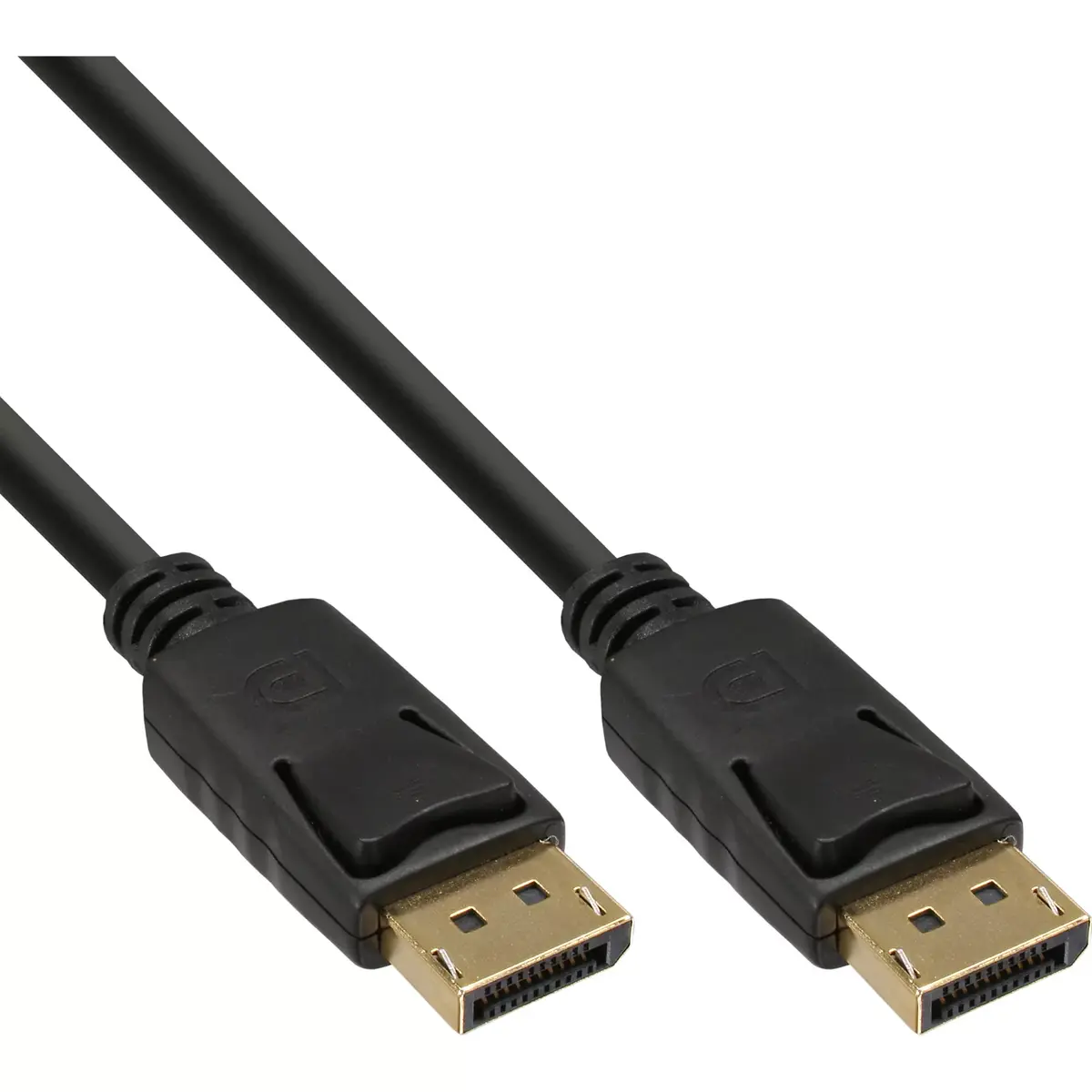
The InLine DisplayPort Male to Male Cable 0.5 m Black Gold-Plated Maximum Resolution 2560 x 1600 Pixels UL Certified is designed for reliable digital video and audio transmission between monitors and computers. Featuring male DisplayPort connectors on both ends with gold-plated contacts, this 0.5-meter black cable supports a maximum resolution of 2560 x 1600 pixels. Certified with UL standards, it ensures a stable signal connection for office and home workstations.
Advantages
This InLine DisplayPort cable provides high-quality signal transmission thanks to its gold-plated contacts, which ensure interference-free image and sound quality. The compact 0.5-meter length reduces cable clutter on the desktop when connecting devices placed close to each other. Its robust construction and UL certification guarantee dependable performance and safety for everyday office and home use.
Suitable for
- Connecting a desktop computer to a nearby monitor
- Office and home workstation setups
- Reliable digital video and audio transmission
- Short-distance display connections
When it may not be suitable
This cable is not suitable for setups requiring long cable runs due to its 0.5-meter length. It may also not meet the needs of users seeking higher than specified resolutions if their hardware demands ultra-high-definition setups exceeding 2560 x 1600 pixels.
Key specifications
- Cable length: 0.5 m
- Connector 1: DisplayPort male
- Connector 2: DisplayPort male
- Maximum resolution: 2560 x 1600 pixels
- Product colour: Black
- Certification: UL
How to use
To use the InLine DisplayPort cable, first ensure that both your computer and monitor are powered off. Take one male DisplayPort connector and plug it securely into the DisplayPort output port on your computer or graphics card. Take the second male DisplayPort connector and plug it into the DisplayPort input port on your monitor. Once both ends are firmly connected, power on your devices and adjust your display settings as needed.
What to consider before purchase
- Check the distance between your computer and monitor to ensure the 0.5-meter length is sufficient.
- Verify that both your graphics card and monitor are equipped with standard DisplayPort ports.
- Confirm that your desired display resolution does not exceed 2560 x 1600 pixels.
Usage recommendations
For optimal performance, ensure that the connectors are pushed completely into the ports without applying excessive force, and avoid tightly bending the cable near the connector ends to maintain signal integrity.
Features
- Maximum resolution:
- 2560 x 1600
- Connector 1 gender:
- Male
- Connector 1:
- DisplayPort
- Cable length:
- 0.5 m
- Connector 2 gender:
- Male
- Connector 2:
- DisplayPort
- Product colour:
- Black
Stock data
| Warehouse | Stock | Delivery to the store | Store Price | |
| WH357 | 717 | 07.12.2026 | 9.49 € | Add to cart |
- 9.49 €Stock: 717Delivery Date: 07.12.2026Warehouse: WH357Add to cart
| Warehouse | Stock | Delivery to the store | Store Price | |
| WH109 | 717 | 21.12.2026 | 15.99 € | Add to cart |
- 15.99 €Stock: 717Delivery Date: 21.12.2026Warehouse: WH109Add to cart


