


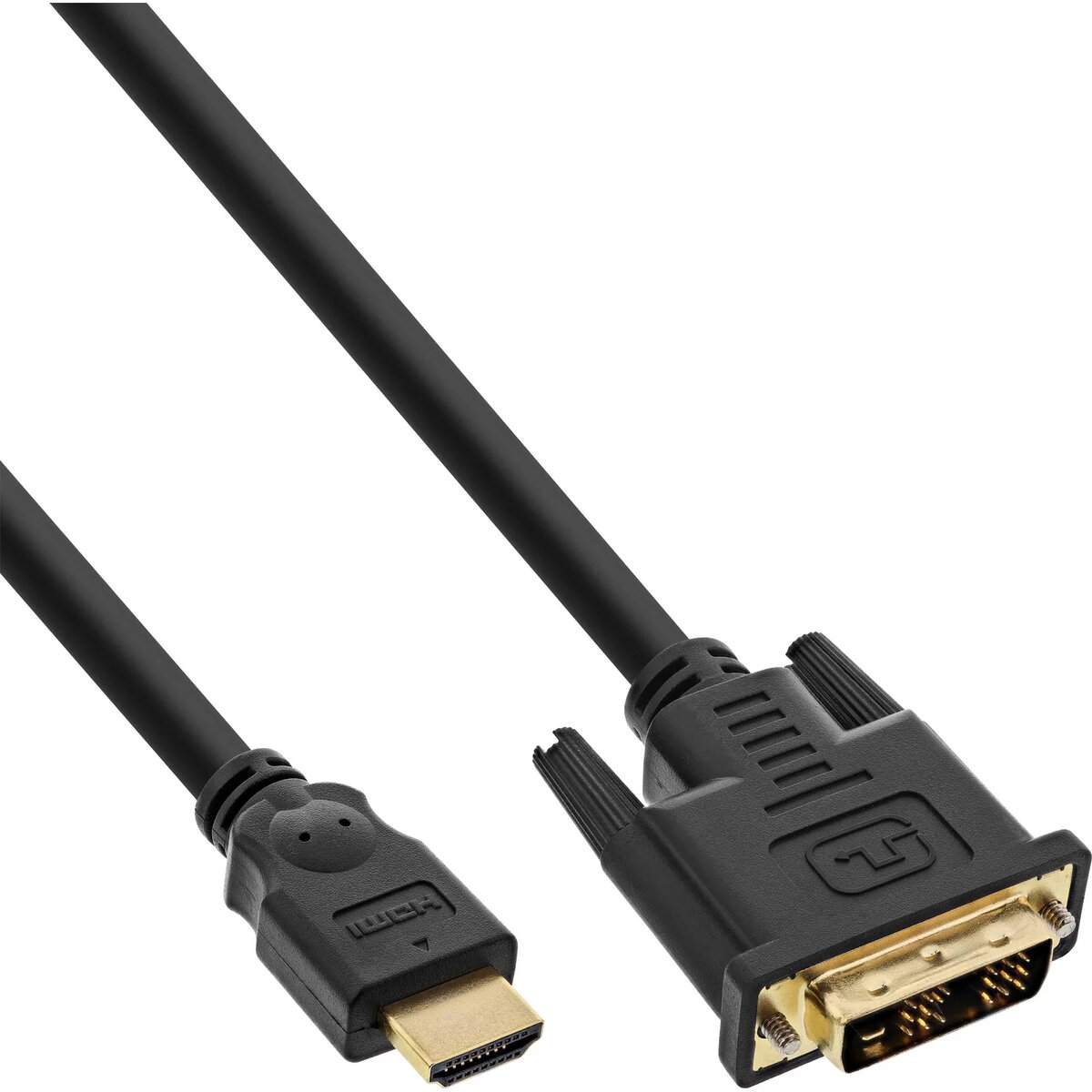
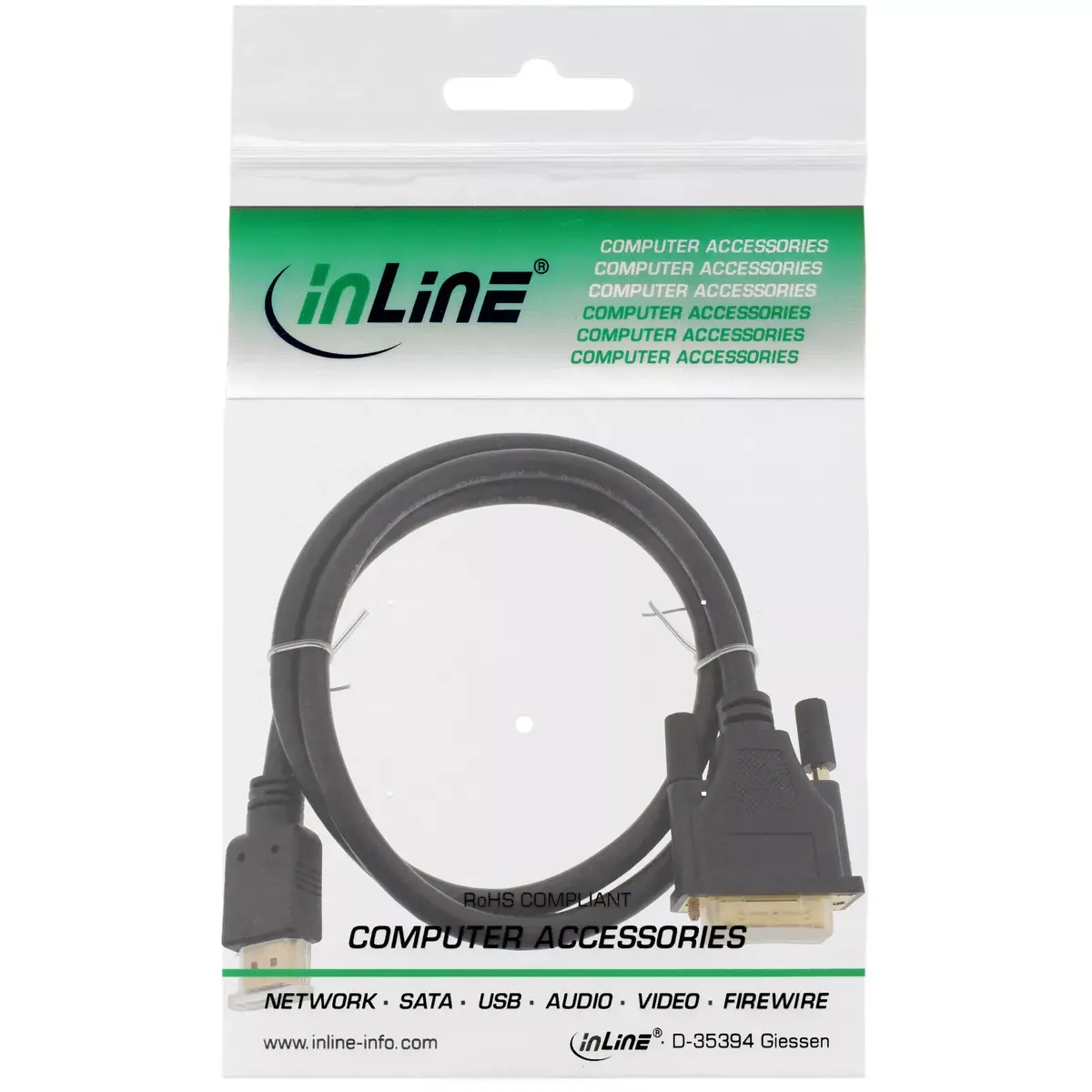
InLine HDMI to DVI Cable Male to DVI-D 18+1 Male Gold Plated 1.5 m 1080p Black
Offer for a legal entity, non-cash payment.
Short description


Cheapest delivery:
Unisend LV
Product information
Description
The InLine HDMI to DVI Cable male to DVI-D 18+1 male gold plated 1.5 m 1080p black is a reliable digital video connection solution designed to link HDMI-equipped source devices to displays, monitors, and projectors featuring a DVI-D input. With a practical length of 1.5 meters, this monitor and display cable ensures stable and clear signal transmission for various setup configurations in homes, offices, or professional environments.
Advantages
This InLine cable features high-quality gold-plated contacts that minimize signal loss and protect against corrosion over long-term use. Built with robust shielding, it effectively reduces electromagnetic interference to maintain consistent video performance. The support for 1080p Full HD resolution and data rates up to 4.95 Gbit/s guarantees sharp image quality for daily computing and multimedia tasks. Its plug-and-play functionality allows for quick installation without the need for additional drivers or software.
Suitable for
- Connecting a PC or laptop with an HDMI output to a DVI-D monitor
- Linking digital media players or set-top boxes to displays with DVI ports
- Setting up dual-monitor workstations in office environments
- Presentations using projectors with DVI-D inputs
When it may not be suitable
This cable is not suitable for setups requiring audio transmission, as the DVI standard carries video signals only and does not support sound. It is also not compatible with dual-link DVI applications requiring resolutions higher than 1080p, nor is it suitable for long-distance cable runs exceeding 1.5 meters without active signal boosters.
Key specifications
- Cable length: 1.5 m
- Connector 1: HDMI male
- Connector 2: DVI-D 18+1 male
- Maximum resolution: 1080p Full HD
- Data transfer rate: Up to 4.95 Gbit/s
- Product colour: Black
- Contact finish: Gold-plated
How to use
To use the cable, ensure that both your source device and display are powered off before making any physical connections. Insert the HDMI connector firmly into the HDMI output port of your computer, media player, or other source device. Then, connect the DVI-D 18+1 male connector to the corresponding input port on your monitor, display, or projector, and secure any thumbscrews if present on the DVI connector to prevent accidental disconnection. Power on your equipment and configure your display settings through your operating system to output the correct resolution.
What to consider before purchase
- Verify that your source device has an available HDMI output port
- Check that your display or monitor features a DVI-D input port
- Confirm that a 1.5-meter cable length is sufficient for the physical distance between your devices
- Remember that an auxiliary audio cable or separate sound system will be needed if audio output is required
Usage recommendations
For optimal performance and longevity, avoid tightly bending or kinking the cable during installation and routing. Keep the cable away from heavy power cords to minimize potential electrical interference, and gently secure excess length using cable ties rather than sharp bends.
Features
- Connector 1:
- HDMI
- Cable length:
- 1.5 m
- Connector 2:
- DVI-D
- Product colour:
- Black


