


InLine SATA Cable for 150 / 300 / 600 S-ATA links with latches 0.3m Red
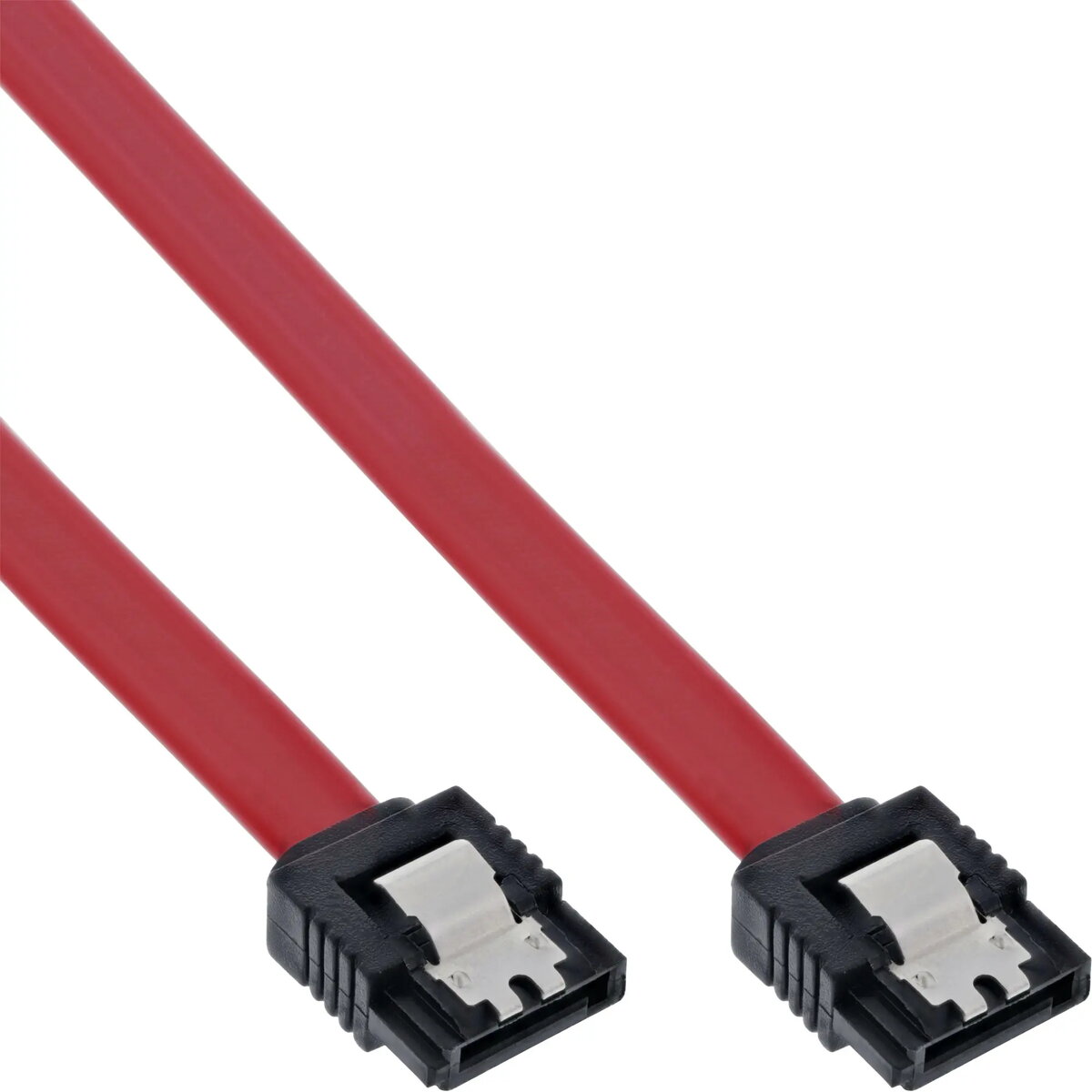

Short description


Cheapest delivery:
Unisend LV
Product information
Description
The InLine SATA Cable for 150 / 300 / 600 S-ATA links with latches 0.3m Red is designed for reliable and secure connection of internal storage drives supporting standard S-ATA links. Built with quality materials and a striking red color, this 0.3-meter cable helps maintain clean desktop PC builds and ensures efficient data transfer between the motherboard and internal storage devices such as HDDs, SSDs, and optical drives.
Advantages
This InLine SATA cable features integrated safety latches that ensure a firm hold on the connection ports, protecting the system against loose contacts or accidental disconnections during maintenance or movement. The 7-wire inner conductor design, consisting of four data lines and three ground lines, guarantees a stable and interference-free connection with optimal shielding. Its standard-compliant architecture ensures full compatibility across multiple generations of SATA devices, making it a reliable choice for maintaining continuous operation in various computing environments.
Suitable for
- Connecting internal HDDs, SSDs, and optical drives to the motherboard
- Custom desktop PC builds and internal cable management
- Workstations and professional IT environments requiring secure connections
- Systems prone to vibrations or requiring reliable continuous operation
When it may not be suitable
This cable is not suitable for external device connections, as it is strictly designed for internal computer hardware. Additionally, with a length of 0.3 meters, it may be too short for large server chassis or tower cases where components are spaced far apart from the motherboard.
Key specifications
- Cable length: 0.3 m
- Product colour: Red
- Connectors: 2x SATA 7-pin
- Conductor design: 7 wires (4 data lines, 3 ground lines)
- Features: Integrated safety lock latches
- Compatibility: SATA 150, 300, and 600 links
How to use
To use the InLine SATA cable, power down your computer system and open the housing. Connect one end of the 7-pin SATA plug into an available port on your motherboard, ensuring the integrated latch clicks securely into place. Connect the other end of the cable to your internal storage drive, such as a hard disk drive or solid-state drive, making sure the latch locks correctly to prevent accidental detachment. Close the computer case and power the system back on.
What to consider before purchase
- Verify that a 0.3-meter cable length is sufficient to span the distance between your motherboard and storage drive inside your chassis.
- Check that your storage devices and motherboard utilize standard 7-pin SATA connections.
- Assess whether locking latches are required for your specific setup to prevent accidental disconnections.
Usage recommendations: Route the cable carefully away from sharp metal edges and cooling fans to ensure optimal airflow and prevent physical wear. Always press the release tab on the connector before attempting to unplug the cable to avoid damaging the port or the locking mechanism.
Features
- Cable length:
- 0.3 m
- Product colour:
- Red

Stock data
| Warehouse | Stock | Delivery to the store | Store Price | |
| WH357 | 1397 | 08.12.2026 | 5.99 € | Add to cart |
- 5.99 €Stock: 1397Delivery Date: 08.12.2026Warehouse: WH357Add to cart
| Warehouse | Stock | Delivery to the store | Store Price | |
| WH109 | 1397 | 22.12.2026 | 14.99 € | Add to cart |
- 14.99 €Stock: 1397Delivery Date: 22.12.2026Warehouse: WH109Add to cart


