Powerful EcoFlow stations for energy anywhere!
In cart {{totalProductsCount}} item(s)
Your cart is empty
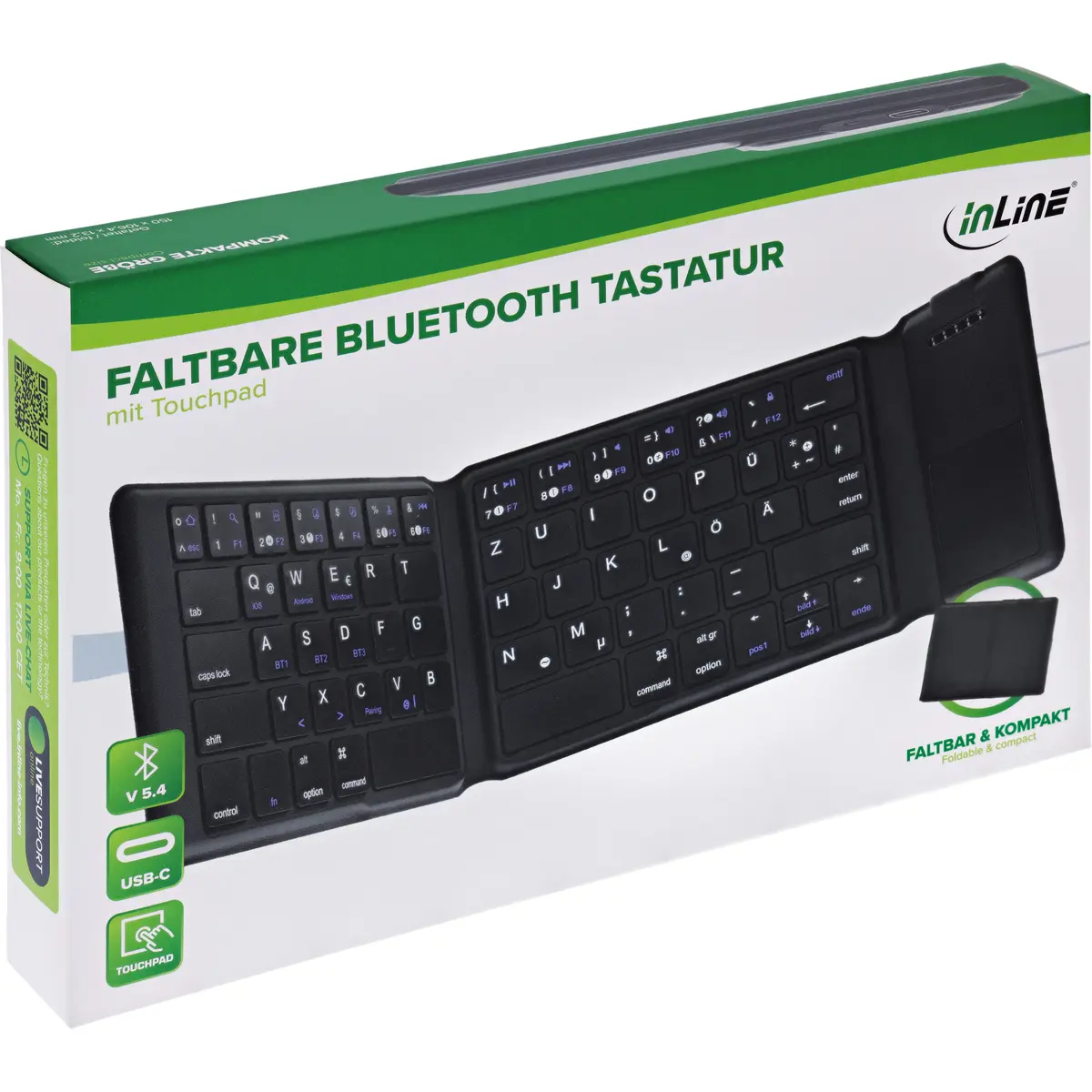
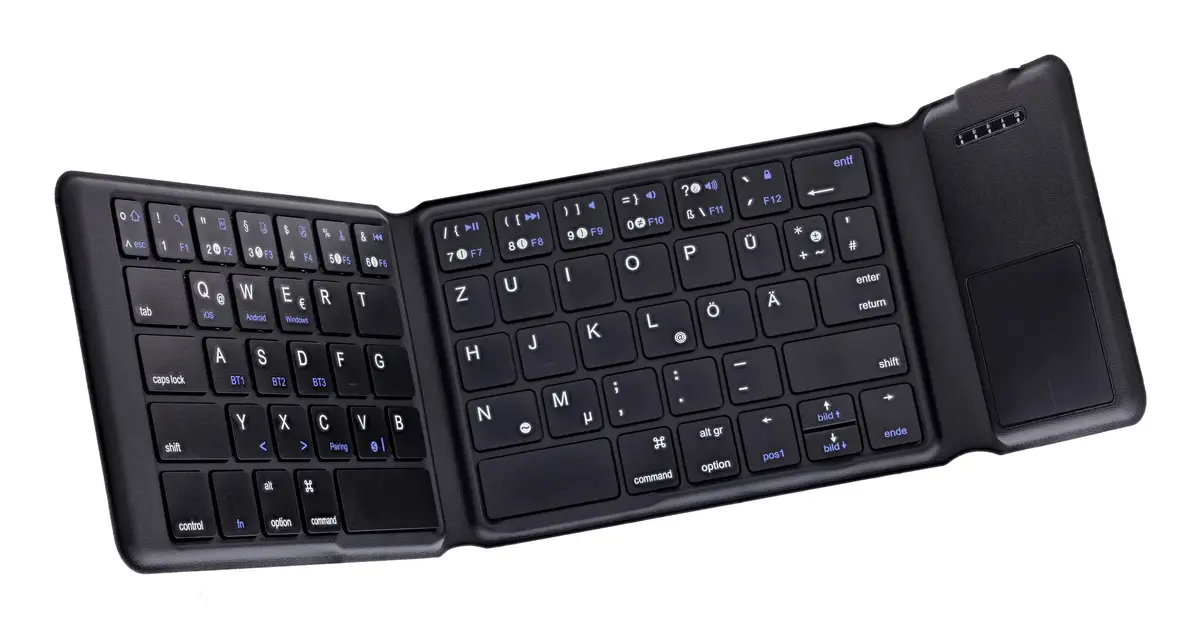
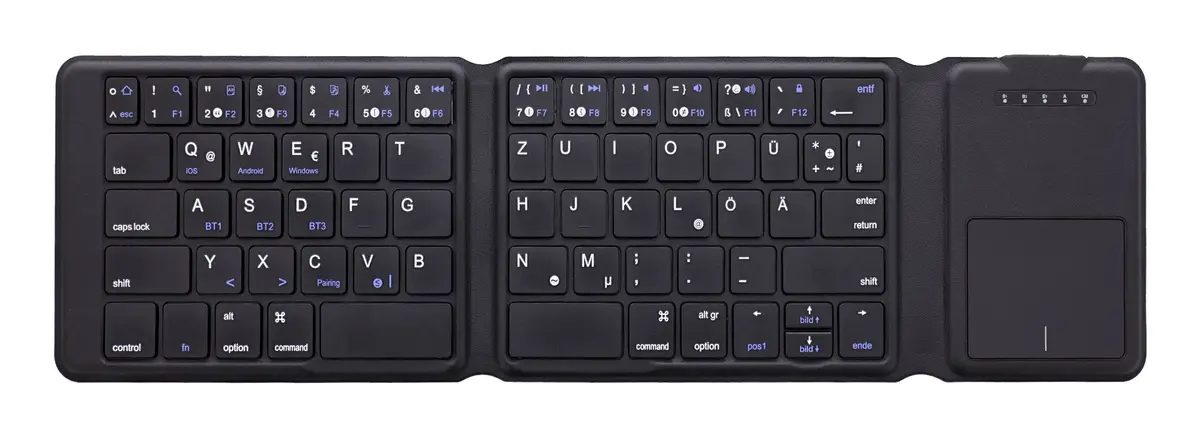
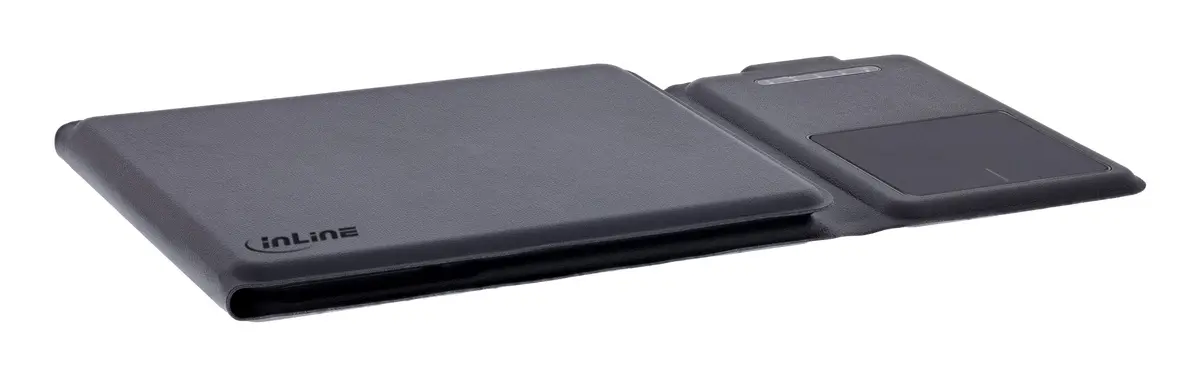
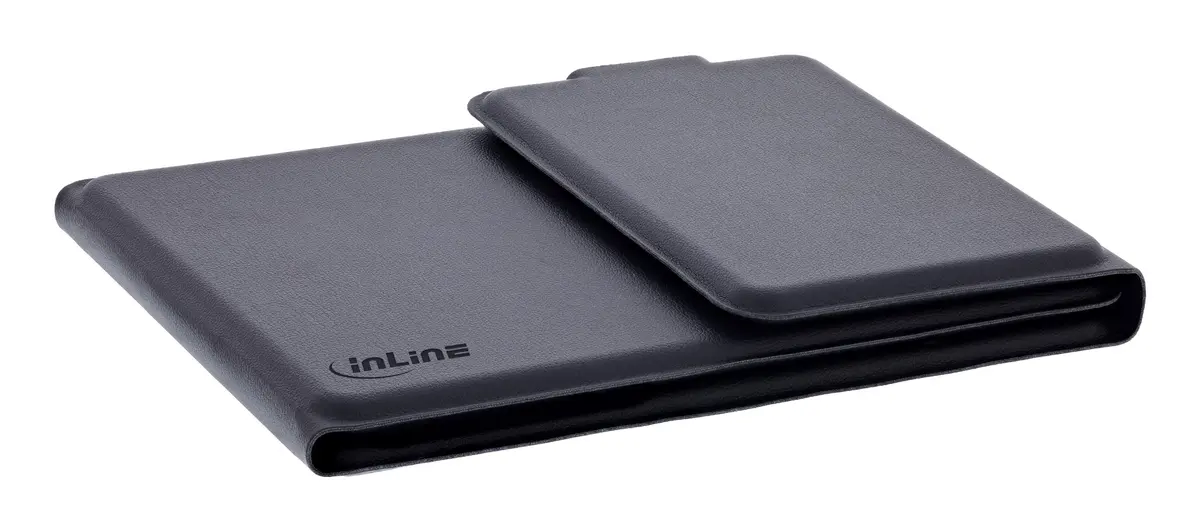
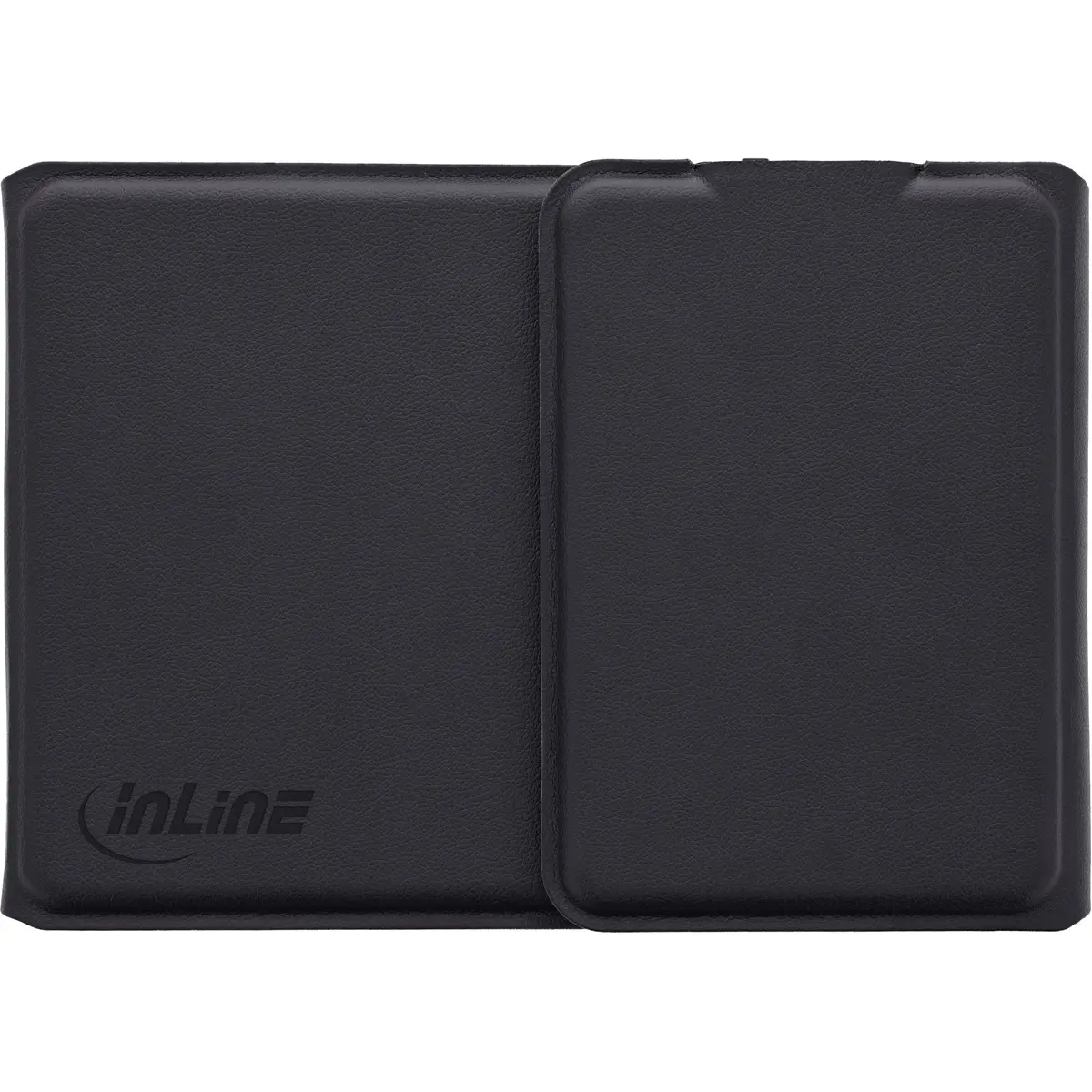
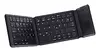
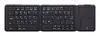
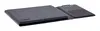
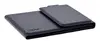
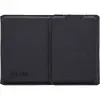
InLine 55379B Universal Wireless Bluetooth Keyboard QWERTZ German Layout with Touchpad USB Type-C Charging Port Battery Powered Black
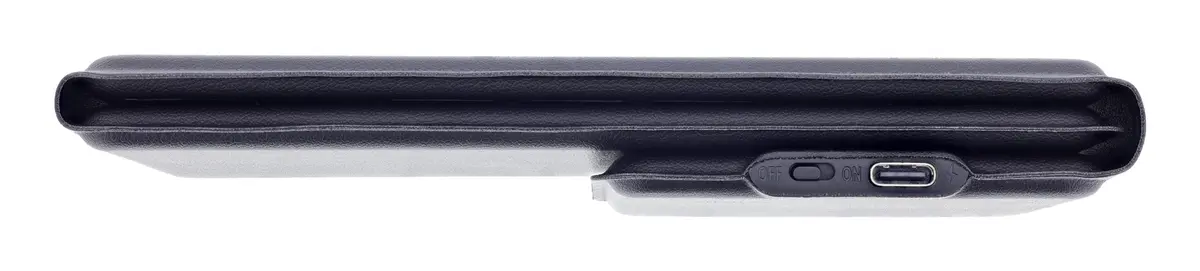
The InLine 55379B universal wireless Bluetooth keyboard features a German QWERTZ layout, an integrated touchpad, and a USB Type-C charging port. Designed for versatile everyday use with various devices, this battery-powered black keyboard provides reliable wireless connectivity and convenient navigation without the need for a separate mouse.
This wireless keyboard offers exceptional flexibility through its Bluetooth interface, allowing users to connect effortlessly with multiple compatible devices. The integrated touchpad serves as a pointing device that eliminates the need for an extra mouse, making it highly efficient for restricted workspaces and travel. Its straight keyboard style and universal recommended usage ensure a familiar typing experience, while the German QWERTZ layout caters specifically to German-speaking users. Powered by an internal battery and equipped with a modern USB Type-C charging port, the device ensures straightforward power management and convenient recharging.
This keyboard may not be suitable for users who require a dedicated numeric keypad for intensive data entry, or for those who specifically need a keyboard backlight for working in dark environments. Additionally, individuals who prefer a wired connection or require a non-German keyboard layout may find other models more appropriate.
To use the InLine 55379B wireless Bluetooth keyboard, first ensure the internal battery is adequately charged using a compatible USB Type-C cable. Turn on the keyboard and activate the Bluetooth function on your host device, such as a tablet, smartphone, or computer. Initiate the pairing mode on the keyboard and select it from the available Bluetooth devices list on your screen. Once paired successfully, you can begin typing using the German QWERTZ layout and use the integrated touchpad for cursor navigation.
Usage recommendations: Keep the keyboard clean by wiping it gently with a dry microfiber cloth and avoid exposing it to excessive moisture or extreme temperatures. Charge the battery regularly using the USB Type-C port to maintain optimal battery health and turn off the device when not in use for extended periods to conserve power.
{{highlightedFeature.featureTitle}}:
{{getProductFeatureValueById(product, highlightedFeature.featureId)}}
{{ productComparisonGenerationError }}