Powerful EcoFlow stations for energy anywhere!
In cart {{totalProductsCount}} item(s)
Your cart is empty
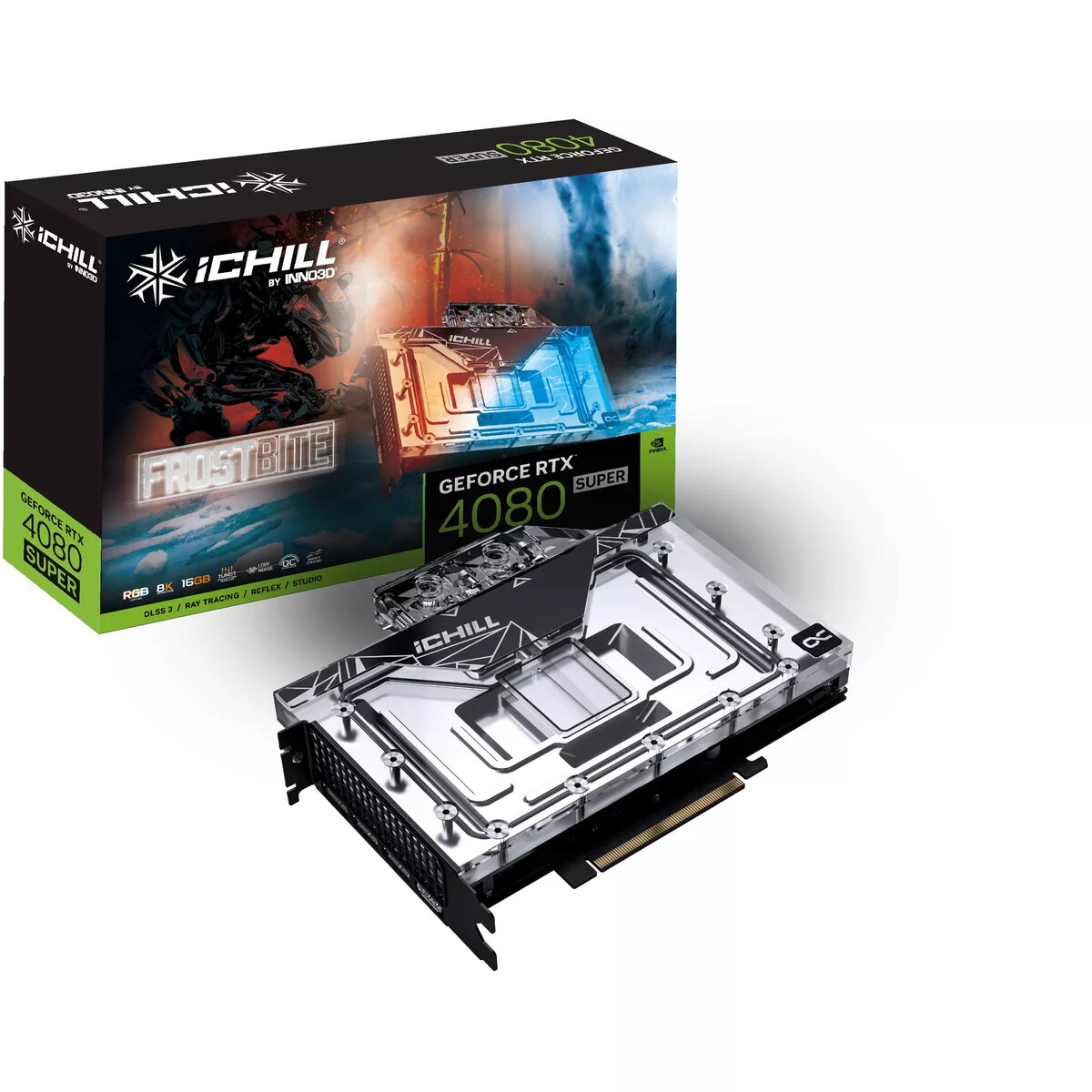
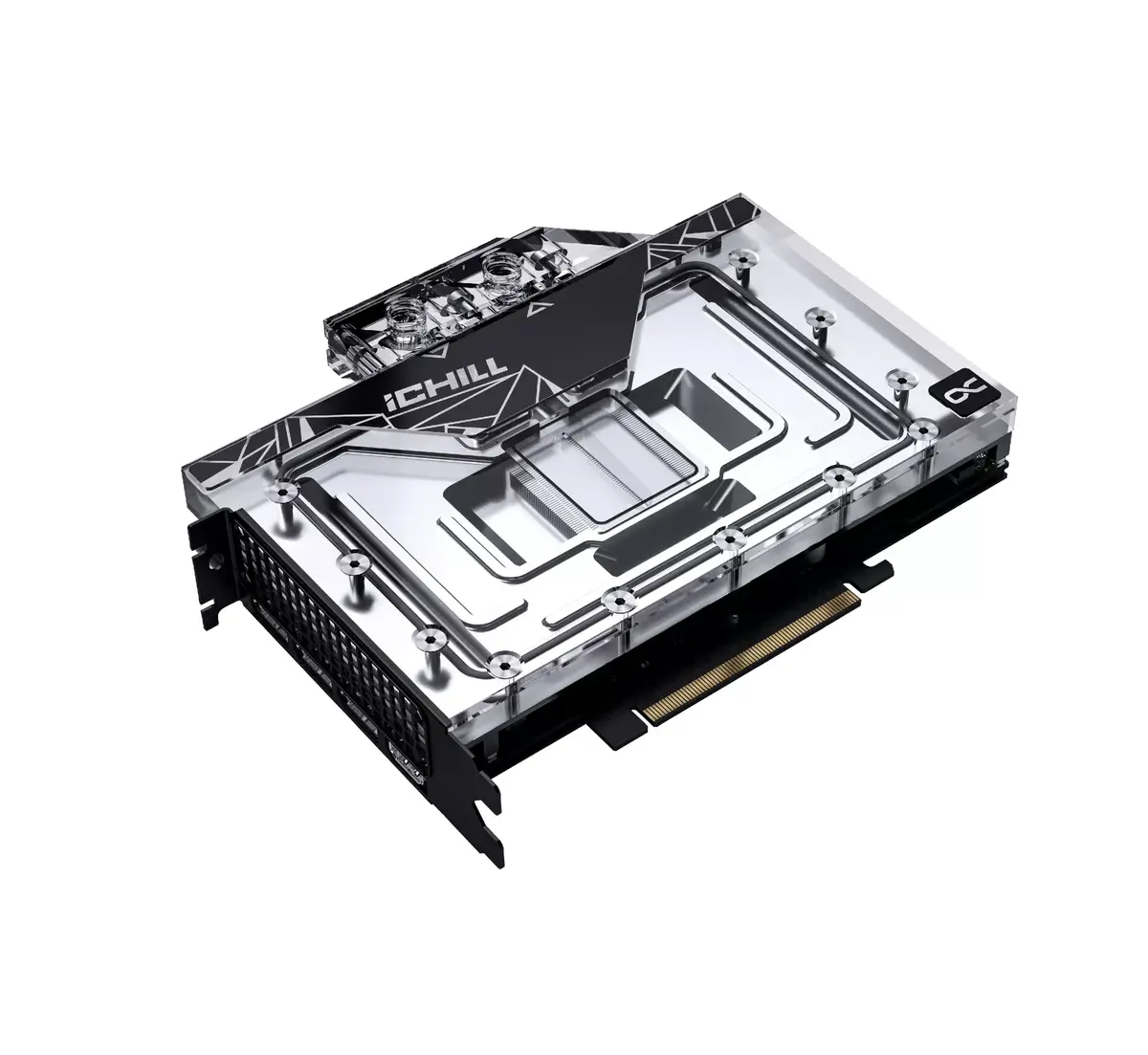
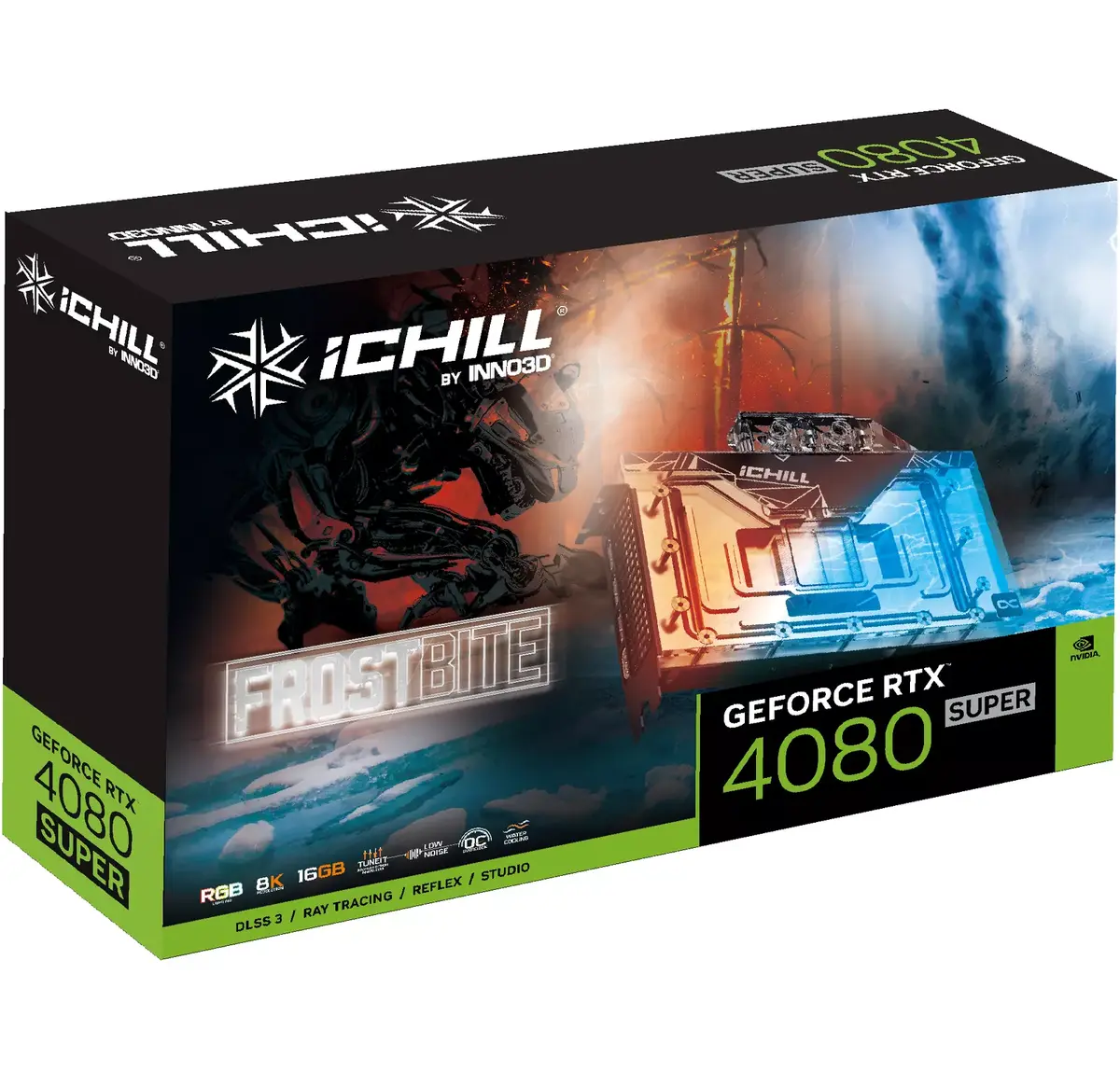
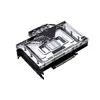
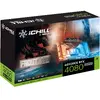
Graphics card Inno3D iChill GeForce RTX 4080 SUPER — 16 GB GDDR6X, 256-bit, PCIe 4.0, liquid cooling
Inno3D iChill GeForce RTX 4080 SUPER is a discrete graphics card designed for high-performance gaming, content creation and demanding visualization tasks. Powered by the NVIDIA GeForce RTX 4080 SUPER GPU and equipped with 16 GB of GDDR6X memory on a 256-bit bus, the card supports PCI Express x16 4.0 and modern graphics APIs including DirectX 12 Ultimate and OpenGL 4.6. Liquid cooling and adjustable RGB illumination (blue, green, red) enable sustained boost clocks up to 2295 MHz while keeping thermals under control, making the card suitable for extended 4K and 8K workloads.
The combination of the Ada Lovelace-based GeForce RTX 4080 SUPER GPU and high-speed GDDR6X memory delivers fast ray tracing and AI-accelerated frame generation capabilities. Liquid cooling reduces operating temperatures and acoustic output during prolonged loads, helping to maintain peak performance. PCIe 4.0 compatibility ensures maximum data throughput on modern motherboards, while RGB lighting provides basic visual customization. Support for DirectX 12 Ultimate and OpenGL 4.6 ensures broad software compatibility for both games and professional applications.
Install the graphics card into a compatible PCI Express x16 4.0 slot on a motherboard that provides adequate clearance and structural support for a liquid-cooled GPU. Connect the required power cables from the PSU according to the manufacturer's instructions and hook up the liquid cooling loop or included fittings as specified in the installation manual. Install the latest NVIDIA drivers and, if provided, the Inno3D utility software to configure fan curves, RGB illumination and performance modes. Verify system stability and temperatures under load before prolonged heavy use.
Use a quality power supply with appropriate headroom for system peak power, maintain proper case airflow even with liquid cooling, and periodically check coolant fittings and tubing for integrity. For optimal performance in games and creative applications, keep GPU drivers updated and use DLSS or other vendor-accelerated features when supported.
{{highlightedFeature.featureTitle}}:
{{getProductFeatureValueById(product, highlightedFeature.featureId)}}
{{ productComparisonGenerationError }}