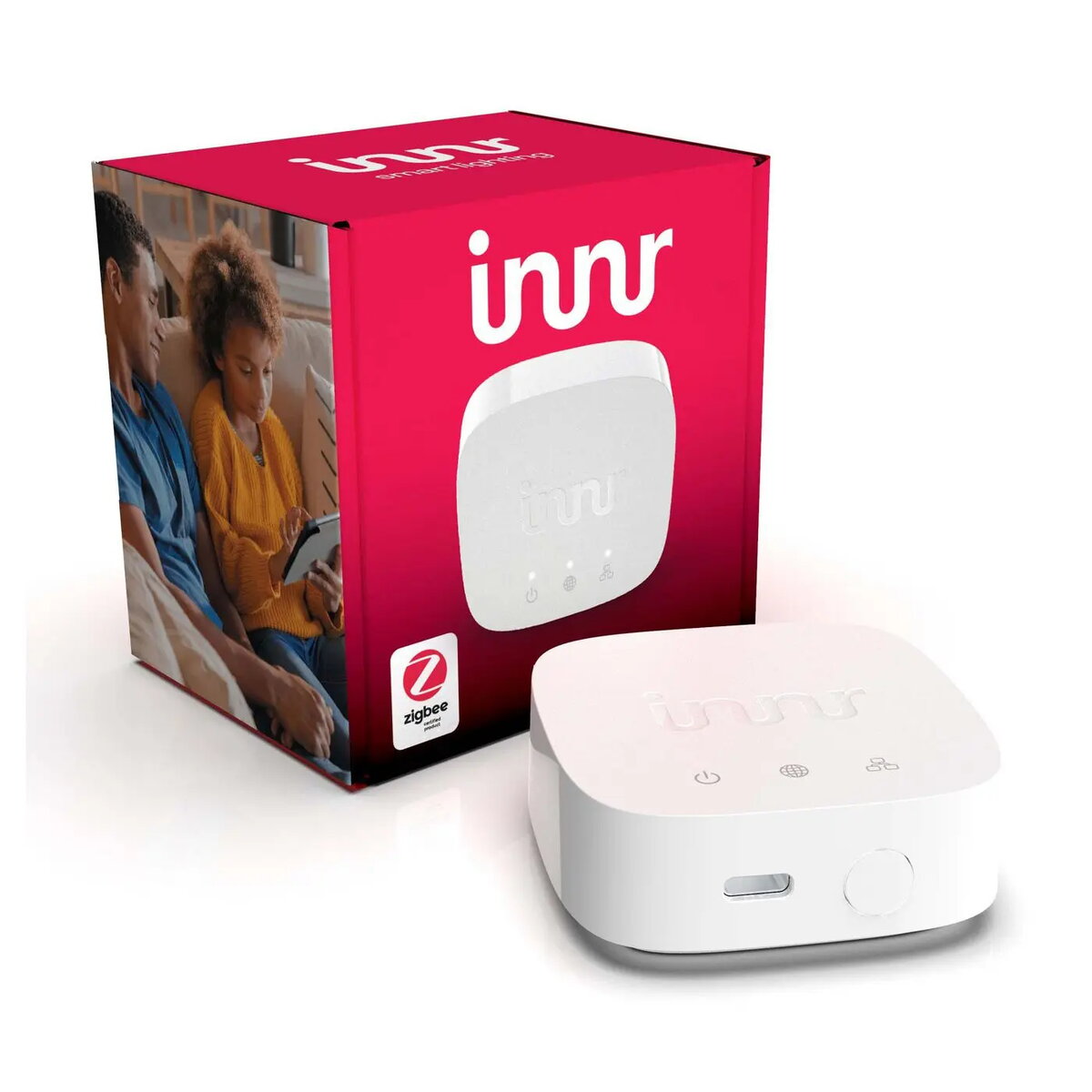
Firmware update for innr lighting Zigbee Bridge BG 220 V72 is an official firmware package intended to update or restore the bridge’s Zigbee control software. The firmware maintains compatibility with Zigbee networks and innr lighting devices, addresses known bugs, and helps ensure reliable communication between the bridge and connected lights and sensors. It is supplied for use by installers and advanced users who perform device maintenance and recovery tasks.
Advantages
The firmware package provides an official, vendor-supplied software image designed to preserve network stability and interoperability with other Zigbee devices. Applying this update can resolve connectivity issues, improve protocol handling, and restore a bridge to factory software state if corruption or failed updates occur. The package is suitable for offline storage and repeated deployments when maintaining multiple installations.
Suitable for
- Installers updating innr lighting Zigbee Bridge devices as part of system commissioning or maintenance
- Advanced users restoring bridge firmware after failed updates or software corruption
- Technicians standardizing firmware versions across multiple bridges in commercial or residential Zigbee networks
When it may not be suitable
This firmware package is not intended for end users who are unfamiliar with device update procedures or without access to the tools required to load firmware to the bridge. It does not replace a user-facing mobile app or cloud service and will not add new features beyond those included in the vendor-provided firmware image.
Key specifications
- Device type: firmware image for Zigbee bridge
- Compatibility: innr lighting Zigbee Bridge (model family)
- Purpose: update, restore or reflash bridge Zigbee control software
- Distribution format: vendor firmware package for manual or tool-assisted installation
How to use
Download or transfer the firmware package to the workstation or tool used for device maintenance, then follow the manufacturer’s update procedure to flash the bridge. Typical steps include connecting to the bridge using the recommended physical or network interface, initiating the firmware transfer with the supported tool, and allowing the device to complete the update without interruption. After flashing, verify the bridge reconnects to the Zigbee network and that connected devices respond normally. Follow any vendor-provided release notes or instructions accompanying the firmware.
What to consider before purchase
- Confirm that the firmware version matches the bridge hardware revision and model family
- Ensure you have the required tools and access rights to perform firmware installation
- Backup current bridge configuration or document network settings prior to updating
Usage recommendations
Perform firmware updates during maintenance windows, ensure a stable power and network connection during flashing, and follow vendor instructions to avoid service interruptions or device misconfiguration.