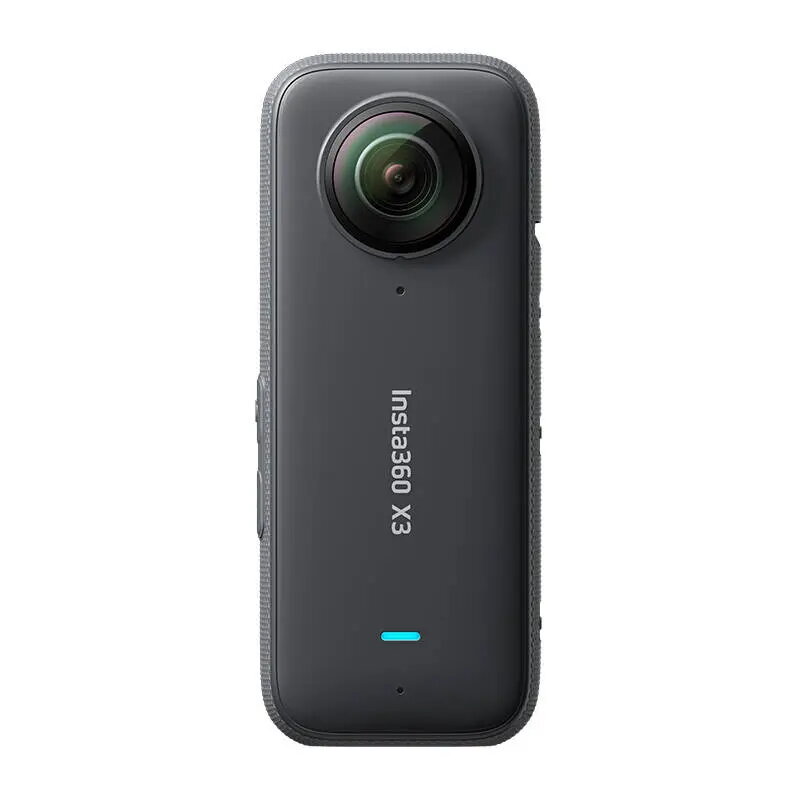
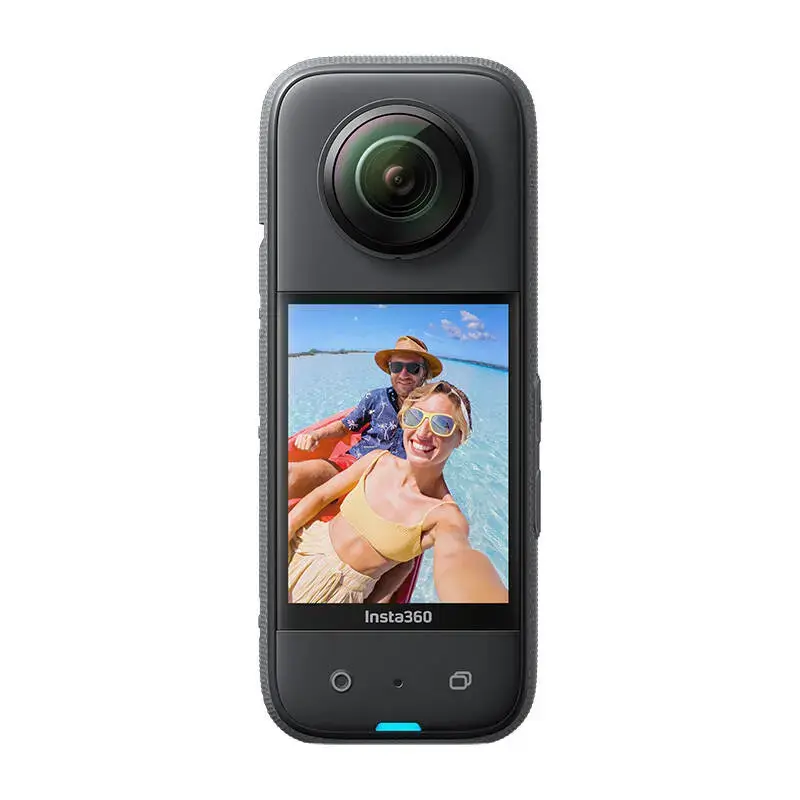
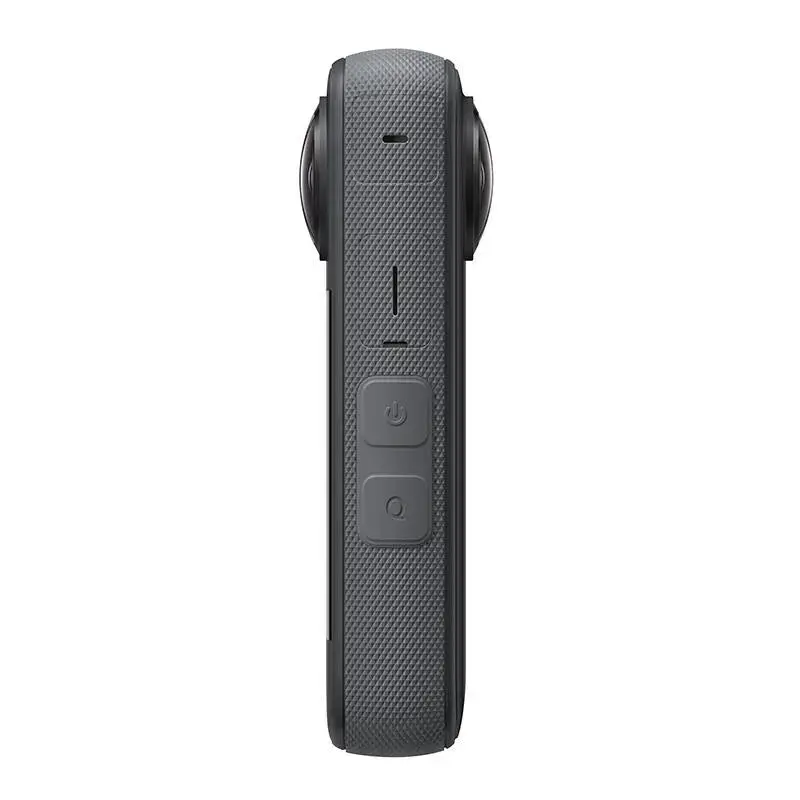
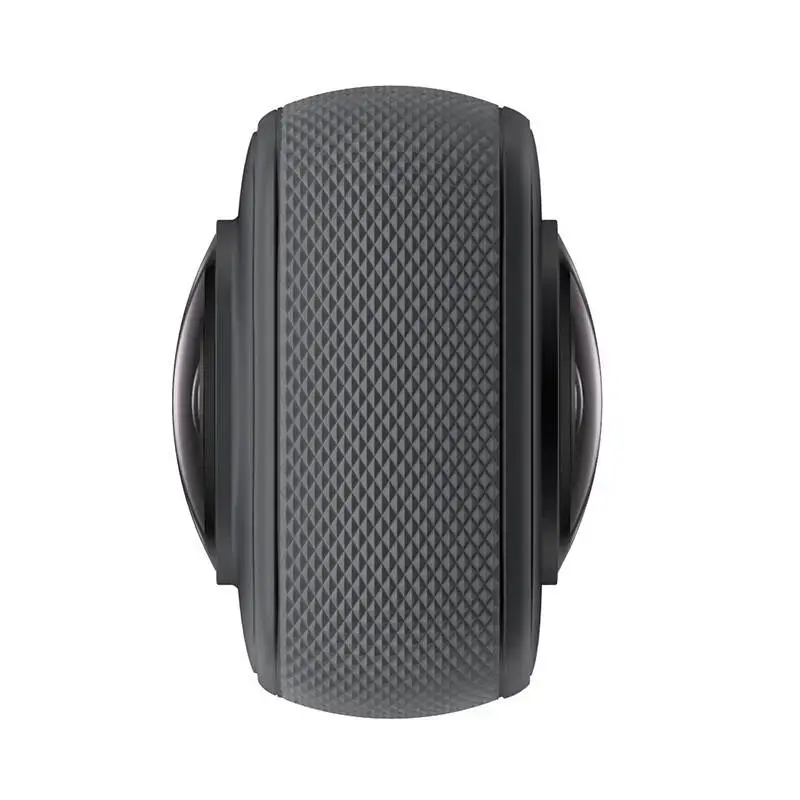
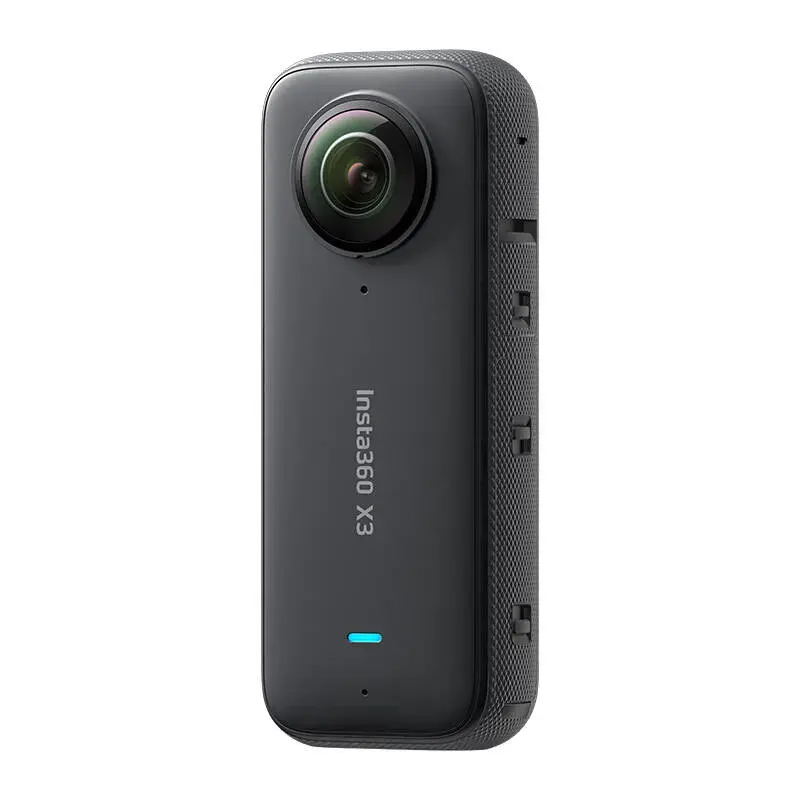
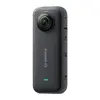
The Insta360 X3 is a versatile 360-degree action camera designed to capture immersive, high-resolution video and photos. Featuring dual lenses for spherical recording, it allows users to reframe footage after shooting, making it an ideal tool for sports, travel, and creative content creation. With advanced stabilization and a durable, compact design, this camera is built to perform in various environments.
Advantages
The Insta360 X3 excels by offering a 1/2-inch sensor that captures sharp, detailed 5.7K 360-degree video and 72MP photos. Its dual-lens system provides the flexibility to switch to single-lens mode for traditional wide-angle shots. The integration of FlowState Stabilization and 360-degree Horizon Lock ensures that footage remains smooth and level, even during intense physical activity. Additionally, the innovative ME Mode allows for third-person perspective shots by automatically removing the selfie stick from the frame, while the IPX8 waterproof rating ensures reliability in wet conditions.
Suitable for
- Action sports such as skiing, cycling, and surfing
- Travel vlogging and immersive storytelling
- Creative content production requiring unique camera angles
- Capturing 360-degree memories with high detail
When it may not be suitable
The Insta360 X3 may not be the best choice for professional cinematic productions requiring large-sensor depth of field or extreme low-light performance. Additionally, users who prefer traditional, non-spherical cameras without the need for post-production reframing might find the workflow of a 360-degree camera less intuitive for their specific needs.
Key specifications
- Sensor size: 1/2 inch
- Video resolution: Up to 5.7K at 30fps
- Photo resolution: 72MP
- Waterproof rating: IPX8 (up to 10 meters)
- Battery capacity: 1800 mAh
- Display: 2.29-inch touchscreen
- Connectivity: Wi-Fi, Bluetooth, and USB-C
How to use
To begin using the Insta360 X3, insert a compatible microSD card and ensure the battery is fully charged. Power on the device using the side button and navigate the intuitive touchscreen interface to select your desired shooting mode, such as 360-degree video or single-lens mode. Once you have captured your footage, connect the camera to the Insta360 mobile app via Wi-Fi to reframe, edit, and export your content using the built-in AI tools. For advanced editing, you can transfer files to a computer for use with professional software.
What to consider before purchase
- Compatibility with your smartphone for app-based editing
- The need for a high-speed microSD card (UHS-I V30)
- Whether additional accessories like a diving case or selfie stick are required for your specific activities
- The learning curve associated with reframing 360-degree footage
Usage recommendations: To achieve the best results, always ensure your lens is clean before shooting. For dynamic activities, utilize the FlowState Stabilization and Active HDR modes to maintain professional-grade video quality. When shooting in challenging lighting, experiment with the manual exposure settings to capture the best possible detail.