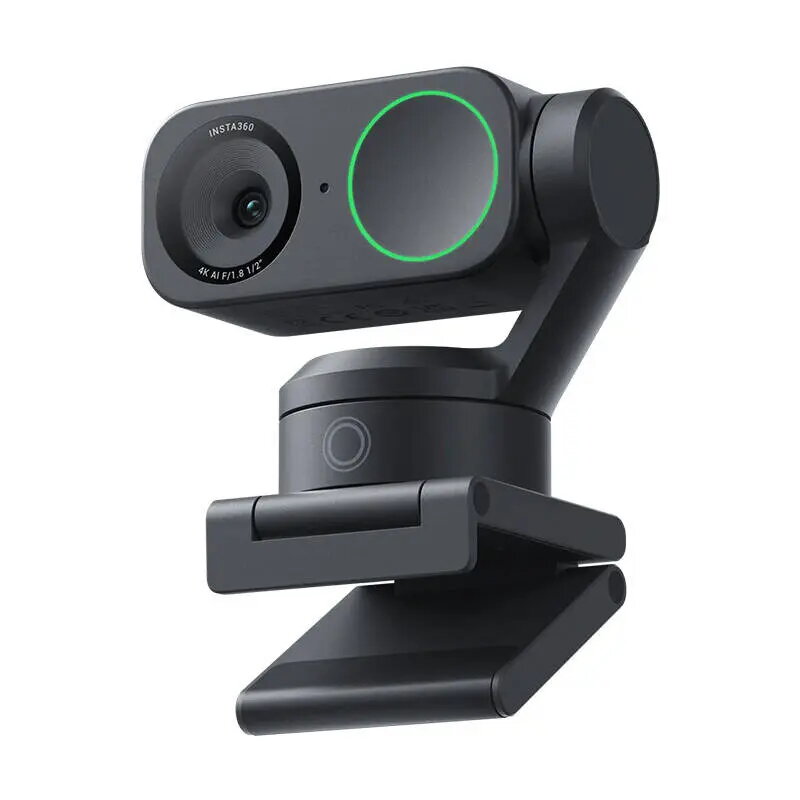
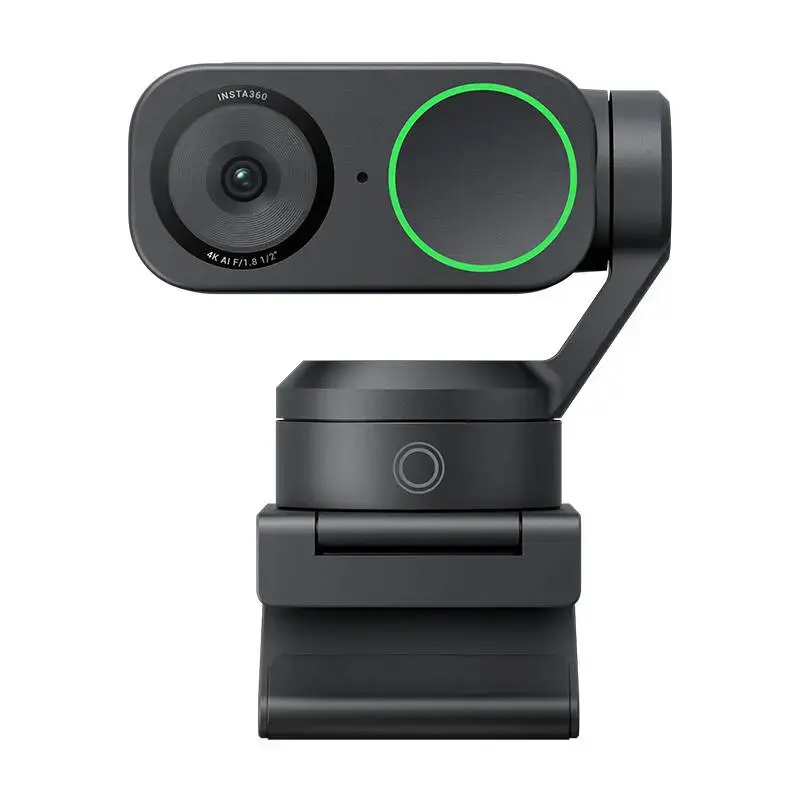
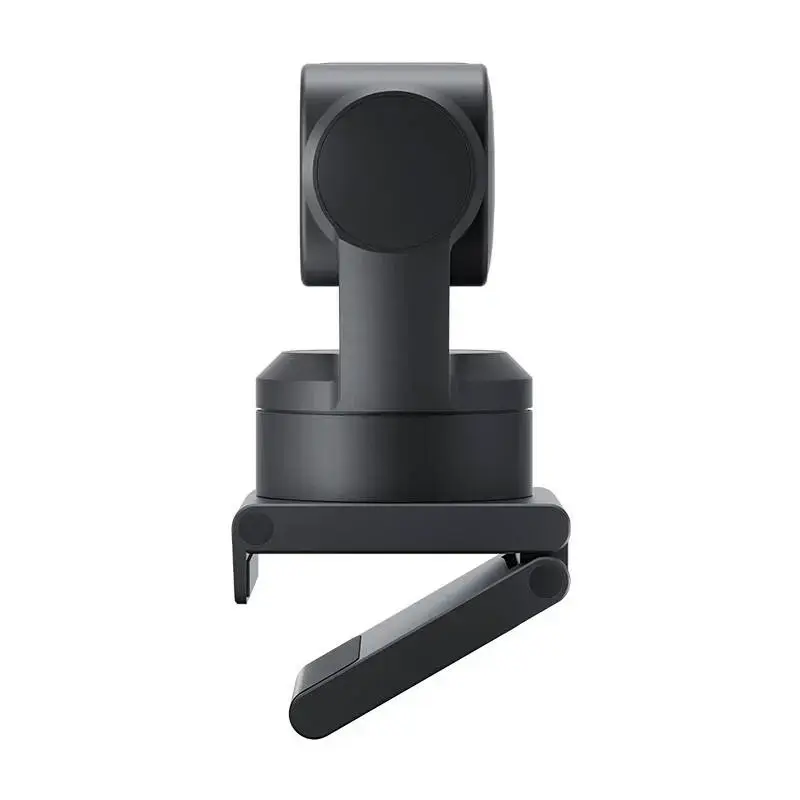
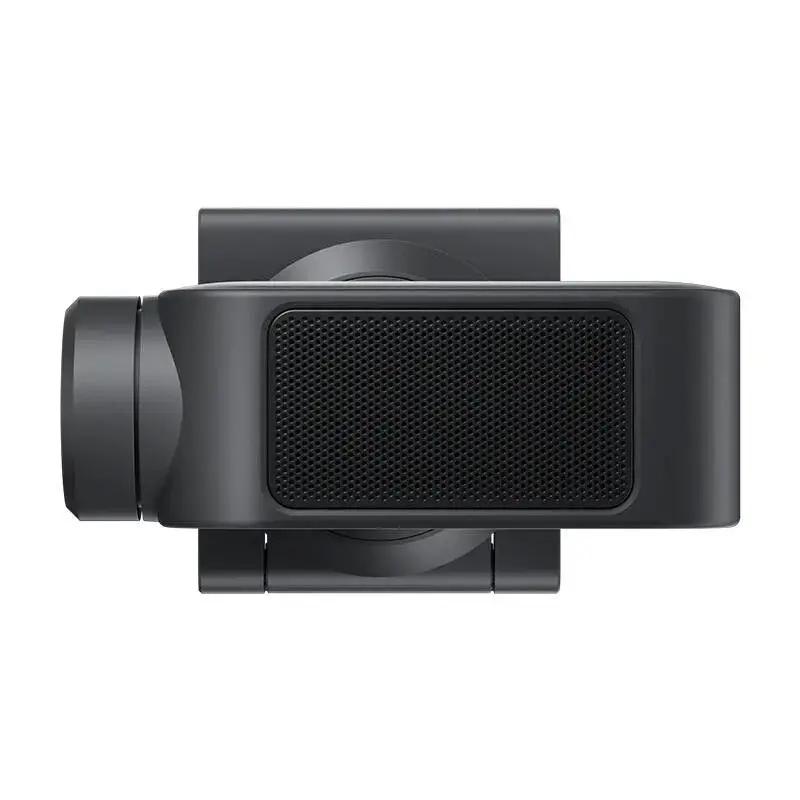
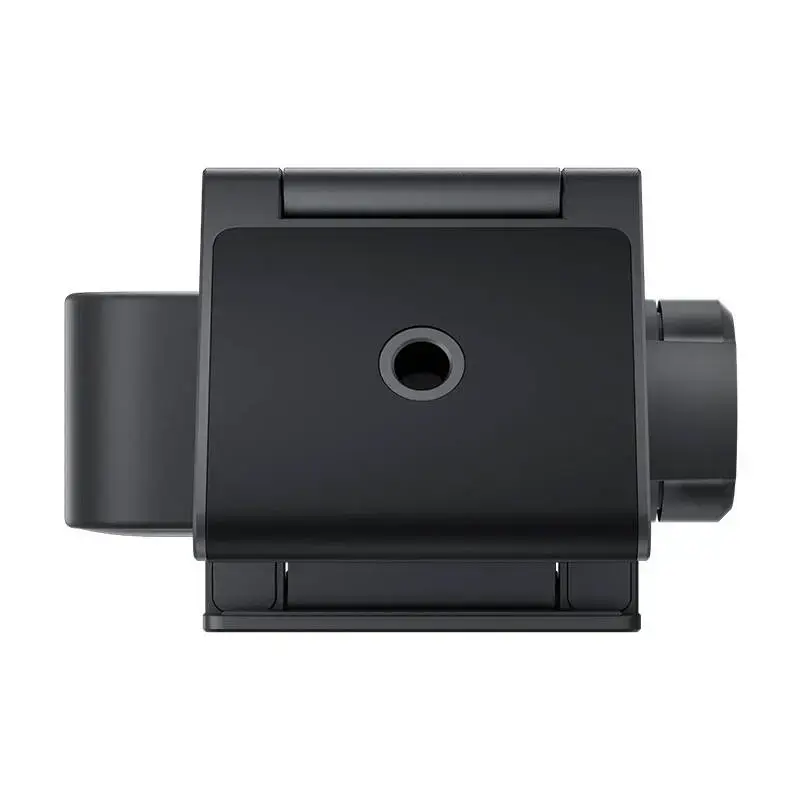
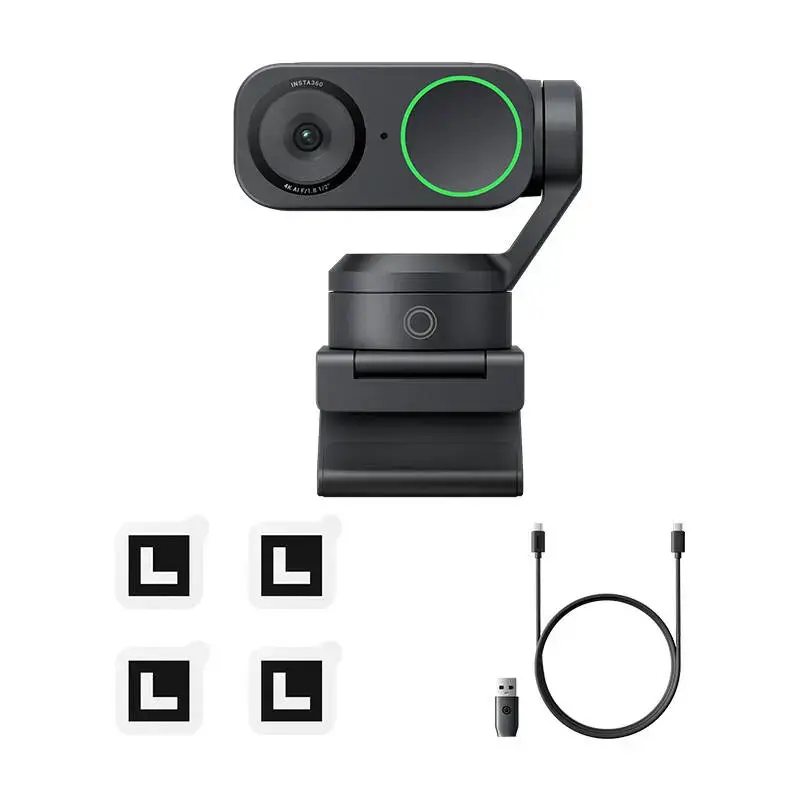
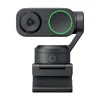
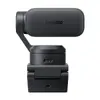
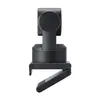
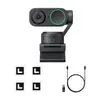
The Insta360 Link 2 AI-Powered 4K Webcam is a high-performance solution designed for professionals who demand superior image quality and intelligent features. Combining a large 1/2-inch sensor with 4K Ultra HD resolution, this camera delivers crisp, detailed visuals even in challenging lighting conditions. Equipped with a 2-axis gimbal, it offers smooth movement tracking, ensuring you stay perfectly framed during presentations, video calls, or content creation sessions.
Advantages
The primary strength of the Insta360 Link 2 lies in its advanced AI integration, which powers features like precise subject tracking, automatic background blurring, and intelligent noise reduction for audio. The inclusion of Phase Detection Auto Focus (PDAF) ensures that your image remains sharp instantly, while the HDR support provides natural color reproduction. Its versatile mounting options and gesture control capabilities allow for a seamless workflow, making it an ideal tool for those who need to maintain a professional appearance without complex technical setups.
Suitable for
- Professional video conferencing and remote meetings
- Educational webinars and online teaching
- Product demonstrations and tutorials
- Content creation and live streaming
- Presentations involving whiteboards or physical notes
When it may not be suitable
This webcam may not be the optimal choice for users requiring ultra-wide-angle coverage, as its field of view is optimized for focused, professional framing. Additionally, users with older computer hardware may find that some advanced AI features require significant processing power, potentially limiting performance on systems that do not meet the recommended hardware specifications.
Key specifications
- Sensor size: 1/2-inch
- Resolution: Up to 4K Ultra HD
- Gimbal: 2-axis stabilization
- Focus: Phase Detection Auto Focus (PDAF)
- Audio: AI-powered noise reduction with multiple modes
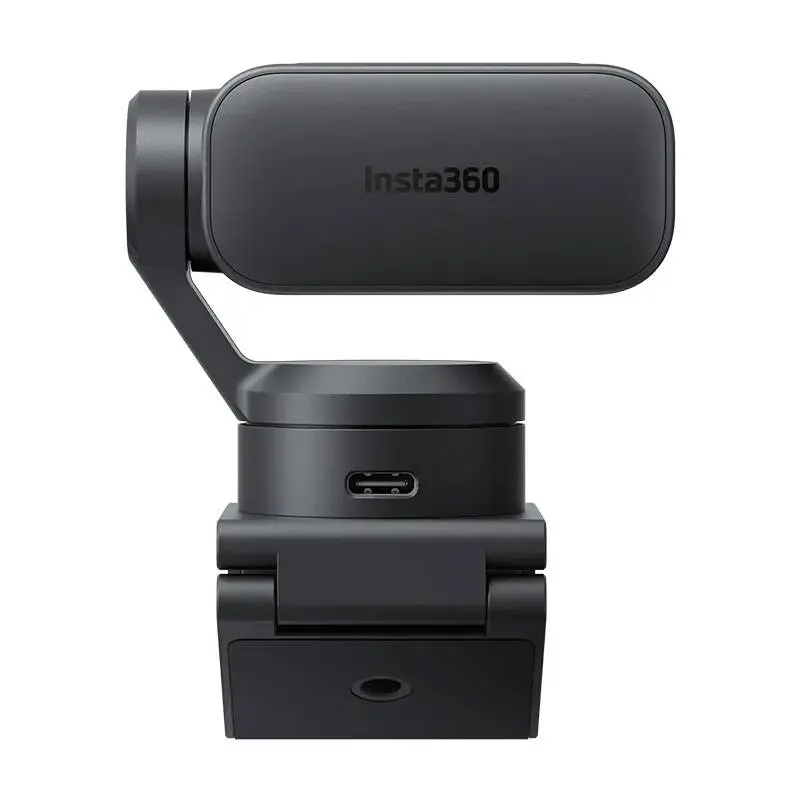
- Connectivity: USB-C
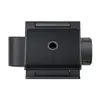
- Mounting: Magnetic mount with 1/4-inch tripod thread
How to use
To begin, attach the Insta360 Link 2 to your monitor using the included magnetic mount or secure it to a tripod for more flexible positioning. Connect the device to your computer via the provided USB-C cable or adapter. Once connected, the camera is compatible with most major video conferencing platforms. You can manage advanced settings, such as AI tracking, background replacement, and whiteboard detection, through the dedicated software or by using intuitive hand gestures directly in front of the lens.
What to consider before purchase
- Ensure your computer meets the minimum CPU and RAM requirements for full AI feature support.
- Check if your workspace has sufficient lighting, though the camera performs well in low light.
- Consider whether you need a dedicated tripod for specific angles or portrait mode recording.
- Verify that your preferred software platform supports external USB camera input.
Usage recommendations: For the best results during presentations, utilize the dedicated whiteboard mode to allow the AI to automatically detect and focus on your notes. Always ensure the firmware is updated via the official software to access the latest AI improvements and stability enhancements.