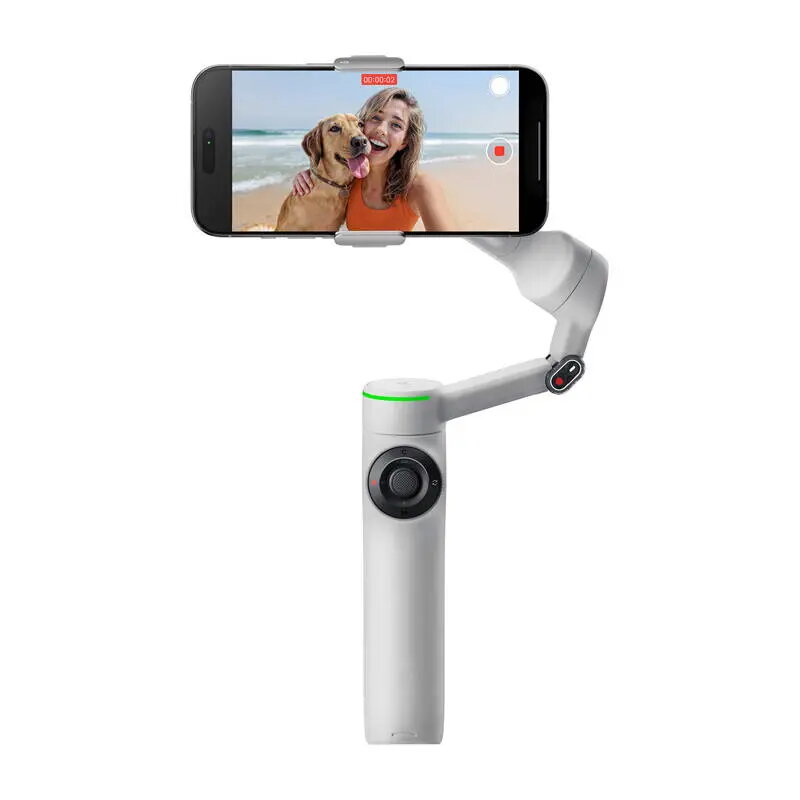
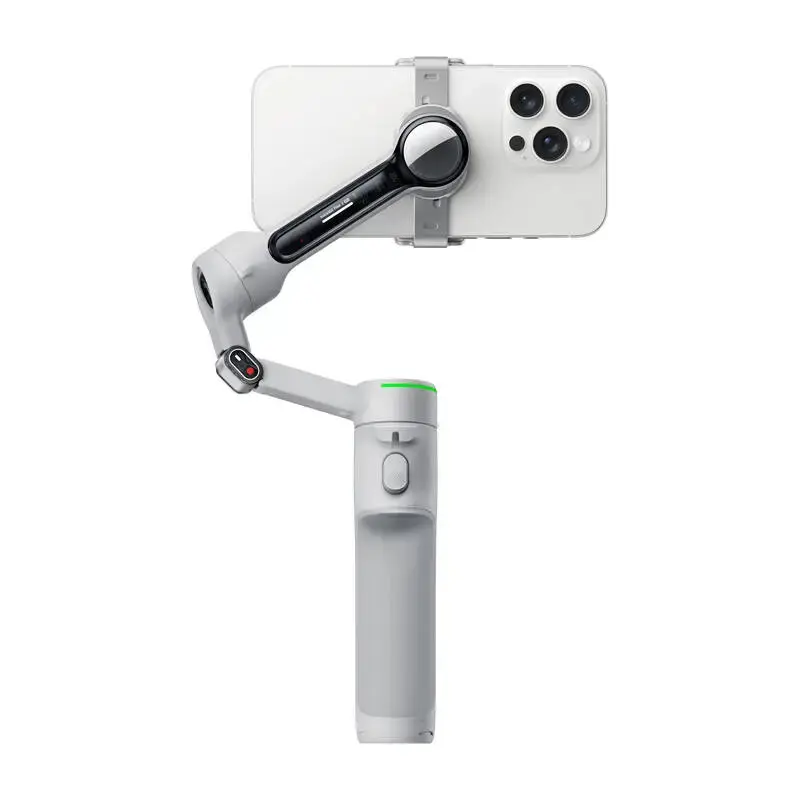
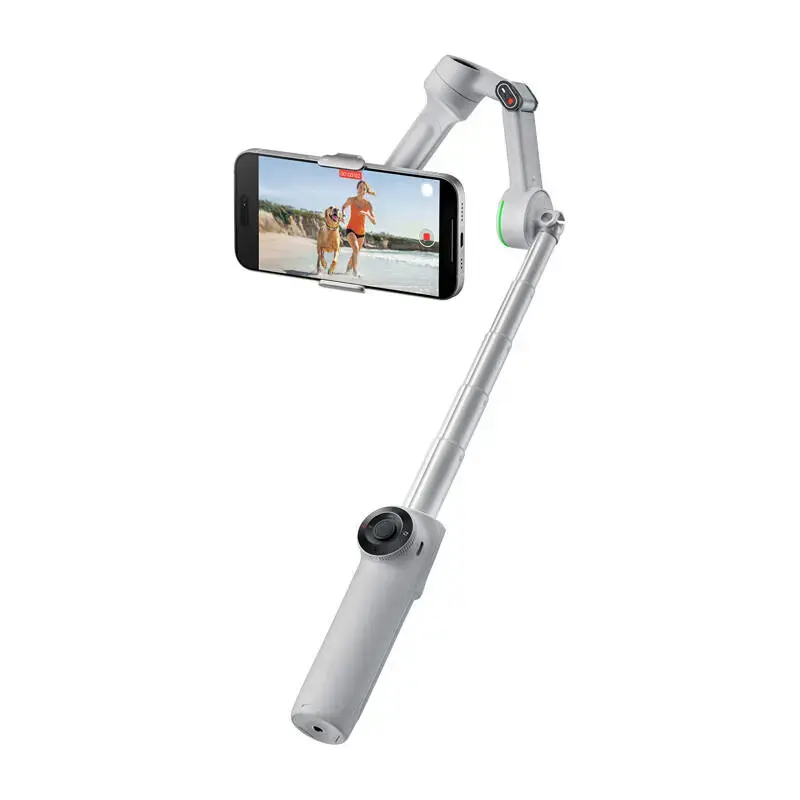
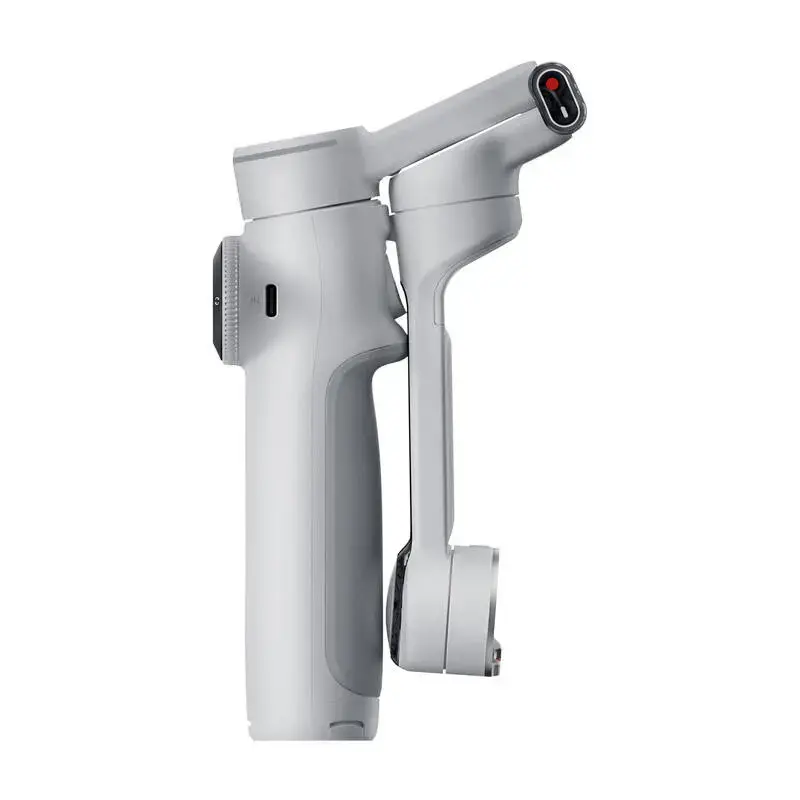
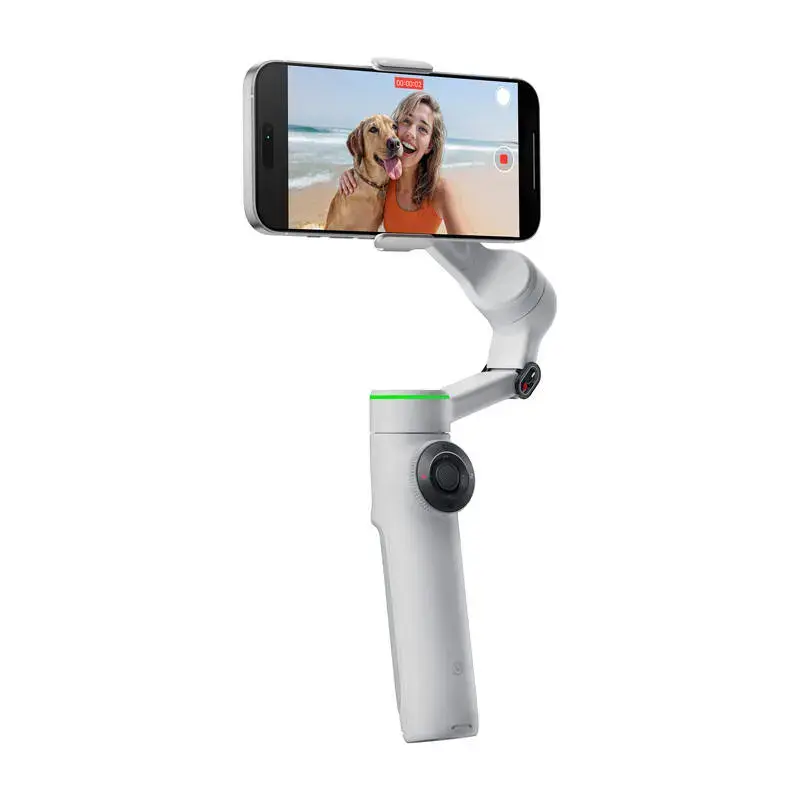
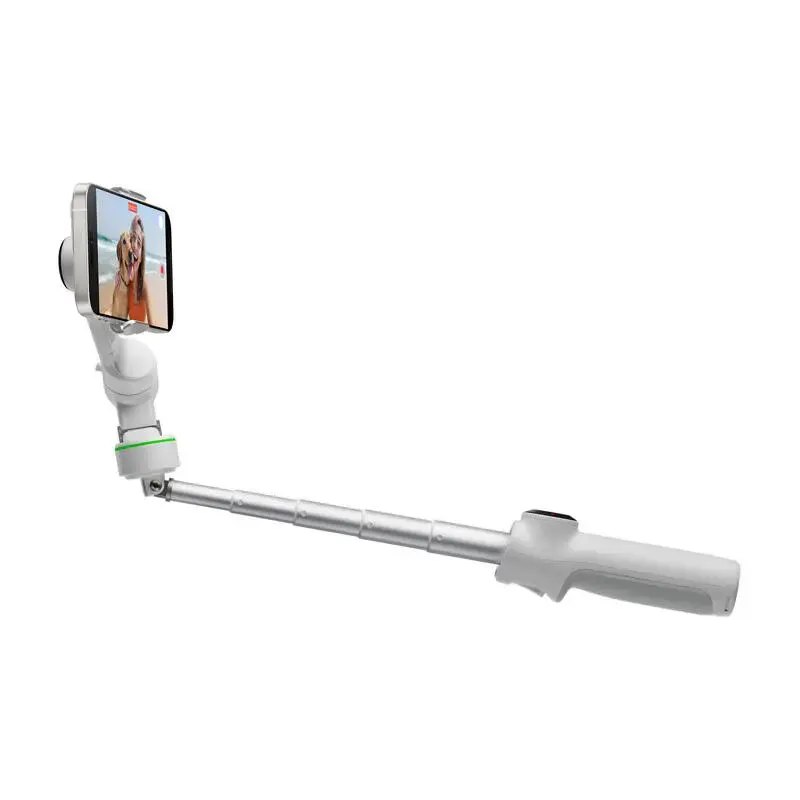
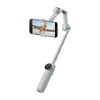
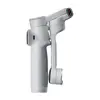
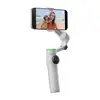
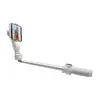
The Insta360 Flow 2 Pro is a professional-grade smartphone gimbal engineered to deliver smooth, cinematic video stabilization for content creators, vloggers, and mobile filmmakers. This versatile device combines advanced 3-axis stabilization with intelligent AI tracking technology, ensuring your subjects remain perfectly in focus even during rapid movement. Its compact, foldable design integrates a built-in selfie stick, tripod, and power bank, making it an essential all-in-one tool for capturing high-quality footage in any environment.
Advantages
The primary benefit of the Flow 2 Pro is its exceptional stabilization performance, which effectively eliminates shakes and vibrations to produce professional-looking video. The device features sophisticated AI-driven tracking that maintains focus on subjects with high precision. Its intuitive control interface, including a SmartWheel for zoom and mode switching, allows users to manage complex shots with ease. Furthermore, the gimbal offers seamless integration with mobile devices, supporting high-end video formats and native camera apps for a streamlined workflow.
Suitable for
- Vlogging and social media content creation
- Capturing dynamic sports and action sequences
- Professional-quality live streaming and video calls
- Creating cinematic time-lapses and panoramic shots
- Travel filmmaking and daily video documentation
When it may not be suitable
The Flow 2 Pro may not be the ideal choice for users with smartphones that fall outside the specified weight or dimensions range, as this can affect the gimbal's balancing and motor performance. Additionally, those seeking a purely manual, non-electronic stabilization solution may find the advanced AI features and app-dependent functionalities unnecessary for their specific needs.
Key specifications
- 3-axis mechanical stabilization
- Unlimited 360° pan rotation
- Built-in 210 mm extendable selfie stick
- Integrated foldable tripod
- 1100 mAh battery providing up to 10 hours of operation
- USB-C charging port with power bank functionality
- Bluetooth 5.0 wireless connectivity
- Compatible with phones weighing 130–300 g
How to use
To begin, attach your smartphone to the magnetic mount and secure it to the gimbal. Unfold the device to power it on automatically. Connect your phone via Bluetooth to the dedicated app to access advanced tracking and editing features. Use the SmartWheel to adjust zoom and the M button to toggle between stabilization modes. For hands-free operation, utilize gesture controls or the integrated tripod for stationary shots. When finished, simply fold the gimbal into its compact form for easy storage.
What to consider before purchase
- Verify that your smartphone dimensions and weight are within the supported range.
- Ensure your mobile device is compatible with the latest version of the companion app for full feature access.
- Consider the environment of use, as extreme temperatures may impact battery life and performance.
- Check if your specific use case requires the advanced AI tracking features provided by the software.
Usage recommendations
For optimal performance, ensure the gimbal is properly balanced before each use and keep the firmware updated via the mobile app. When shooting in dynamic environments, utilize the AI tracking modes to maintain subject focus, and always carry a USB-C cable to take advantage of the integrated power bank feature during long recording sessions.