
Internal Ethernet Card Inter-Tech ST-727
{{selectedOffer && selectedOffer.price | formatAmount}}
{{selectedOffer && selectedOffer.price | formatAmount}}
Offer for legal entity, cashless payment.
Why is an item available only for a legal entity?
This is due to long delivery times and limited product warranties.
This is due to long delivery times and limited product warranties.
Short description
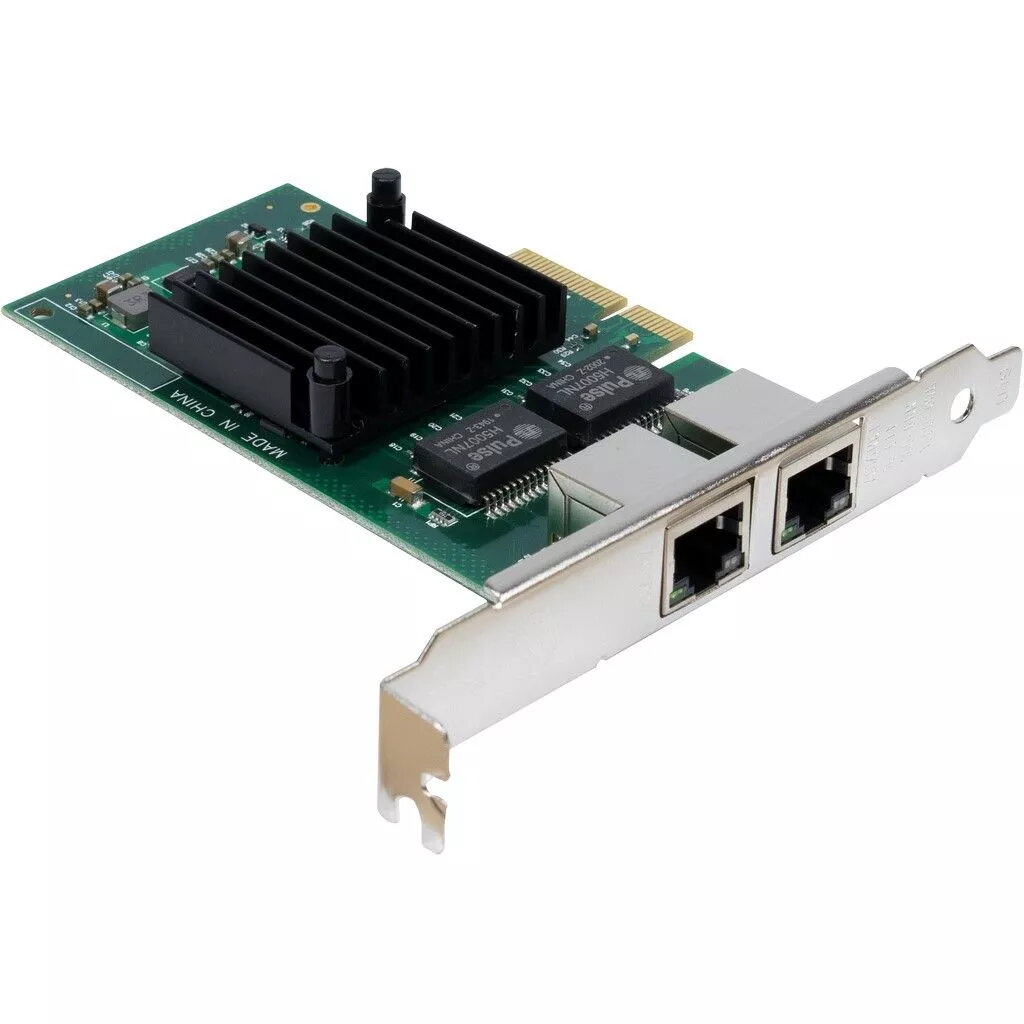
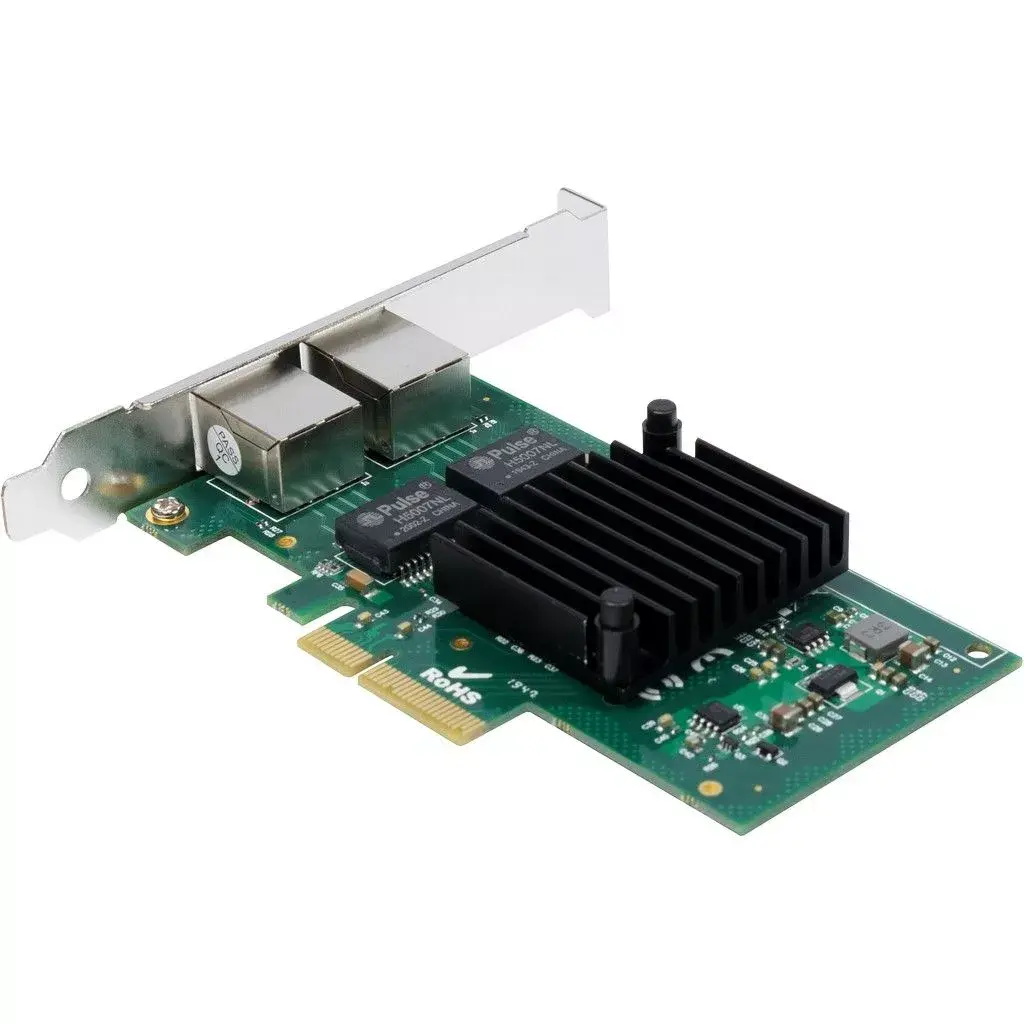
The Inter-Tech ST-727 is an internal Ethernet card that supports wired connectivity via PCI Express. It offers a maximum data transfer rate of 1000 Mbit/s, making it ideal for high-speed network applications. With its reliable performance and easy installation, this card is perfect for enhancing your computer's networking capabilities.
Available at price 62.49 €:
1 pcs.
Total available for order:
312 pcs.
Warranty:
2 Years
SKU:
4121601
Manufacturer:
INTER-TECH

Cheapest delivery:
Unisend LV
Pick-up points
Unisend LV
Cost
1.99 €
Deliver
{{selectedOffer.parcelStationDeliveryString}}
Customer service center
2b. Kengaraga str., Riga, Latvia, LV-1063
09.11.2026
{{selectedOffer.officeDeliveryString}}
free
Courier Delivery
Please note that in case of a large parcel additional delivery costs may apply!
From 4.99 € (Weight: 0.19 kg)
Parcel couriers
Unisend LV / Venipak Pickup LV / Venipak Locker LV / DPD Paku skapis / Omniva LV / Latvijas Pasts pakomāts / Latvijas Pasts nodaļa
12.11.2026
{{selectedOffer.parcelStationDeliveryString}}
From 1.99 €

Payment Methods:
Cash payment, Bank transfer, Bank cards on-line, Apple Pay, Google Pay
Available for private customers at price 66.49 €:
128 pcs.


