-
Type:
Characteristics of the device.
-
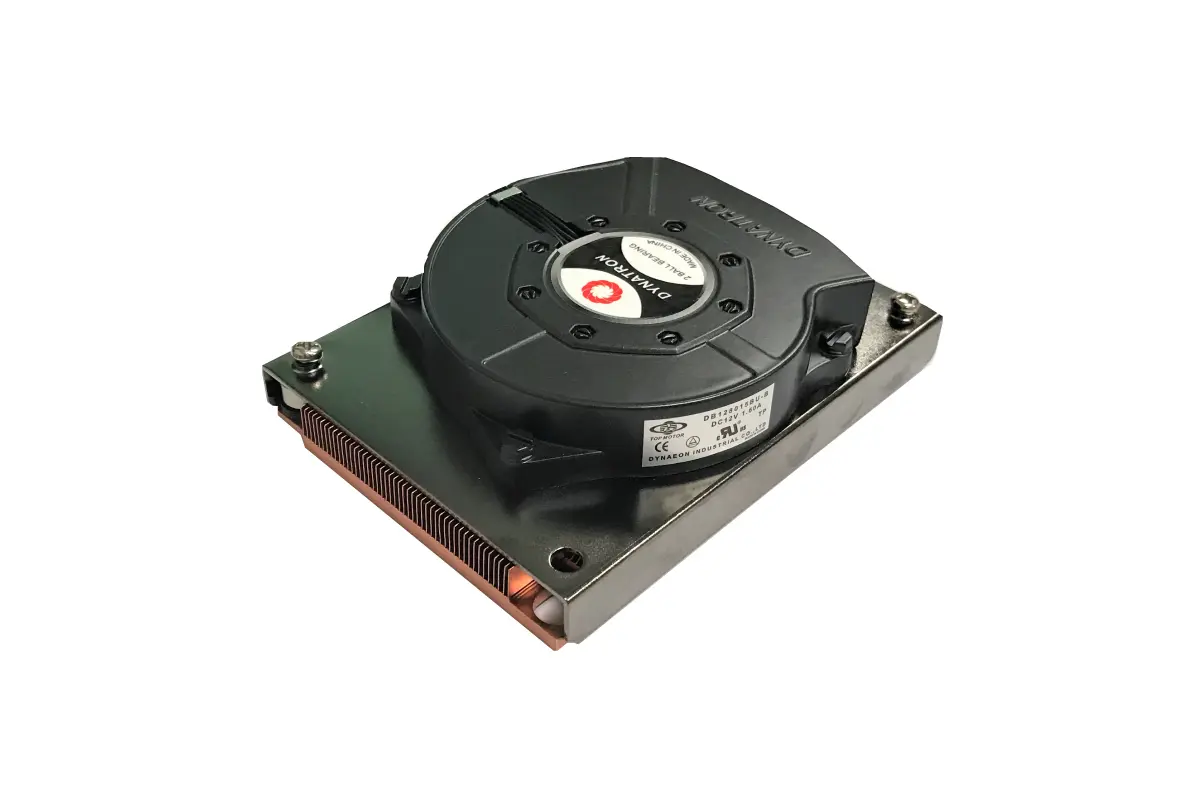
Air cooler
-
Weight:
Weight of the product without packaging (net weight). If possible, the net weight is given including standard accessories and supplies. Please note that sometimes the manufacturer leaves out the weight of accessories and/or supplies.
-
0.46 kg
-
Certification:
-
RoHS, REACH
-
Power consumption (typical):
Amount of power consumed by this model, often expressed in watts (W). Typical values that manufacturers give are power consumption when off, standby/suspended mode, typical use, maximum usage.
-
19.2 W
-
Material:
The material from which a thing is or can be made e.g. wood, plastic.
-
Plastic, Aluminium, Copper
-
Height:
The measurement of the product from head to foot or from base to top.
-
20 mm
-
Width:
The measurement or extent of something from side to side.
-
107 mm
-
Depth:
The distance from the front to the back of something.
-
80.5 mm
-
Product colour:
The colour e.g. red, blue, green, black, white.
-
Khaki
-
Compatible processor series:
A processor which is compatible with this device, belongs to a 'series' which is part of 'family' e.g Celeron D, Celeron G, Celeron M, or, in some cases, is the same as 'family'.
-
Intel Xeon Phi, Intel Xeon W
-
Rack capacity:
The spase that device fill in rack.
-
1U
-
Number of fans:
The quantity of fans (apparatus with rotating blades that creates a current of air for cooling or ventilation).
-
1 fan(s)
-
Fan diameter:
The size of the fan, measured by the distance from one side of the fan to the other, via a straight line going through the middle of the fan.
-
80 mm
-
Supported processor sockets:
The sockets (plugs) for processors that are supported (can be used) by the device.
-
LGA 3647 (Socket P)
-
Suitable location:
Locations in which the product can be used.
-
Processor
-
Base plate material:
-
Copper
-
Maximum airflow:
-
21 cfm
-
Minimum airflow (imperial):
-
3 cfm
-
Minimum air pressure:
-
1.5 mmH2O
-
Maximum air pressure:
-
70.9 mmH2O
-
Noise level (low speed):
-
16 dB
-
Noise level (high speed):
How loud the device is when used at high speed.
-
57.1 dB
-
Fan connector:
-
4-pin
-
Radiator material:
-
Aluminum
-
Fan dimensions (W x D x H):
-
80 x 80 x 15
-
Rotational speed (max):
-
7000 RPM
-
Rotational speed (min):
-
1000 RPM
-
Rated voltage:
-
12 V
-
Bearing type:
-
Ball bearing
-
Quantity per pack:
-
1 pc(s)
-
Pulse-width modulation (PWM) support:
-
Yes
-
Compliance certificates:
Indicates which regulatory, safety, and environmental standards the product complies with, as verified by recognized authorities or certification bodies.
-
RoHS