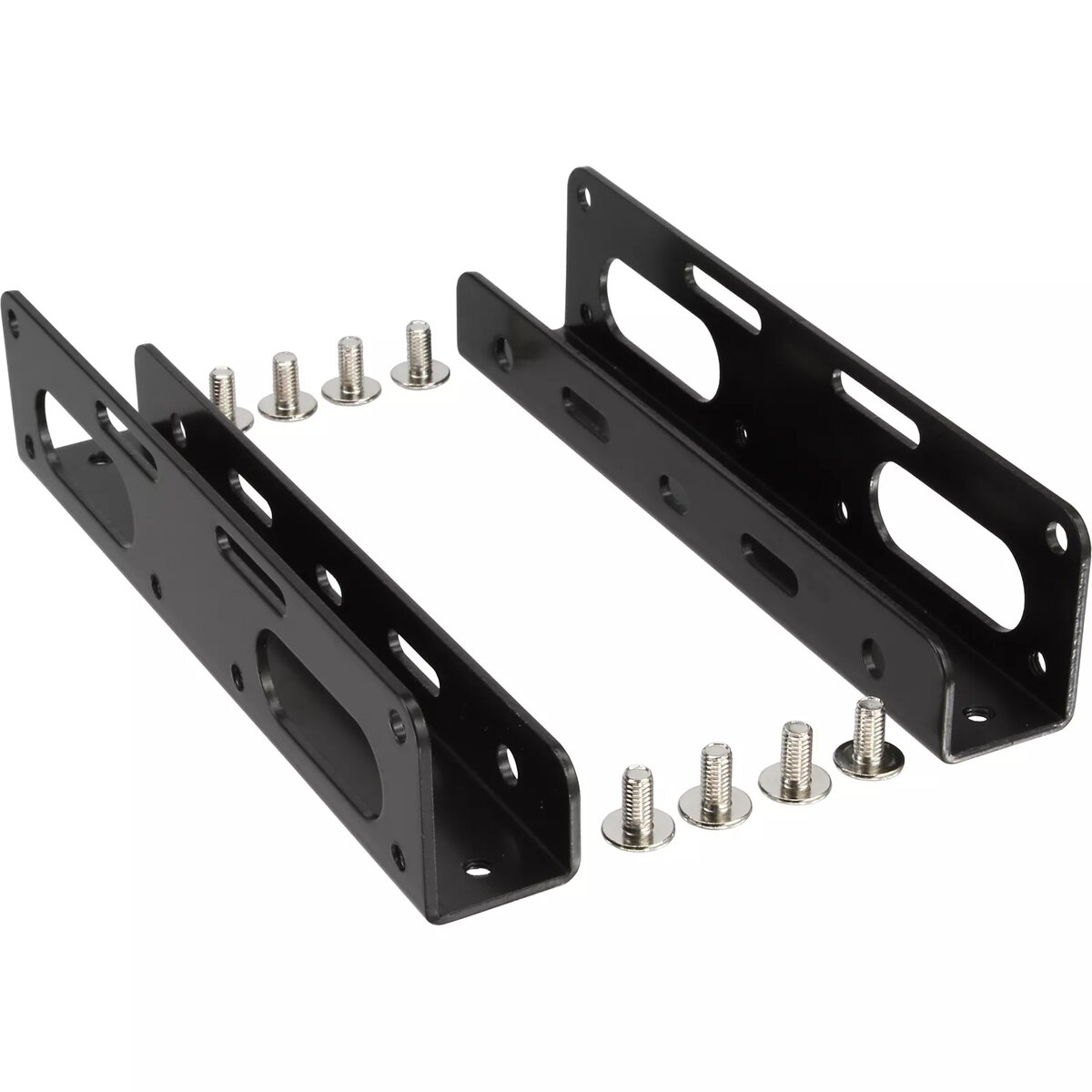
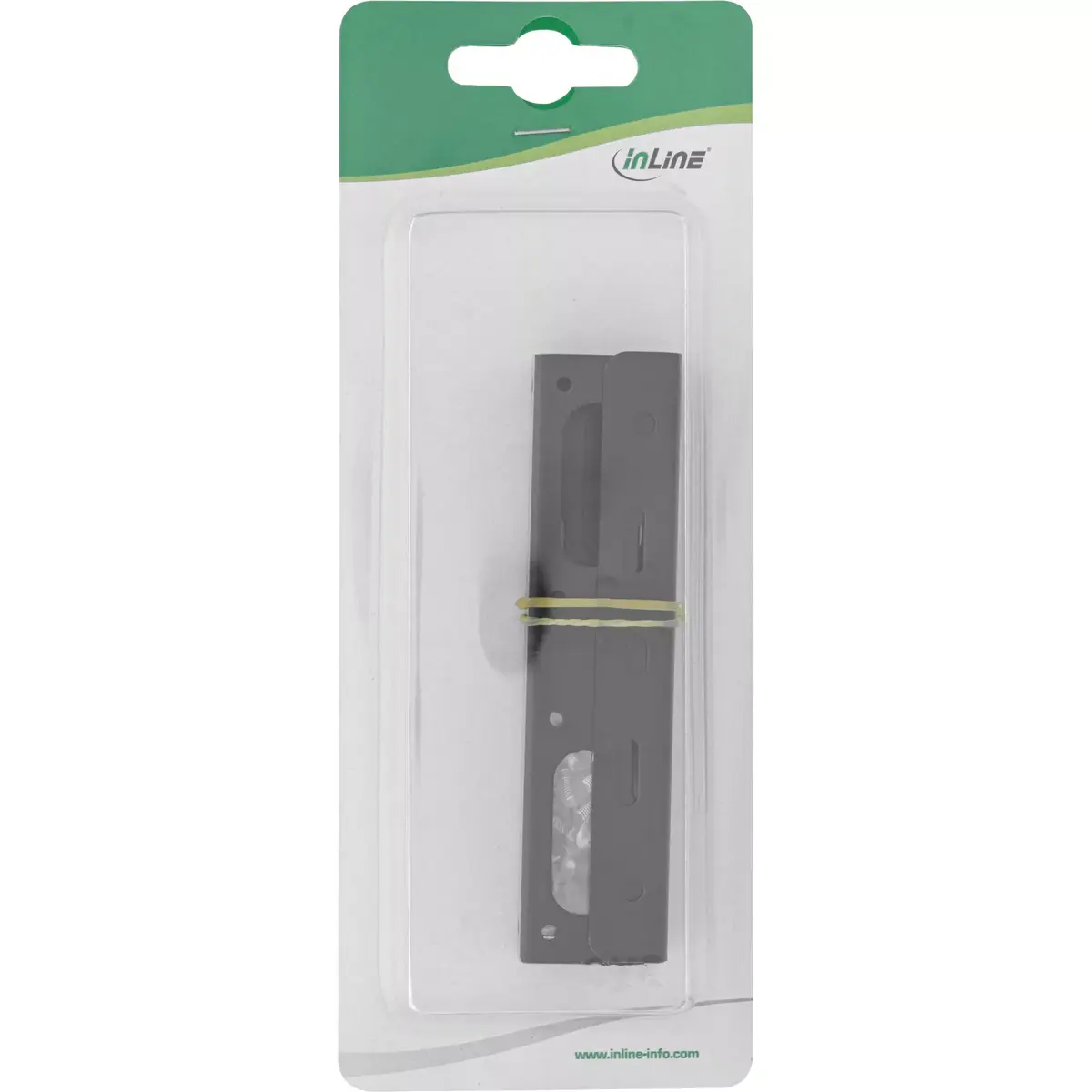
This comparison examines the InLine 2.5" HDD SSD to 3.5" HDD Bracket Kit Metal Black 39950K, which is evaluated alongside several alternative storage solutions: the Raidon GR5640-BA31+ 4-bay drive enclosure, the Renkforce RF-5587610 external 4-bay enclosure with USB 3.2 Gen 1 connectivity, the SILVERSTONE SST-FDP02W metal mounting bracket, and the ICY BOX IB-1233CL-CR external drive enclosure. All of these products share a common focus on handling 2.5" and 3.5" drives (HDDs and SSDs). However, their primary practical differences lie in their device type and purpose: the InLine product is an internal adapter for mounting a single 2.5" drive into a standard 3.5" desktop or server bay, whereas the alternatives are multi-drive external enclosures or dedicated mounting brackets with distinct connection scenarios.
⚙️ The specifications comparison below covers essential characteristics such as device type, drive form factor compatibility, installation method (internal mounting versus external connection), and additional data interface features.
| Parameter | InLine 39950K | Raidon GR5640-BA31+ | Renkforce RF-5587610 | SILVERSTONE SST-FDP02W | ICY BOX IB-1233CL-CR | Practical significance |
|---|
| Device type | Internal mounting bracket | Multi-bay drive enclosure | External hard drive enclosure | Metal drive adapter holder | External enclosure with extra ports | Determines how the drive is integrated into the system, either internally inside a chassis or externally via ports. |
| Supported drives | 2.5" drives into 3.5" bays | Four 2.5" and 3.5" SATA drives | Four 2.5" and 3.5" SATA drives | 2.5" drives for 3.5" bays/chassis | 2.5" and 3.5" SATA drives plus memory cards | Affects which types and quantities of storage media can be used with each specific device. |
| Connection method | Internal chassis installation | Internal system connection / array | External USB 3.2 Gen 1 connection | Internal chassis mounting | External USB connection with card reader | Internal adapters spare external ports, while external enclosures offer mobility and hot-swap access. |
◎ The suitability table below helps determine which usage scenarios and buyer needs align best with each evaluated product.
| Use case | Recommended product | Why |
|---|
| Upgrading a desktop or server by installing a 2.5" drive into an empty 3.5" bay | InLine 39950K | Offers a simple, sturdy metal solution for securely mounting a drive internally without extra electronics. |
| Building a multi-drive storage setup or RAID array | Raidon GR5640-BA31+ | Accommodates up to four drives, making it ideal for capacity expansion and data backup. |
| Centralized backup management with USB connection | Renkforce RF-5587610 | Provides simultaneous operation for four drives through a fast USB 3.2 Gen 1 interface for desktop use. |
| Installing 2.5" drives in compatible workstations and PC cases | SILVERSTONE SST-FDP02W | A specialized metal adapter designed for secure drive fixation in supported chassis mounting points. |
| Portable drive use with added SD and CF card support | ICY BOX IB-1233CL-CR | Includes a USB interface and memory card slots for convenient cross-media data transfer on PCs or laptops. |
The InLine 39950K bracket kit differs significantly from the alternative products because it functions purely as a passive internal adapter for mounting a single 2.5" drive into a 3.5" bay, whereas the other products are complex multi-bay external enclosures or universal adapters featuring active data transfer interfaces. The InLine product is most suitable for desktop or server owners who need a simple, durable, and low-cost metal mount to upgrade storage without dealing with external wires or power bricks. A buyer should prefer this option over the alternatives if their goal is strictly to physically secure a drive inside an existing computer case.