
JBL speakers and headphones for pure and deep sound!
In cart {{totalProductsCount}} item(s)
Your cart is empty
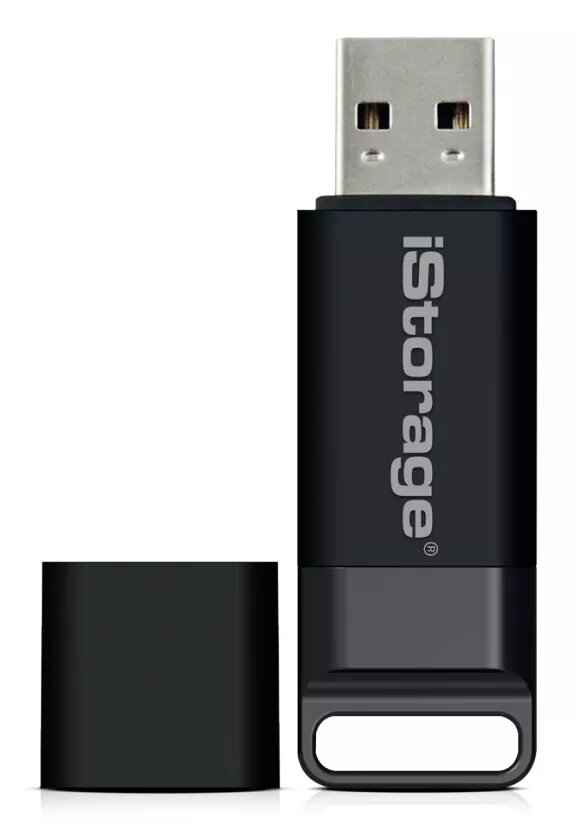
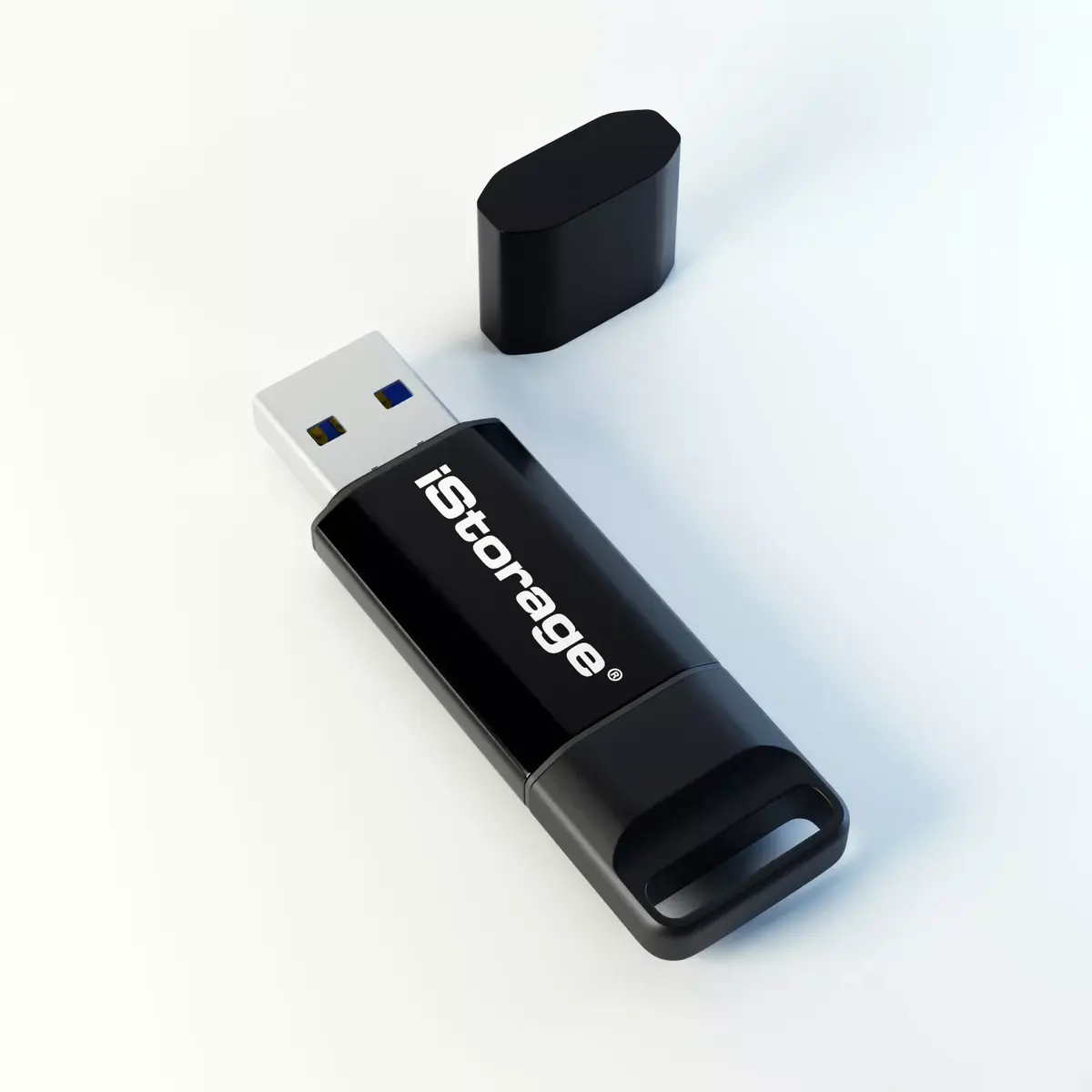
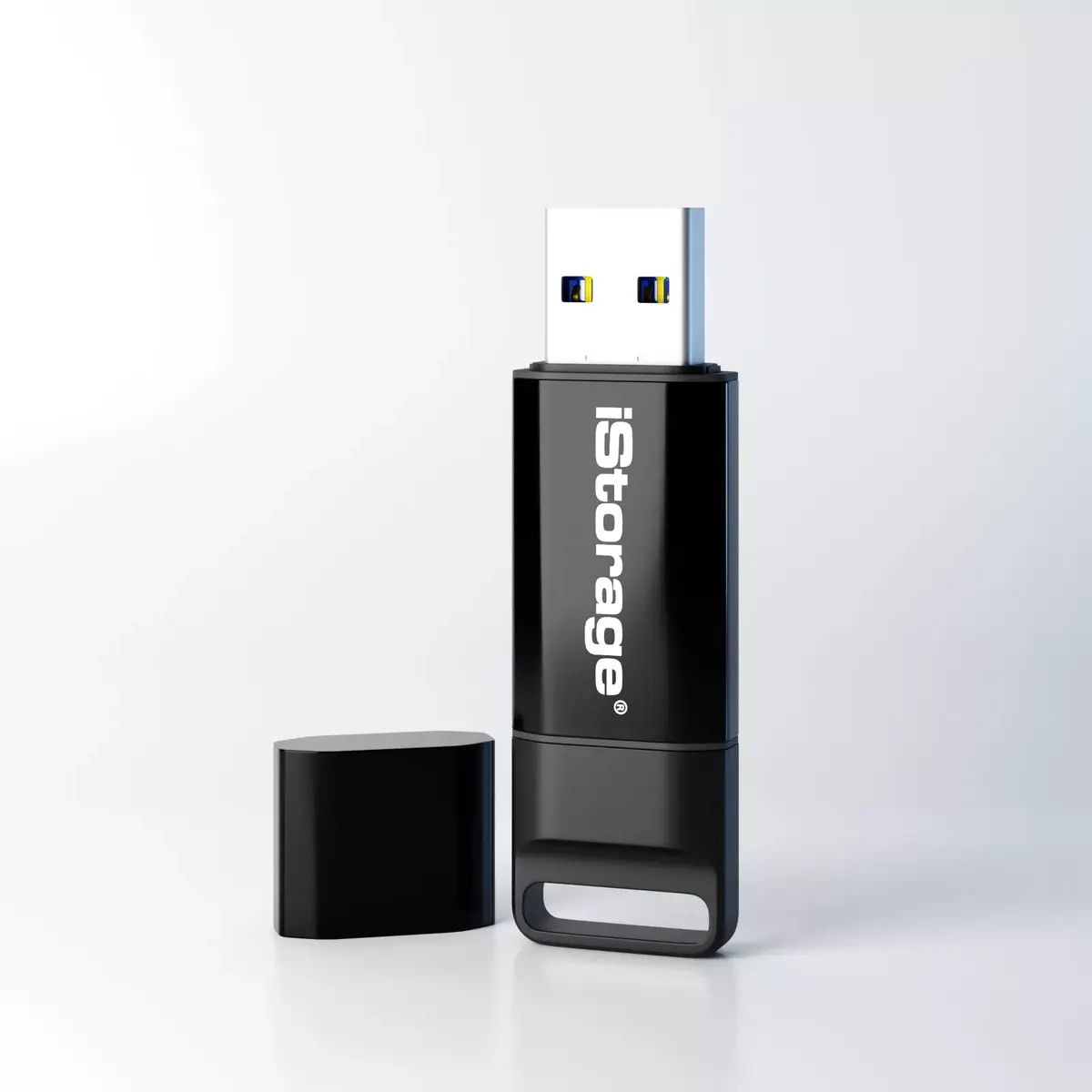
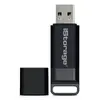
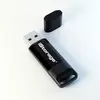
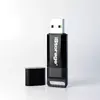
USB Flash Drive iStorage 64GB USB Type-A datAshur BT
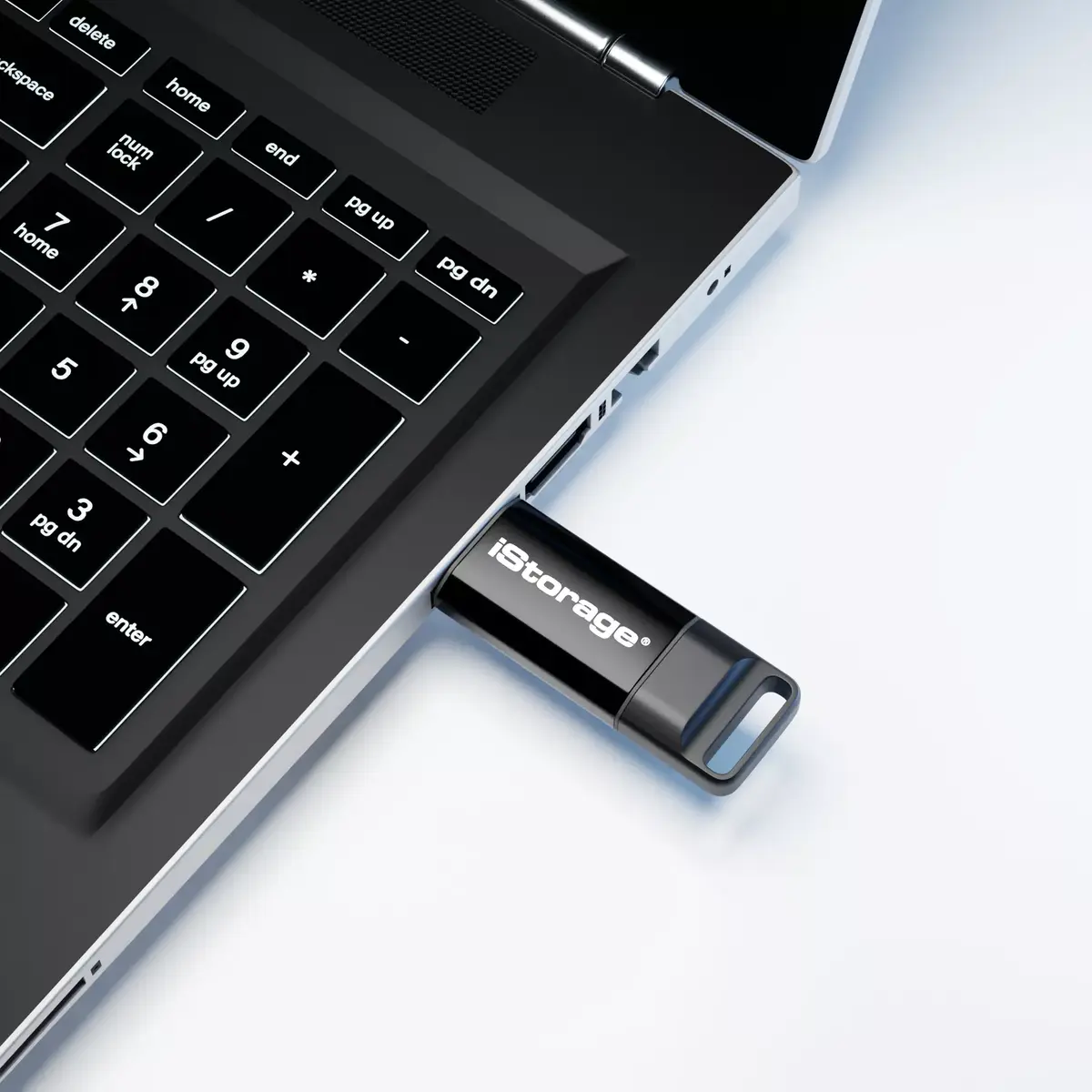
The iStorage datAshur BT is a FIPS 140-2 Level 3 certified hardware-encrypted USB 3.2 (Gen 1) flash drive with 64 GB capacity and a USB Type-A interface. It provides real-time AES-XTS 256-bit hardware encryption and is compatible with all major operating systems and devices that support USB mass storage. The drive supports multi-factor wireless authentication via an encrypted Bluetooth channel between the drive and an Android or iOS smartphone, allowing unlock with a 7–15 character password or smartphone biometric methods (Face ID/face recognition, Touch ID/fingerprint, IRIS scanning). The compact sleeve form factor and 16.5 g weight make it portable for secure transport of sensitive personal and business data.
datAshur BT delivers certified hardware encryption (FIPS 140-2 Level 3) and AES-XTS 256-bit protection implemented on the device, keeping encryption keys off the host. Wireless multi-factor authentication through Bluetooth and smartphone biometrics simplifies access without relying on host software. The drive is OS- and host-independent, working with Windows, macOS, Linux, Chrome OS and embedded systems, and supports USB 3.2 Gen 1 speeds for fast read/write performance. Its metal sleeve design and lightweight build provide practical portability for secure data transfer.
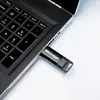
Install the iStorage companion app on an Android or iOS smartphone and pair the datAshur BT with the device via the encrypted Bluetooth channel. Use the app to configure the user authentication method: enter a 7–15 character password or enable biometric unlock through the phone. Insert the USB drive into a host device’s USB Type-A port; the drive remains locked until authenticated via the paired smartphone or by entering the password when prompted. Once unlocked, the drive functions as standard USB mass storage for reading and writing files. Remove the drive and it will lock automatically according to device settings or after a manual lock command.
Keep the companion app up to date and maintain a secure, unique password in addition to biometric setup. For regulatory compliance, store sensitive files only on the encrypted drive and avoid copying unencrypted backups to insecure locations. When not in use, store the drive separately from devices used for authentication to reduce risk of unauthorized access.
{{highlightedFeature.featureTitle}}:
{{getProductFeatureValueById(product, highlightedFeature.featureId)}}
