
Save time and money with our discounts!
In cart {{totalProductsCount}} item(s)
Your cart is empty
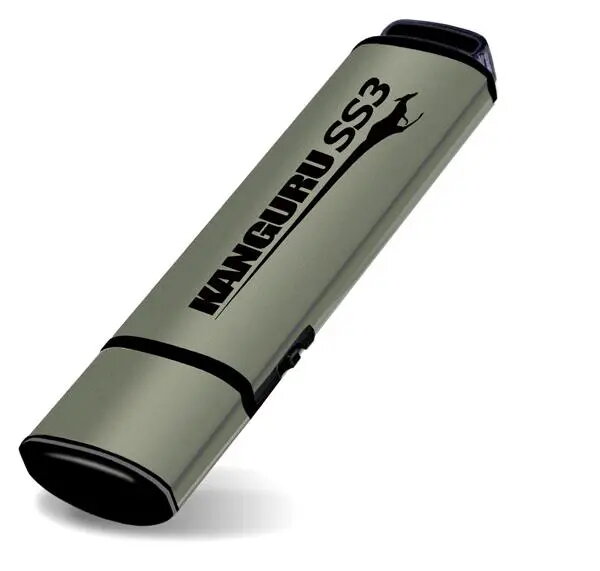
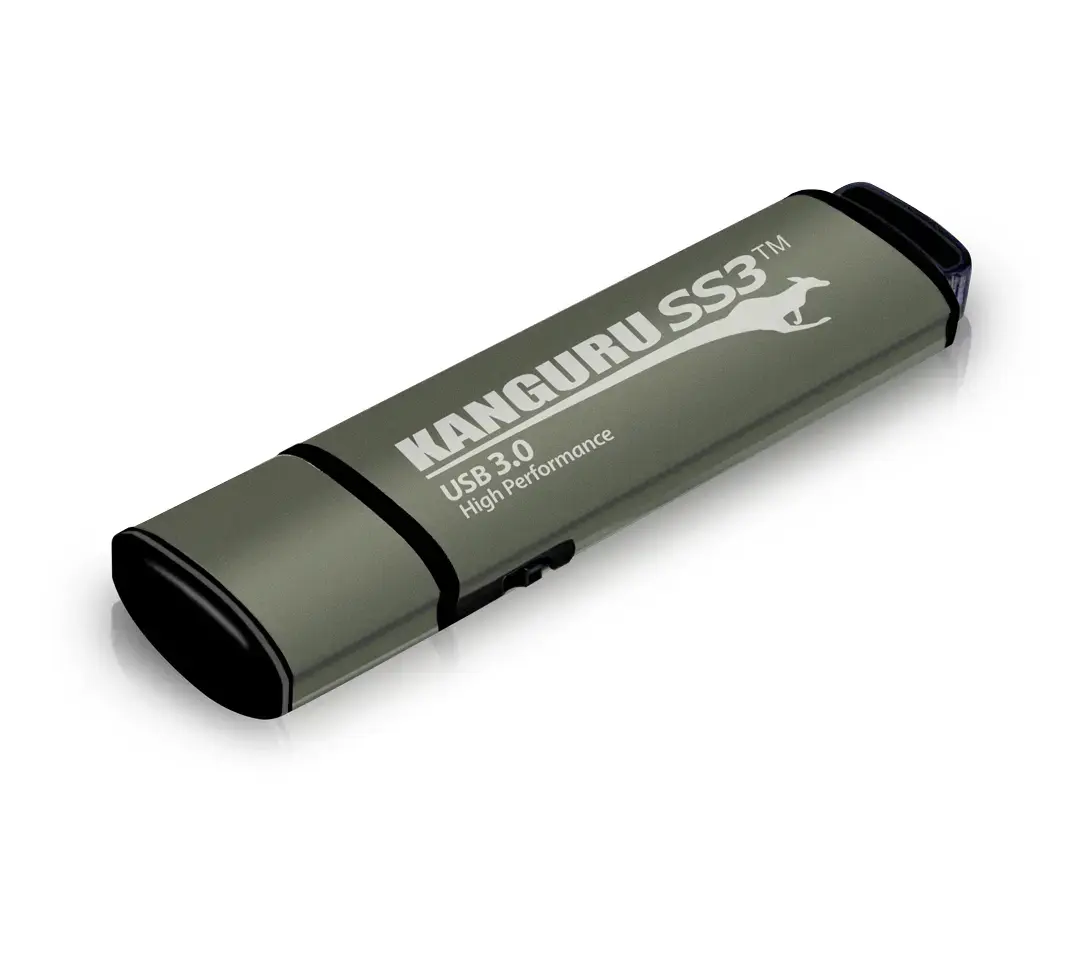
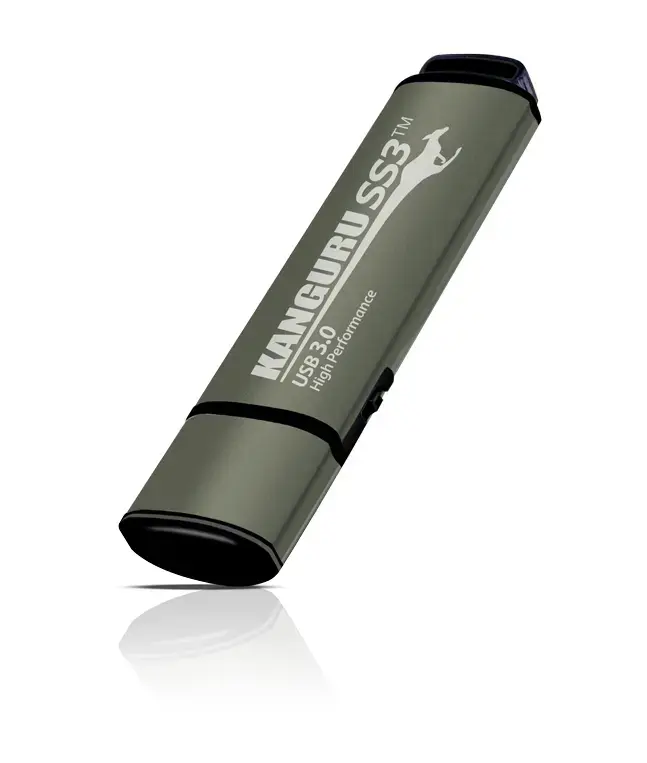
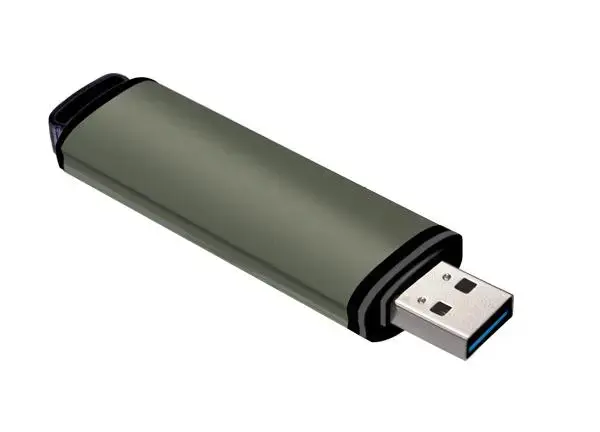
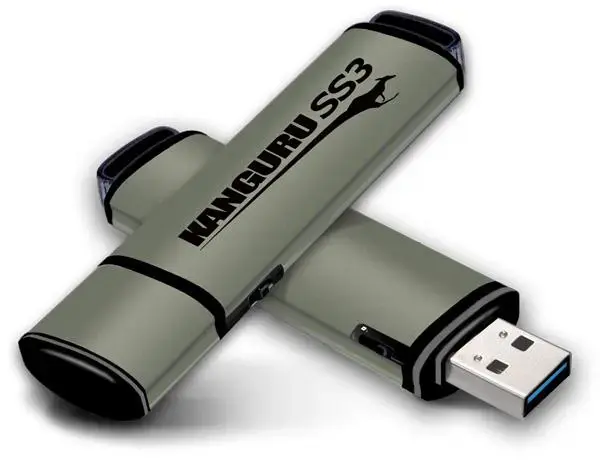
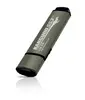
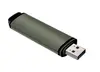
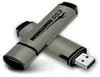
USB flash drive iStorage Kanguru SS3 SuperSpeed USB 3.2 Gen 1 16GB, USB-A, physical write-protect switch, aluminium
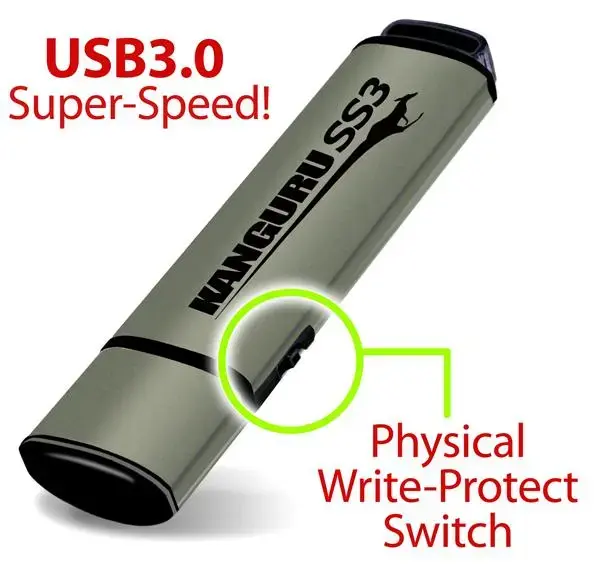
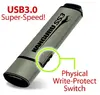
The iStorage Kanguru SS3 SuperSpeed USB 3.2 Gen 1 16GB is a compact, aluminium-cased USB-A flash drive designed for fast portable storage and secure data transport. This model offers up to 105 MB/s read and 78 MB/s write speeds over a USB 3.2 Gen 1 (USB 3.0) interface while remaining compatible with USB 2.0 hosts. The drive features a built-in physical write-protect switch that allows users to lock the device in read-only mode to prevent accidental modification or infection by malware. With a lightweight metal housing (approx. 14 g) and driverless plug-and-play operation, the Kanguru SS3 is suitable for everyday file transfer, backup and Windows ReadyBoost acceleration.
The aluminium enclosure provides a durable, lightweight design that protects the internal components during transport. The physical write-protect switch offers a simple, hardware-level method to prevent writes and reduce the risk of data corruption or malware contamination. Native plug-and-play operation requires no administrator privileges or additional drivers, enabling quick use on most computers. The USB 3.2 Gen 1 interface delivers noticeably faster transfer speeds than USB 2.0 on supported systems, improving efficiency for copying and accessing files.
Slide the physical write-protect switch to the desired position before inserting the drive into a USB Type-A port. For read-only protection, set the switch to the locked position to prevent writes; to modify files, set it back to the writable position. Insert the drive into a compatible USB port and allow the host operating system to recognize the device. No additional drivers are required for typical Windows, macOS or Linux systems. Use standard file manager tools to copy, open or remove files. Eject the drive safely from the operating system before removing it to avoid data loss.
For secure data handling, enable the write-protect switch when transporting sensitive files or when using the drive on unfamiliar computers. Regularly back up important data stored on the flash drive to another storage location. Use a USB 3.0 or higher port to achieve the published transfer speeds; when connected to USB 2.0 ports, performance will be limited by the host interface.
{{highlightedFeature.featureTitle}}:
{{getProductFeatureValueById(product, highlightedFeature.featureId)}}
{{ productComparisonGenerationError }}
