{{ totalProductsCount }}

In cart {{totalProductsCount}} item(s)

Total:
{{sum | formatAmount}}

Your cart is empty

header-product Webcam j5create JVU250 2MP 1080p USB 2.0 Auto Manual Focus

Webcam j5create JVU250 2MP 1080p USB 2.0 Auto Manual Focus

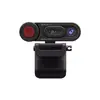
Webcam j5create JVU250 Photo 1
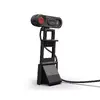
Webcam j5create JVU250 Photo 2
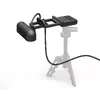
Webcam j5create JVU250 Photo 3
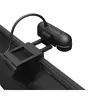
Webcam j5create JVU250 Photo 4
Webcam j5create JVU250 Photo 5
Webcam j5create JVU250 Photo 6
Webcam j5create JVU250 Photo 7
Webcam j5create JVU250 Photo 8
Webcam j5create JVU250 Photo 9
Webcam j5create JVU250 Photo 10
Webcam j5create JVU250 Photo 11
Webcam j5create JVU250 Photo 12
Webcam j5create JVU250 Photo 1
Webcam j5create JVU250 Photo 2
Webcam j5create JVU250 Photo 3
Webcam j5create JVU250 Photo 4
Webcam j5create JVU250 Photo 5
Webcam j5create JVU250 Photo 6
Webcam j5create JVU250 Photo 7
Webcam j5create JVU250 Photo 8
Webcam j5create JVU250 Photo 9
Webcam j5create JVU250 Photo 10
Webcam j5create JVU250 Photo 11
Webcam j5create JVU250 Photo 12
Out of stock.
View similar!

Short description

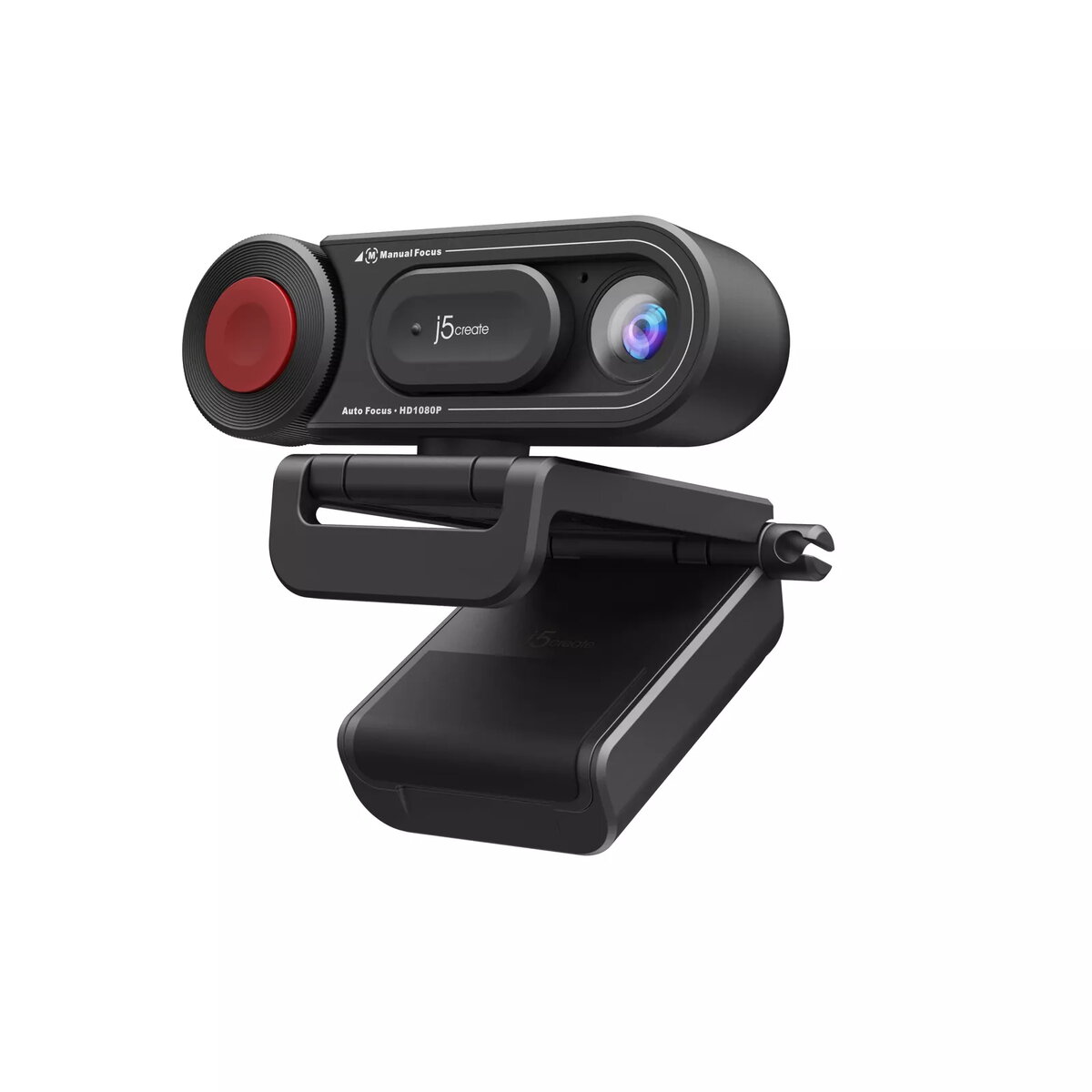
The j5create JVU250 HD Webcam features a 2MP resolution and supports 1080p video at 30 fps. It connects via USB 2.0 and is compatible with Windows, macOS, and Chrome OS. The webcam has both auto and manual focus options, making it versatile for various uses. Its compact design allows for easy mounting with a clip.
Warranty: 2 Years
SKU: 10461421
Manufacturer: j5 create
delivery
Information regarding the items availability for purchase will be posted on this site
price
Item cost information will be published on this site
Together cheaper
{{product.price | formatAmount}}
{{product.title}}
{{productBundle.reference.specialPrice | formatAmount}}
{{productBundle.title}}
{{productBundlePreviousPrice | formatAmount}}
{{productBundleSpecialPrice | formatAmount}}

You saving {{productBundleYouSave | formatAmount}}

Product information

Description

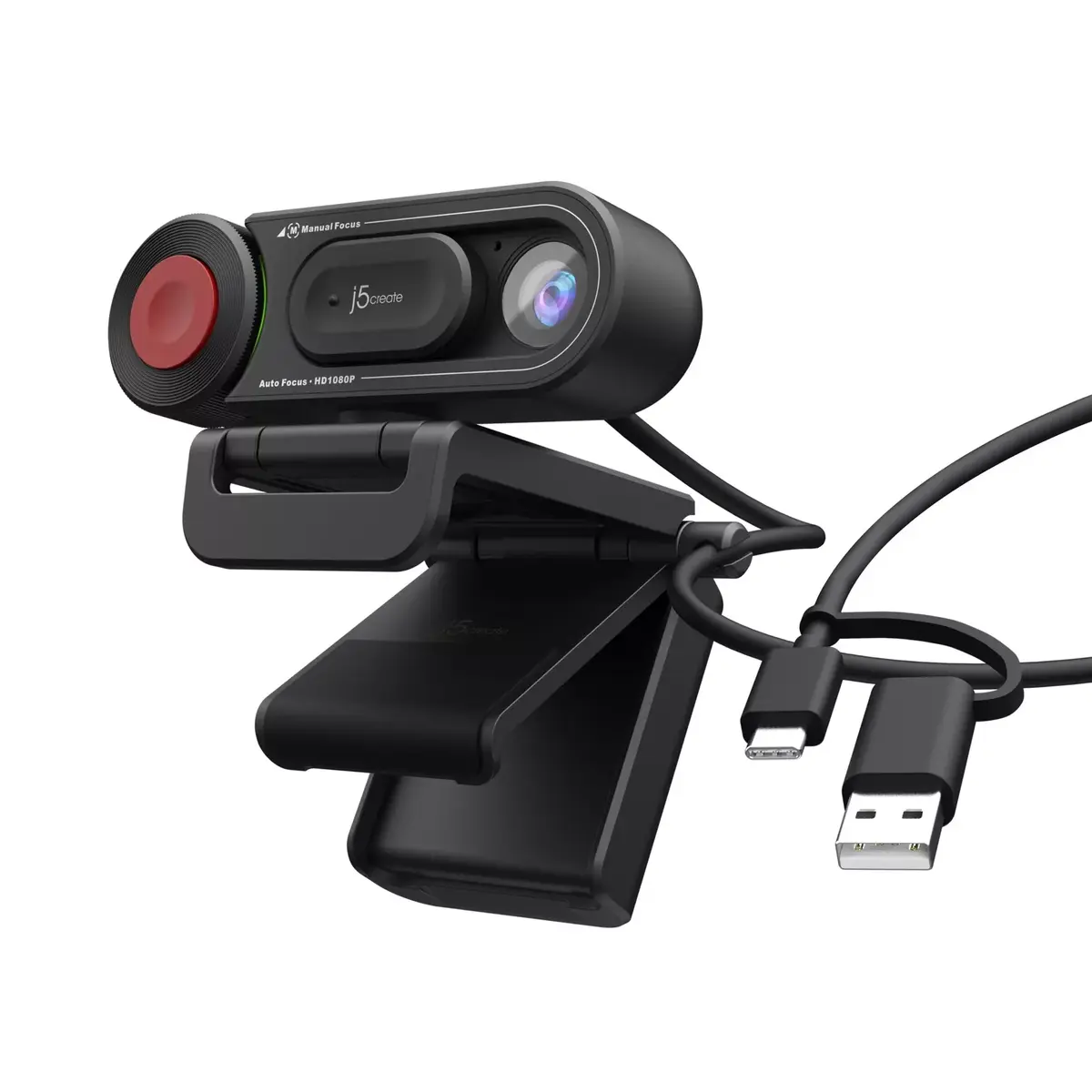
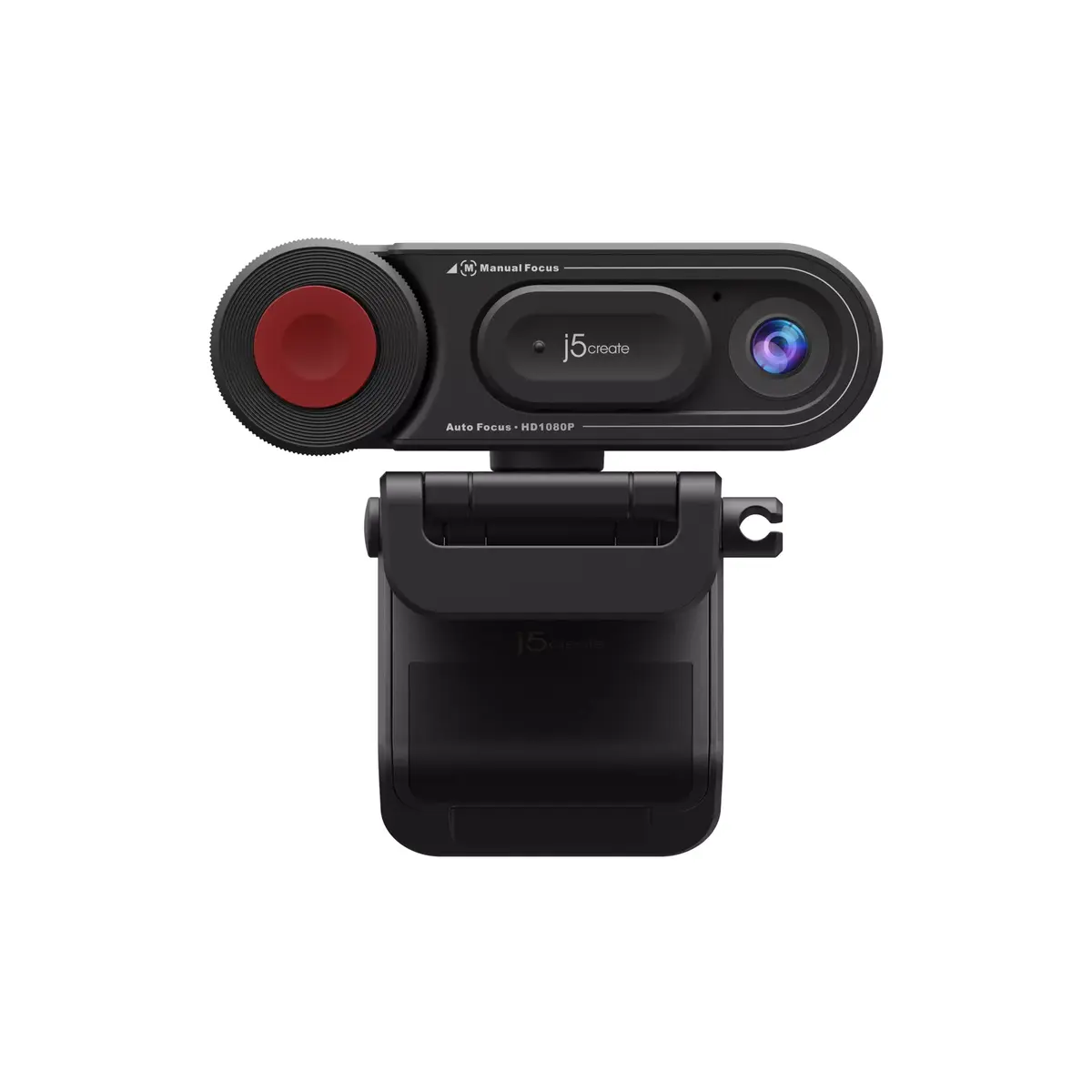
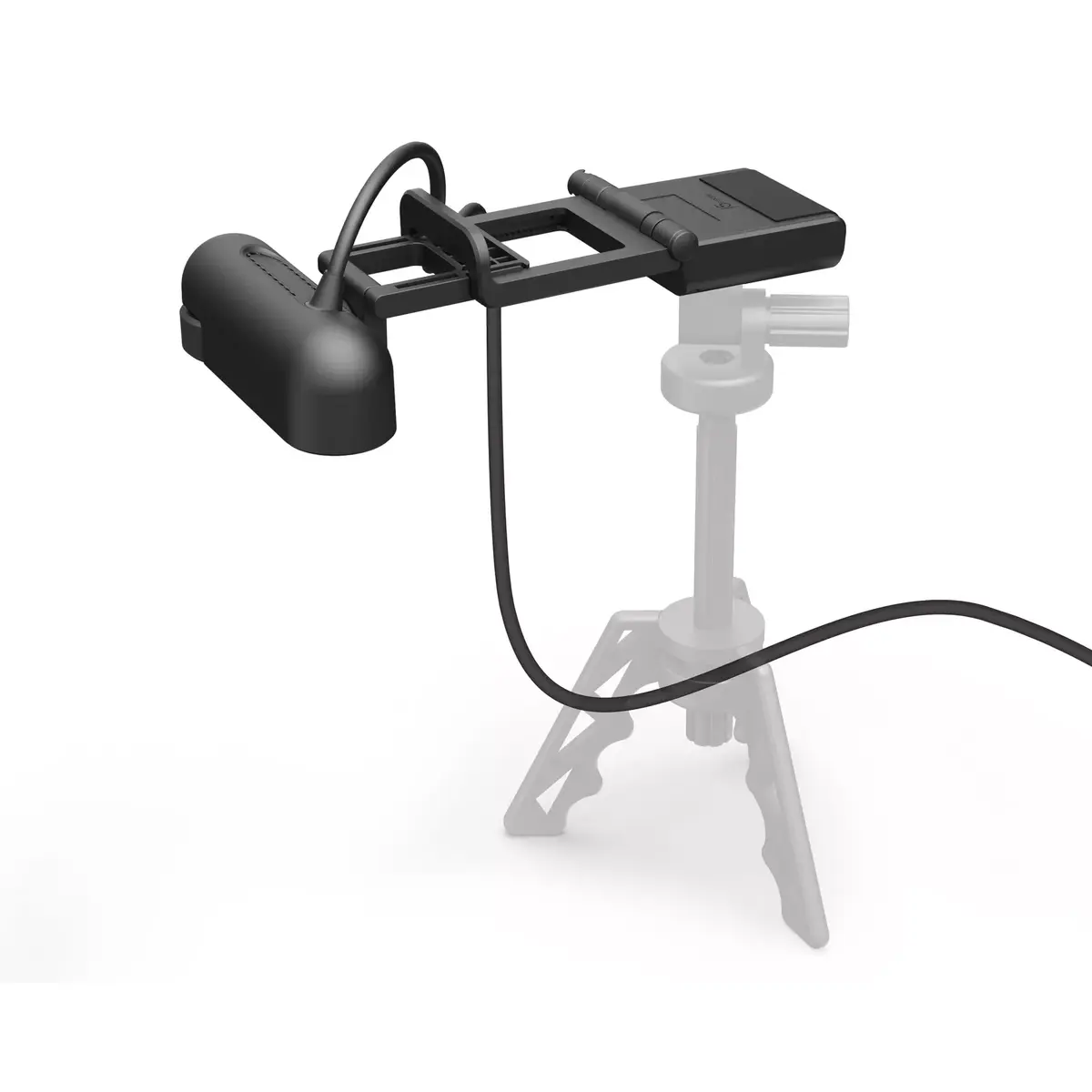
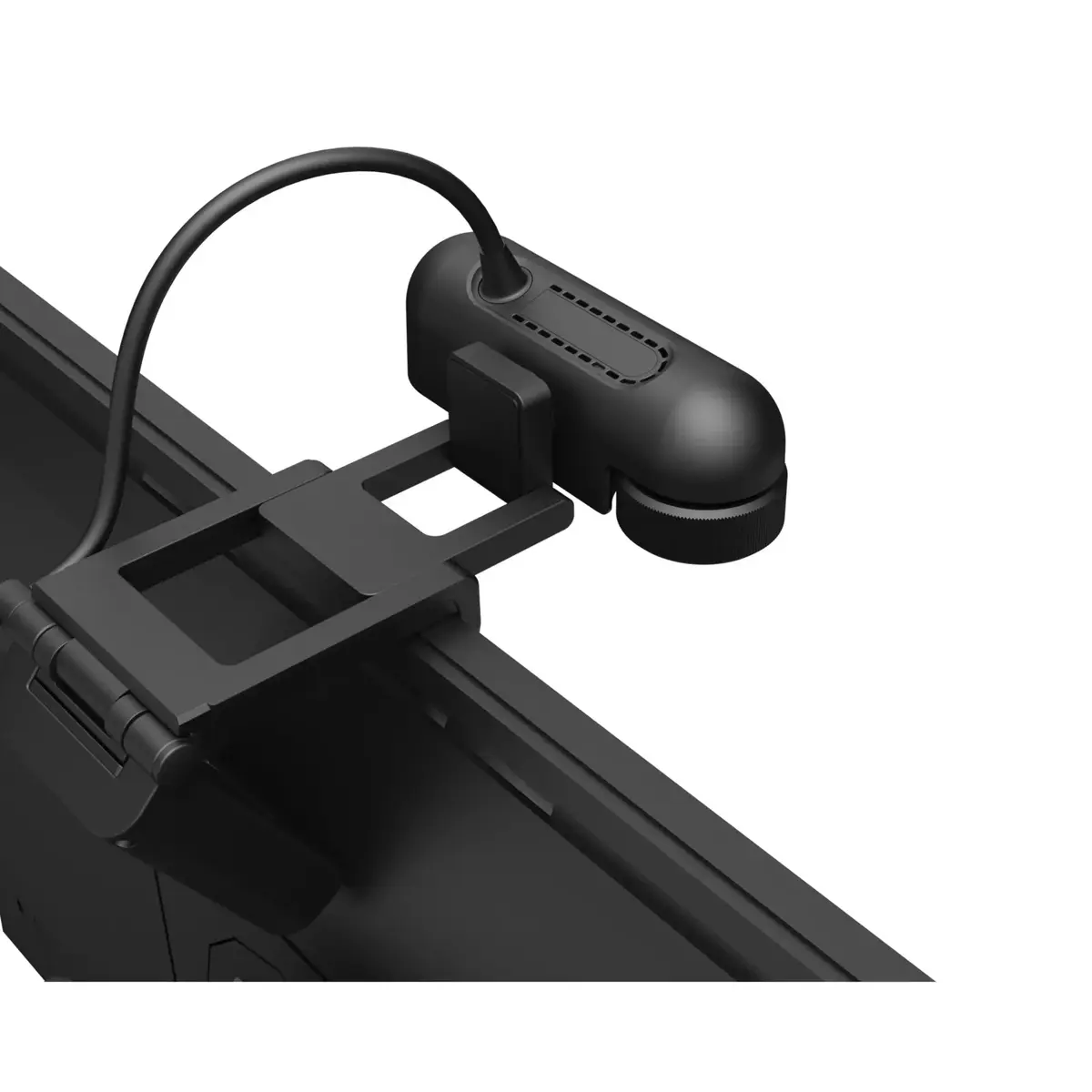
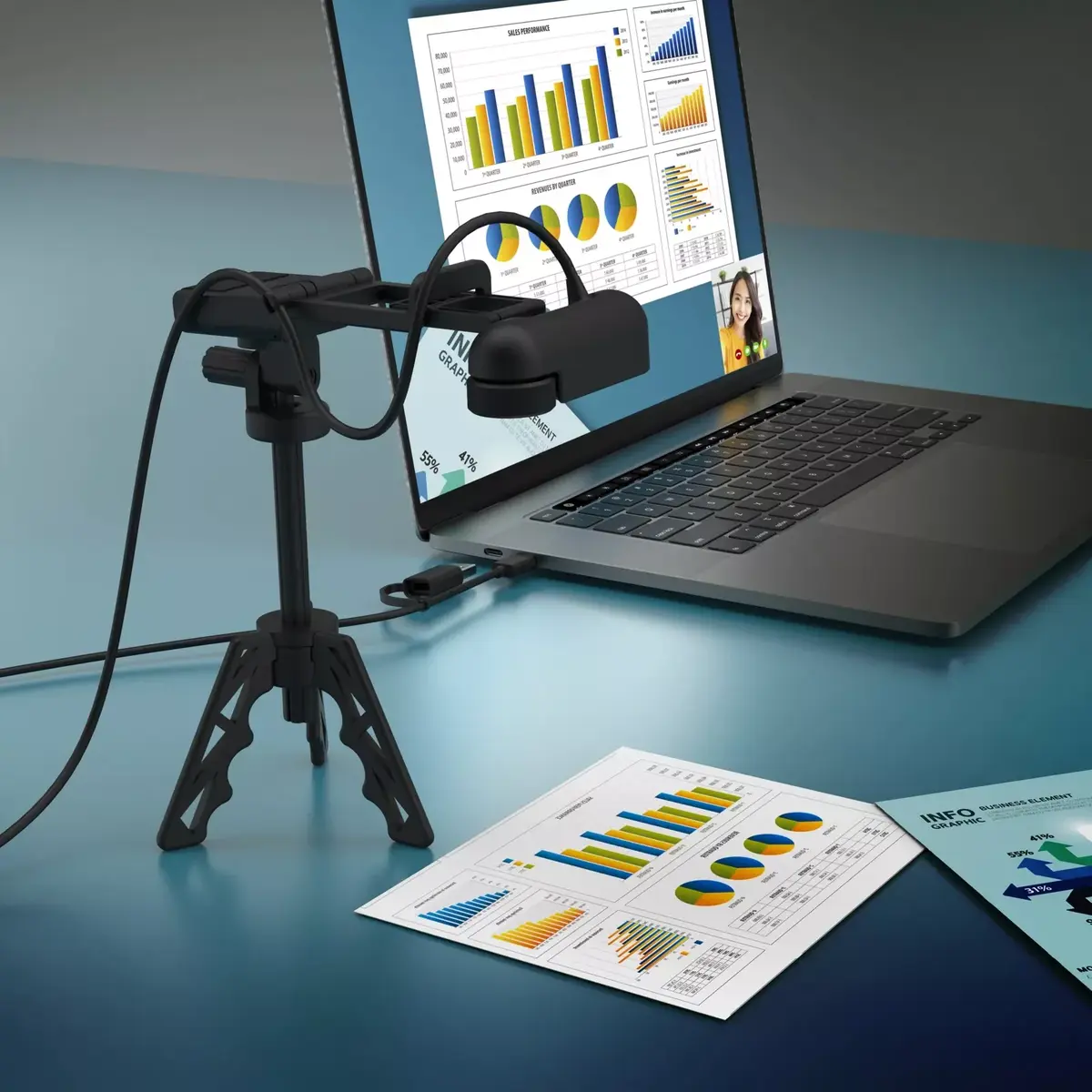
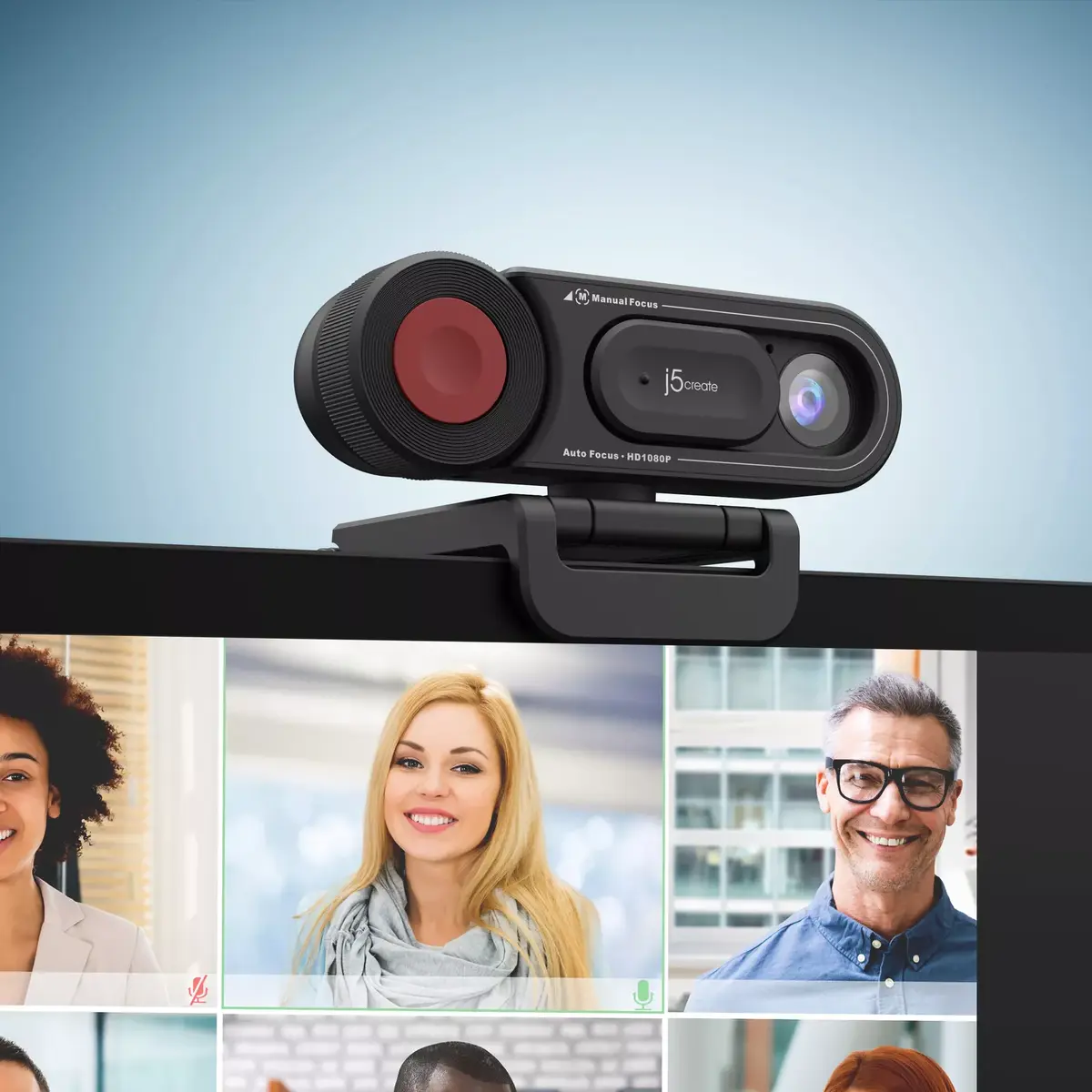
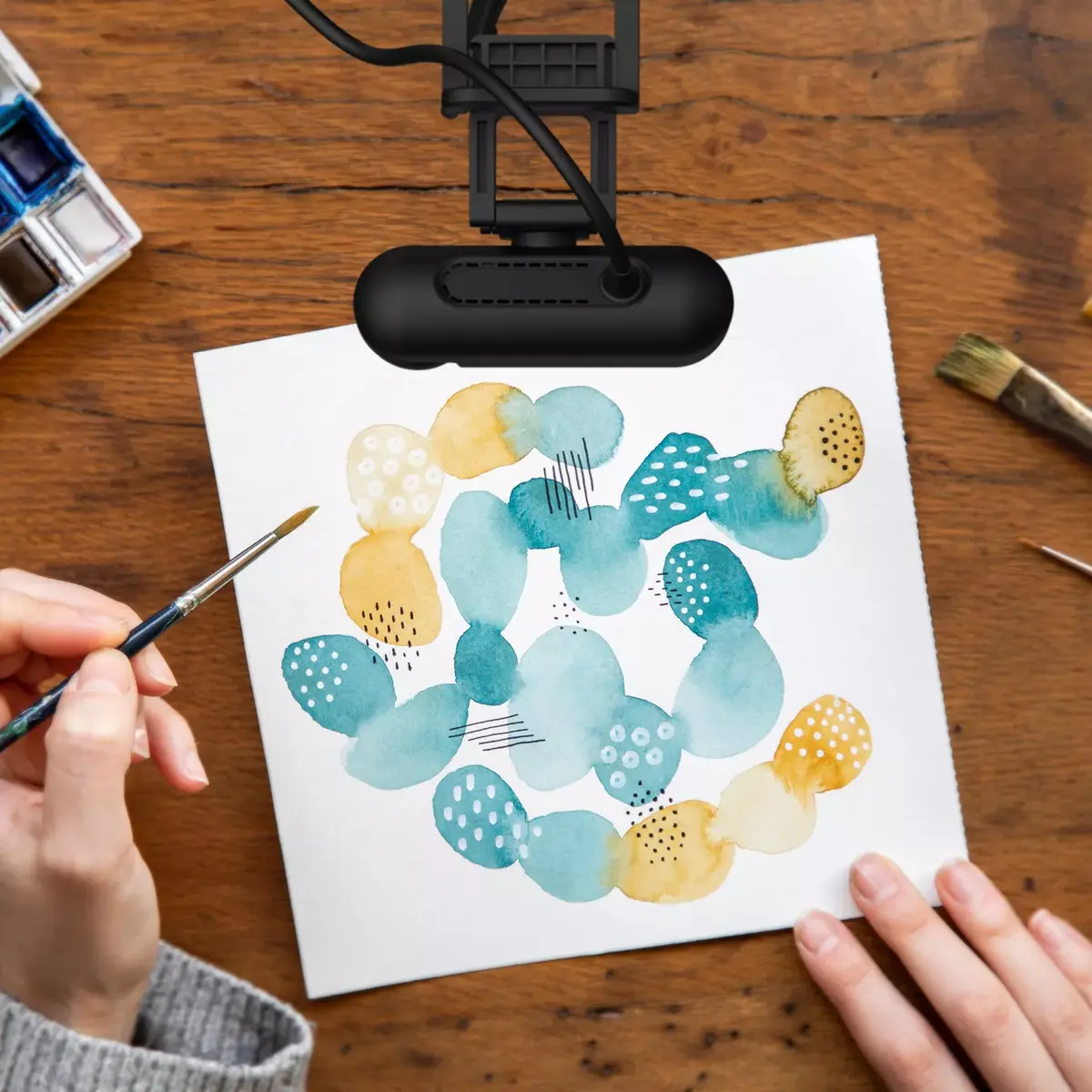
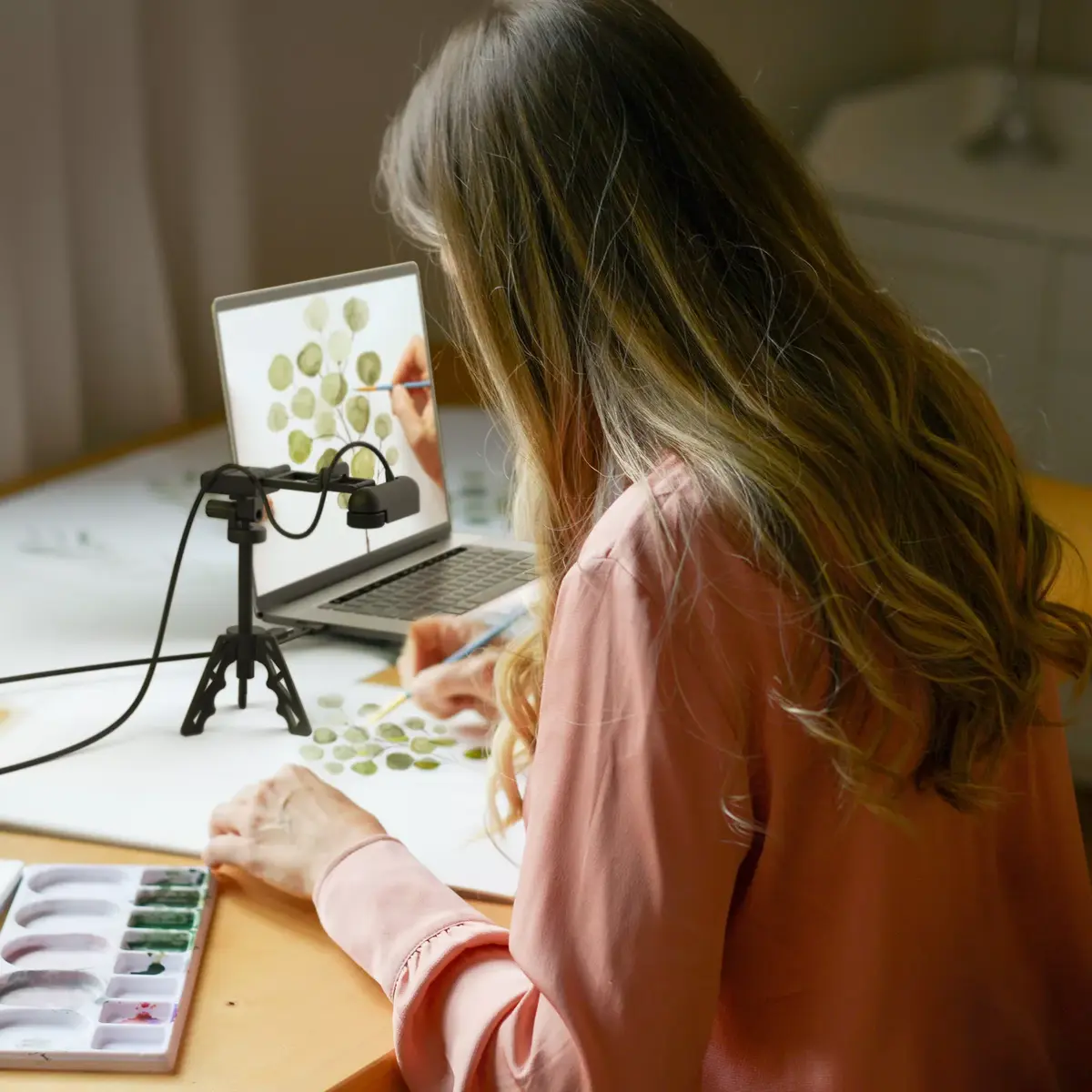
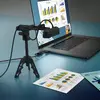
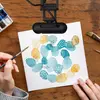
The j5create JVU250 2MP 1080p USB 2.0 webcam provides Full HD 1080p video at 30 fps with both auto and manual focus options to reduce blur and keep subjects sharp. It connects via USB 2.0, includes a high-fidelity microphone for clearer voice capture, and improves light sensitivity with automatic adjustment to different lighting conditions. The compact design and special mounting base allow quick switching between document capture and face-to-face communication. The camera is compatible with Windows, macOS and Chrome OS and works plug-and-play with common conferencing apps such as Zoom, Skype, Microsoft Teams and Google Meet.

Advantages

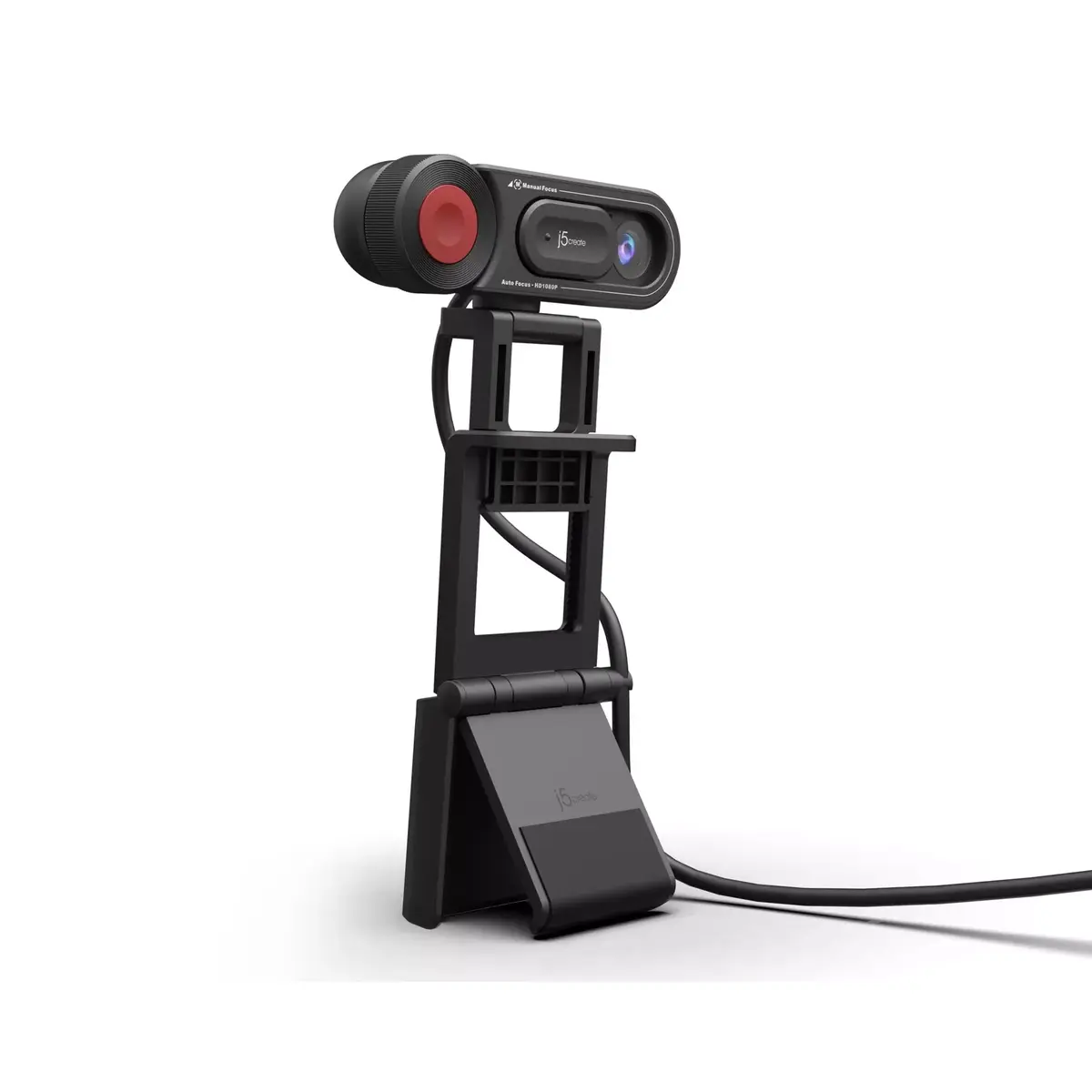
The webcam delivers clear 1080p video and offers both autofocus and manual focus for flexible image control. Its high-fidelity microphone reduces external noise, while enhanced light sensitivity adapts the image to varied lighting. The special mounting base and compact form factor enable easy placement on monitors or for document capture. Plug-and-play USB 2.0 connectivity ensures wide compatibility with major operating systems and video conferencing applications.

Suitable for

  • Video conferencing and remote meetings
  • Home office and professional desk use
  • Online teaching and virtual classes
  • Document capture and face-to-face demonstrations

Key specifications

  • Model: j5create JVU250 (MPN: JVU250-N, EAN: 4712795086997)
  • Image sensor: 2 megapixels
  • Video resolution: up to Full HD 1080p at 30 fps
  • Interface: USB 2.0 (plug-and-play)
  • Focus: auto focus and manual focus
  • Built-in high-fidelity microphone
  • Compatibility: Windows, macOS, Chrome OS; works with Zoom, Skype, Microsoft Teams, Google Meet

How to use

Connect the webcam to a computer using the included USB 2.0 cable; the device operates as plug-and-play on supported operating systems without additional drivers in most cases. Position the camera on a monitor or use the mounting base for document capture. Select the JVU250 as the video and audio device in your conferencing or recording application. Adjust focus using the auto focus mode for general use or switch to manual focus when fine control is required.

Usage recommendations

For best results, place the webcam at eye level, ensure adequate front lighting, and select autofocus for typical video calls. Use manual focus when capturing documents or when precise subject framing is needed.

Specifications

Built-in microphone: Microphone that is found inside the product.
Yes
Built-in flash: The product has an internal flash. A flash produces a brief very bright light, used for taking photographs in poor light.
No
Mounting type: Type of mounting e.g. wall mounting.
Clip
Interface: Interface ports to connect pieces of equipment. USB (Universal Serial Bus) has become the most popular wired interface to connect peripherals. USB 2.0 supports speeds up to 480 Mbit/s (USB 1: 12 Mbit/s). The interface FireWire is also known as the IEEE 1394 standard. Enhanced IDE (EIDE)is sometimes referred to as Fast ATA, Fast IDE or ATA-2.
USB 2.0
Face tracking:
No
Maximum video resolution: This is the maximum resolution of video images. Resolution is a measure of the degree of detail visible.
1920 x 1080
Megapixel (approx.): The number (in millions) of light-sensitive picture elements known as pixels actually used by the camera's image sensor (CCD) to record light, and which are reflected to the final number of recorded pixels stored on the memory card.
2 MP
Product colour: The colour e.g. red, blue, green, black, white.
Black
All features

System requirements

Recommended system requirements:
Available USB-C or USB Type-A port Windows 11/10 macOS with UVC support Chrome OS with UVC support Operating systems with standard UVC/UAC drivers

Microphone

Built-in microphone: Microphone that is found inside the product.
Yes

Weight & dimensions

Weight: Weight of the product without packaging (net weight). If possible, the net weight is given including standard accessories and supplies. Please note that sometimes the manufacturer leaves out the weight of accessories and/or supplies.
0.235 kg
Height: The measurement of the product from head to foot or from base to top.
58 mm
Depth: The distance from the front to the back of something.
68.5 mm
Width: The measurement or extent of something from side to side.
100.72 mm

Operational conditions

Operating temperature (T-T): The minimum and maximum temperatures at which the product can be safely operated.
0 - 40
Storage temperature (T-T): The minimum and maximum temperatures at which the product can be safely stored.
-20 - 60
Operating relative humidity (H-H):
0 - 90
Storage relative humidity (H-H):
0 - 90

Software

Other operating systems supported:
ChromeOS
Mac operating systems supported: Mac operating systems e.g. OS X can be used with the device.
Yes
Windows operating systems supported: Windows vesions wich can be used with the device.
Yes

Design

Tripod mounting supported:
Yes
Cable length: How long the cable is.
1.9995 m
LED indicators:
Y
Rotating: Capability to rotate device.
Yes
USB powered: The device can be powered via a USB connection.
Yes
Built-in flash: The product has an internal flash. A flash produces a brief very bright light, used for taking photographs in poor light.
No
Lens material:
Glass
Sensor type: A sensor is a convertor than measures a physical quality (light, temperature etc.) and displays this electronically on a device.
CMOS
Mounting type: Type of mounting e.g. wall mounting.
Clip
Housing material: What the casing of the product is made of.
Polycarbonate (PC), Acrylonitrile butadiene styrene (ABS)
Product colour: The colour e.g. red, blue, green, black, white.
Black
Interface: Interface ports to connect pieces of equipment. USB (Universal Serial Bus) has become the most popular wired interface to connect peripherals. USB 2.0 supports speeds up to 480 Mbit/s (USB 1: 12 Mbit/s). The interface FireWire is also known as the IEEE 1394 standard. Enhanced IDE (EIDE)is sometimes referred to as Fast ATA, Fast IDE or ATA-2.
USB 2.0

Performance

Plug and Play: Indicates whether this product supports is "plug and play". Plug and play is hardware or software that, after being installed ("plugged in"), can immediately be used ("played with"), as opposed to hardware or software which requires configuration.
Yes
Night mode:
Yes
Automatic light correction:
Yes
Privacy camera:
Yes
Privacy type:
Privacy cover
Viewing angle, horizontal: Maximum horizontal angle at which a display can be viewed with acceptable visual performance.
83.3 °
Face tracking:
No
Auto focus: Device focusing a camera or other piece of equipment automatically.
Yes
Maximum image resolution: Resolution is the amount of detail held by an image. The higher the resolution, the better (sharper) the image. The maximum image resolution produces the best image.
1920 x 1080
Video formats supported: The type of video formats that can be used by this device.
H.264, YUY2, YUV, M-JPEG
Supported video modes: The video modes that can be displayed by the device.
1080p, 720p, 480p, 360p
Maximum frame rate: This is the maximum frame rate, also known as frame frequency and frames per second (FPS). It is the frequency (rate) at which an imaging device produces unique consecutive images called frames. The term applies equally well to film and video cameras, computer graphics, and motion capture systems. Frame rate is most often expressed in frames per second (FPS) and is also expressed in progressive scan monitors as hertz (Hz).
30 fps
Maximum video resolution: This is the maximum resolution of video images. Resolution is a measure of the degree of detail visible.
1920 x 1080
Megapixel (approx.): The number (in millions) of light-sensitive picture elements known as pixels actually used by the camera's image sensor (CCD) to record light, and which are reflected to the final number of recorded pixels stored on the memory card.
2 MP

Description

Machine translation. Load original

Similar products

{{product.title}}
Show details Hide details

{{highlightedFeature.featureTitle}}:

{{getProductFeatureValueById(product, highlightedFeature.featureId)}}

{{product.price | formatAmount}}
Might be useful
{{product.manufacturerName}}
{{product.categoryName}}
{{product.title}}
{{product.specialPrice}}
{{product.price}}

Customer reviews

Customer questions

FAQ

What payment options are available?

AiO.lv offers several payment methods: Bank transfer. All transactions are 100% secure and encrypted.

Can this product be purchased for a company (with VAT)?

Yes. AiO.lv works with legal entities in Latvia and across Europe. The product price already includes VAT. For certain product categories, as well as for companies from other EU countries with a valid VAT number, a 0% VAT rate may apply. We issue the invoice immediately after the order is placed, support electronic BIS invoices, and automatically generate all necessary accounting documents. You can complete the purchase for a company online — simply select the company profile and choose bank transfer as the payment method during checkout.

What is the warranty period?

All j5 create products come with an official 2 Years warranty. It covers all manufacturing defects and malfunctions that may occur during use. The warranty is valid at all authorized j5 create service centers and through AiO.lv

Can the product be returned after purchase?

Yes, you can return the product within 14 days of purchase if you bought it as a consumer (not a legal entity). Returns are possible without giving any reason — the main condition is that the product retains its original appearance and full set of accessories. We will make the process as simple and convenient as possible: just contact our customer support team, and we will help you arrange the return.

Where should I contact for warranty service?

For warranty-related questions you can contact the AiO.lv (SIA VSPRO) customer support team. We will assist with consultation, warranty claim processing, and coordination with certified service centers.

How can I tell if this product suits my needs?

When making a choice, we recommend paying attention to the key features: built-in microphone, built-in flash, mounting type, interface, face tracking, maximum video resolution, megapixel (approx.), product colour, compatibility with your devices or usage conditions, material quality, functionality, and warranty terms. These characteristics will help you determine how well the model meets your needs.

Where can I download the instructions for Webcam j5create JVU250?

You can download the instructions in PDF format from the “Instructions” section on the product description page. The file contains complete information about installation, setup, and usage.

warranty
14-Day Return Policy We are confident in our quality, but if the purchase doesn’t fit — you have 14 days to return the product with peace of mind.
shipping
Fast Delivery Get your orders as quickly as possible — right to your door, parcel lockers, or pickup points across Latvia and the EU.
payment
Secure Payment Pay the way you prefer: cash, VISA, MasterCard, Apple Pay, Google Pay, bank transfer, or 0% installment plan.
warranty
Quality Since 2008 AiO.lv has been on the market for over 18 years and has earned trust — with more than 6000 genuine positive reviews on Google.